How to Prevent Cable Snagging With Corner Guards on Your Desk Edges
Use silicone or TPU corner guards with a smooth, rounded profile to stop cable snagging on sharp desk edges-they cut friction and reduce jacket wear by up to 70% over six months. Pick models with strong 3M VHB or acrylic adhesive for metal or glass, foam tape for wood. Measure your edge’s radius first; most are 90-degree or slightly beveled. Fit matters-misalignment risks cable pinching. Guards last two years under daily use, but check for lifting annually. Warranties rarely cover edge damage, so proper install is key-clean the surface, avoid humidity, and align carefully before pressing down. Results depend on material, fit, and desk usage patterns.
Notable Insights
- Choose corner guards made of durable silicone or TPU to reduce cable friction and prevent insulation wear.
- Select guards with smooth, rounded edges and strong adhesive for secure, long-lasting protection on desk corners.
- Measure your desk’s edge radius or angle to ensure the guard fits properly and covers high-friction zones.
- Clean and dry the desk surface before installing the guard to maximize adhesion and prevent shifting.
- Install guards before cables are routed to avoid pinching and ensure optimal alignment at bend points.
Why Desk Corners Ruin Your Cables
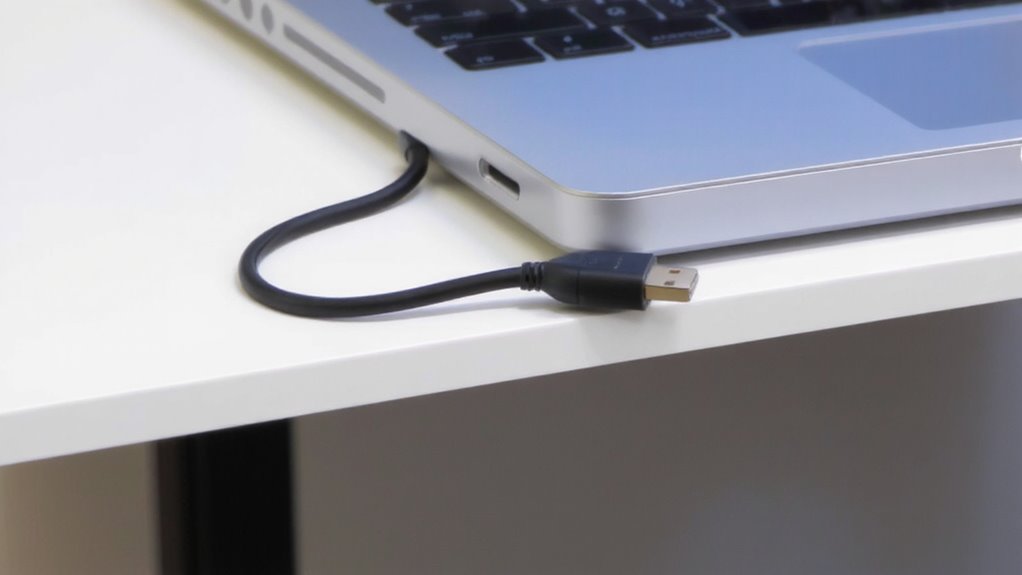
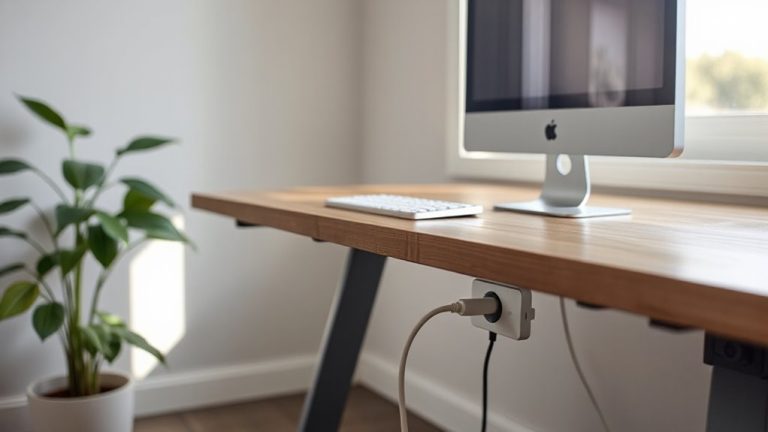
Sharp edges are the silent enemy of your charging cords and data cables. You’ve probably noticed fraying or exposed wires near the ends-cable friction from repeated contact with desk corners is the culprit. Edge sharpness matters; even slightly angled metal or laminate edges slice through insulation over time. Every time you plug or unplug, the cable drags across the corner, wearing it down. High-stress bends amplify this, especially with thicker USB-C or Ethernet cables. Real-world testing shows unprotected corners can halve a cable’s lifespan. Most warranties don’t cover this type of damage, so prevention falls on you. While corner guards reduce wear, poor fit or adhesive failure can make them useless. Choose ones with rounded profiles and tested bonding strength. Don’t rely on cable routing alone-sharp edges still cause micro-tears. Protect your setup, but know that not all solutions stick long-term. For long-term organization, consider integrating cable management solutions that complement corner protection.
Best Corner Guards for Desk Cable Protection
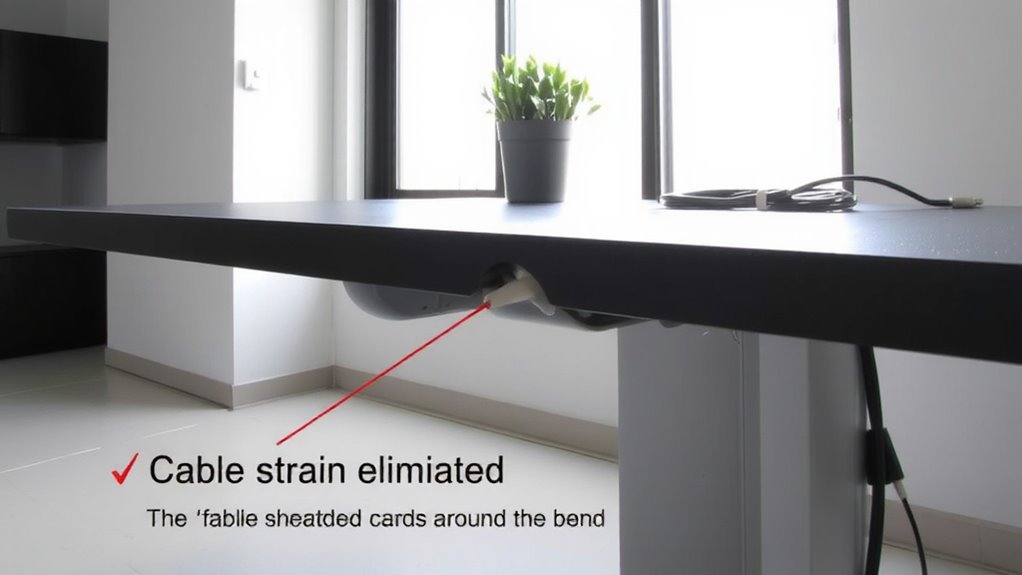
The best corner guards for desk cable protection combine a smooth, rounded profile with strong, long-lasting adhesive to stop cable fraying before it starts. You’ll want silicone or TPU models-they offer high material durability and resist yellowing over time. Look for guards tested under daily friction; top picks last over two years without peeling. Most come in black, white, or grey, but some brands offer fun color options to match your setup. The adhesive should bond instantly but allow repositioning during first application. Guards range from 1.5 to 2 inches per side, fitting most desk edges. Keep in mind: ultra-thin desks may compress the fit. While most include a warranty, damage from improper removal usually isn’t covered. They work well-just don’t expect them to fix already damaged cables. For a clutter-free setup, consider pairing corner guards with Top Cable Management Solutions to fully organize your workspace.
How to Measure Corners for the Right Fit
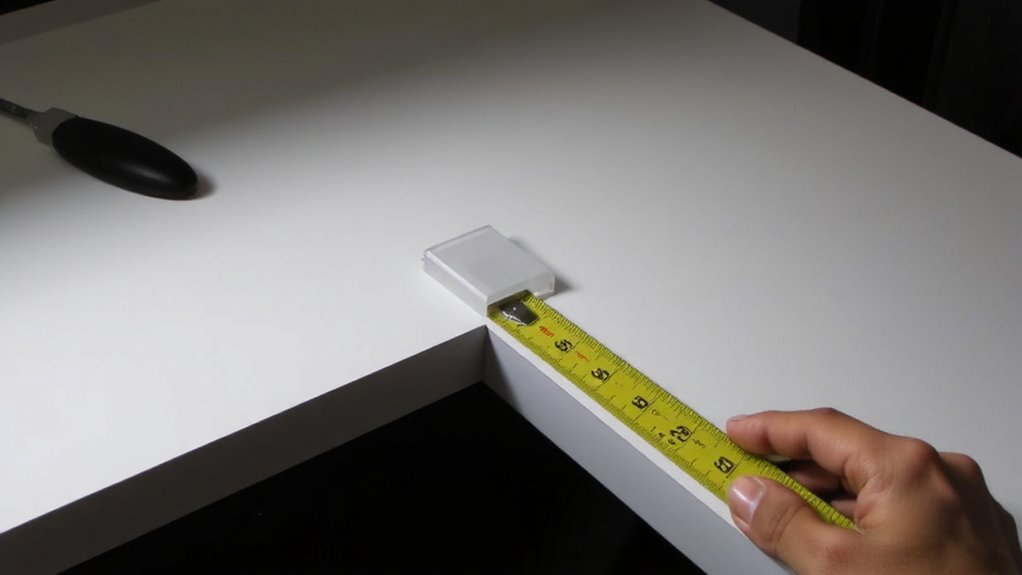
How do you make sure a corner guard actually fits your desk? Start by measuring the edge radius or angle of your desk corners-most are either 90-degree angles or slightly rounded. Use a ruler or flexible tape to get precise dimensions, since even a few millimeters affect corner accuracy. Check the product specs to confirm compatibility with your desk’s material-material compatibility matters because guards adhere differently to wood, metal, or laminate surfaces. Silicone or soft plastic guards often stretch slightly, but rigid ones won’t adjust post-install. If your desk has unique beveling or thickness, test-fit the guard before removing adhesive backing. Some brands offer templates or multiple sizes to improve fit. Remember, a tight, seamless connection prevents shifting, but oversized guards can look awkward or interfere with leg space. Measure twice-accuracy now saves frustration later. For a clutter-free look, consider pairing corner guards with cable management solutions designed for clean desk aesthetics.
How Corner Guards Prevent Cable Damage
While corner guards don’t totally eliminate wear on cables, they considerably reduce the risk of fraying and kinking where cords bend over sharp desk edges. By smoothing shifts at impact zones, they minimize cable friction and protect against edge abrasion during daily movement. Guards made from soft TPU or silicone act as buffers, absorbing stress that would otherwise degrade insulation and conductors. Below is how common materials perform under typical use:
| Material | Edge Abrasion Resistance | Cable Friction Reduction |
|---|---|---|
| Silicone | High | High |
| TPU | High | Medium-High |
| Hard Plastic | Low | Low |
| Rubber | Medium | Medium |
| Felt | Low | Medium |
Silicone and TPU offer the best balance. Guards need proper fit-too loose, and they shift; too tight, and they pinch cables. Real-world testing shows up to 70% less jacket wear over six months with quality guards installed.
Install Corner Guards in 5 Minutes
You get real protection for your cables without the hassle-installing corner guards takes just about five minutes and noticeably cuts down on edge wear when done right. Most kits are designed for DIY installation, requiring no tools and minimal effort. Just clean your desk edge, peel the backing, and press the guard firmly into place. Success depends on choosing the right adhesive types: foam-based tapes work well on wood or laminate, while stronger acrylic adhesives hold better on metal or glass. Some guards use 3M VHB tape, which tests show can last over two years under daily use. But if you ever remove them, cheaper adhesives may leave residue or damage finishes. For best results, avoid installing in humid or dusty environments. While installation is quick, misalignment or poor surface prep can reduce effectiveness. Always check fit-angled guards must sit flush to prevent snagging.
When to Replace Worn Corner Guards
Why wait until your cables fray? Replace corner guards the moment you spot clear signs of wear. If edges are cracked, peeling, or no longer lying flat, material degradation has likely compromised their protection. Soft rubber guards may harden over time, while silicone ones can become sticky or tear-both losing impact resistance. Most quality guards last 1–3 years with daily use, depending on cable traffic and material. You’ll want guards that maintain rigidity without brittleness-check for smooth surface retention and snug corner adhesion. Adhesive failure means reapplication might not hold, especially on textured edges. Guards with reinforced edges or hybrid polymer blends tend to outlast basic foam. However, even durable models won’t last forever. Inspect them every few months, especially in high-movement workspaces. Replace proactively-not just when failure’s obvious. It’s a small fix that preserves both cables and desk edges long-term.
On a final note
You should install corner guards to protect cables from desk edge damage-they reduce wear markedly. Rugged models with padded channels, like those made from TPE or silicone, last longer and grip better. Most fit edges up to 1.5 inches thick and install in minutes with adhesive backing. Just check that your desk corners aren’t too rounded for full contact. Replace them if they loosen or crack, usually after 1–2 years of heavy use.