How to Arrange a Standing Desk With a Built-In Treadmill for Active Work
Start with a stable treadmill desk like the LifeSpan TR1200-DT5, which has a steel frame and non-slip base to prevent wobbling while you walk. Set the desk so your elbows bend at 90 degrees and your monitor’s top is at eye level, about an arm’s length away. Walk at 1.5 to 2.5 mph for steady focus without jostling your screen. Secure cords with adhesive clips or under-desk trays, routing them away from moving parts. Adjust height and pace in small increments, especially when changing shoes or incline-fine-tuning guarantees comfort and performance over time. You’ll find pacing and posture adjustments make a noticeable difference with consistent use.
Notable Insights
- Choose a treadmill desk with a steel frame and non-slip base to ensure stability during use.
- Position the treadmill at least 6 inches from walls to allow safe, unrestricted movement.
- Adjust desk height so elbows bend at 90 degrees and wrists remain neutral while typing.
- Align the monitor’s top at eye level and about an arm’s length away to reduce strain.
- Walk at 1.5 to 2.5 mph to maintain focus, balance, and typing accuracy.
Choose Your Treadmill Desk Setup
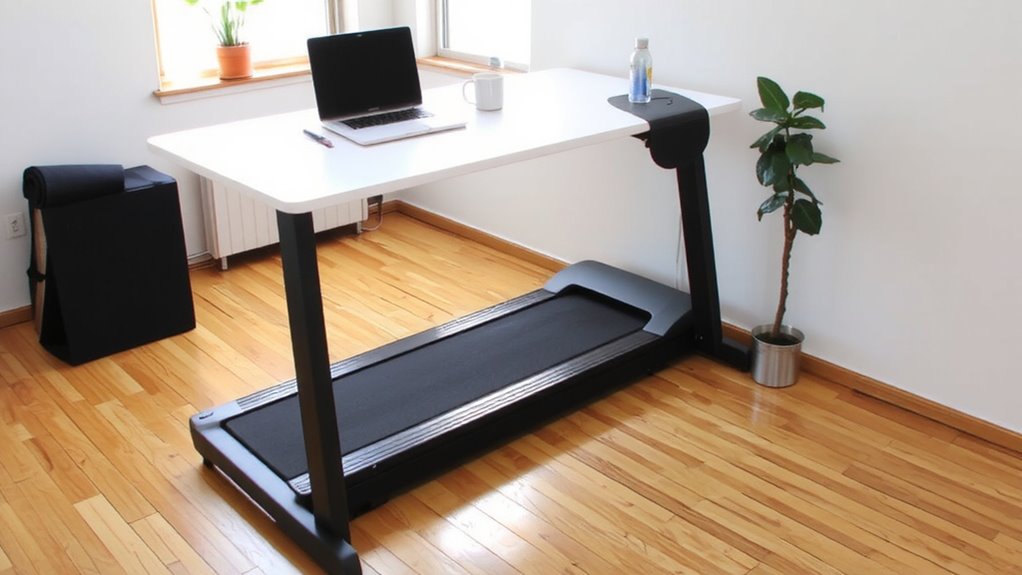
While you’re aiming to stay active during the workday, a treadmill desk can be a smart upgrade-if you pick the right setup. Choose a model with solid desk stability and thoughtful treadmill placement to avoid wobbling during use. Units with steel frames and non-slip bases tend to perform better under motion, keeping your monitor and keyboard steady. Position the treadmill at least 6 inches from walls or furniture to allow airflow and safe movement. Make sure the deck width fits your stride without forcing lateral shifts. Desks with adjustable height ranges work for more body types, but verify compatibility with your existing workstation. Avoid compact models if you walk frequently-smaller motors overheat faster. Check warranties: at least 2 years on the motor and 1 on parts reflects confidence in durability. Real-world tests show wider bases reduce vibration transfer to the desk. For alternatives that offer low-impact exercise without walking, consider an under-desk elliptical to maintain productivity while staying active.
Set the Right Desk Height for Walking
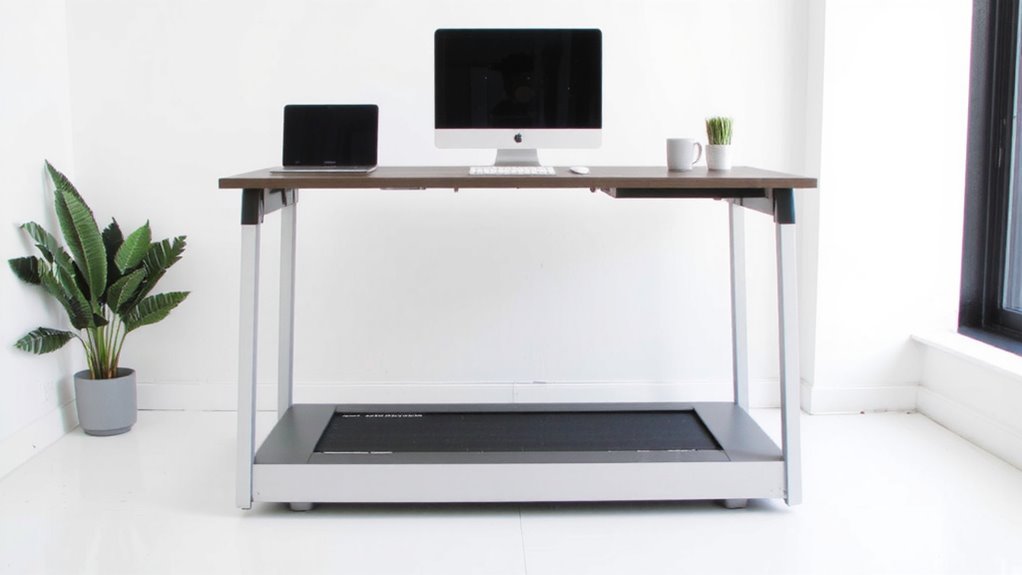
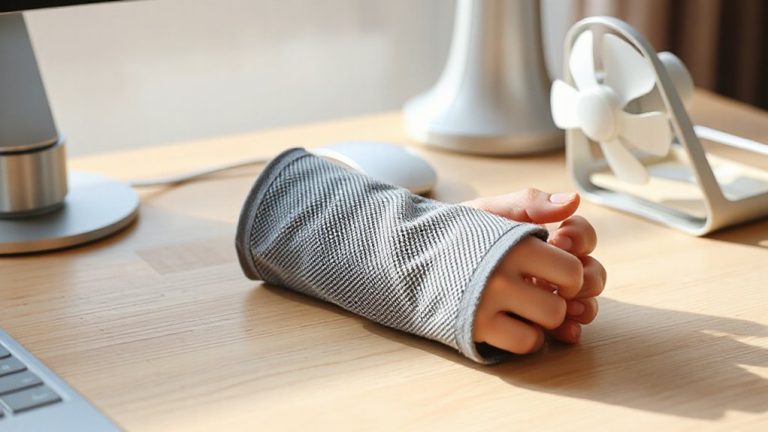
Getting the desk height right makes a noticeable difference in comfort and productivity when you’re walking at your workstation, so aim for a setup where your elbows rest at a 90-degree angle while your wrists stay neutral on the keyboard. Proper desk posture prevents strain, while correct walking alignment reduces fatigue over time. Adjust the desk so your monitor sits at eye level, about an arm’s length away. Avoid hunching or overreaching-both compromise form and focus. Even small height mismatches can disrupt your rhythm and create long-term discomfort. Consider selecting an under-desk treadmill that fits comfortably under your workspace to maintain proper ergonomics without sacrificing mobility.
| Factor | Ideal Setting |
|---|---|
| Elbow Angle | 90 degrees |
| Wrist Position | Neutral |
| Monitor Top | Eye level |
Test adjustments in 0.5-inch increments. Remember, ideal height varies with footwear and treadmill incline, so recheck alignment when conditions change.
Walk at a Pace That Lets You Work
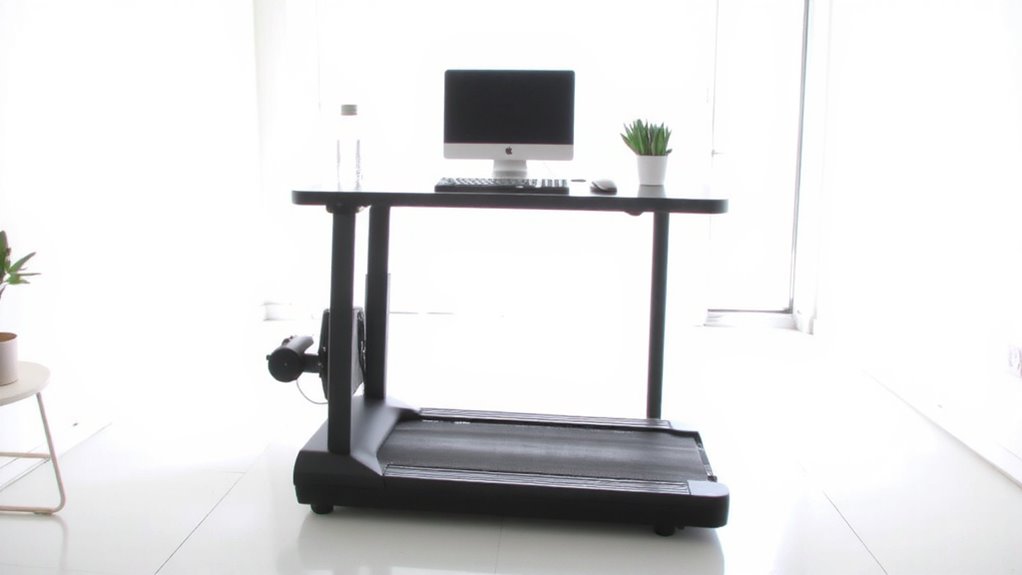
You can boost focus and energy by walking at a steady, moderate pace while working, but speed matters-too fast and your typing suffers, too slow and you lose the movement benefit. Aim for 1.5 to 2.5 mph, a range most people find sustainable for long sessions. This supports pace consistency, helping your body stay in motion without distracting your brain. You’ll maintain focus balance: alert but not overstimulated, active but not fidgety. Don’t push for speed; efficiency comes from rhythm, not effort. It takes practice-expect a few days to adjust. Many users report better concentration after the first week, but performance varies by individual. Some find even 2 mph too disruptive for detailed tasks. Test different speeds during low-stakes work first. Listen to your body. If your screen jostles or your thoughts scatter, slow down. This isn’t about fitness-it’s about sustainable integration. For those seeking a lower-impact alternative, consider a best desk elliptical to maintain movement while seated.
Keep Cords Clear and Safe
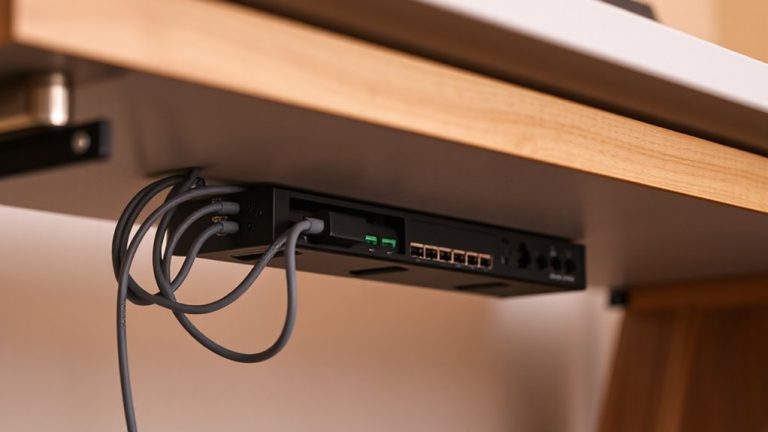
With a treadmill desk, managing cords isn’t just neat-it’s essential for safety and function. You need reliable cable management to prevent tripping and equipment damage, especially with constant belt movement. Route power and data cables away from the treadmill deck using adhesive clips or under-desk trays. Avoid dangling cords-they risk getting caught or yanked during use. Secure loose ends and bundle them with Velcro straps, not zip ties, so you can adjust easily. Cord safety improves when cables run parallel to the motor housing, not across moving parts. Check manufacturer guidelines: some models include built-in grommets or channels. Third-party solutions like cable sleeves or raceways work well, but make certain they don’t interfere with treadmill access or desk adjustability. Test arrangements at different walking speeds. Poor setup can lead to snags or electrical hazards. Good cable management takes minutes but protects your gear and focus long-term.
Optimize Monitor and Keyboard Placement
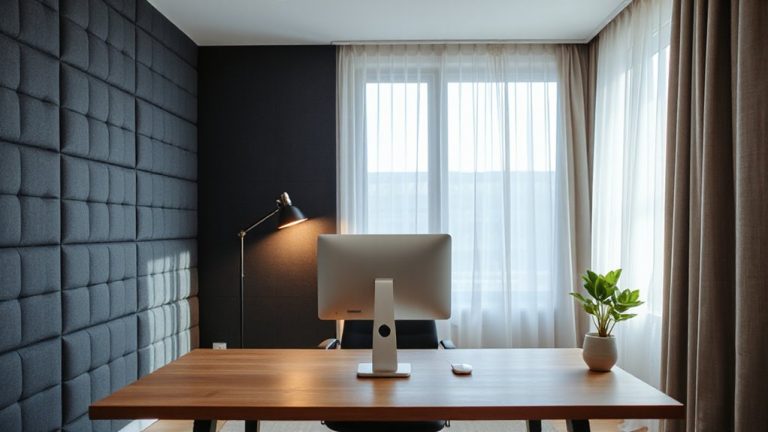
Ergonomics make or break your treadmill desk experience-set up right, and you’ll stay comfortable for hours; get it wrong, and you’ll face strain or fatigue fast. Position your monitor at eye level and about an arm’s length away to maintain proper screen distance, reducing neck and eye strain. Keep your keyboard at elbow height so your wrists stay neutral, supporting solid ergonomic alignment. If your desk doesn’t allow height adjustments, use a riser or adjustable tray. Avoid placing the monitor too high or too low-tilt it slightly upward if needed. Remember, walking introduces subtle movement, so test placements while in motion. Overhead lighting and glare can affect visibility, so angle the screen away from direct light. These tweaks aren’t flashy, but they deliver real comfort over time-just don’t expect perfection on the first try. Small, consistent adjustments lead to better long-term results.
Build a Walking Work Routine
How do you actually start walking while working-without burning out by noon? Begin with short 10-15 minute walking breaks at 1.0–1.5 mph, just above a standstill, to stay alert without distracting focus. Alternate between sitting, standing, and walking every 30–60 minutes to sustain energy and avoid fatigue. Use productivity tracking tools-like time logs or app-based analytics-to assess how walking affects your output. Most users see a 10–15% boost in concentration during light walking, but intense tasks often require stopping or slowing down. Don’t walk more than 2–3 hours total per day at first; overuse causes leg strain or mental fatigue. Monitor posture and treadmill alignment each session. A warranty of at least 3 years on the motor and frame guarantees long-term reliability. Adjust speed in real time-it’s not about distance, it’s about rhythm.
On a final note
You’ll boost focus and health with a treadmill desk, but only if set up right. Keep walking speed under 2 mph to stay productive, and set the desk height so elbows rest at 90° when typing. Position the monitor at eye level, about 20–30 inches away, to prevent strain. Secure cords with clips to avoid tangles or trips. Start with 10- to 15-minute walks per hour, gradually building stamina. Remember, comfort matters-overuse risks fatigue or joint stress, and long-term wear depends on consistent, moderate use-not constant motion.