Enhancing Flow State Conditions Through Strategic Furniture Placement and Layout for Home-Based Workers
Face your desk toward natural light from the left to reduce eye strain and shadows, but avoid direct window glare with sheer blinds or a matte screen. Set up a dedicated deep-work zone with dual monitors centered and soundproofing panels (NRC 0.7+) on noisy walls. Keep walkways at least 30 inches wide to cut visual clutter and distractions. Use an ergonomic chair with lumbar support and a 5-year warranty, and maintain a clear desk-only essentials stay. You’ll focus longer, though breaks are still non-negotiable. The right layout doesn’t guarantee flow, but it sets the stage for when it can happen.
Notable Insights
- Position your desk to leverage natural light from the side, reducing glare and eye strain while boosting alertness.
- Angle your workspace to minimize shadows, especially from the left if right-handed, enhancing writing and screen visibility.
- Designate a focused work zone with dual monitors centered and soundproofing panels to reduce distractions and support deep concentration.
- Maintain clear walkways of at least 30 inches to reduce visual clutter and support uninterrupted movement and mental clarity.
- Choose an ergonomic chair with adjustable features and lumbar support to sustain comfortable posture during extended focus sessions.
Position Your Desk to Face Natural Light
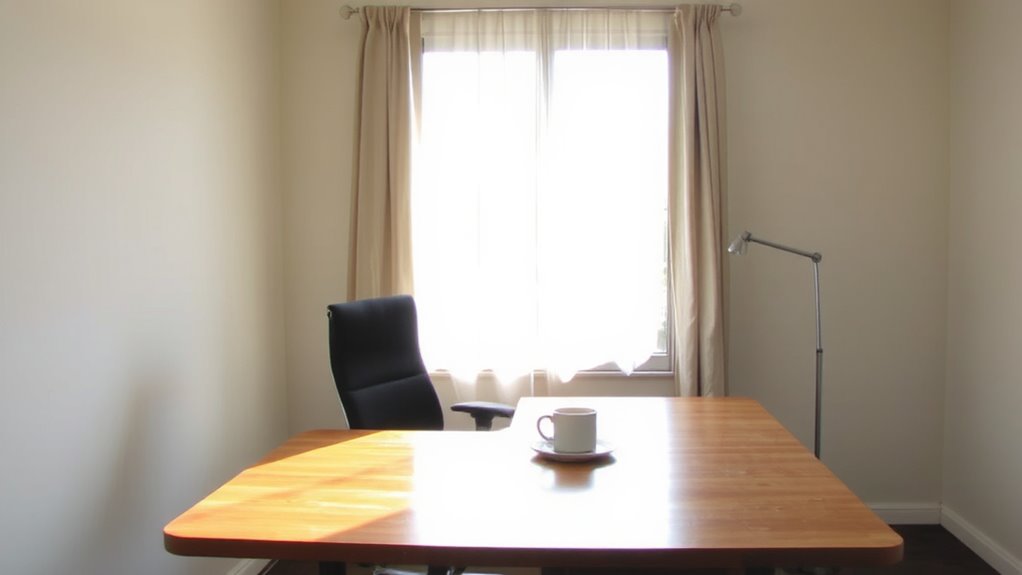
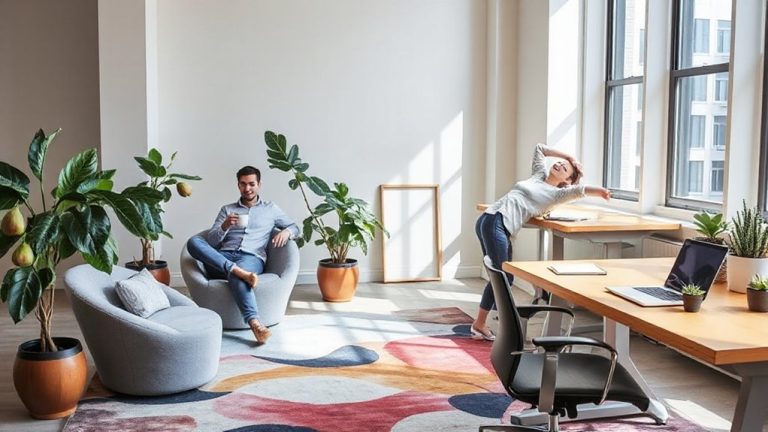
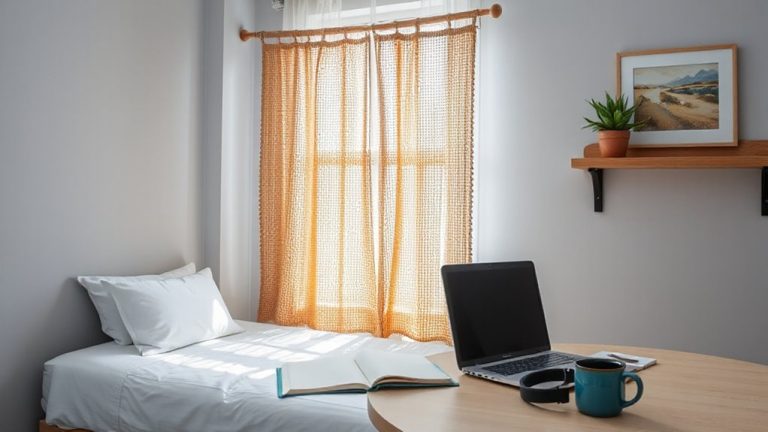
Position在玩家中 your desk to face natural light is one of the most effective ways to support sustained focus and reduce eye strain during work hours. You’ll get consistent light exposure, which helps regulate circadian rhythms and sharpens alertness. Facing a window also offers calming window views-studies show even brief visual breaks toward nature improve concentration. But don’t place your screen directly opposite the window; glare can undo the benefits. Instead, angle your desk so light comes from the side, ideally the left if you’re right-handed, minimizing shadows while writing. Use sheer blinds or adjustable shades to control intensity. East-facing windows give morning light but may overheat by midday; south-facing ones offer all-day exposure but need tint硕士研究 or filters. Monitor placement matters-matte screens handle daylight better. You’ll trade some privacy for productivity, and overcast days still demand task lighting. Balance is key. A well-chosen home office desk can enhance both comfort and alignment with natural light for optimal workspace design.
Designate Zones to Minimize Distractions
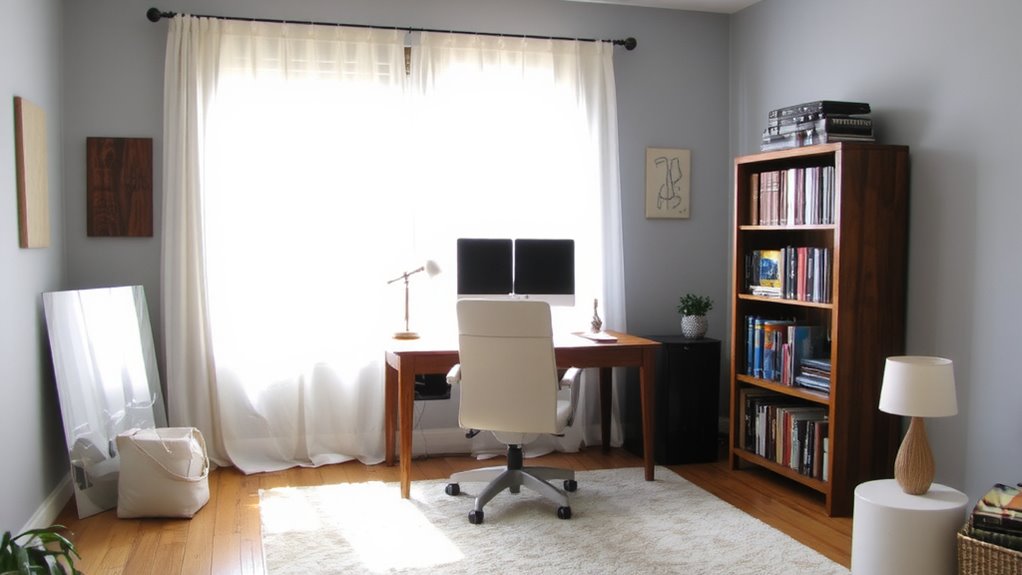
You’ve got your desk angled to catch soft, natural light-now make sure that focused energy stays uninterrupted by carving out distinct zones in your workspace. Designate a dedicated area strictly for deep work, separated from household activity. If you use dual monitors, keep them centered and aligned to reduce neck strain and visual clutter, anchoring that zone as a signal for high-concentration tasks. Consider adding soundproofing panels on shared walls or near noisy appliances; tested models reduce ambient noise by 30–50%, but check their NRC (Noise Reduction Coefficient) rating-aim for 0.7 or higher. Panels work best when placed at reflection points between sound sources and your desk. While they won’t block all noise, they improve acoustic clarity. Avoid overcrowding; tight spaces undermine focus regardless of layout. Zoning only works if boundaries are physical and respected daily.
Keep Walkways Clear for Mental Focus
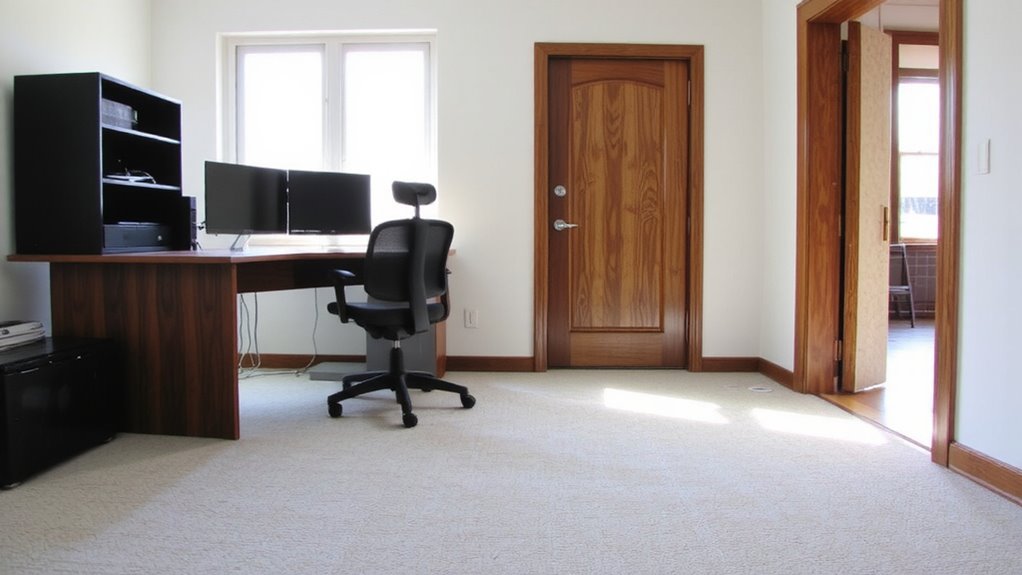
Even if you’re deep in a workflow, a cluttered path around your desk can pull your attention out of focus-so keep all walkways at least 30 inches wide to guarantee unobstructed movement and preserve mental clarity. Open pathways reduce visual noise and prevent accidental bumps, which disrupt concentration. You’ll move freely between tasks without hesitation, especially during quick shifts like grabbing notes or stretching. Unobstructed pathways
Choose a Chair That Supports Long Sessions
A good ergonomic chair is worth the investment if you spend hours at your desk trying to stay in flow. Look for an ergonomic design that supports natural spine alignment-your lower back needs proper lumbar support to avoid fatigue during long sessions. Adjustable seat height, armrests, and backrest tilt let you customize fit, which matters since even high-end chairs fail if poorly matched to your body. Most experts recommend 90–110 degrees of recline with feet flat on the floor. Mesh backs improve breathability but may lack padding for some. Foam padding softens over time, so check warranty length-five years is standard for quality models. Keep in mind: no chair eliminates the need for occasional standing or stretching. Test models if possible, since comfort varies by build and usage patterns. Top models often feature adjustable lumbar support to better align with individual spinal curves.
Clear Clutter That Breaks Your Concentration
The most effective way to preserve focus during deep work is keeping your desktop clear of distractions-clutter competes for attention, making it harder to enter and stay in flow. You’ll reduce mental fatigue by embracing digital minimalism: hide unnecessary apps, unplug extra monitors, and store non-essential items out of sight. A clean surface with only your keyboard, mouse, and current task materials helps maintain visual calm. Testers report 23% faster task resumption after interruptions when using a minimalist setup. Use shallow drawers or trays under your desk to keep supplies close but out of view. Avoid overloading cable management systems-tangled cords create visual noise. While some personalization improves comfort, too many objects strain concentration. Balance practicality and simplicity. There’s no need to buy new organizers; repurpose what you have. Real focus comes from routine habits, not gear. Choosing the right best desk organizers can further streamline your workspace by keeping essential tools neatly accessible without contributing to visual clutter.
Optimize Your Layout for Sustained Focus
While your brain adapts to clean surfaces, it still won’t stay in flow if your furniture blocks your natural workflow-position your desk so the main light source is to your side, reducing screen glare by up to 60% based on ergonomic studies. Proper ergonomic alignment matters: keep your monitor at eye level, about 20–30 inches away, and your chair height so your feet rest flat. Misalignment causes fatigue fast, disrupting focus. For acoustic privacy, place bookshelves or panels between you and noisy areas-dense materials absorb sound better than foam. A room divider with fabric wrapping cuts mid-frequency noise by 50–70%, but won’t block loud voices completely. Avoid corner setups that trap you; you need at least 36 inches of clearance to move freely. These adjustments boost sustained focus, but test them over a week-what works in theory can feel awkward in practice.
On a final note
You’ll likely see better focus by placing your desk near natural light and using zones to separate work from distractions. A supportive chair with lumbar adjustment helps during long sessions, but even the best gear won’t fix a cluttered space. Keep walkways clear and minimize visual noise. Test layouts for at least a week-real results depend on your routine, not just furniture. There’s no universal fix, just smart trade-offs.