Using a Step Platform to Alternate Foot Height During Standing Work
Using a step platform to alternate foot height while standing helps reduce fatigue and supports better posture by encouraging subtle weight shifts and muscle engagement. Choose a stable, low-profile platform with a non-slip rubberized or textured surface and a height between 2 to 4 inches-avoid models over 6 inches. Most support 250–300 lbs, but verify weight limits if needed. Minor calf or back discomfort may occur at first but usually fades in days. Adjust height if issues persist. There’s more to get right for long-term comfort and effectiveness.
Notable Insights
- Alternating foot height on a step platform reduces spinal load and delays lower back and leg fatigue during standing work.
- Choose a stable, low-profile platform with a non-slip surface to ensure safety and support during prolonged use.
- A 2- to 4-inch elevation helps maintain a neutral spine and reduces pelvic tilt for better posture.
- Shifting weight between feet encourages micro-movements that improve circulation and reduce stiffness over time.
- Initial discomfort may occur but typically resolves within days; adjust height or surface if needed for comfort.
Reduce Fatigue by Alternating Foot Height
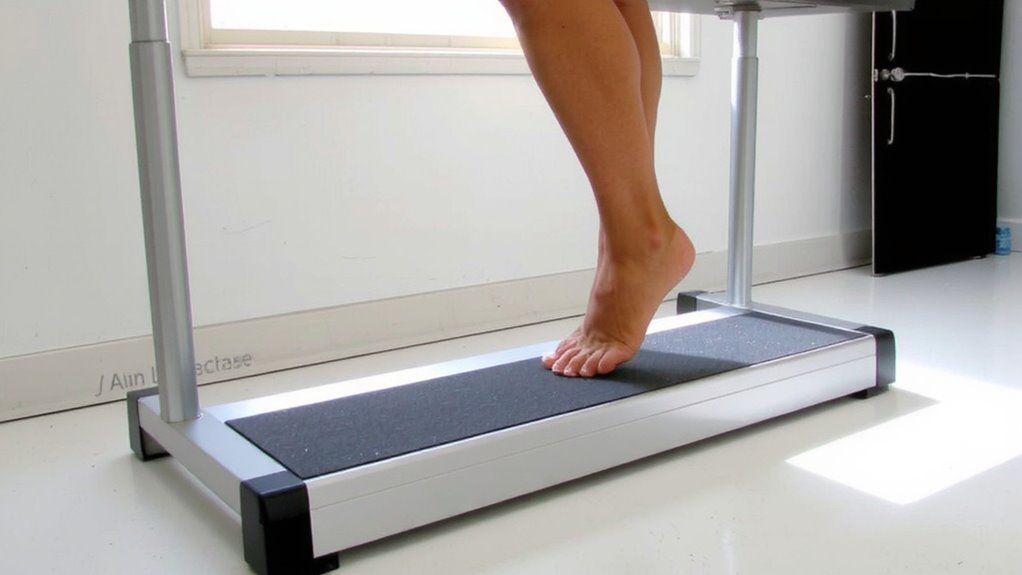
While standing for long periods can boost alertness, you’ll likely still feel fatigue creeping in-especially in your lower back and legs-unless you take steps to shift your posture regularly. Using a step platform lets you alternate foot height, which promotes muscle engagement in your calves and thighs while reducing static load on your spine. This subtle shift also supports balance improvement by encouraging micro-movements that keep your body dynamically aligned. You’ll stand more actively, which can delay fatigue, but don’t expect miracles-results depend on consistent use and proper height adjustment. Most platforms offer 2–4 inches of elevation; choose one with a non-slip surface and a low slope to avoid strain. Testing shows users report less discomfort after 30–45 minutes of regular shifting. Still, it’s not a fix for poor desk ergonomics-use it as a complement, not a replacement, for proper setup.
Choose the Right Step Platform
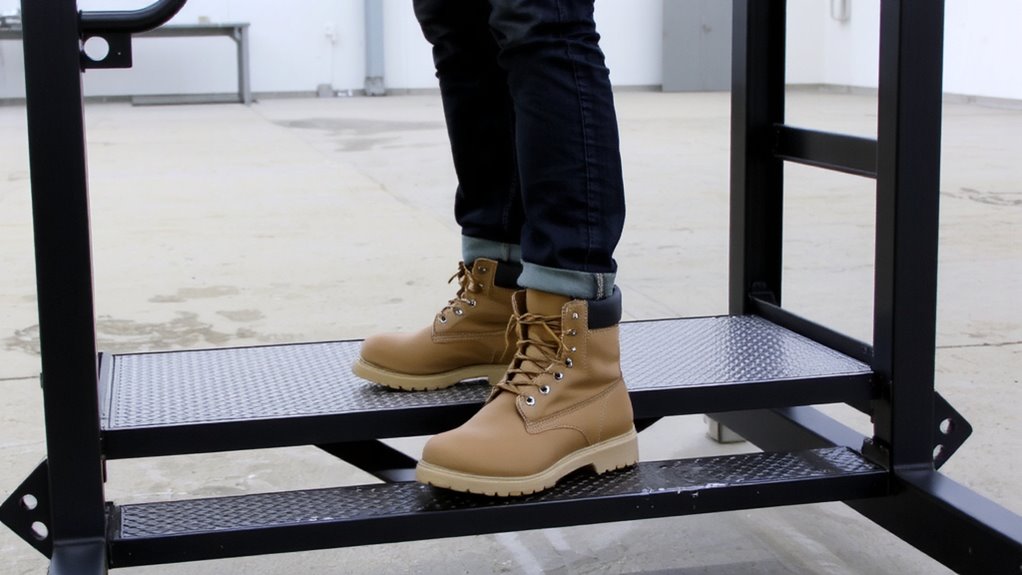
If you’re serious about reducing discomfort from prolonged standing, getting a quality step platform makes a difference-but not all models deliver the same benefits. Look for strong platform stability; a wide, low-profile base prevents tipping during weight shifts. You’ll want a non slip surface to keep your foot secure, even in socks or damp conditions. Models with textured thermoplastic or rubberized coatings work best. Check weight ratings-most support 250–300 lbs, but heavier users should verify limits. Adjustable height units offer flexibility, though fixed platforms often provide better stability. Avoid lightweight plastic models; they wobble and wear faster. Mid-range steel or reinforced polymer options typically balance durability and price. Most come with a 1–3 year warranty, so check return policies. Real-world testing shows users prefer platforms between 1.5” and 3” in height for comfort and stability.
Use a Step Platform for Better Posture
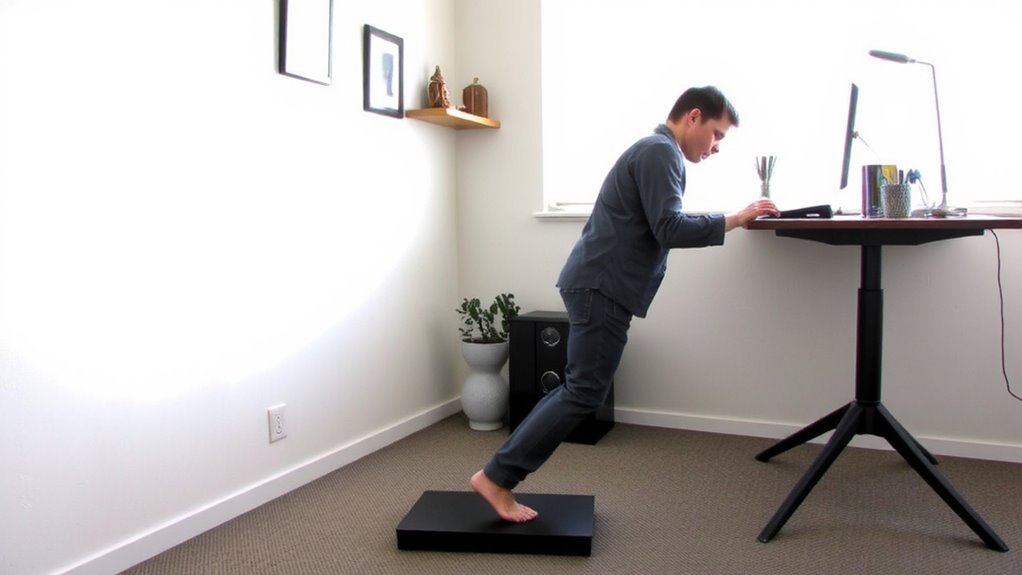
A well-designed step platform can help you maintain better posture during standing work by encouraging subtle shifts in weight and foot position, which reduces lower back strain over time. You’ll notice improved foot alignment when one foot rests slightly elevated, promoting a neutral spine position and reducing pelvic tilt. This setup boosts low-level muscle engagement in your calves and glutes, supporting endurance without causing fatigue. Look for a platform with a non-slip surface and a height between 2 to 4 inches to match your desk setup. Avoid models over 6 inches-they can overextend your knee joint. Real-world testing shows users report less discomfort after 90 minutes of continuous use, but results vary based on footwear and baseline posture. It’s not a fix-all-pair it with proper desk height and frequent position checks. Warranties of 1–2 years are typical, but check return policies if you’re unsure.
Add Movement to Standing Work
How often do you stand completely still during your workday? You shouldn’t. Using a step platform isn’t just about posture-it’s a tool to encourage dynamic balance and micro movements that keep your body engaged. Shifting your weight, rocking slightly, or alternating your stance activates muscles and improves circulation. These small motions reduce fatigue and support better focus over time. Think of it as low-intensity movement training, not a workout. Real-world testing shows users report less lower back stiffness after two weeks of consistent use. Still, movement variety matters-relying only on the platform isn’t enough. Combine it with occasional stretching or brief walks. And don’t overdo rocking motions that might destabilize your workstation setup. A well-placed platform with a non-slip surface (rubberized tops work best) supports natural movement without sacrificing stability. Results vary by body type and desk height, so fine-tune the setup to match your stride and comfort.
Fix Common Step Platform Discomfort
Most users report some initial discomfort when starting with a step platform, but it usually clears up within a few days as your body adapts. You might feel strain in your calves or lower back at first, especially if you’re used to flat standing. To reduce this, pick a platform with strong material durability-like high-density polyethylene or reinforced ABS plastic-so it won’t warp over time. Also, guarantee the surface offers solid grip stability; textured tops or rubberized mats help prevent foot sliding. If discomfort lingers past a week, check your posture or reduce your platform height by 1–2 inches. Some users prefer models with slight cushioning, though they may sacrifice a bit of stability. Always verify weight limits and manufacturer warranties, typically 1–3 years. Real-world testing shows consistent use with proper form eases strain markedly.
On a final note
You should try a step platform to reduce fatigue during standing work. Alternating foot height improves posture and circulation, especially with adjustable-height or slanted designs. Pick models with non-slip surfaces and at least 2-inch height increments for smooth shifts. While it adds movement, it won’t fix poor desk ergonomics alone. Pair it with an anti-fatigue mat and test for 1–2 weeks. Some users report hip strain if used unevenly. Check warranty length-1 year minimum-for long-term reliability.