Preventing Signal Degradation in Long Cable Runs
Use shielded, high-quality copper or fiber optic cables to prevent signal loss over long runs-copper works well up to 100 meters, while fiber eliminates electrical interference and handles longer distances. Match impedance (50/75 ohms) and use factory-terminated cables to reduce reflection. Add powered repeaters every 50–100 feet for HDMI or Ethernet. Avoid splices, minimize bends, and cross power lines at 90 degrees. Ground shields properly to avoid turning them into antennas-poor installation can worsen interference. Real-world tests show 70% fewer errors with proper shielding. You’ll see how each choice impacts reliability when you explore the full setup.
Notable Insights
- Use shielded, high-quality copper or fiber optic cables to maintain signal integrity over long distances.
- Match cable impedance with equipment to prevent signal reflection and ensure consistent performance.
- Install repeaters at proper intervals to amplify signals and avoid degradation in extended cable runs.
- Minimize connectors and splices to reduce signal loss, preferring factory-terminated cables when possible.
- Route cables away from power lines and use proper bend radii to protect against interference and physical damage.
Choose the Best Cable for Long Runs
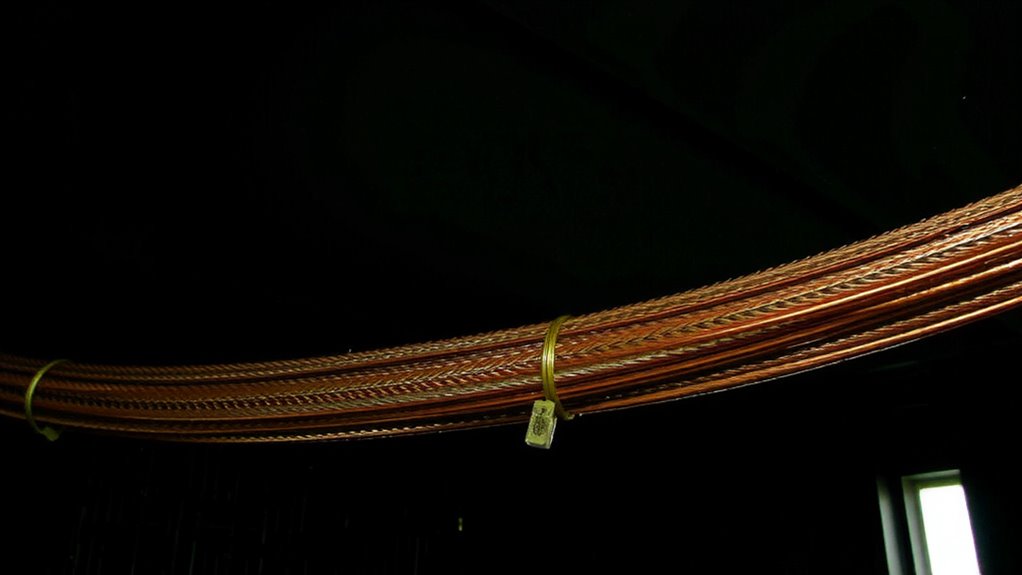
You’ll get the best results on long cable runs by choosing the right type of cable for your setup, and that usually means going with shielded, high-quality copper or fiber optic options depending on your needs. Matching cable impedance to your equipment-typically 50 or 75 ohms-helps prevent signal reflection, which distorts data and weakens performance over distance. High-quality coaxial cables maintain consistent impedance, reducing reflection and preserving signal integrity. Fiber optic cables avoid this issue entirely since they transmit light, not electrical signals. While fiber handles long distances with near-zero loss, it’s more fragile and costly upfront. Copper is reliable and widely compatible but only effective up to about 100 meters before degradation sets in. Real-world tests show poorly matched cables lose up to 30% of signal strength at 50 meters. Always check specs, not just price.
Use Shielded Cables to Prevent Interference
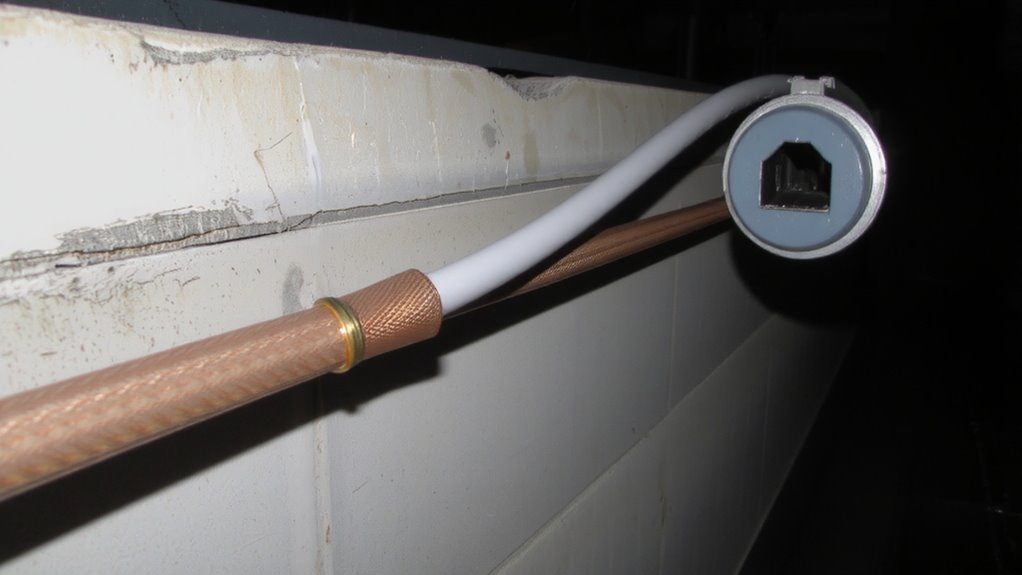
Shielded cables are a smart choice for long runs because they cut down on electromagnetic interference (EMI) and radio frequency interference (RFI) that can distort signals over distance. You’ll want them if your setup runs near motors, power lines, or Wi-Fi routers, since those generate electromagnetic interference and radio frequency noise that degrade performance. The braided shield or foil wrap blocks most of this junk, keeping your data or audio/video signals clean. Just make sure you ground the shield properly-otherwise, it can act like an antenna and make things worse. Shielded cables are slightly stiffer and cost more than unshielded ones, so they’re not always worth it in low-noise areas. But in electrically noisy environments, tests show they reduce errors by up to 70%. Look for 100% foil shielding with 85%+ braid coverage for best results.
Boost Signal Strength With Repeaters
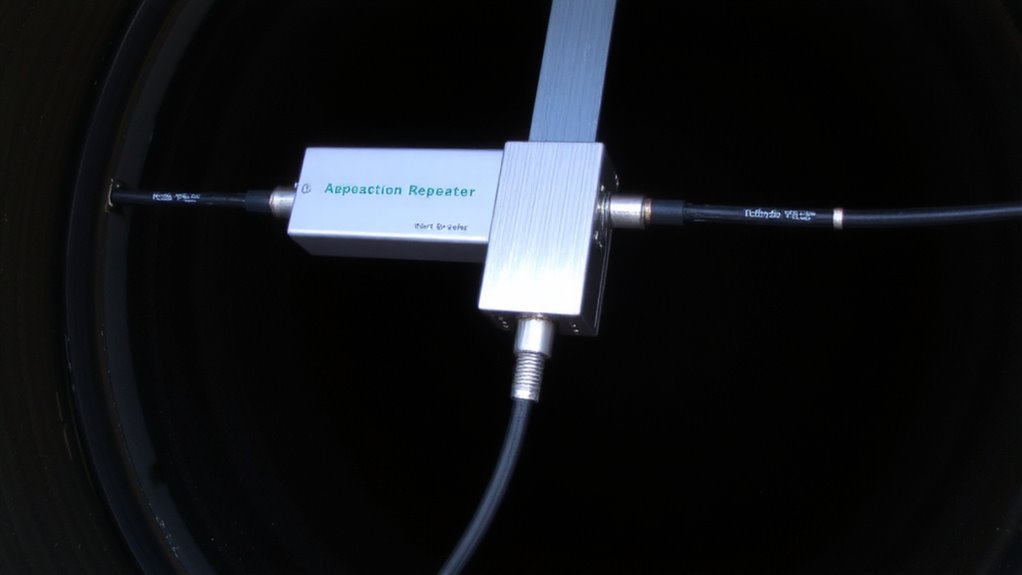
While long cable runs can weaken signals over distance, using repeaters is one of the most reliable ways to maintain strength and clarity-especially for HDMI, Ethernet, or USB connections spanning more than 50 feet. You get effective signal amplification, which actively boosts weakening data pulses before they degrade further. This helps preserve data integrity, guaranteeing your video stays sharp and network speeds remain stable. Active repeaters for HDMI, like those supporting 4K HDR, typically work up to 100 feet before needing another boost. For Ethernet, powered models (such as those using PoE) extend runs to 300 feet without packet loss. Yet, placement matters-install them too far apart and you risk latency or dropouts. Also, cheap models may overheat or fail under sustained load. Stick to name brands with at least a 2-year warranty and verified stress-test results to guarantee consistent performance.
Limit Cable Connectors and Splices
Every additional connector or splice in a long cable run increases the risk of signal loss and connection failure, so keeping them to a minimum is critical for reliable performance. You’ll reduce weak points where cable corrosion can start, especially in damp or humid environments, and maintain better connector alignment across connections. Misaligned connectors often cause intermittent faults or full signal dropouts, hurting data integrity. Factory-terminated cables cut down on these risks since they’re tested for continuity and shielding effectiveness. If you must splice, use solder-and-shrink methods over butt connectors-they’re more durable and less prone to corrosion. Still, even well-made splices can’t match a continuous cable’s performance. For runs over 50 meters, avoiding field-made connections gives you a measurable edge in signal consistency. While modular connectors offer convenience, they often sacrifice long-term reliability, so weigh that trade-off carefully in permanent installations.
Avoid Bends and Keep Cables Clear of Power
When routing your cables over long distances, you’ll want to maintain gentle bends and keep them well away from power lines-both steps make a measurable difference in preserving signal quality. Sharp bends can distort the cable’s internal geometry, compromising signal integrity, especially in coaxial and high-speed data cables. For ideal cable routing, follow the manufacturer’s minimum bend radius-usually 4 to 6 times the cable’s diameter. Running cables parallel to electrical wiring invites electromagnetic interference, which degrades performance. Instead, cross power lines at 90-degree angles when necessary. While separating signal and power cables adds effort during installation, the improvement in reliability is well documented. Conduits or cable trays can help maintain spacing. Note that in tight spaces, perfect separation isn’t always possible-just minimize contact. These steps won’t fix poor cabling, but they support strong, consistent signal integrity over time. A clean and organized setup also enhances airflow and reduces clutter, contributing to better cable management for clean desk aesthetics and long-term system performance.
Test Your Long-Distance Cable Setup
After routing your cables with care-respecting bend limits and keeping them clear of power interference-you’re ready to verify that everything works as intended. Test your long-distance cable setup thoroughly to guarantee signal integrity and effective noise reduction. Use a cable tester or loopback device to check for consistent data transmission, especially with runs over 15 feet. Look for dropped packets or sync issues, which suggest compromised performance. Active cables with built-in equalization often maintain signal integrity better, but they’re costlier and may need firmware updates. Test under real conditions-connected to your actual devices-since lab results don’t always reflect field performance. While shielding helps noise reduction, it won’t fix poor terminations or faulty connectors. Always label cables during testing to isolate problems quickly. Results vary by brand and construction, so verify before finalizing installation.
Fix Signal Loss Before It Happens
If you’re running cables longer than 25 feet, signal loss isn’t just possible-it’s likely unless you take preventive steps. Use shielded cables with consistent impedance to maintain signal phasing, and avoid sharp bends that increase cable tension. Active cables or in-line amplifiers help preserve signal integrity over distance, especially for HDMI or USB. Here’s what to visualize:
| Issue | Prevention Method |
|---|---|
| Signal attenuation | Use amplified or active cables |
| Impedance mismatch | Choose 75-ohm rated cables |
| Cable tension | Support every 4–6 feet |
| Signal phasing | Avoid coiled cable runs |
While active solutions improve performance, they require power and cost more. Shielded, well-supported cables minimize interference and physical stress. Always check manufacturer specs for length limits and warranties. Testing early saves time, but preventing loss up front guarantees reliability-especially for critical setups.
On a final note
You’ll get reliable signal over long cable runs if you choose the right gear and avoid common pitfalls. Use shielded Cat6a or coaxial cables to block interference, and keep runs under 100 meters where possible. Repeaters help boost signal, but add cost and complexity. Minimize connectors-each one risks loss. Avoid sharp bends and don’t bundle with power lines. Test with a cable certifier; it spots issues cheap testers miss. Even well-built setups need periodic checks.