How to Practice Digital Minimalism to Reduce Work Stress
You can reduce work stress by practicing digital minimalism-turn off non-essential notifications, track which apps spike your anxiety using screen time tools over 3–5 days, and silence alerts that trigger tension. Schedule 90-minute offline blocks daily to protect focus, just like optimizing a cluttered desk with a single high-res monitor. Use ergonomic setups with proper chair support and ambient lighting, but remember, consistency beats expensive gear. Trade-offs include adjusting team expectations, so test changes for three days and refine them. Better focus starts with small, deliberate shifts you can adjust as you go.
Notable Insights
- Turn off non-essential app notifications during focused work to reduce distractions and mental clutter.
- Track phone pickups and app usage over several workdays to identify high-distraction digital habits.
- Schedule daily 90-minute offline sessions using time blocking to protect deep work from interruptions.
- Design a minimalist workspace with ergonomic furniture and ambient lighting to support sustained focus.
- Keep only essential alerts like calendar reminders to minimize false urgency and emotional triggers.
Why Digital Minimalism Calms Your Workday
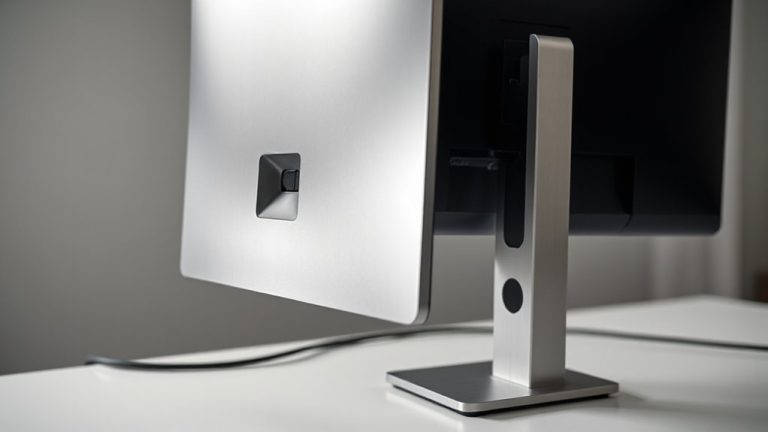
While it might seem counterintuitive to cut back on tools when your workload piles up, embracing digital minimalism can actually reduce stress by sharpening your focus and cutting through the noise of constant notifications. You’ll start to notice that mindful scrolling and intentional browsing aren’t just habits-they’re strategies. By limiting apps and silencing non-essential alerts, you reclaim chunks of time once lost to distraction. You’re not eliminating tech; you’re optimizing it, like switching from a cluttered multi-monitor setup to a single high-res display for clarity. Sure, you might miss an update or two, but research shows fewer context switches boost productivity by up to 40%. Just be honest: digital minimalism isn’t magic. It demands routine check-ins and a willingness to adjust. But with consistent practice, your workday becomes less reactive, more deliberate-and far less draining.
Track the Apps and Alerts That Stress You Out
Start by identifying the exact apps and alerts that fragment your focus and spike your stress-this isn’t about blaming tools but understanding their impact. App tracking helps you see how often you reach for your phone or switch between programs during deep work. You might not realize how many times Slack or email pings pull you off task until you measure it. Use built-in screen time tools or third-party apps to log usage over three to five workdays. Pair that with alert analysis: note which notifications trigger tension or urgency. Some alerts feel demanding even when they’re not urgent. Tracking gives you data, not guilt. You’ll likely find a few apps cause most distractions. There’s no need to eliminate all alerts-just the ones that disrupt your rhythm. Results vary by role and workload, so test changes for a week before deciding.
Turn Off Notifications That Hurt Your Focus
What if the key to sharper focus wasn’t working more but interrupting less? App notifications are masterclass distractions, each ping causing focus disruption that piles up fast. You don’t need every update the moment it lands. Turn off non-essential alerts-especially social media, email, and messaging apps during deep work blocks.
| Emotion | Trigger |
|---|---|
| Anxiety | “You’ve got 37 new messages” |
| Guilt | Missing a “urgent” group chat |
| Frustration | Mid-sentence interruption |
| Regret | Wasted 45 minutes scrolling |
| Relief | Silence after disabling alerts |
You’ll reclaim attention and reduce stress. Just remember: some alerts matter (e.g., calendar reminders or critical project tools). Keep those. Test the changes for three days. Adjust based on real-world focus and workload. It’s not about cutting all noise-it’s keeping only what serves your work.
Create a Workspace That Helps You Focus
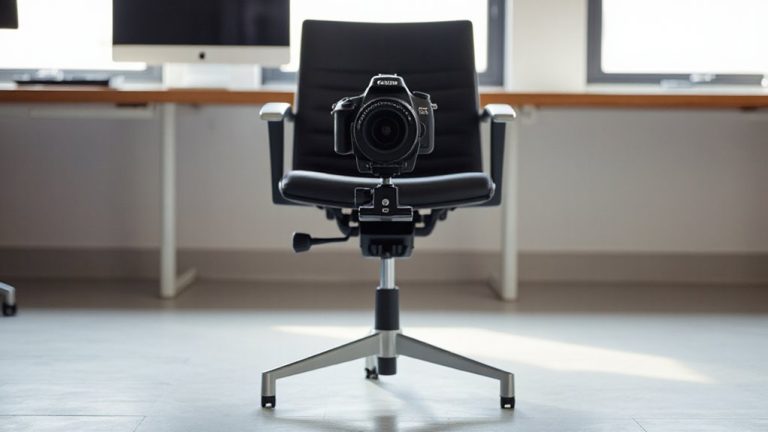
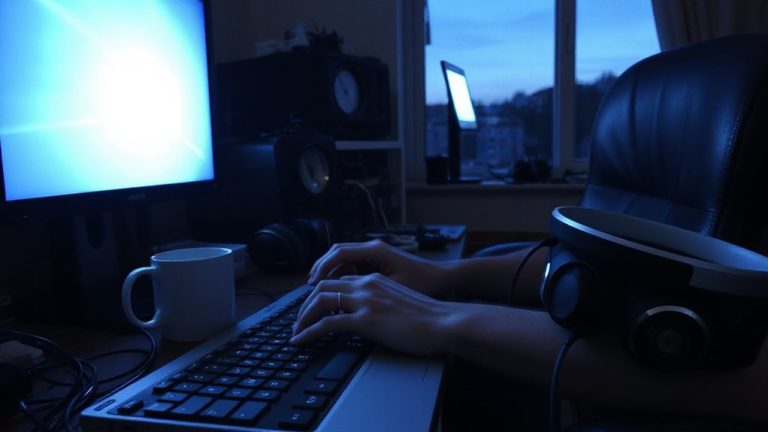
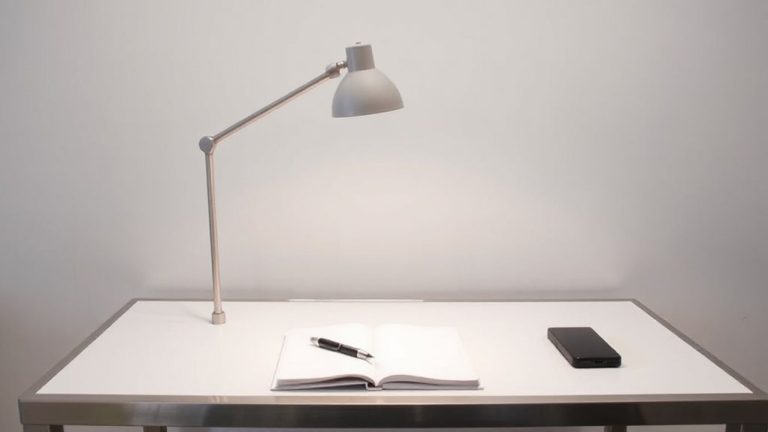
A focused workspace isn’t built by accident-it’s shaped by deliberate choices that reduce distractions and support sustained attention. You need an ergonomic setup to stay comfortable and alert: a chair with lumbar support, a desk at elbow height, and a monitor at eye level to avoid strain. Ambient lighting matters just as much-use soft, diffused light from the side or behind to reduce glare and eye fatigue. Skip overhead fluorescents; they’re harsh and tiring. While a standing desk or noise-canceling headphones can help, they’re optional. What’s essential is consistency: keep the space clutter-free and tech minimal. Real focus comes from routine, not gear. Some products promise results but don’t deliver long-term-test for at least two weeks. Warranties of three years or more are a good sign, but comfort varies by body type. For those building a calming and functional environment, choosing the best home office desks can make a meaningful difference in both posture and productivity.
Schedule Offline Time for Deep Work
Even if your workspace is perfectly arranged, uninterrupted focus won’t happen without deliberate time blocking-schedule at least 90-minute offline sessions daily to protect deep work from constant interruptions. These focus sessions let you engage complex tasks without the drag of notifications or context switching. Time blocking isn’t a gimmick; it’s a practical method to align your energy with priority work, especially when offline. Start with one daily session and stick to it, using a simple timer or calendar alert-no special tools needed. Though it may feel slow at first, most people report clearer thinking and faster completion over time. The trade-off? You’ll have to say no to immediate replies, which can ruffle feathers if your team expects constant availability. Be upfront about your schedule. Success depends more on discipline than gear, so skip the expensive apps and focus on consistency.
Use One Tool Per Task to Stay Focused
One tool per task keeps your workflow tight and your attention sharper. You’ll boost tool focus by resisting the urge to switch between apps for similar jobs-like using both Slack and Teams for messaging. Pick the one that meets your core needs and stick with it. App simplicity matters: tools with clean interfaces and limited features often reduce decision fatigue. For writing, use a plain text editor instead of a bloated word processor. For tasks, try a minimalist to-do app like Todoist or Things, not a suite with ten overlapping functions. This isn’t about perfection-it’s about function. You might lose some features, but you’ll gain mental clarity. Test each tool for at least a week under real workload. Check sync speed, uptime, and ease of export. No tool is flawless, but consistency reduces friction. Use what works, not what’s trendy.
Build a Daily Routine That Stays Digitally Calm
You’ve cut the tool clutter, so now it’s time to shape how you use them throughout the day. Build morning rituals that start screen-free-15 minutes of planning with a notebook beats endless inbox scrolling. Use a physical timer for focused work blocks, and keep your phone on airplane mode until your first task is done. These small choices add up, reducing mental load. For evening wind downs, set a hard stop on work apps and switch to dim lighting. A blue light filter helps, but skipping screens altogether for an hour before bed delivers better sleep. Sure, some tools claim to optimize routines, but most just add complexity. Stick to basics: consistent start and end times, no multitasking. You’ll gain focus, but it takes discipline. Results vary-test for two weeks, adjust as needed. No gadget replaces intentional habits.
On a final note
You should try digital minimalism-it cuts work stress by trimming distractions. Turn off non-urgent alerts on your phone and laptop, especially email and chat pings; tests show focus improves within two days. Use one app per task: pick either Notion or Google Keep, not both. Schedule 90-minute offline blocks for deep work. Just know: syncing calendars manually takes time, and wired headsets, while reliable, limit movement. Results vary if your job needs constant messaging.