Choosing a Monitor With Matte Finish to Reduce Reflections From Windows
You’ll find a matte-finish monitor cuts window glare effectively by scattering light with its textured surface and anti-reflective coating, keeping screens clear in bright rooms. It works well in sunlight, especially with 300+ nits brightness and an IPS panel for stable colors at wide angles. Just know blacks may look slightly washed out and fine text softer than on glossy screens. For best results, pair it with proper desk positioning-there’s more to optimizing your setup the further you explore.
Notable Insights
- A matte finish diffuses window reflections, reducing glare and improving screen visibility in bright environments.
- Look for monitors with anti-reflective coatings to minimize ambient light interference without sacrificing color accuracy.
- Choose a screen with 300+ nits brightness to maintain clarity and prevent washout in direct or strong daylight.
- Position your desk perpendicular to windows and tilt the monitor downward to further reduce glare.
- Consider IPS panels with matte finishes, like the LG UltraFine 27UL850-W, for wide viewing angles and factory-calibrated color.
How Matte Monitors Tackle Window Glare
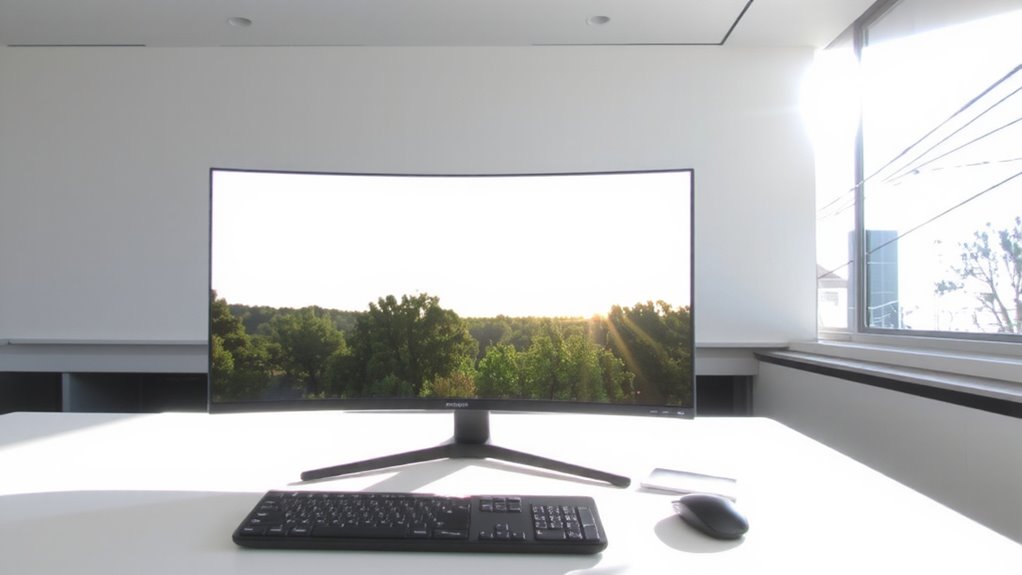
While natural light can make your workspace feel more inviting, it often leads to distracting screen glare-something a matte-finish monitor is specifically designed to reduce. You’ll find that its diffuse surface scatters incoming light, softening reflections from windows instead of bouncing them sharply back at you. Many models include an anti-reflective coating that further minimizes ambient glare without washing out colors. This helps maintain screen readability during peak daylight, especially if your desk faces east or south. However, you do trade off some contrast and sharpness; blacks can look grayish, and fine text may seem slightly blurred compared to glossy screens. The effect is subtle but noticeable during prolonged use. Look for IPS panels with matte finishes around 250–300 nits brightness for balanced performance. Just don’t expect perfect clarity in all lighting-no coating fully eliminates tough glare.
Do Matte Screens Work Better in Sunlight?
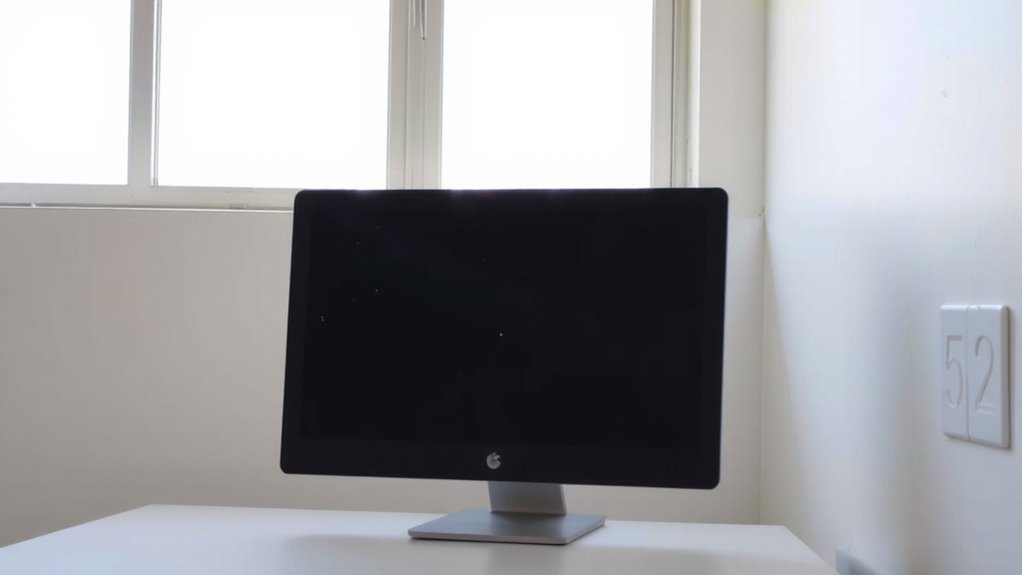
When you’re battling direct sunlight in your home office, a matte screen is almost always the smarter choice. The textured surface scatters incoming light, providing effective sunlight diffusion that keeps content visible even in bright conditions. Unlike glossy screens that reflect harsh beams, matte coatings minimize hotspots by dispersing glare across the panel. Many matte monitors also include anti static properties, helping reduce dust buildup that can worsen visibility. You’ll notice clearer text and better contrast outdoors or near large windows. Just keep in mind, the trade-off is a slight softening of colors and reduced black depth. That’s due to the micro-texture scattering light, not a flaw in the panel. While this won’t matter much for productivity or casual use, photo editors might need to adjust workflows. Still, for everyday brightness handling, the functional benefits outweigh the compromises.
Top Specs That Make a Matte Monitor Effective in Sunlight
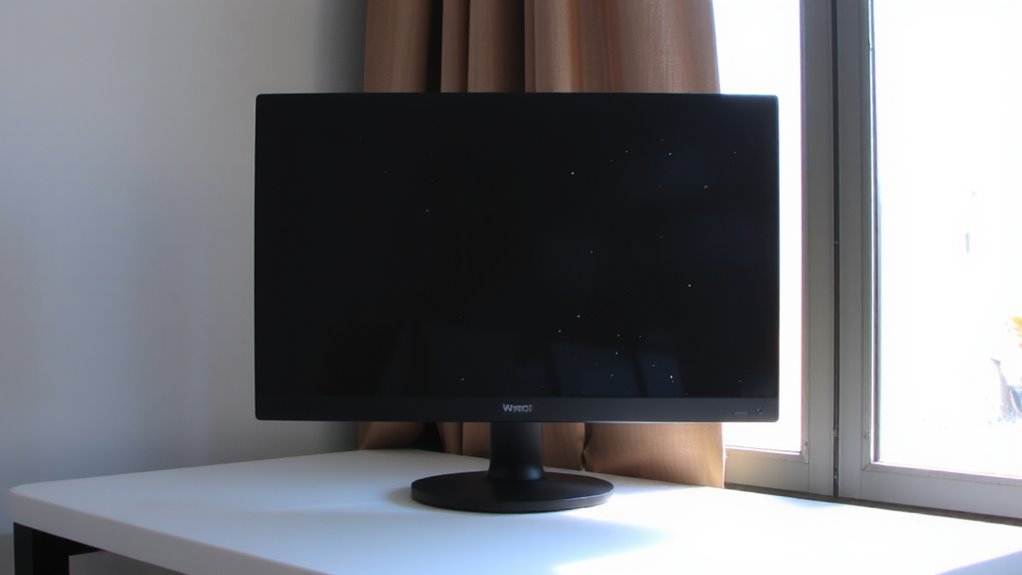
For best performance in sunlight, look for a matte monitor with a high brightness rating-ideally 300 nits or more-since brighter panels maintain visibility even under strong ambient light. A reliable anti reflective coating helps minimize glare without washing out content, while good brightness uniformity guarantees no dark or hot spots distract your focus. These specs work together to deliver a clearer, more consistent image in sunlit rooms.
| Feature | Why It Matters | Real-World Impact |
|---|---|---|
| 300+ nits | Combats washed-out images | Readable screen at noon |
| Anti reflective coating | Reduces glare from windows | Fewer distractions |
| Brightness uniformity | Even light across screen | No patchy areas |
| Matte finish | Scatters reflections | Softer, less disruptive glare |
| IPS panel | Wide viewing angles | Stable image in daylight |
Matte vs Glossy Monitors in Sunlight: Visibility, Color, Clarity
If you’re working near a window or under bright indoor lighting, a matte-finish monitor typically outperforms glossy models in visibility-thanks to its ability to scatter ambient light rather than reflect it sharply. You’ll see text and images more clearly during the day without squinting or adjusting brightness constantly. However, matte coatings can slightly reduce perceived clarity and color accuracy since the surface diffuses light, muting blacks and softening details. Glossy screens deliver richer colors and deeper contrasts, but reflections often wash out content. Viewing angles remain strong on both types, especially with IPS panels, though matte finishes maintain consistency better under glare. If you prioritize usability over vibrancy, matte is the practical pick. Just know that no matte screen eliminates glare completely-positioning and ambient light control still matter. For most daylight-heavy setups, reduced reflections outweigh minor color trade-offs.
Desk Setup Tips for Matte Monitors Near Windows
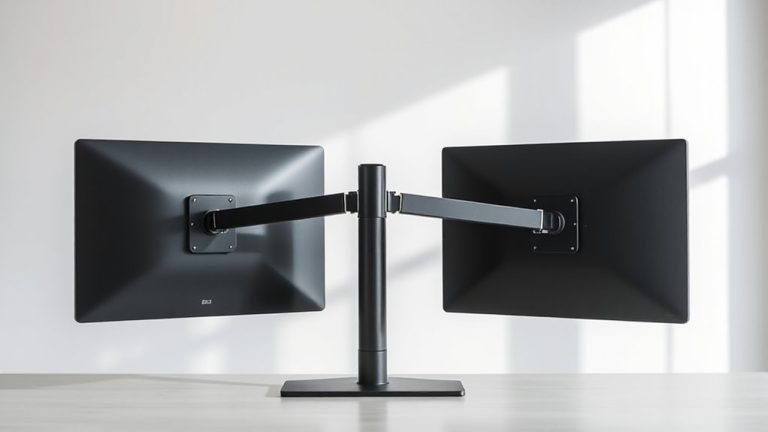
You’ll get the best results with a matte monitor near a window by positioning your desk perpendicular to the light source, not directly facing or with your back to it-this cuts down on glare while maintaining screen visibility throughout the day. Use a monitor arm to fine-tune viewing angles and reduce reflected light; proper monitor arm positioning lets you tilt the screen slightly downward for ideal anti-glare alignment. Keep cable management simple but secure-stray cords distract and limit how freely you can adjust your setup. A desk with built-in cable routing helps maintain clean adjustments when repositioning. While matte screens reduce reflections effectively, they can dull vibrant content slightly, so balance lighting with ambient room brightness. Avoid placing bright lamps behind you-they’ll wash out contrast. This setup demands minor trade-offs in color pop but gains consistent daytime readability.
Best Matte Monitors for Bright, Sunny Workspaces
Though no monitor can eliminate all glare in a sun-drenched room, the LG UltraFine 27UL850-W stands out as one of the most effective matte-finish options for bright workspaces, thanks to its 27-inch 4K IPS panel with a factory-calibrated matte anti-reflective coating that diffuses overhead and ambient light without washing out colors. You’ll appreciate its strong color accuracy and wide viewing angles, ideal for long work sessions. Its matte finish enhances panel longevity by reducing hotspots and UV damage over time. The LED backlighting also delivers solid energy efficiency, using about 20% less power than older models. Built-in USB-C charging and compatibility with Mac and Windows add convenience. Just note the stand isn’t adjustable for height, so you might need a separate arm. While peak brightness isn’t extreme, the anti-reflective layer makes it highly usable in daylight.
On a final note
You should pick a matte monitor if window glare disrupts your work-it cuts reflections better than glossy screens. Look for 250+ cd/m² brightness and IPS panels for solid color and wide viewing angles. Matte coatings diffuse light, reducing eye strain in sunlight, but slightly soften image detail. Test viewing angles in your space, and confirm the warranty covers dead pixels. Real-world use shows matte wins for comfort in bright rooms, just expect a minor clarity trade-off.