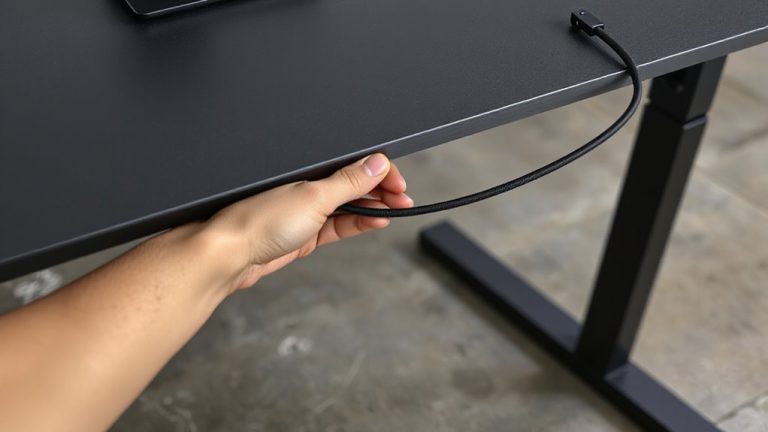
Creating a Dedicated Cable Pathway in a Standing Desk’s Interior Column
Install a dedicated cable pathway inside your standing desk’s column using adhesive-backed nylon channels or low-profile raceways-they hold wires securely without damaging insulation or voiding warranties. Route cords along one side, keeping them clear of the lift mechanism to avoid interference during height changes. Use flexible sleeves and Velcro straps every 6–8 inches for strain relief. Test full extension to guarantee no binding over 24–30 inches of travel. There’s more to optimize based on your desk model and cable types.
Notable Insights
- Use adhesive-backed nylon channels or low-profile raceways to create a protected path inside the desk column.
- Route cables along one side to avoid lift mechanisms and ensure unobstructed height adjustments.
- Secure wires with Velcro straps every 6–8 inches to prevent snagging during desk movement.
- Incorporate flexible conduit or spiral wrap to allow vertical travel without damaging insulation.
- Test full range of motion post-installation to confirm cables don’t bind or restrict desk movement.
Choose the Right Tools for Internal Cable Routing
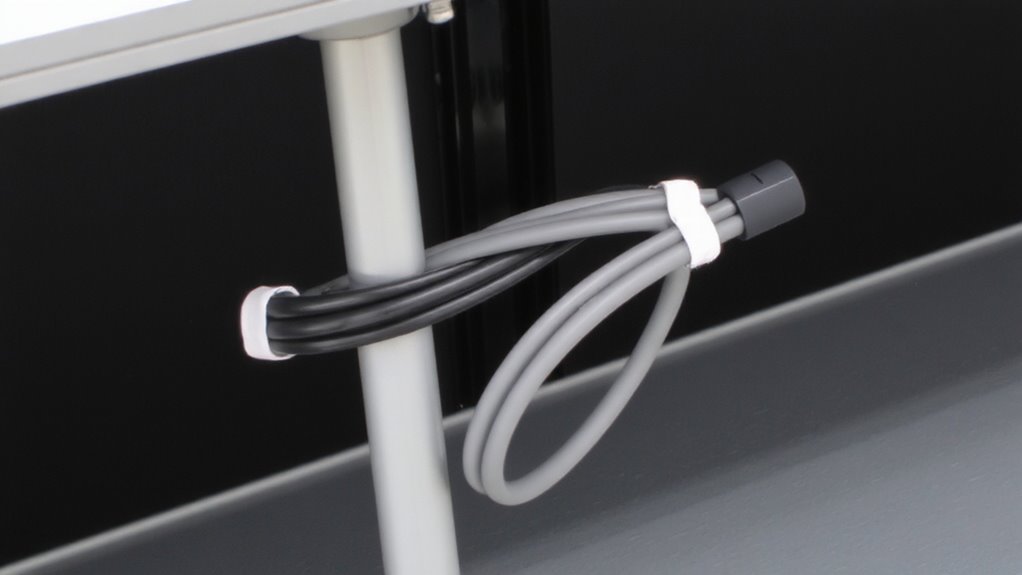
While you can technically route cables with nothing more than scissors and tape, investing in the right tools makes a noticeable difference in both speed and long-term reliability. A precision wire stripper and angled needle-nose pliers let you maintain cable protection by avoiding nicks to insulation during prep. Tool precision matters when threading cables through tight desk grommets or anchor points-cheap scissors often crush connectors, leading to fraying. Consider a cable routing kit with a fish tape and color-coded sleeves; these improve accuracy and reduce strain. Some kits even include wire loom and snap-in grommets for added strain relief. While pricier tools like ergonomic crimpers offer better control, they may not be worth it for one-time setups. Test tools with sample runs-reliability hinges on fit, not brand. Always check for manufacturer warranties, especially on metal components. For optimal results, choose solutions that support a clean desk setup to enhance both aesthetics and functionality.
Create an Internal Cable Channel in Your Standing Desk
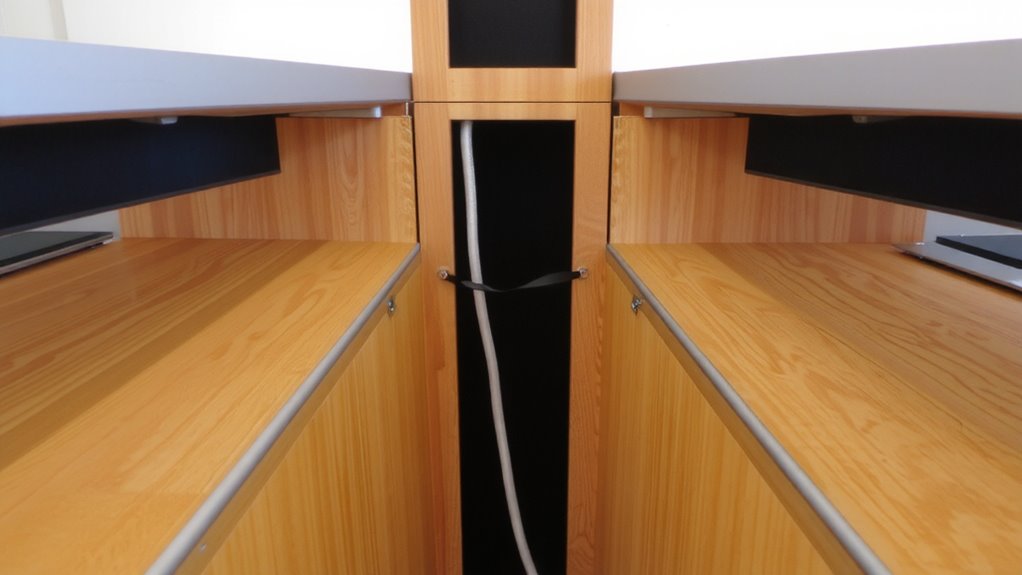
Since your standing desk likely has limited built-in cable management, creating a dedicated internal channel gives you cleaner access and reduces snag points during height adjustments. You’ll boost routing efficiency by securing cables along one side of the interior column, keeping them aligned and separate from moving parts. Use adhesive-backed nylon channels or low-profile raceways to maintain clearance. Prioritize cable insulation-undamaged sheathing prevents shorts and guarantees long-term safety, especially near metal edges. Don’t bundle power and data cables too tightly; heat and interference can build up over time. While this mod improves organization, it may void your warranty if it requires drilling or permanent modification. Test fit all clips before final installation. Most users report smoother operation and fewer tangles, but always leave slight slack to accommodate full range of motion. Done right, your setup stays functional and tidy through thousands of升降 cycles. For added comfort during extended work sessions, consider pairing your optimized desk with an ergonomic floor seat designed to support healthy posture.
Route Cables Without Blocking Desk Adjustments
If you want your standing desk to move smoothly without snags, you’ve got to route cables so they don’t interfere with the lift mechanism. Keep wires clear of moving parts to maintain desk stability and prevent wear on cable insulation. Use flexible conduit or spiral wrap to bundle cables, allowing vertical movement while reducing friction. Avoid tight bends or excess slack inside the column-both can bind during height changes. Secure cables near the base and top, but leave enough play for full extension. Poor routing risks jamming motors or stressing wires over time. While internal pathways look clean, they must accommodate travel distance-usually 24–30 inches-without compression. Always test full range of motion after installation. Some frames tolerate minor obstructions, but most demand precise clearance. Remember: even durable insulation degrades if pinched repeatedly. Protect both function and safety by prioritizing unobstructed movement. For optimal results, consider using a cable management sleeve designed specifically for standing desks to streamline installation and enhance durability.
Keep Cables Clear and Secure During Use
Most standing desks need cable management that holds up to daily movement without compromising safety or function. You’ll want to secure cables so they stay clear during height adjustments, avoiding pinching or snagging inside the column. Good cord protection means using flexible sleeves or braided wraps to prevent fraying from repeated motion. Don’t rely solely on zip ties-they can tighten over time and damage insulation. Instead, use mounting clips or Velcro straps every 6–8 inches to anchor lines loosely, allowing slack where needed. Internal pathways help, but without proper routing, wires can still catch on internal brackets or motors. Make sure nothing blocks the up-and-down path, and leave enough play so cords aren’t stretched at the desk’s highest setting. Test the full range of motion after setup. Poor execution risks both performance and longevity, even with high-end frames.
Why Internal Cable Routing Beats External Cords
While external cords might seem easier to install at first, internal cable routing gives you a cleaner, safer setup that’s built to last-especially with the constant movement of a standing desk. You get better aesthetic appeal since wires stay hidden inside the column, creating a sleek, professional look. Exposed cords aren’t just messy-they’re prone to snagging, wear, and even tripping hazards. Internal pathways also reduce dust accumulation, which can degrade connectors over time. Most high-quality desks with internal routing use metal channels or durable nylon sleeves that protect cables during 10,000+升降 cycles. Still, routing requires more planning during setup, and some models limit cable thickness-usually maxing out around 6mm. If your devices need bulky power bricks, you might need a hybrid setup. Check warranty terms too; some brands don’t cover damage from improper cable management.
On a final note
You should add a dedicated cable pathway inside your standing desk-it keeps wires tidy and out of the way. Use nylon ties and rubber grommets to secure them without restricting movement. Most desks allow at least 1.5 inches of clearance, so cables won’t block height adjustments. Just avoid overloading the column; too many cords can cause wear over time. Test smooth operation after setup. This mod isn’t reversible, so double-check fit before finalizing.