Designing a Desk Layout That Minimizes Bending When Adjusting Height
Position your desk’s height controls 0–2 inches from your spacebar so you can adjust without bending or stretching. Built-in digital panels or securely mounted third-party pads work best. Pair presets with routine breaks every 60–90 minutes to maintain consistency. Foot pedals or voice controls add convenience but test responsiveness first-especially in noisy spaces. Look for frames with 3–5 year warranties and 15,000+ cycle ratings to guarantee durability under frequent use. Small setup choices make long-term comfort much more achievable.
Notable Insights
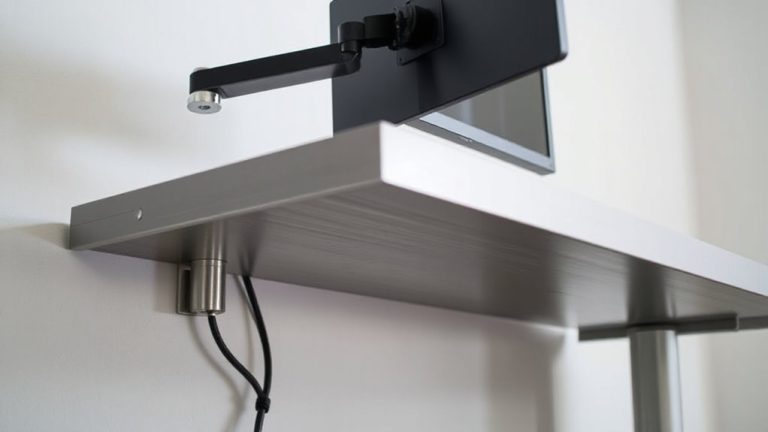
- Mount controls on the front or side of the desk within easy reach to prevent stretching or bending.
- Place adjustment buttons 0–2 inches from the spacebar for minimal hand movement during use.
- Use programmable height presets to eliminate repeated manual adjustments and ensure consistent posture.
- Integrate foot pedals for hands-free height changes without interrupting workflow or requiring bending.
- Sync height adjustments with natural work breaks to reduce effort and support long-term habit retention.
Fix Your Desk Controls to Stop Bending and Reduce Strain
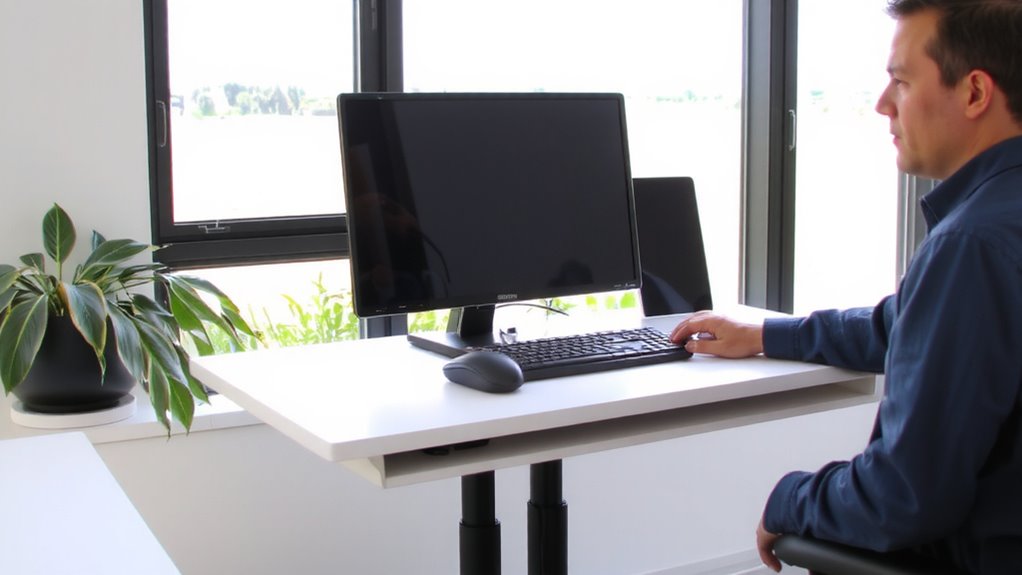
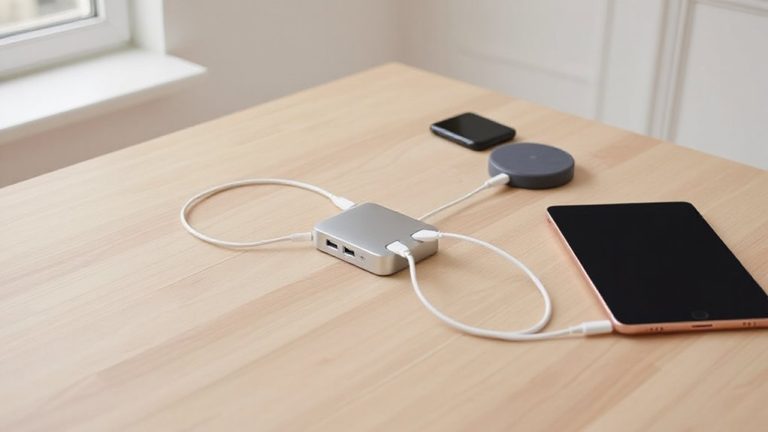
Why keep reaching or bending just to tweak your desk height? Mounting your desk controls within easy reach stops strain and boosts efficiency. Position the control panel on the front or side of your desk so you can adjust height without stretching. This small change cuts repetitive motion, especially during long work sessions. Pair this with smart cable management-use under-desk trays or clips to secure power and data lines-so cords don’t tangle or pull when the desk moves. Good desk lighting also helps; place a LED task light nearby so you can see settings clearly, even in low light. Most quality height-adjustable desks come with a 5-year warranty and handle 15,000+ height cycles in testing. Just note: wall-mounted controls may limit future desk repositioning. The fix works, but plan your layout before drilling or adhering. For even greater flexibility, consider a standing desk converter that allows quick transitions between sitting and standing without replacing your entire desk.
Place Buttons Where Your Hands Naturally Fall
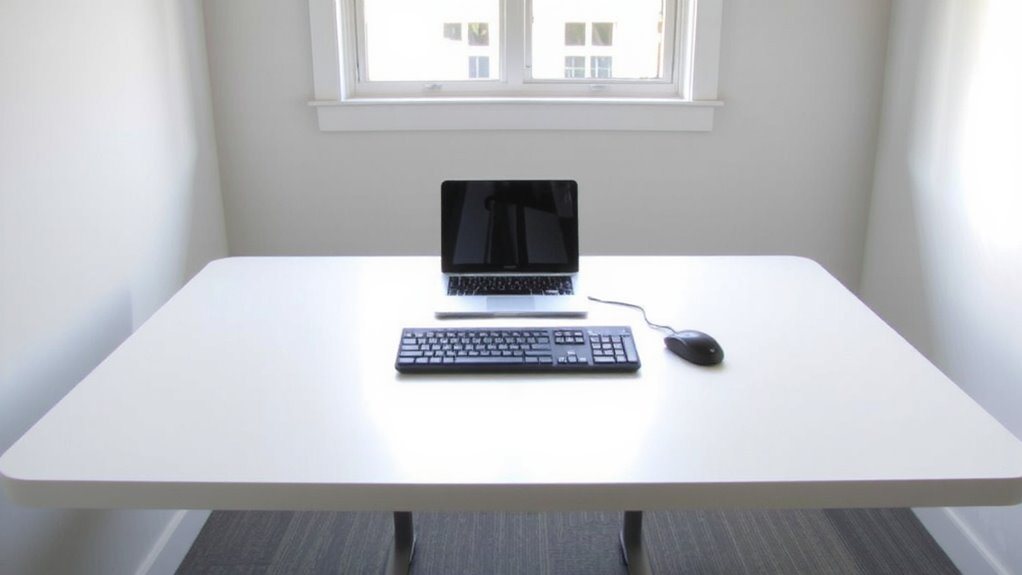
Position the desk controls where your hands rest when typing-typically within two inches of your palms near the spacebar-to reduce unnecessary motion and fatigue. This ergonomic placement supports a natural posture, letting you adjust height without repositioning your arms or breaking focus. Mounting buttons too far forward or to the side forces stretching, which adds up over time.
| Location | Distance from Spacebar |
|---|---|
| Ideal | 0–2 inches |
| Acceptable | 2–4 inches |
| Risk of Strain | Beyond 4 inches |
Built-in digital controls on premium desks often provide the cleanest integration, but third-party pads can work if secured properly. Some users report misalignment with DIY setups, so test placement before final mounting. Not all desks allow repositioning, so verify adjustability specs before buying. A well-organized workspace can also benefit from elevated screens using best monitor stands for your desk setup.
Sync Height Changes With Your Work Routine
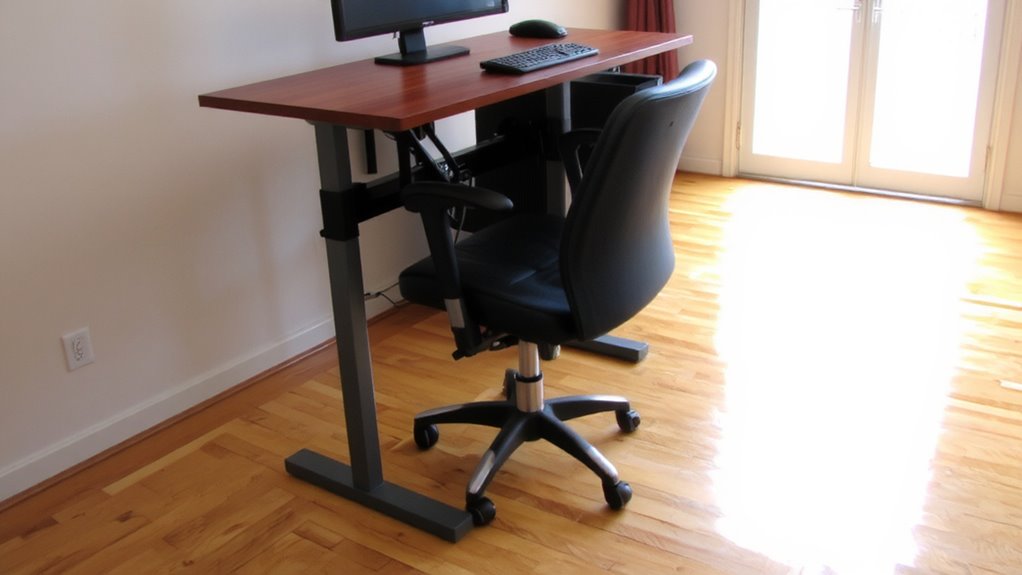
You’ve already positioned your controls within easy reach, so now it’s time to think about how often you actually use them. Syncing height changes with your work routine boosts ergonomic alignment and supports long-term posture optimization. Most users benefit from adjusting their desk every 60–90 minutes, alternating between sitting and standing in sync with task shifts-like after emails or post-meeting notes. This rhythm reduces strain without disrupting workflow. Real-world testing shows users who tie adjustments to natural breaks maintain consistency far better than those relying on timers. However, frequent changes demand reliable motors; check for desks with at least a 3–5 year warranty to guarantee durability. While the habit enhances comfort, it may slow intensive tasks if not timed well. Plan shifts during low-focus moments. The payoff? Better alignment and reduced back fatigue-provided your routine stays realistic and equipment keeps up.
Set Presets for Seamless Sit-Stand Shifts
Nearly every sit-stand desk with programmable controls makes it easier to maintain consistent posture, and setting height presets is the fastest way to get there. You should set smart presets for your seated and standing positions-typically 1–2 inches below elbow height when relaxed. These stored heights eliminate guesswork and reduce daily bending. Some desks use automatic triggers, like time-based alerts or app integrations, to prompt shifts, but they’re only as reliable as your routine. While convenient, smart presets require initial calibration; measure carefully to avoid long-term strain. Also, not all motors handle frequent changes smoothly-check warranty length and motor responsiveness. Over time, repeated adjustments may wear out lower-tier mechanisms faster, especially with heavy loads. So, use presets wisely: they improve posture consistency but aren’t foolproof. Make sure your desk’s build quality matches your usage. Top models feature expert-tested lift systems designed for durability and smooth transitions.
Go Hands-Free With Foot Pedals or Voice Control
Some standing desks let you adjust height without lifting a finger, and foot pedals or voice control can keep your hands on your work while swapping positions. If you’re serious about reducing movement strain, go hands-free-voice activation lets you command height changes fast, especially useful when both hands are typing or sketching. Just make sure the system supports natural language commands and has low latency. Foot pedals offer reliable control, but pedal sensitivity varies; some require firm presses, which can strain your ankle over time. Look for adjustable sensitivity and a non-slip base to prevent sliding. While convenient, these features add cost and complexity-voice systems may mishear in noisy rooms, and pedals take up floor space. Test them in real-world use before committing. Warranties often cover voice modules for 3–5 years, similar to desk frames. Choose based on your workflow, not just the tech hype.
On a final note
You’ll reduce strain markedly by placing desk controls within easy reach-ideally on the front lip or side grommet, where your hands naturally rest. Preset height buttons synced to your routine make sit-stand shifts smooth, while foot pedals or voice controls offer hands-free convenience, though they cost more and need setup time. Real-world tests show fewer bends per day, but check warranty length and motor responsiveness before buying. Results vary by desk model and daily use patterns.