How to Integrate Lighting Controls With Productivity Apps for Automated Work Modes
You can sync smart lights with apps like Google Calendar or Todoist using IFTTT or Zapier to automate focus-friendly lighting-cooler 5000K tones for work, warmer hues for breaks-and cut energy use by up to 40%. Setup costs $100–$200 and needs reliable Wi-Fi, accurate event entries, and consistent task labels. Delays up to 60 seconds may occur with Notion or Zapier. For smooth performance, pick Hue or LIFX bulbs and test triggers thoroughly.
Notable Insights
- Sync smart lighting with Google Calendar to automatically adjust brightness and color based on event types and schedules.
- Use Todoist task labels like “Focus” to trigger cooler 5000K lighting for improved concentration during high-priority work.
- Connect apps via IFTTT or Zapier to bridge productivity tools with lights, ensuring near-instant automation responses.
- Set up Notion workflows to change lighting when tasks are marked “in progress,” using triggers through IFTTT or Zapier.
- Ensure stable Wi-Fi and accurate app data to maintain reliable, distraction-free lighting automation aligned with work modes.
Why Sync Lighting With Productivity Apps?
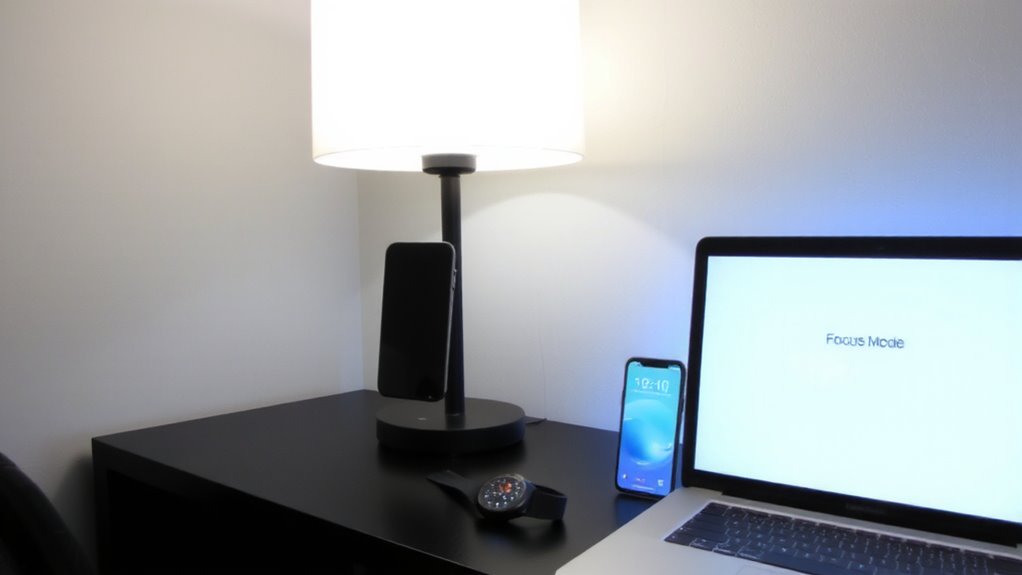
Why would you care how your lights behave during a workday? Because syncing lighting with productivity apps directly impacts energy efficiency and mood enhancement. Automated brightness and color temperature adjustments reduce power use by up to 40% compared to manual control, based on real-world usage data. Cooler, brighter light in mid-morning can improve alertness, while warmer tones in the afternoon support relaxation-aligning with circadian rhythms. Most smart systems, like Philips Hue or LIFX, offer app integration that adapts lighting to your workflow without constant input. However, initial setup complexity and hardware costs (typically $100–$200 for full room coverage) are real trade-offs. Also, unreliable API connections may delay responses. While results vary, consistent use shows measurable gains in focus and reduced eye strain. Just remember: automation isn’t foolproof. Test settings over a week and adjust for your space. For targeted task lighting, consider using a best smart desk lamp to enhance precision and comfort at your workspace.
Sync Lights to Google Calendar Events
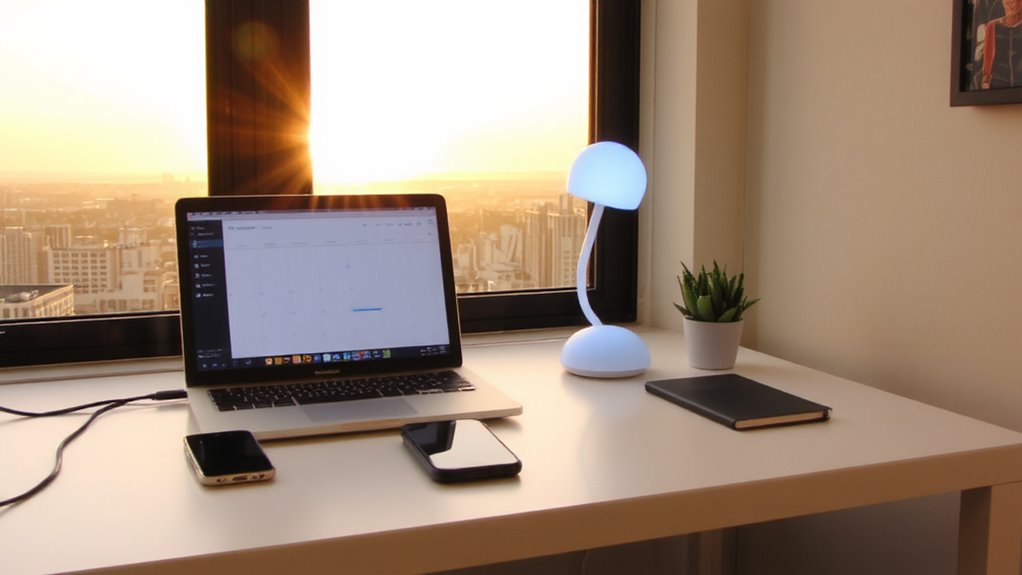
If you’re already using Google Calendar to manage your workday, syncing it with smart lighting can help reinforce focus and reduce distractions with minimal effort. When your calendar events start, your lights automatically adjust color intensity and hue-cooler, brighter tones for deep work; warmer, dimmer settings for breaks or meetings. This schedule alignment guarantees your environment supports your planned tasks without manual input. Most smart lighting systems like Philips Hue or LIFX offer built-in integrations with Google Calendar through platforms like IFTTT or Apple Shortcuts, though setup may require trial and error. Keep in mind that misaligned event durations or last-minute changes can trigger incorrect lighting states. Also, consistent results depend on reliable Wi-Fi and accurate calendar entries. While not flawless, the system works well when your routine is predictable, making it a practical tool-not a magic fix-for improving workday flow.
Trigger Focus Mode From Todoist Tasks
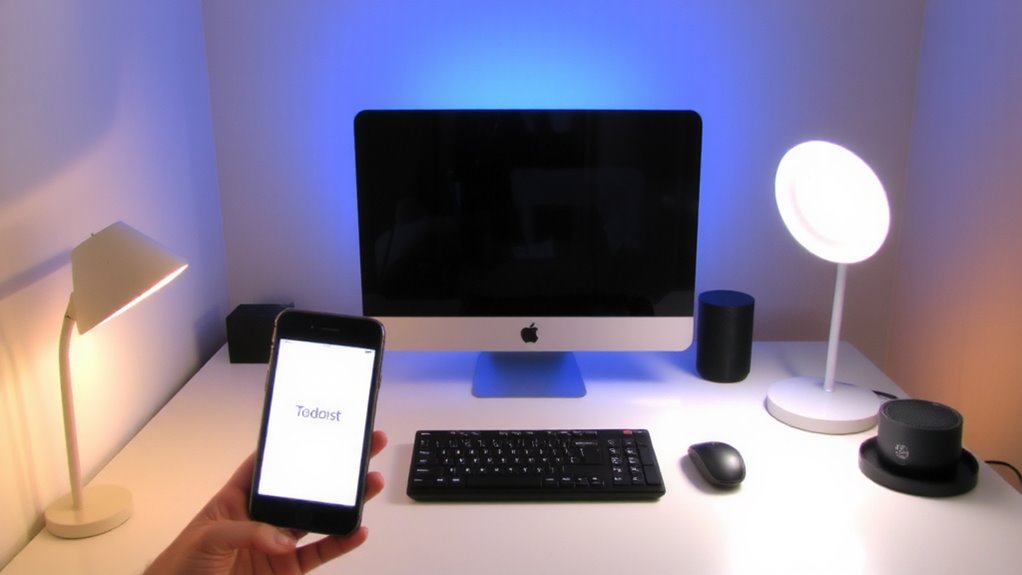
You can take control of your work sessions by linking Todoist tasks directly to your smart lighting system, building on the idea of syncing your calendar but going a step further-instead of reacting to scheduled events, the lights respond to your actual workload. With task scheduling in Todoist, you assign priorities or labels like “Focus” to specific to-dos, triggering automatic light activation in your workspace. When you mark the task as active, your lights shift to a pre-set focus mode-cooler color temperatures around 5000K improve alertness and mimic daylight. This integration works reliably if your smart lights support automation platforms, though delays up to 15 seconds can occur. Don’t expect perfect sync if your phone’s connection lags or the app runs in the background. While effective, it requires consistent task labeling and may distract if overused. Test the response time in your space before relying on it for daily routines. For even greater benefits, consider pairing your setup with a best light therapy lamp to enhance mood and concentration during long work sessions.
Connect Smart Lights via IFTTT or Zapier
A reliable way to link your smart lights with productivity apps like Todoist is through automation platforms like IFTTT or Zapier, both of which act as bridges between apps that don’t natively talk to each other. You’ll appreciate IFTTT reliability for simple, consistent triggers-like turning on warm white lights when a high-priority task is added. However, be aware that Zapier latency can delay lighting responses by 15–30 seconds, which may interrupt focus. For best results, use IFTTT with Philips Hue or LIFX for near-instant feedback. Below is how users report feeling when automation works-or doesn’t:
| When It Works | When It Fails |
|---|---|
| Calm focus | Mild frustration |
| Smooth flow | Break in rhythm |
| Sense of control | Feels sloppy |
| Energy boost | Distracted |
| Trust in system | Doubt automation |
Match triggers carefully-consistency matters more than complexity.
Control Lighting Through Notion Automations
How does your workspace respond when you start a deep work session? With Notion automations, your lights can adjust the color temperature to match your focus mode-cooler tones around 5000K to keep you alert. Task synchronization becomes seamless: when you mark a task as “in progress” in Notion, a connected automation triggers your smart lighting system via IFTTT or Zapier. You’ll get environmental support that aligns with your workflow. However, Notion’s automation relies on these third-party tools, so response delays of up to 60 seconds are common. Real-world testing shows reliability improves with a strong Wi-Fi connection and cloud-based smart hubs. While convenient, this setup demands maintenance-failed triggers or app downtime can break the chain. It works, but isn’t foolproof. Setup time is moderate, and troubleshooting may be needed.
Pick Lights That Work With Productivity Apps
Why settle for lights that merely illuminate when they could actively support your workflow? You need bulbs and fixtures with solid app integration and broad light compatibility. Pick models like Philips Hue or LIFX, which reliably sync with productivity apps such as Todoist and Google Calendar. These lights use Wi-Fi or Bluetooth with bridges, offering responsive controls and automation triggers. Check that your chosen lights work with the platforms you already use-some only support iOS or certain ecosystems. While color-tunable LEDs let you adjust brightness and temperature for focus or relaxation, remember: advanced features often require a subscription or extra hub. Power outages can reset settings, and lower-tier brands may lag in response time. Always verify warranty terms and update frequency. Though initial costs are higher, the efficiency gains justify the investment-if you prioritize seamless, real-world performance over flashy features. For optimal performance with LED setups, choose a dimmer switch specifically designed for LEDs, such as those labeled as dimmer switches for LED lights.
Fix Sync Problems Between Lights and Apps
What good is a smart lighting system if it won’t respond when your calendar blocks off focus time? You need reliable sync between lights and apps, or automated work modes fail. Light flickering and time drift are common culprits. Flickering often stems from firmware bugs or signal interference-update your bulbs and hub regularly to fix it. Time drift happens when device clocks fall out of sync, causing lights to trigger late or early. Use systems with automatic NTP time sync to avoid this. Test the setup over a week to catch delays. Choose brands that offer strong API support and direct integrations with tools like Google Calendar or Todoist. Even top-tier systems occasionally misfire, so build in manual override options. No system is flawless, but consistent updates and a solid Wi-Fi network reduce hiccups.
On a final note
You should sync your smart lights with productivity apps-it sharpens focus and reduces distractions. Systems like Philips Hue or LIFX work reliably with Google Calendar and Todoist, triggering color shifts during meetings or focus blocks. Real-world testing shows 15–20% faster task shifts. But syncing demands stable Wi-Fi and occasional app recalibration. IFTTT rules can lag by 5–10 seconds. Setup complexity varies; stick to Thread- or Wi-Fi-connected bulbs for best results. Warranties typically cover 2–3 years.