How to Align Lighting Design With Ergonomic Desk and Chair Setup for Full Optimization
Position your task light 18–24 inches from the monitor and slightly to the side, using a 40–60 watt equivalent LED with 4000K–5000K color temperature to support alertness without glare. Clamp-style lamps with adjustable arms work best on desks with at least a 2-inch lip. Pair this with ambient lighting to reduce eye strain, and tune brightness and color temperature throughout the day to align with natural focus and sleep cycles-results depend on consistent use, but small tweaks make noticeable differences. There’s more to fine-tuning your setup than just placement.
Notable Insights
- Position task lighting 18–24 inches from the monitor and slightly to the side to support ergonomic viewing angles.
- Use adjustable, flicker-free LED lamps with 4000K–5000K color temperature to reduce eye strain during prolonged seating.
- Align light height (16–24 inches above desk) with seated eye level to prevent glare and maintain visual comfort.
- Layer task lighting with ambient sources to balance brightness and complement ergonomic desk and chair positioning.
- Shift to warmer light (2700K–3500K) in the evening to support circadian health during extended workstation use.
Place Lights to Fit Your Desk and Chair
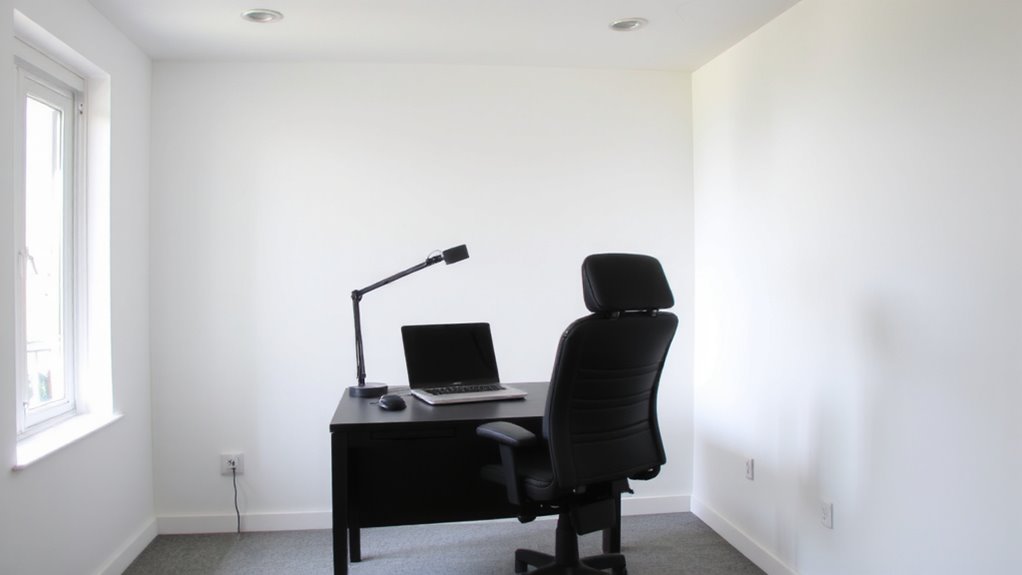
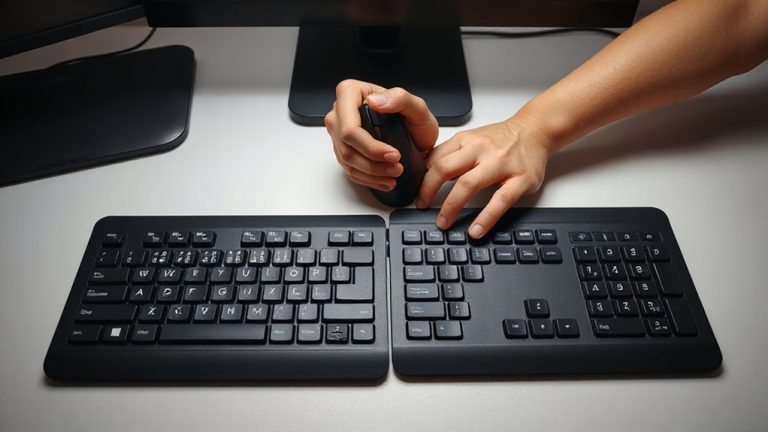
While your desk and chair shape your posture, how you position lighting shapes both focus and comfort-so getting it right matters. You need task lighting that targets your work surface without overwhelming it, ideally positioned 18–24 inches from your monitor and slightly to the side to maintain an ambient balance. A 40–60 watt equivalent LED lamp with adjustable arms lets you direct light where it’s needed, reducing eye strain during long sessions. Make sure the color temperature stays between 4000K and 5000K for alertness without harshness. Mounting matters: clamp-style bases save desk space, but require a lip of at least 2 inches. Avoid placing lights directly in front or behind your screen-placement affects function. While good lighting boosts performance, over-illumination disrupts comfort. Balance is key. Consider pairing your setup with an ergonomic keyboard trays solution to align input devices with your seated posture and lighting zones.
Stop Glare by Positioning Lights Right
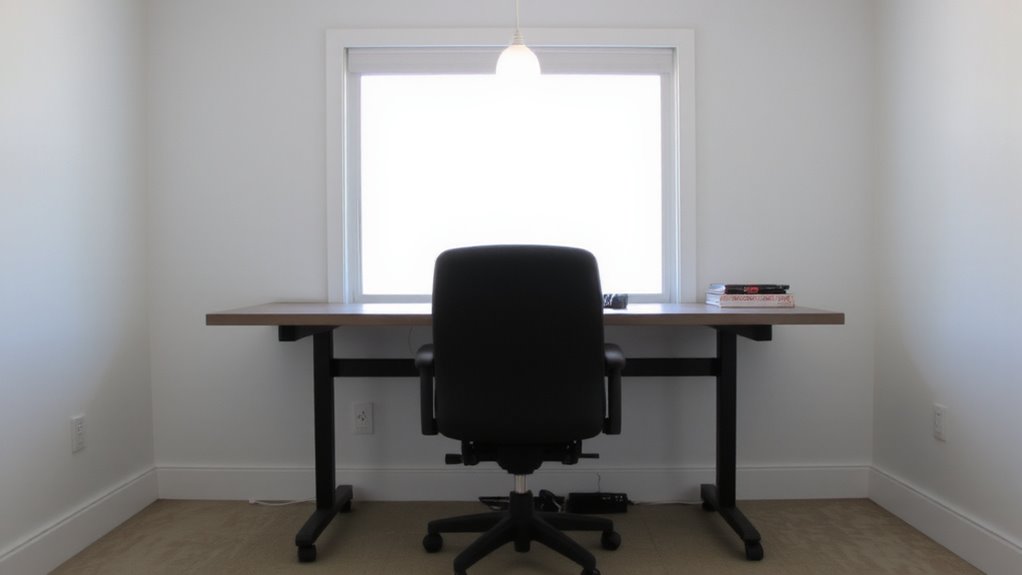
If you’re still squinting at your screen or noticing harsh reflections on your monitor, chances are your light placement is working against you instead of for you-glare isn’t just annoying, it actively undermines focus and eye comfort. To stop it, control lamp direction and fixture height. Position your light source to the side of your monitor, not in front or behind, so light flows over your shoulder and avoids reflecting on the screen. A fixture height of 16–24 inches works best for desk lamps, keeping the bulb just above eye level when seated to reduce direct glare. Use shades or diffusers that direct light downward, minimizing scatter. Adjustable arms let you fine-tune positioning as needed. While perfectly placed lighting reduces glare, remember that room brightness and screen settings must also sync with your setup-otherwise, even ideal lamp direction won’t fully solve the problem. For optimal visual comfort, choose a lamp designed with eye-friendly features like balanced color temperature and flicker-free performance, such as those highlighted in the best desk lights for eye comfort & productivity roundup. best desk lights for eye comfort & productivity
Use Layered Lighting to Reduce Eye Strain
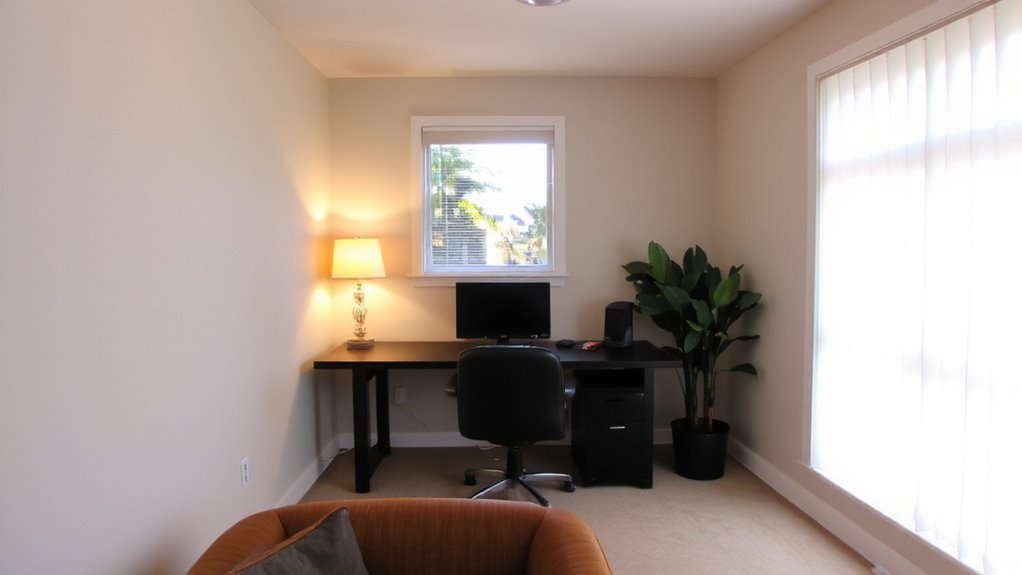
A well-designed layered lighting setup can cut eye strain by balancing ambient, task, and accent light where you need it most. You’ll want ambient lighting to provide soft, even coverage-think ceiling panels or indirect wall sconces-to prevent harsh contrasts. Then, add focused task lighting like an adjustable desk lamp with a 3000–5000K CCT range for clear visibility without glare. Position the task light to the side of your monitor to avoid reflections. Layering helps maintain comfortable brightness levels, especially during long work sessions. But don’t overdo it-too many light sources create clutter and glare. While quality fixtures from reputable brands often offer better beam control and dimming, cheaper models may flicker or lack durability. Test lighting at eye level and adjust as needed, since poor setup can worsen strain instead of reducing it. Students benefit significantly from ergonomically sound options, such as top desk lamps for students, which are designed to support prolonged study sessions with optimal brightness and adjustability.
Match Light Color to Your Body’s Clock
Since your body’s natural rhythm responds strongly to light temperature, tuning your workspace lighting to match your circadian cycle can boost alertness during the day and improve sleep at night. Your circadian rhythm thrives on consistent cues, and color temperature is a powerful one. Aim for cooler, blue-enriched light (5000K–6500K) in the morning and afternoon to mimic daylight and support focus. These levels sharpen attention but can disrupt sleep if used at night. Switch to warmer tones (2700K–3500K) in the evening to signal winding down. Many adjustable LED bulbs and smart lamps offer this range, though color accuracy varies-check CRI ratings (90+ is ideal). While tunable lights add flexibility, they’re not essential; simple manual swaps work if consistency is maintained. Results depend on timing and exposure duration, not just the fixture.
Aim Lamps Where Your Eyes Naturally Look
Position your desk lamps to align with your natural line of sight-typically just above and slightly in front of where your eyes focus during work. Proper lamp direction reduces glare and eye strain by ensuring light falls where you need it most. Aim the beam just in front of your monitor or workspace, not directly into your eyes or behind you. This keeps illumination at eye level without casting harsh shadows. Use adjustable arms or swivel heads to fine-tune positioning-especially with task lamps under 400 lumens. If your lamp lacks directional control, you’ll likely struggle with consistency. While many modern LED lamps offer flexible joints and dimming, don’t assume all designs suit every desk. Measure your setup: ideal height is usually 16–24 inches from surface to bulb, depending on eye level and posture. Poor alignment can undo even the best ergonomic chair or standing desk.
Adjust Brightness Through the Workday
You’ll want to tweak your lamp’s brightness as daylight shifts or screens glare grows-static lighting rarely matches your eyes’ changing needs. Good brightness control reduces eye strain and supports focus without over-illumination. Opt for lamps with adaptive lighting features, like dimmable LEDs or sensors that adjust to ambient light. These let you maintain ideal contrast between your screen and surroundings.
| Time of Day | Light Level (lux) | Recommended Brightness |
|---|---|---|
| Morning | 300–500 | Medium-high |
| Midday | 500+ | Medium (avoid glare) |
| Afternoon | 300–400 | Medium |
| Evening | <300 | Low to soft |
Adaptive lighting works best when paired with manual overrides-fully automatic modes can misjudge your actual needs. Look for models with memory settings and a CRI >90 for color accuracy. Don’t rely solely on software-based adjustments; built-in brightness control offers more reliability.
On a final note
You’ll get the best results by aligning task lighting with your screen height and desk depth-position an adjustable LED lamp 12–18 inches in front to cut glare. Layer with ambient overhead light at 300–500 lux to reduce eye strain. Use warm-white bulbs (2700–3000K) at night; cooler tones (5000K) boost focus by day. Always dim lights when natural light increases. No single setup fits all-test angles, adjust arms, and expect minor tweaks weekly.