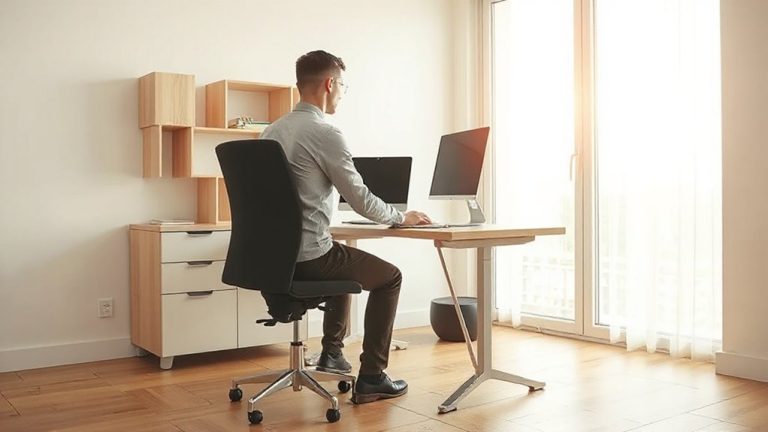
How to Arrange a Standing Desk Against a Wall to Maximize Open Floor Space
Place your standing desk against a wall with built-in outlets to cut clutter and free floor space, ensuring 30–36 inches of front clearance for movement. Mount monitor arms and shelves at 38–42 inches for better ergonomics and surface efficiency. Secure all hardware into wall studs-never just drywall anchors-for safety with heavy loads. Use plastic raceways, not just adhesive clips, for lasting cable control. Set desk height so your elbows bend at 90 degrees and screen tilts back 10–20 degrees; dual-motor lifts help. There’s more to get right for long-term comfort and function.
Notable Insights
- Choose a wall with built-in outlets to eliminate the need for extension cords and reduce floor clutter.
- Position the desk at least 30 inches from adjacent furniture or walls to maintain open floor space.
- Mount monitor arms or shelves to free up desk surface area and keep the floor clear of equipment.
- Use wall-mounted cable trays or raceways to route cords vertically and avoid tripping hazards.
- Set desk height so elbows are at 90 degrees when typing, ensuring ergonomic use without sacrificing space.
Pick a Wall With Power and Clear Space
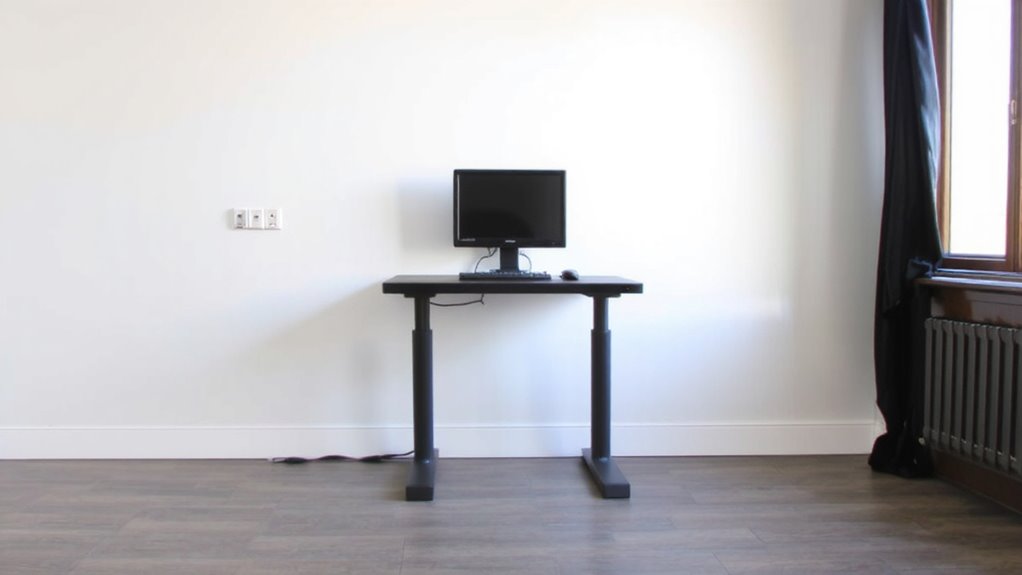
While you might be tempted to place your standing desk wherever it fits, choosing a wall with built-in power outlets and at least 30 inches of clear horizontal space makes setup smoother and functionality more reliable. Prioritize power access to avoid exposed extension cords, which create tripping hazards and clutter. A built-in outlet lets you plug in monitors, laptops, and peripherals without snaking cords across the floor. The clear zone guarantees enough room for your desk, keyboard, and monitor setup without crowding walls or furniture. Most L-shaped or standard desks need at least 30 to 60 inches depending on size, so measure before committing. Wall studs can limit outlet placement, so check behind baseboards. While built-in USB ports seem convenient, they often deliver slower charging-reliable power access via standard outlets remains essential. If no wall offers both power and space, consider a floor outlet kit, though installation may require professional help. You can also mount a best whiteboards solution on the wall to maximize productivity and space efficiency.
Position Your Standing Desk for Easy Movement
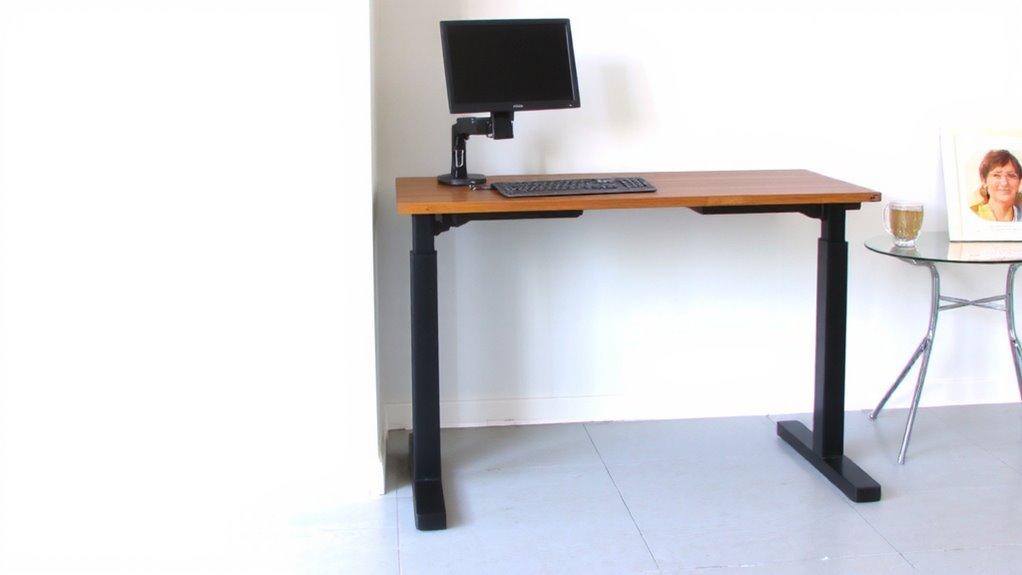
For smooth daily use, set your standing desk at least 30 inches away from surrounding furniture or walls to allow room for movement and position changes. This spacing supports proper ergonomic posture, giving you space to shift weight or stretch without bumping into obstacles. Good cable management is essential-keep cords secured and out of walkways to prevent tripping and maintain clean lines. Choosing one of the top standing desk converters can further enhance flexibility and comfort in tight spaces.
| Feature | Recommended |
|---|---|
| Clearance in front of desk | 30–36 inches |
| Legroom width | At least 20 inches |
| Cable tray use | Highly advised |
| Floor space kept free | For easy shifts |
While more space improves comfort, tight rooms may require compromise. Just make sure cords stay contained and your posture isn’t restricted.
Install Wall-Mounted Shelves and Monitor Arms
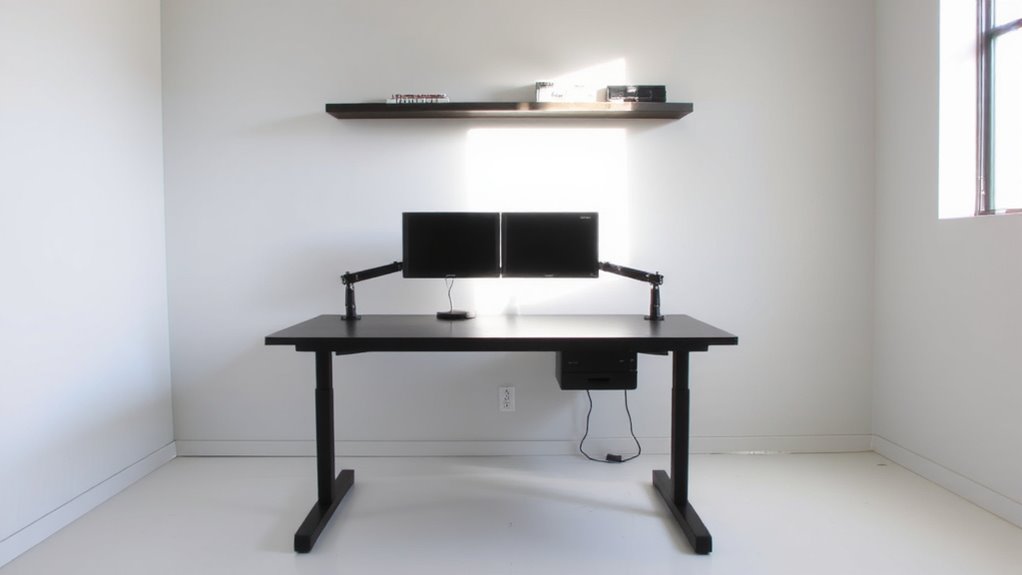
Wall-mounted shelves and monitor arms can transform your standing desk setup by freeing up surface space and improving ergonomics-provided you install them correctly. You get better space optimization by moving monitors and supplies off the desk, but only if hardware matches your wall type and gear weight. Use a stud finder; anchors in drywall fail under prolonged stress. A VESA-compatible monitor arm adjusts height and tilt for proper ergonomic alignment-your eyes should level with the top third of the screen. Look for arms with gas-spring mechanisms and 360° rotation for flexibility. Wall shelves should sit just above desk height (around 38–42 inches) to avoid reaching. Metal brackets with at least 50-pound load ratings guarantee long-term stability. Cheap arms wobble and wear out fast-expect to spend $60–$120 for reliable models backed by 3–5 year warranties. For the best performance and durability, choose from the best monitor arms recommended for ergonomic workspaces.
Route Cables Cleanly With Clips or Raceways
Since tangled cables can undermine even the most ergonomic standing desk setup, using cable clips or raceways is one of the simplest ways to keep your workspace looking sharp and functioning safely-just don’t assume all options are equally durable or easy to install. Good cable management isn’t just about looks; it reduces tripping hazards and makes adjustments smoother. Adhesive-backed clips work well for light cord organization and cost under $10, but they can peel over time, especially in humid rooms. For a sturdier solution, plastic raceways mounted with screws hold more cables and stay put, though drilling into the wall is required. Choose low-profile models (around 0.75 inches thick) to stay unobtrusive. Test adhesives on a small area first, and read manufacturer warranties-some offer 3–5 year guarantees. Proper cord organization saves time and keeps your focus where it belongs: on your work.
Set Your Standing Desk Height and Tilt Right
You’ve got your cables sorted and the workspace looking clean, so now it’s time to fine-tune how the desk feels when you’re using it. Set your standing desk height so your elbows bend at 90 degrees when typing-this supports proper ergonomic posture and reduces strain. If you’re taller or shorter than average, adjust accordingly; many desks offer height ranges between 28 to 48 inches, which covers most users. Tilt your screen 10–20 degrees back for ideal screen alignment, keeping the top line of text at or slightly below eye level. This minimizes neck fatigue during long sessions. Desk motors matter too-dual-motor lifts adjust more smoothly and handle uneven weight better. But remember, even the best setup won’t help if you don’t take short sitting breaks. Standing all day risks circulation issues, so alternate positions throughout the day.
On a final note
Stick your standing desk flat against a wall to free up floor space-it works best in tight rooms. Make sure the spot has power nearby and allows comfortable movement in front. Use a monitor arm and wall shelves to keep surfaces clear. Run cables through adhesive clips or a slim raceway to avoid tangles. Set the desk height so your elbows sit at 90 degrees when typing, and consider a slight tilt for wrist comfort. Just remember: wall placement limits rear access to ports and cables, so plan connections early.