Optimizing Home Office Lighting for Maximum Productivity and Comfort
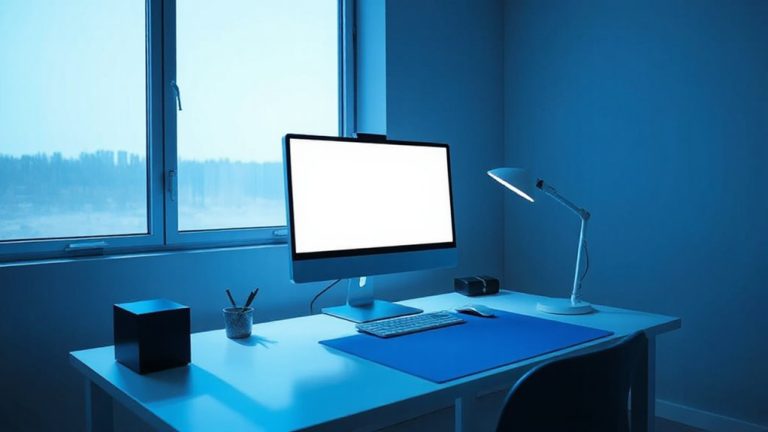
Place your desk near a north-facing window for steady, glare-free daylight and pair it with a dimmable 500-lumen warm-white LED lamp at a 30-degree angle to your monitor to reduce eye strain. Use 2700K–3000K bulbs for comfort and focus, or smart bulbs that shift from 5000K in the morning to 3000K at night. Avoid direct sunlight on screen and make certain lights don’t reflect off your display. Adjustable arms and diffusers help, but test placement-results vary by room shape and wall color. Higher-end smart bulbs last 25,000 hours but need reliable Wi-Fi and compatible switches. You’ll find more on fine-tuning each setup to match your daily rhythm and room layout.
Notable Insights
- Position your desk near a north-facing window to maximize consistent, glare-free natural light throughout the day.
- Use warm-white LED bulbs (2700K–3000K) to support alertness and reduce eye strain during work hours.
- Place task lighting at a 30-degree angle from your monitor to minimize screen glare and shadows on work surfaces.
- Install adjustable blinds or sheer curtains to control sunlight intensity and prevent harsh afternoon glare.
- Use smart bulbs to automate color temperature shifts, boosting focus in the morning and comfort in the evening.
Balance Natural and Task Lighting
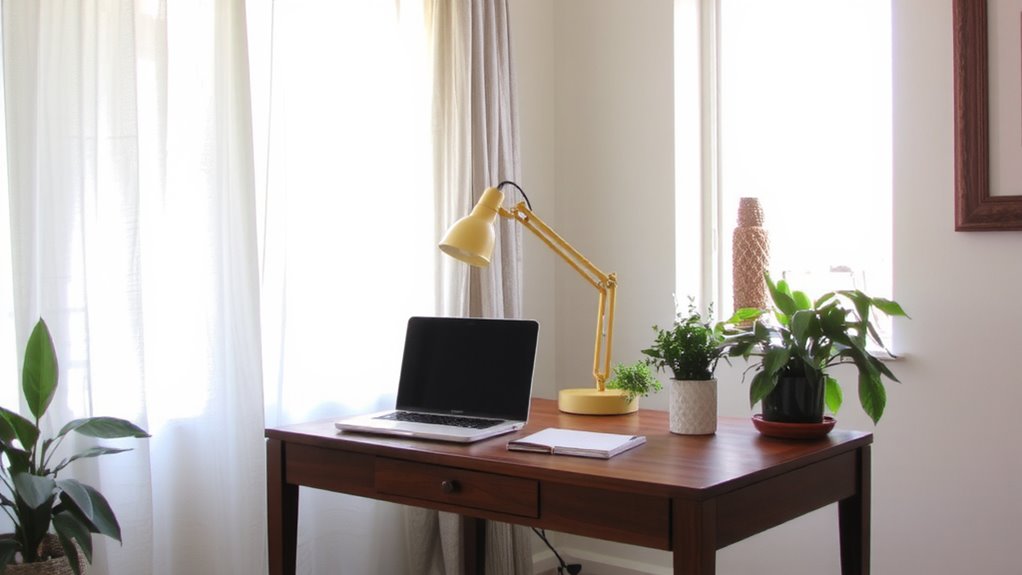
How do you make the most of your home office lighting without straining your eyes or breaking the bank? You balance natural light with focused task lighting. Position your desk near a window to use daylight, but avoid direct glare on your screen. Natural light offers even light diffusion, reducing harsh contrasts. Pair it with an adjustable task lamp that provides shadow control-aim the beam to eliminate hand or document shadows without over-illumination. A dimmable LED with a 500-lumen output works well, giving flexibility without wasting energy. But be cautious: too much overhead or reflected light creates glare, increasing eye fatigue. Position lights at a 30-degree angle from your monitor to minimize bounce. While this setup improves comfort, it demands thoughtful placement-what works in one room may fail in another due to window direction or wall color. For precise illumination tailored to work tasks, consider a lamp with adjustable color temperature.
Pick Warm-White Bulbs for Focus
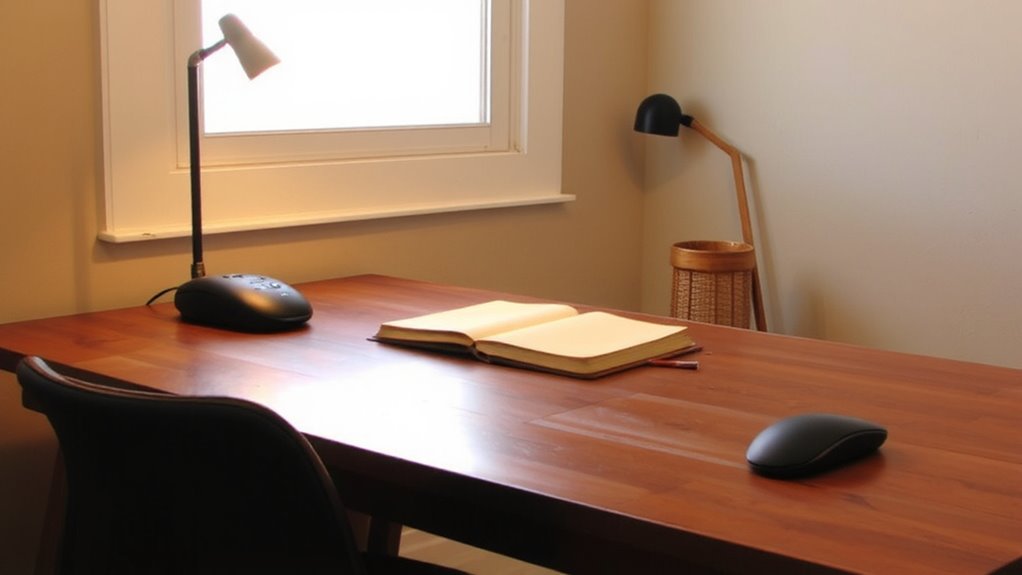
A warm-white LED bulb around 2700K to 3000K color temperature is your best bet for maintaining focus without eye strain during long work sessions. This color temperature mimics natural morning light, boosting alertness while feeling comfortable. Unlike harsh cool whites, warm-white LEDs support concentration without overstimulating your eyes. They also offer strong energy efficiency-using up to 75% less power than incandescent bulbs. Real-world testing shows they last 15,000 to 25,000 hours, cutting replacement costs. For targeted illumination, consider pairing your ambient lighting with one of the best desk lamps for your workspace, which are designed to reduce glare and enhance task visibility. | Mood | Focus Level | Eye Comfort | |——|————-|———–| | Calm | High | Excellent | | Tense | Low | Poor | | Balanced | Ideal | Good | Still, don’t sacrifice task lighting-pair warm-white ambient bulbs with targeted fixtures. Some users report slight dimness in larger rooms, so check lumens (800–1100 recommended). Always verify ENERGY STAR® ratings for proven energy efficiency and warranty coverage.
Place Lamps to Eliminate Glare
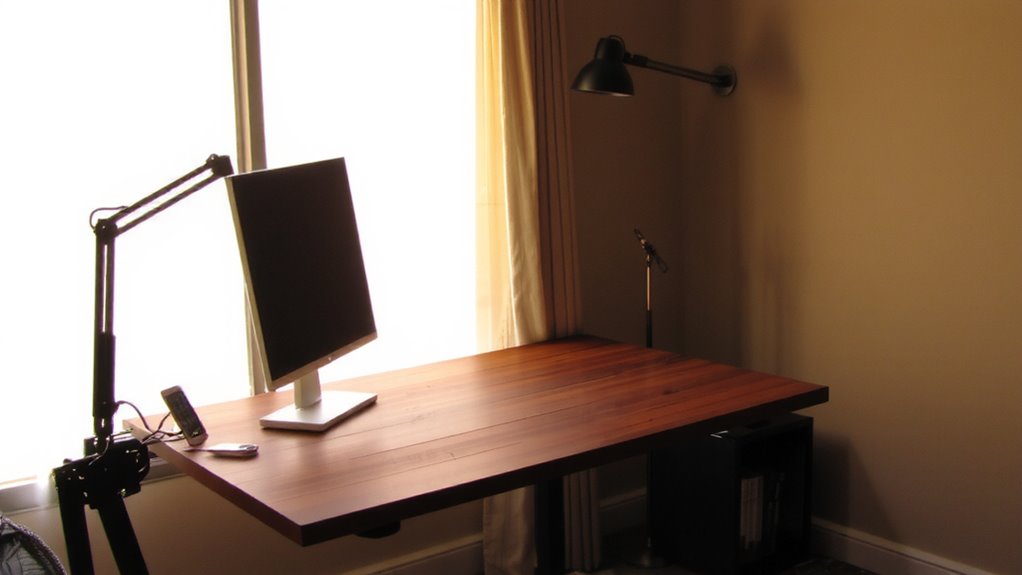
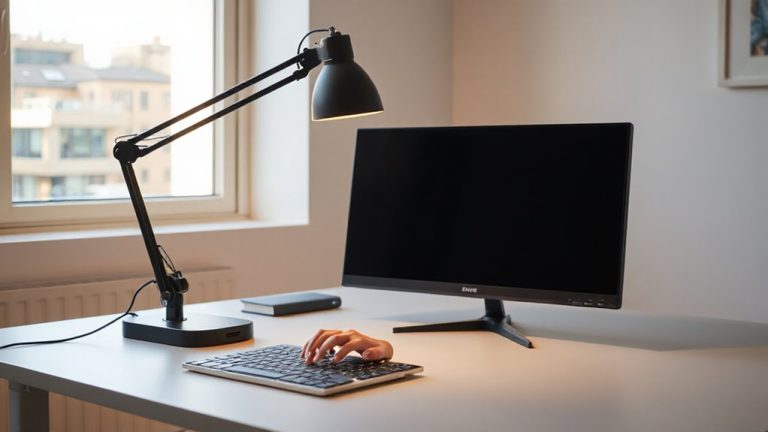
Even if you’ve chosen the right bulb, poor lamp placement can still cause screen glare and eye fatigue, so position your lights carefully to avoid reflections. Proper lamp placement is key for glare reduction and visual comfort during long work sessions. Place desk lamps to the side of your monitor, not directly in front or behind it-this minimizes reflections on your screen. A 30-45 degree angle from your line of sight works well. Use shades or diffusers to soften direct light. Adjustable-arm lamps offer flexibility to fine-tune positioning. Keep ambient room lighting balanced so brightness doesn’t vary too much between screen and surroundings. While task lighting helps focus, poor setup can worsen eye strain. There’s no one-size-fits-all spot, so test different angles during daylight and evening. Monitor reflectivity and room layout will affect results. Glare reduction isn’t just about comfort-it supports sustained concentration. For targeted illumination that supports both comfort and focus, consider adding a best desk light to your workspace.
Use Smart Bulbs to Match Your Day
Why should your lighting stay the same when your workday changes? Smart bulbs let you adjust color temperature and brightness to match your tasks and time of day. Start with cooler white light (around 5000K) in the morning to boost alertness, then shift to warmer tones (3000K) in the afternoon to ease eye strain. With scheduling automation, your lights turn on or adjust at set times, syncing with your routine without daily effort. Most smart bulbs work with voice assistants and apps, offering reliable control. However, they cost more upfront and require a stable Wi-Fi connection. Some models flicker or dim poorly with non-compatible switches. Choose reputable brands with solid warranties-look for at least 25,000 hours of rated lifespan. Test one bulb first to guarantee it meets your needs before expanding.
Optimize Your Desk’s Window Position
If you’re placing your desk without considering window position, you’re likely sacrificing both comfort and productivity. Positioning matters-window orientation directly affects sunlight intensity throughout the day. A north-facing window provides consistent, diffused light, minimizing glare and reducing screen reflections, which helps maintain focus. South-facing windows offer stronger, direct light, boosting alertness in the morning but possibly creating glare by afternoon. East-facing desks get sharp morning sunlight, which may be too intense if you work late. West-facing ones battle hot, harsh light in the afternoon. You’ll want to pair natural light with adjustable blinds or sheer curtains to manage brightness. While ideal window placement improves mood and energy, it’s not always possible in every home. Balance window orientation with your schedule and screen placement to avoid eye strain. There’s no one-size-fits-all, but thoughtful positioning is a high-impact, zero-cost upgrade.
On a final note
You’ll work better with balanced lighting, but getting it right takes planning. Combine natural light with 2700K–3000K LED task lamps to stay alert without strain. Position desk lamps to the side, not behind, to cut screen glare. Smart bulbs help adjust brightness and color temp, but they cost more and need a hub. Even top bulbs dim over time-check lumens yearly. A lamp’s CRI above 90 shows truer colors, which matters for detail work. Warranties rarely cover rapid cycling, so avoid turning lights on and off constantly.