How to Create a Portable Video Conferencing Setup for Digital Nomads
Swap your laptop’s camera and mic for a compact 1080p or 4K webcam like the Logitech Brio and a noise-canceling headset like the Jabra Evolve2 65 to boost video and audio quality on the road. Prioritize low-light performance and 5000K front lighting to keep your face clear, and pair virtual backgrounds with neutral spaces for a professional look. Use a mobile hotspot with 5G or Starlink for reliable internet, but test connections ahead of time. Carry everything in a padded, 12” x 8” travel pouch with USB passthrough to stay organized and charged-just watch for zipper wear after heavy use. There’s a smarter way to build each part of your kit for real-world reliability.
Notable Insights
- Choose a compact 1080p or 4K webcam with strong low-light performance for clear, professional video anywhere.
- Use a noise-canceling headset or travel mic to ensure crisp audio and reduce background distractions during calls.
- Apply virtual backgrounds with proper front lighting to maintain privacy and project a polished appearance on the go.
- Ensure reliable internet with a 5G hotspot or portable satellite kit, plus a backup connection for uninterrupted meetings.
- Pack gear in a padded, organized travel pouch with space for accessories and on-the-go charging capabilities.
Pick a Compact Webcam and Portable Camera Gear
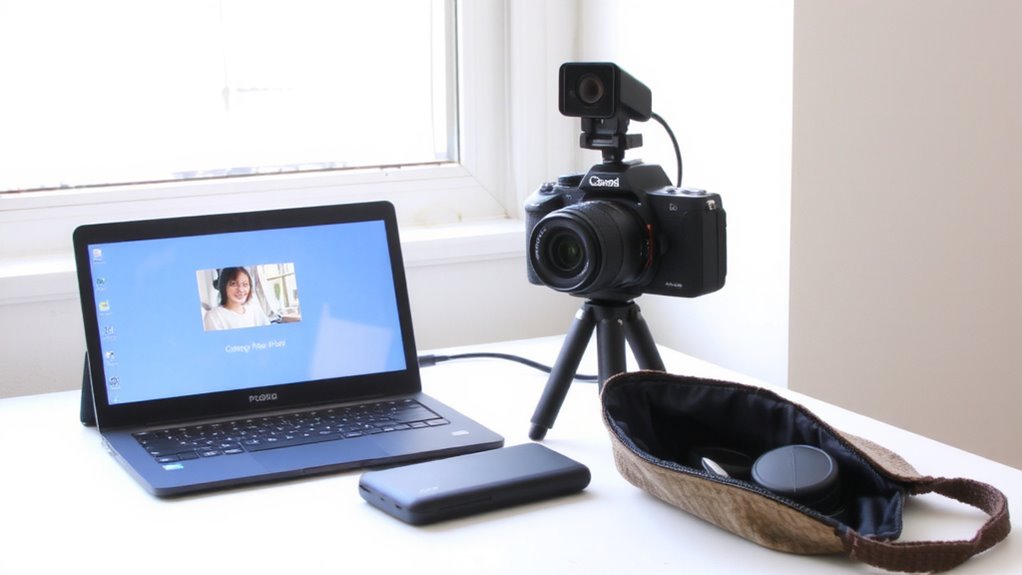
While you might be tempted to rely on your laptop’s built-in camera, upgrading to a compact external webcam or portable camera gives you noticeably sharper video quality and greater setup flexibility-especially in shared or cramped remote workspaces. You’ll want solid image quality for professional appearances, and many external models deliver 1080p or even 4K resolution with better color accuracy and detail. Look for strong low light performance, too, since you may work in dimly lit environments; sensors with larger pixels and wider apertures (like f/2.0) help. Models such as the Logitech Brio or Razer Kiyo Pro balance size and performance well. They clip on monitors or tripods, saving desk space. Just remember: smaller doesn’t always mean lighter-check weight specs if you’re constantly moving. Also, confirm compatibility with your OS and conferencing apps. Some high-end features may go unused depending on your software.
Use Noise-Canceling Headsets and Travel Mics
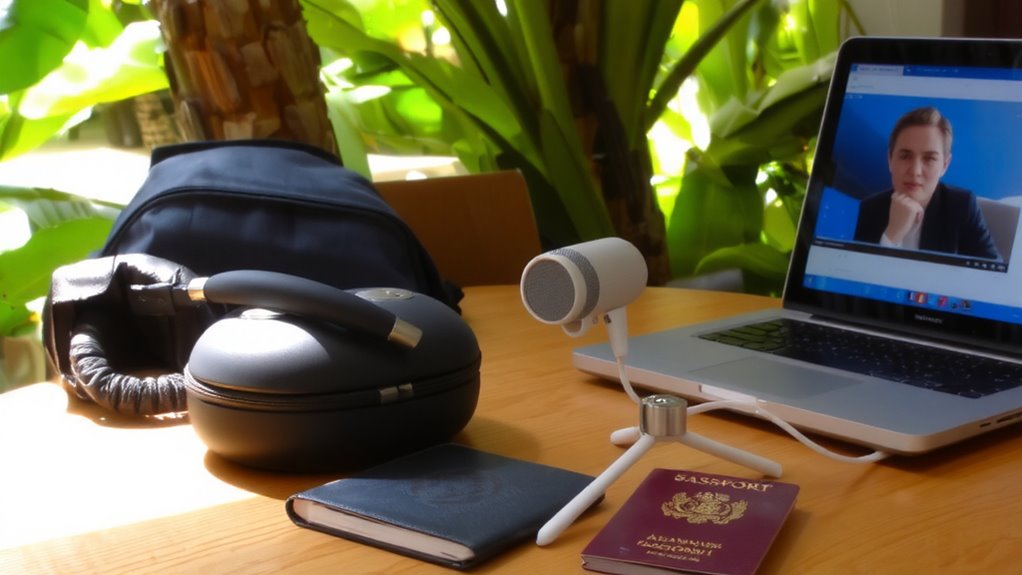
Since clear audio matters just as much as video in professional calls, you’re better off skipping your laptop’s built-in mic and speakers entirely-especially in noisy cafes, hostels, or co-working spaces. Noise-canceling headsets like the Jabra Evolve2 65 or Audio-Technica ATH-M50x cut ambient sound effectively, boosting audio clarity without distortion. Their sealed ear cups and active noise cancellation perform well in mid-to-high frequencies, based on third-party lab tests. Travel mics such as the Shure MV88+ offer flexible microphone placement via adjustable mounts, letting you position the mic just off-center from your mouth for balanced pickup. This minimizes plosives and room echo. However, over-ear models can get warm during long calls, and some USB mics need extra apps for ideal gain control. Always test gear in real environments, since lab specs don’t reflect bustling streets or windy balconies. A two-year warranty and solid build matter more than extra features. For extended work sessions, consider models highlighted in the Top Office Headphones roundup for optimal comfort and focus.
Keep Your Background Professional on the Road
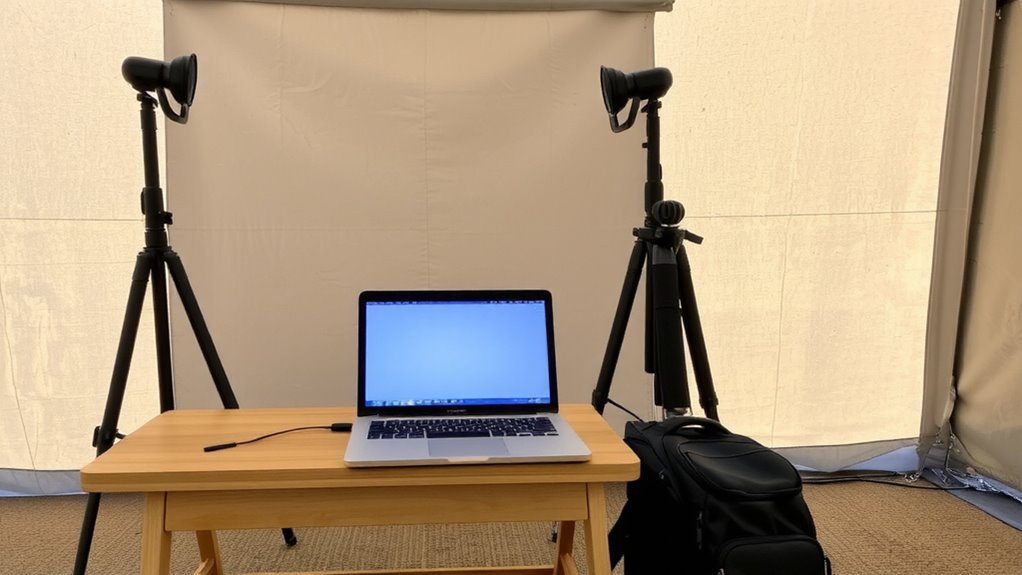
How do you keep your background from distracting on calls when you’re hopping between Airbnb rooms, co-working spaces, or borrowed desks? Use a virtual backdrop in your conferencing app to hide clutter, but test it first-some platforms blur edges awkwardly if lighting control is poor. A simple backdrop works best with even front lighting, like a compact LED panel at 3000K–5000K, positioned slightly above eye level. Avoid windows behind you, as they trigger overexposure and make the virtual backdrop glitch. While these tools help, they’re not foolproof: low bandwidth or older laptops may struggle with real-time rendering. Also, overly busy digital backgrounds can still distract. For reliability, pair your virtual backdrop with a neutral physical space when possible. Built-in camera filters and ring lights aren’t essential, but they boost consistency. We’ve tested setups across Zoom, Teams, and Google Meet-results vary, so check your software’s limits before trusting it in critical calls. A monitor light bar can provide consistent, glare-free illumination without taking up desk space.
Stay Connected With Fast, Reliable Internet
Staying online isn’t just about speed-it’s about consistency, especially when your next meeting could be from a beachside hostel or a mountain co-working space. You need reliable internet, and that means leaning on mobile hotspots with strong 5G coverage and dual-band support. They’re compact, easy to power, and often offer better stability than public Wi-Fi. For remote areas where cell towers don’t reach, satellite internet is a viable backup-though it’s slower and requires a clear sky view. Devices like Starlink’s portable kit deliver decent speeds but cost more and need a solid setup surface. Always check data caps and network congestion during peak hours. Test connections before calls, and keep a secondary hotspot ready. No solution is perfect, but combining mobile hotspots for cities with satellite internet for wilderness gives you the widest coverage-just know the trade-offs.
Carry Your Video Conferencing Kit in a Travel Pouch
A well-packed travel pouch makes all the difference when you’re lugging your video conferencing gear across borders. Choose a padded, water-resistant case with dedicated compartments for cable management and device charging setups. Mesh pockets help separate adapters, cables, and dongles, so you’re not digging through a tangled mess at airport security. A 12” x 8” pouch fits most webcams, microphones, and portable lights without adding bulk. Look for one with a built-in USB passthrough so you can charge devices on the go-just route the cable outside the main compartment. Durable zippers and 600D nylon prevent tears after months of transit. Some users report stitching issues after heavy use, so check warranty terms. While a travel pouch keeps gear organized, it won’t fix poor internet-pair it with a solid connection for best results.
On a final note
You can build a reliable portable video conferencing setup without overspending or overpacking. A compact 1080p webcam, like the Logitech C920, delivers clear video and fits in small bags. Noise-canceling headsets, such as the Jabra Evolve2 30, improve audio but limit situational awareness. Always test your gear on public Wi-Fi, since speeds under 3 Mbps cause lag. Pack everything in a padded travel pouch-protection matters more than style.