How to Label Cables With Installation Date for Rotation Scheduling
Label every cable with its installation date using heat-shrink or durable vinyl labels the moment you install it. Heat-shrink holds up best-resisting UV, moisture, and abrasion for over 10 years-while printed dates stay legible with fade-resistant ink. Pair dates with color coding by system type to avoid mistakes. Rotate high-use cables like USB-C or Ethernet every 18–24 months, inspecting for fraying or stiff connectors. Check labels every three months, replacing damaged ones with UV-protected tape. Use digital logs backed to cloud and local storage to track history-keeping replacements ahead of failure means fewer surprises later.
Notable Insights
- Label each cable with its installation date using heat-shrink or durable write-on tags near the connector.
- Use fade-resistant ink and UV-resistant materials to ensure labels remain legible for years.
- Apply color-coded labels by system or function to simplify identification and rotation scheduling.
- Track cable age digitally and inspect every 3 months to maintain accurate rotation timelines.
- Replace cables every 18–24 months or sooner if fraying, stiffness, or signal issues appear.
Start by Tracking Installation Dates
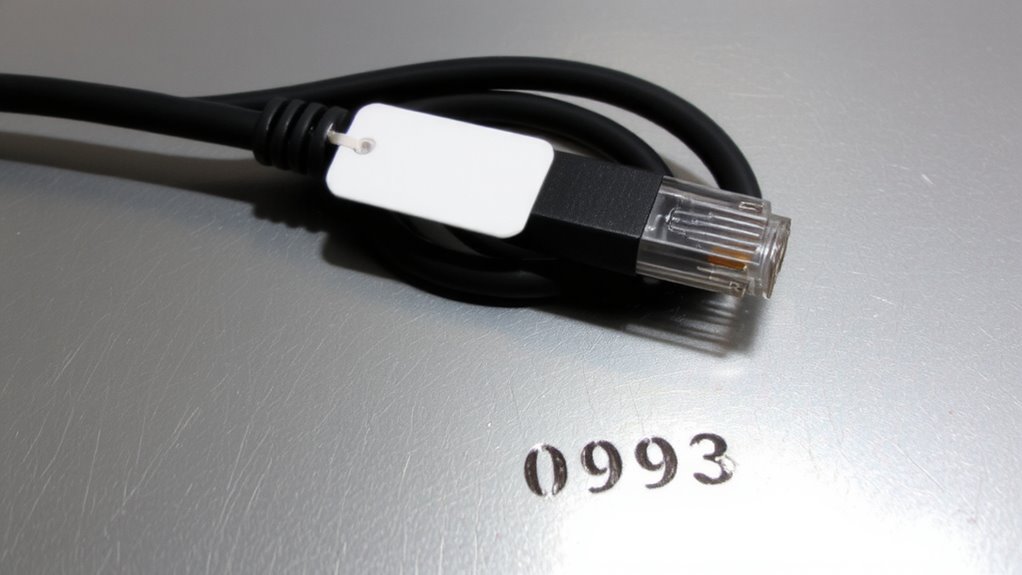
One straightforward step you can take right away is labeling each cable with its installation date-this small habit makes future rotation scheduling far more reliable. You’ll build an accurate cable inventory over time, which simplifies maintenance and replacements. Age tracking helps you spot weak points before failure, especially important for frequently used charging cables or Ethernet lines. Most cables last 2–5 years under regular use, but without dates, it’s guesswork. Labeling lets you rotate older units proactively. Just use a write-on tag or heat shrink label near the connector. Avoid adhesive stickers that peel. While this adds a minute per cable initially, it saves hours later troubleshooting or replacing too soon. Note that extreme temperatures or bending can shorten lifespans, so date labels aren’t foolproof-pair them with occasional visual checks. Overall, this method works best when applied consistently across all devices. For optimal results, consider using one of the best cable management solutions such as Top Cable Management Solutions to keep labeled cables organized and accessible.
Pick Labels That Show Installation Dates
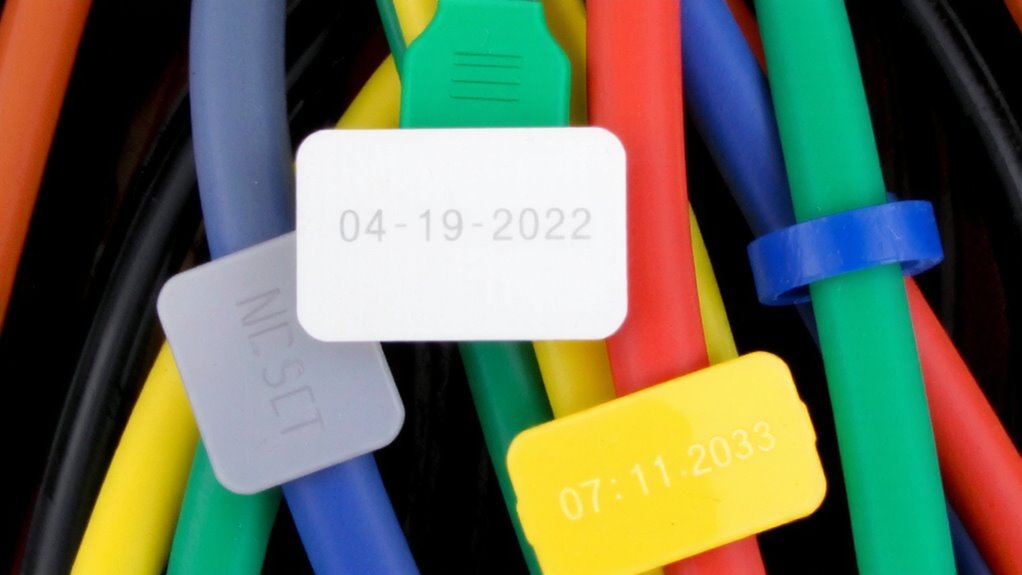
A durable, readable label makes all the difference when tracking cable lifespans, and your best bet is a heat-shrink label with the installation date printed clearly. These sleeves offer superior material durability, resisting UV exposure, moisture, and abrasion far better than vinyl or paper tags. Heat activation guarantees strong label adhesion, creating a snug, permanent bond that won’t peel or slip over time. Unlike adhesive stickers that yellow or crack, heat-shrink labels maintain legibility for years-even in high-traffic or industrial environments. They’re also resistant to chemicals and temperature swings, tested to last over 10 years in real-world conditions. Just be certain to use a quality label printer with fade-resistant ink to preserve date clarity. Keep in mind: the initial setup costs more than basic tags, but the long-term reliability and accuracy in rotation schedules make up for it. Choose pre-sized tubes for quicker application.
Label Cables Clearly at Installation
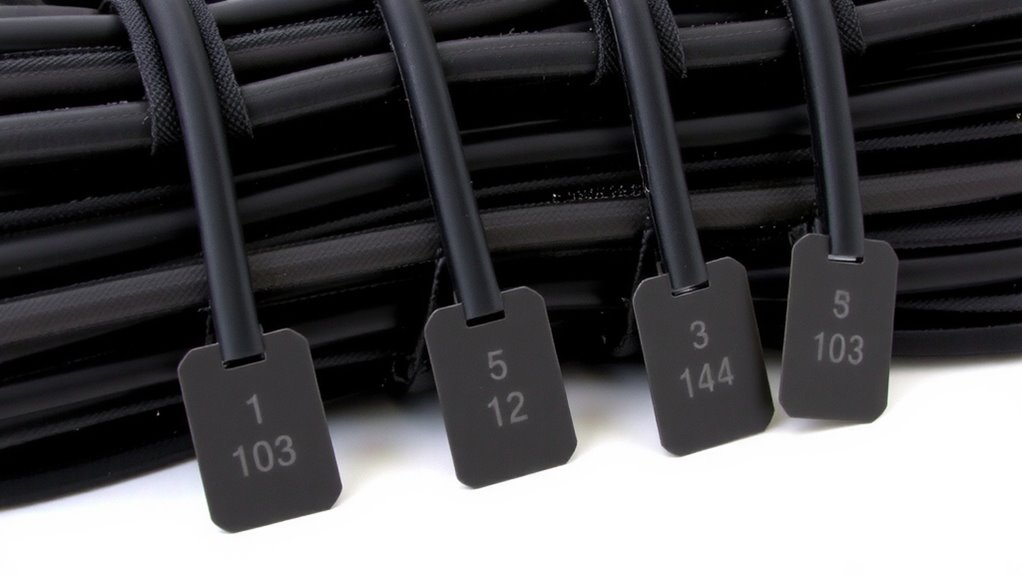
You should label every cable with clear, permanent markings the moment you install it-don’t wait, since waiting means details get forgotten and labels end up inconsistent. Use printed labels that include the installation date and leverage cable color coding to group by system or function, making future audits faster. Guarantee your labels have strong adhesive durability, especially in environments with fluctuating temperature or humidity, so they stay affixed for years. Vinyl or polyester labels with acrylic adhesive typically outlast cheaper options in real-world testing. While color coding speeds up identification, don’t rely on it alone-fading can occur over time, especially under direct light. Pair it with printed text for reliability. Choose label printers with smudge- and moisture-resistant output, and test adhesion on a small section first. Poor adhesive durability defeats clear labeling, so prioritize tested, industrial-grade solutions-even if they cost slightly more. For consistent, professional results, consider using a best buy label maker that meets your specific durability and print-quality requirements.
Rotate Cables Based on Age
When it comes to maintaining reliable cable performance over time, rotating them based on age isn’t just smart-it’s essential for avoiding unexpected failures. You should conduct regular cable inspection and use age analysis to determine when replacements are due, especially for high-use USB-C or Ethernet cables. Prioritize rotation every 18–24 months, depending on wear. Below is a guide to help you decide:
| Age (Months) | Condition | Action |
|---|---|---|
| 0–12 | Like new, no fraying | Monitor |
| 13–24 | Minor wear, stiff connectors | Plan rotation |
| 25+ | Fraying, intermittent signals | Replace now |
Age analysis prevents downtime, but remember: frequent bending or exposure to heat shortens lifespan. Rotate proactively, not just when cables fail. Some premium cables list warranty periods-use that as a benchmark. While rotation takes effort, it pays off in reliability. High-quality cable ties can help keep labeled, age-tracked cables neatly organized and prevent strain that accelerates wear.
Check and Update Labels Regularly
Regularly checking and updating cable labels isn’t just routine maintenance-it’s a critical step in keeping your rotation schedule accurate and effective. You should set a clear inspection frequency, like every three months, to catch any wear before it impacts tracking. Label durability varies-vinyl or polyester tags last longer than paper, especially in high-traffic or industrial settings. Over time, friction, sunlight, and temperature shifts can degrade even strong materials. That’s why routine checks help you verify dates remain legible and correctly aligned with current inventory. Don’t assume a label that survived six months will last a year. Update labels immediately when cables are reused or repurposed. Skipping updates risks misalignment in rotation cycles, which undermines the whole system. While durable labels reduce long-term effort, no solution is permanent-consistent oversight is still essential.
Fix Faded Labels and Tracking Gaps
What happens when your cable labels start to fade or tracking logs go missing? You risk misidentifying cables during rotation, which can mess up your schedule and create downtime. Immediate label restoration keeps things clear-use weather-resistant label makers with UV-protected tape to prevent future fading. For tracking gaps, rely on digital tracking software that logs installation dates, locations, and service history. Sync it across devices so updates happen in real time. While software reduces manual errors, always back up logs in two places-cloud and local storage-to guard against tech failures. Label restoration isn’t just cosmetic; it’s part of accurate tracking. Don’t trust handwriting or sticky labels-they peel and smudge. Choose tools that last under standard office lighting and handling, not just premium claims. Test a few rolls of label stock and software integrations first. Real-world durability matters more than features.
On a final note
Labeling cables with installation dates works well for rotation, especially in busy setups. It helps spot aging Ethernet cords or power adapters before they fail. Use weather-resistant labels with printed dates for clarity. Check them every six months since labels fade. Rotation cuts downtime, but it only works if you log installations right away. Skipping updates ruins the system. No product lasts forever-even top-tier cables wear out.