How to Monitor Cable Bends for Stress Fractures Near Device Ports
Check your cables near the ports every few weeks, since bends within 2 inches are most prone to stress fractures. Look for fraying, kinks, or discoloration-these signal internal damage or heat exposure. Use a flexible borescope if visibility is poor, but avoid over-probing. Keep bends gentle, at least 1.5 times the cable’s diameter, and always unplug by the plug. Velcro ties help maintain safe angles. If stiffness or wire fatigue sets in, replacement beats repair-most cables outlive their bend rating after 5,000 cycles. The signs add up faster than you think.
Notable Insights
- Inspect near device ports regularly for fraying, kinks, or discoloration indicating stress and heat damage.
- Ensure bend radius stays at least 1.5 to 2 times the cable’s outer diameter to prevent material fatigue.
- Use flexible borescopes with LED lighting to visually check hard-to-see areas near connectors for early fractures.
- Monitor for stiffness or poor port alignment, signs of internal wire stress or jacket degradation.
- Replace cables showing conductor fraying or bent connectors to avoid intermittent failure and safety risks.
Check Where Cable Bends Break Most Often
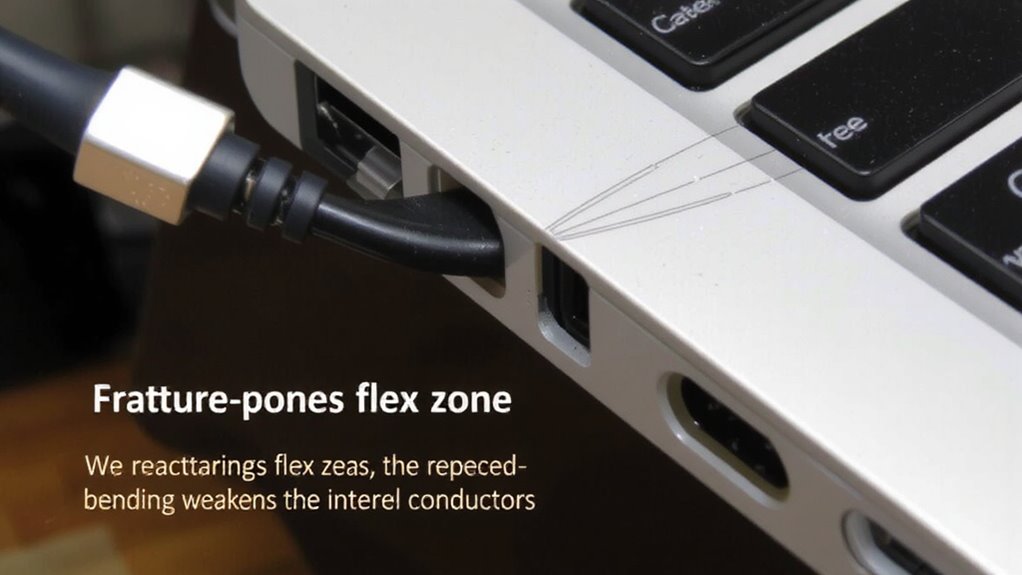
Where do your cables actually fail? Usually near the ends, where stress concentrates during daily use. That’s where bend radius matters most-exceeding it even slightly degrades the cable material over time. You shouldn’t repeatedly fold or tightly wrap cables, especially near connectors, because sharp bends weaken internal conductors. Most manufacturers design with a minimum bend radius of 1.5 to 2 times the cable’s outer diameter-staying within that range reduces fracture risks. You’ll notice longer life in cables with reinforced strain reliefs and flexible jackets like TPU. But don’t assume thicker is better; overly stiff cables can stress ports. Real-world testing shows that consistent gentle curves outperform even high-end cables abused at tight angles. So, route your cables smoothly, avoid pinch points, and support them mid-span when possible. Just remember: respecting bend radius helps, but no cable lasts forever under constant flex. For better long-term organization and reduced strain, consider using cable management solutions that keep wires supported and free from tight bends.
Look for Fraying, Kinks, and Discoloration Near Ports
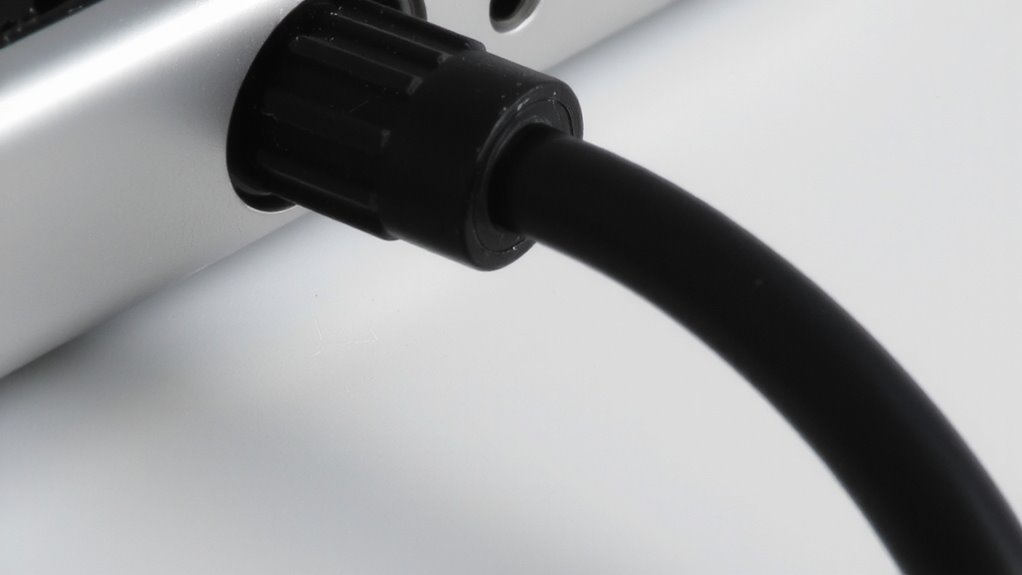
You already know where cables tend to fail-near the ends, where bending stress builds up over time-but now it’s time to inspect those spots more closely. Look for fraying, kinks, and discoloration right where the cable meets the port. These signs mean the cable texture has degraded, often due to poor port alignment or constant flexing. Discoloration suggests heat exposure, while fraying or kinking can disrupt signal transfer and lead to failure. A well-organized workspace using effective cable management solutions can minimize unnecessary strain on cables and extend their lifespan.
| Issue | What It Means |
|---|---|
| Fraying | Outer insulation weakening |
| Kinks | Internal wire stress or breakage |
| Discoloration | Overheating near port |
| Stiff texture | Material fatigue, reduced flexibility |
Address these early. Even well-built cables won’t last if bent sharply. Keep port alignment straight to reduce strain. Simple visual checks save replacements later.
Inspect Cable Bends With the Right Tools
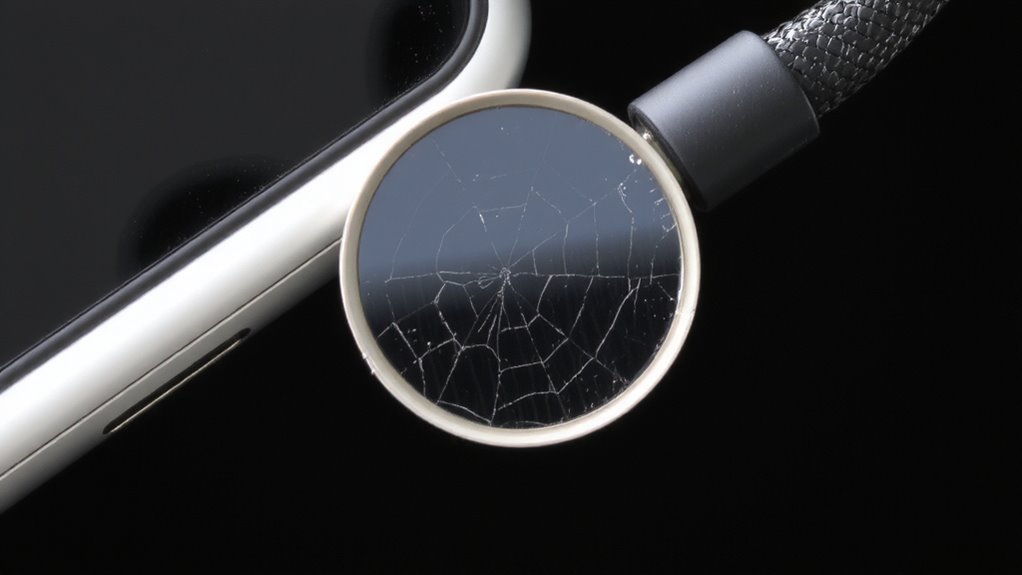
A reliable cable inspection starts with the right tools-no guesswork needed. You’ll want a flexible boreScope with at least 4mm diameter and LED lighting to see tight bends near ports clearly. This helps spot early signs of material fatigue, especially where insulation stiffens or cracks form. Pair it with a tension gauge that measures cable tension in pounds-force (lbf), keeping pulls under 5–10% of the cable’s rated limit to avoid hidden damage. Some models offer calibration certificates for accuracy, which matters if you’re documenting wear over time. While these tools improve detection, they’re not foolproof-tight angles or opaque jackets can block views. Also, excessive probing may worsen existing flaws. Still, regular checks with proper gear catch problems before failures occur. Invest in reputable brands with solid warranties, but remember: tools only help if you use them consistently and correctly.
Stop Damage With Smart Cable Habits
Smart cable habits prevent stress fractures just as effectively as the right inspection tools-sometimes more so. Good cable management and proper strain relief drastically reduce wear near device ports. Avoid tight bends, never yank cables during disconnection, and unplug gently. Coiling with care prevents internal wire damage over time. A well-organized workspace using best cable management solutions can significantly minimize accidental tugs and stress on cables.
| Habit | Benefit | Risk if Ignored |
|---|---|---|
| Use velcro ties | Allows airflow, easy release | Tangles, tension |
| Unplug by the plug, not the cord | Protects port fit | Strain relief failure |
| Avoid sharp bends near ports | Prevents internal wire breaks | Stress fractures |
| Route cables away from foot traffic | Reduces abrasion | Frayed insulation |
| Store loosely coiled | Maintains flexibility | Kinks, weak spots |
These steps help, but consistent application matters most-occasional care won’t offset daily abuse.
Decide Whether to Repair or Replace Your Cable
While some cable damage can be temporarily patched, replacement is often the safer, more cost-effective choice over time-especially for frayed conductors or bent connectors. You’re better off replacing cables showing clear material fatigue, as weakened internal wires increase resistance and risk intermittent failures. A damaged cable loses its natural flexibility, making it prone to further stress fractures near ports. Even if a repair seems to work, it rarely restores original durability. Look for stiff or kinked sections-these signal structural breakdown. Most manufacturers design cables for about 5,000 to 10,000 bend cycles; once you’re near or past that, performance degrades. Replacement guarantees reliable power and data transfer. High-quality cables often come with 12–18 month warranties and pass independent bend testing. Temporary fixes might save a few dollars now, but they cost more in downtime later.
On a final note
You should replace frayed or kinked cables near ports-it’s safer and more reliable than repairing. Reinforced braided sleeves help, but repeated stress often wins. Look for rubber strain reliefs; they reduce bend damage by spreading pressure. Even well-built cables fail over time, so check them monthly. Warranty lengths (like 18–24 months) hint at durability, but real-world use varies. No fix beats good habits: unplug gently, avoid tight bends, and store loosely.