How to Use a Cable Tester to Diagnose Intermittent Connection Issues
Plug your cable into a basic tester and press go to check for intermittent issues in under three minutes. If lights skip, double up, or show shorts, you’ve got broken wires or bad crimps-common culprits behind drops. Rerun the test a few times to catch sporadic faults. Replace frayed cables instead of repairing them; pre-terminated Cat6 with braided shielding lasts longer. Look for gold-plated connectors and a one-year warranty when choosing replacements-smart upgrades that pay off when stability matters. You’ll soon see how small steps prevent bigger problems down the line.
Notable Insights
- Test the cable multiple times to catch intermittent faults that don’t appear consistently.
- Check for flickering or inconsistent LED patterns indicating loose or broken connections.
- Inspect wire shielding and connectors for damage that may cause sporadic signal loss.
- Use a cable tester with fault location detection to identify hidden breaks or shorts.
- Replace suspect cables if testing reveals intermittent issues, as repairs are often unreliable.
Test Your Network Cable in Minutes
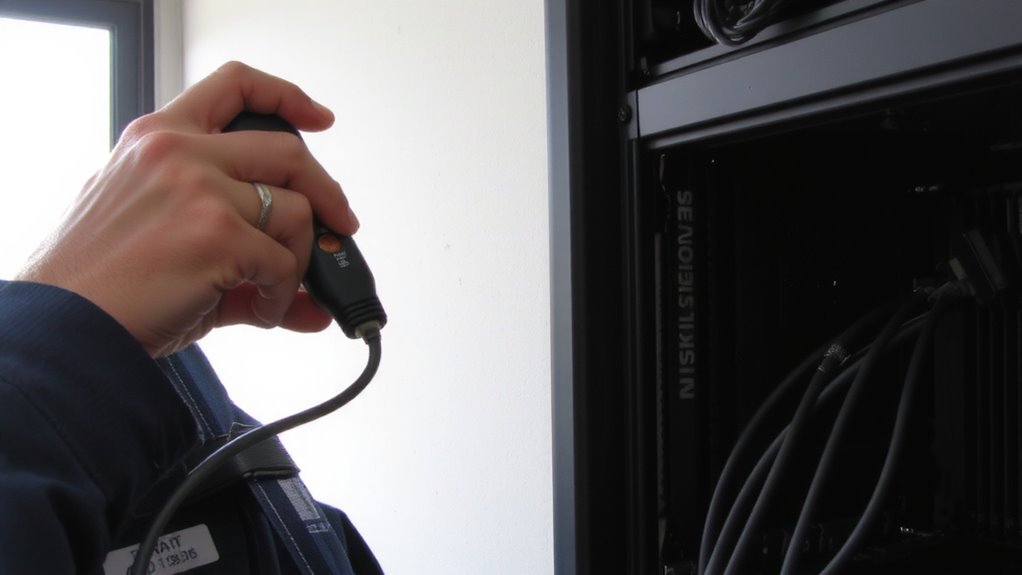
Why risk downtime when a three-minute check could save you hours of troubleshooting? You can test your network cable in minutes using a basic cable tester-just plug in, press go, and read the results. This quick step helps spot broken wires or poor connections before they cause bigger problems. If you’re dealing with slow speeds or drops, signal interference might be the culprit, especially in busy environments. Good cable shielding reduces that noise, keeping your data clean. Look for Cat6 or higher cables with solid braided shielding-they handle interference better than cheap, unshielded ones. Most testers cost under $30 and pay off fast. But don’t assume all cables pass every time; even well-made ones can get damaged over time. Test after installation and every few months, especially if you work in a high-interference area like near power lines or machinery.
Read Cable Tester Results to Find Faults
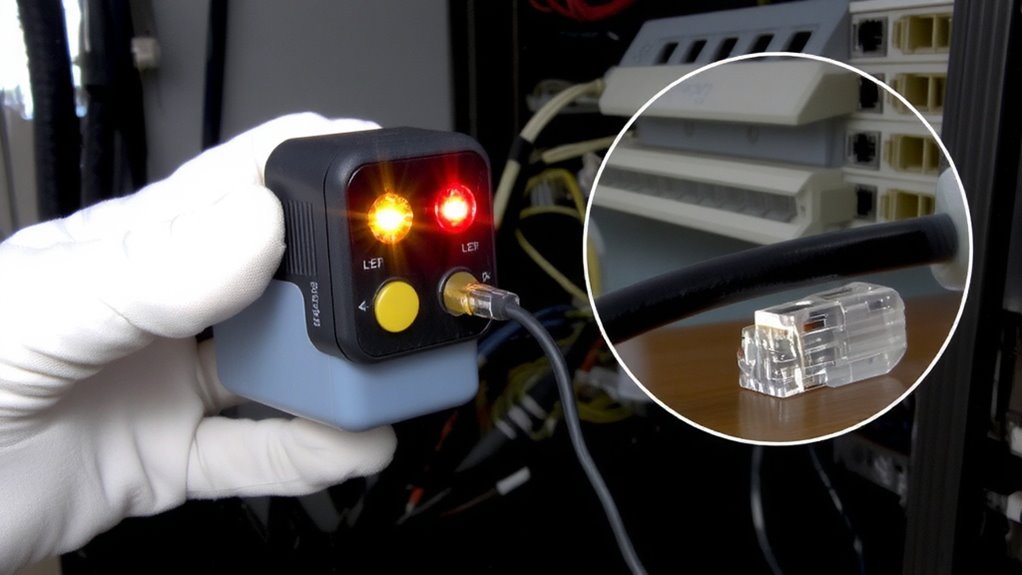
How do you know if your cable’s really working? Your cable tester’s display gives you the answer. If all pins light up in sequence, you’re good-solid connection, no signal loss. But if lights skip or double up, there’s trouble. Broken wires or poor crimps often cause signal loss, weakening data flow over distance. Worse, crossed or touching wires show as short circuits, which can kill connectivity fast. Some testers give exact fault locations, helping you decide if it’s worth fixing. But don’t just trust one test-rerun it. Intermittent faults might not show up every time. Basic testers catch most issues, but higher-end models detect subtle impedance mismatches. Remember, even a “pass” doesn’t guarantee long-term reliability under load. Always check cables under real conditions. And if you see repeated failures, replacement beats constant troubleshooting.
Fix or Replace Bad Cables and Connectors
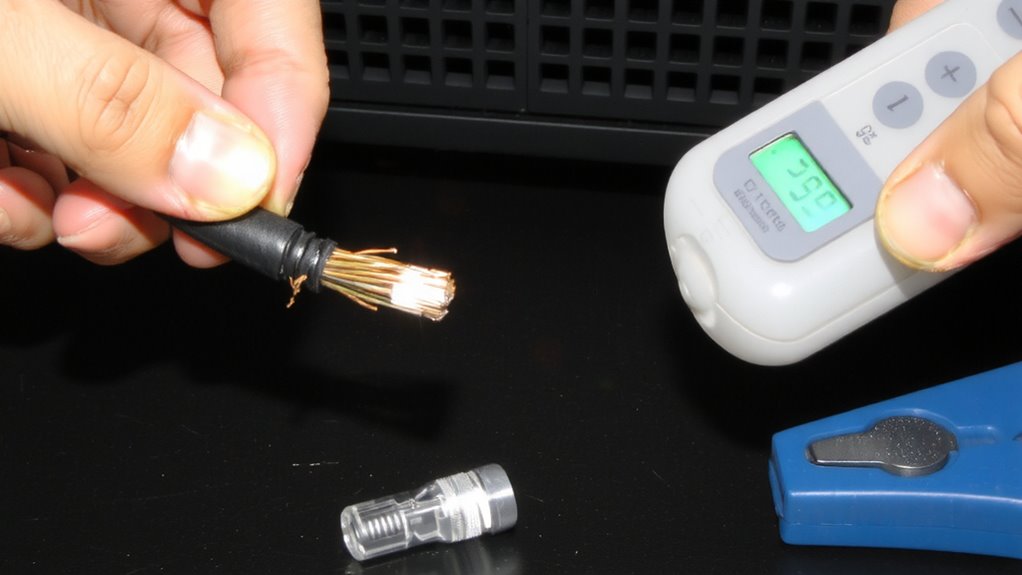
You’re better off replacing most damaged cables than trying to fix them-especially if you’re dealing with everyday Ethernet, HDMI, or USB cables used in home or office setups. Repairing cable shielding or soldering broken wires rarely lasts and often degrades signal quality. If you spot fraying near the head or bent pins, replacement is the smarter move. Connector corrosion, especially on older copper contacts, can’t always be cleaned effectively and may return quickly in humid environments. Pre-terminated cables with solid jackets and gold-plated connectors resist these issues and usually come with multi-year warranties. While a temporary fix might save a few dollars, it risks repeated failures and network instability. For mission-critical lines, like your main Gigabit Ethernet run, only new, tested cables guarantee reliable performance. Invest in well-reviewed brands with verified shielding and strain relief-your network’s stability depends on it.
Choose the Right Tester for Home Networks
A basic cable tester pays for itself the first time it saves you from hours of network troubleshooting. For home networks, pick a tester that checks wire mapping and signal strength-two key factors in reliable connections. You’ll want one that confirms all eight wires are correctly connected and identifies crossed or open circuits. Basic models under $30 work well for most setups, showing pass/fail results with LED indicators. More advanced testers display signal strength to reveal weak links, useful if you’re running cables through walls or near interference sources. Don’t overspend-features like data rate testing or PoE verification matter more in offices than homes. Stick with known brands offering at least a one-year warranty. Avoid no-name kits; they often misdiagnose faults. A reliable tester should last years, catching issues before they disrupt streaming or video calls.
Keep Cables Working Long-Term
Even with a reliable cable tester in hand, long-term cable performance depends on how well you protect and maintain your connections. You should prioritize cables with strong cable shielding to block interference, especially if they run near power lines or electronics. Shielded twisted pair (STP) or foil-shielded (FTP) cables offer better protection than unshielded (UTP), but they’re less flexible and harder to install. Environmental stress-like temperature swings, moisture, and constant bending-degrades cables over time, so avoid routing them under carpets or near windows. Use cable sleeves or conduits in high-traffic areas to reduce wear. Test connections every few months with your cable tester to catch degradation early. While good shielding and physical protection extend lifespan, no cable lasts forever-especially in harsh setups. Balance durability with practicality, knowing that even the best gear needs eventual replacement. For a tidy and protected setup, consider using cable management solutions to minimize strain and prevent tangling.
On a final note
You should definitely use a cable tester to diagnose intermittent network issues-it quickly identifies broken wires, shorts, or miswiring in Ethernet cables. A basic continuity tester costs under $20 and pays off by avoiding downtime. Just know it won’t detect subtle signal loss over long runs or faulty patch panels. For most home offices, a simple wired tester with LED error codes gives reliable, instant feedback. Always re-terminate suspect cables before replacing them entirely.