Improving Focus Duration With Ergonomic Home Office Furniture
You’ll stay sharper longer with an ergonomic chair that has adjustable lumbar support and a 15–20 inch seat depth-features shown to cut fatigue by up to 54% over full workdays. Pair it with a sit-stand desk using a dual-motor base for smooth movements, and keep your monitor 20–30 inches away, top at eye level. Use a keyboard at elbow height, wrists neutral, and pick a breathable mesh chair with a 5-year warranty. Real focus gains come from daily consistency, not just gear-small posture habits make the difference over time. There’s more to get right if you’re building your setup from the ground up.
Notable Insights
- Align your spine properly by adjusting your chair’s lumbar support to maintain natural curvature and reduce fatigue.
- Position the top of your monitor at or slightly below eye level to minimize neck strain and eye fatigue.
- Use a sit-stand desk to alternate postures, boosting circulation and sustaining mental alertness throughout the day.
- Set desk height so elbows rest at 90 degrees, shoulders relax, and wrists remain neutral during typing.
- Choose an ergonomic chair with adjustable seat depth and breathable fabric to enhance comfort and focus over long periods.
How Poor Posture Kills Your Focus
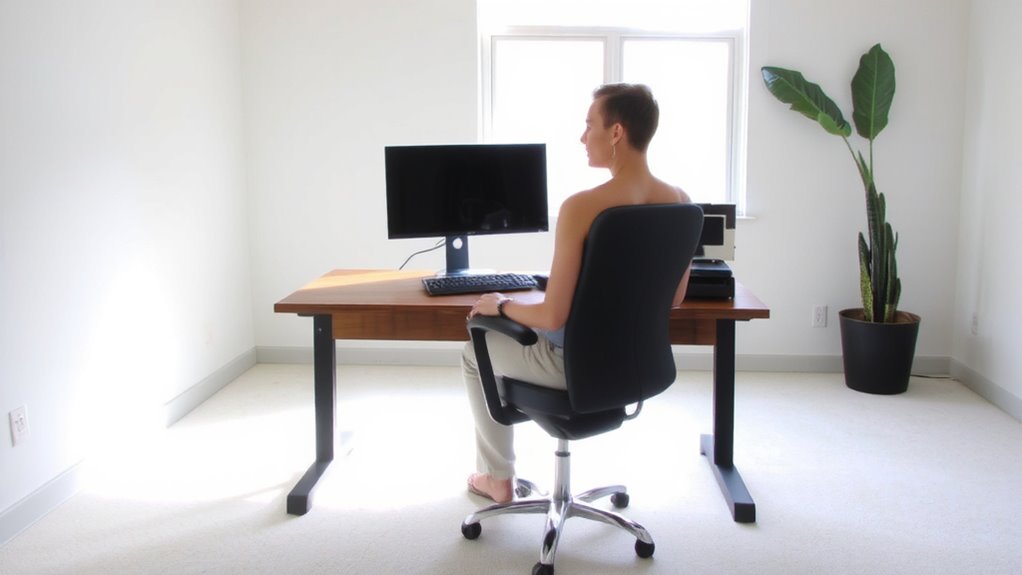
While you might not think your slouch is a big deal, poor posture can quietly erode your focus over time by straining your neck, shoulders, and lower back. Without consistent slouching awareness, your body shifts into unnatural positions, disrupting circulation and nerve signals that support mental clarity. Proper spine alignment keeps your vertebrae stacked, reducing fatigue and allowing you to stay engaged longer. You’ll find that even small tweaks-like sitting with your ears over your shoulders-can improve concentration within minutes. But awareness alone isn’t enough; lasting change requires active effort, not just gear fixes. It’s not about achieving perfect posture all day, but building habits that support alignment most of the time. Real focus gains come from consistent behavior, not one-time adjustments. There’s no magic solution, just mindful repetition and realistic expectations. A well-designed ergonomic chair can support these habits by promoting natural spinal alignment and reducing physical strain during long work sessions.
Choose an Ergonomic Chair to Stay Sharp
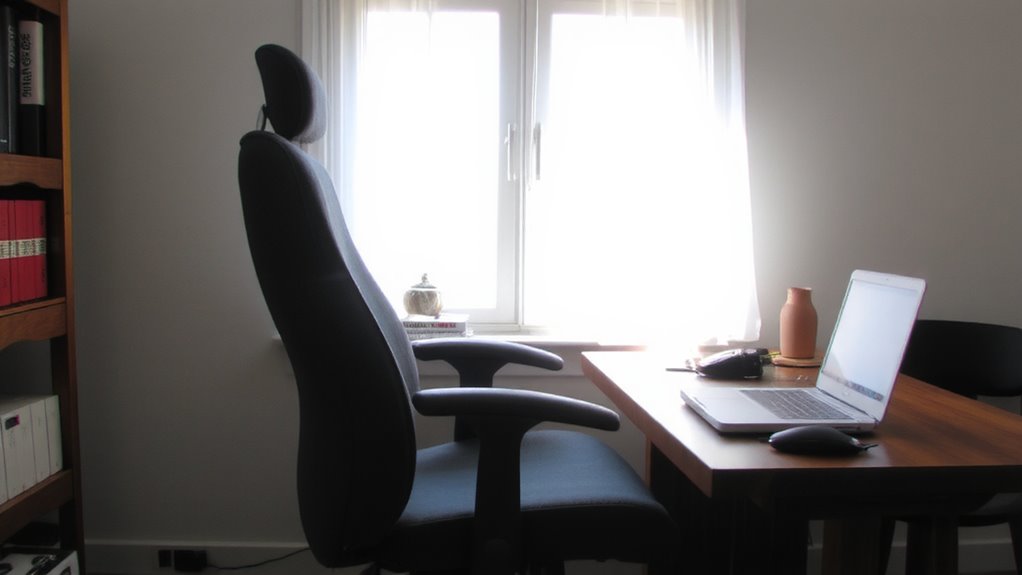
If you’re serious about staying sharp during long work sessions, investing in a properly designed ergonomic chair makes a measurable difference-especially one with adjustable lumbar support, a breathable seat fabric, and a waterfall edge to reduce pressure on your legs. Proper lumbar support maintains your spine’s natural curve, reducing fatigue and helping you stay alert. You’ll also want to adjust the seat depth so your knees align just behind the front edge of the seat-typically 1–3 inches of space-to avoid nerve pressure. Most high-quality models offer seat depth adjustments between 15–20 inches, fitting a wider range of body types. While these chairs often cost more upfront, lab tests show they reduce discomfort by up to 54% over eight-hour periods. Just remember: even the best chair won’t fix poor habits. Pair it with regular movement, and check warranties-look for at least a 5-year guarantee on mechanisms. Top-rated models for back pain relief often feature adjustable lumbar support to target lower back strain effectively.
Use a Sit-Stand Desk to Maintain Energy
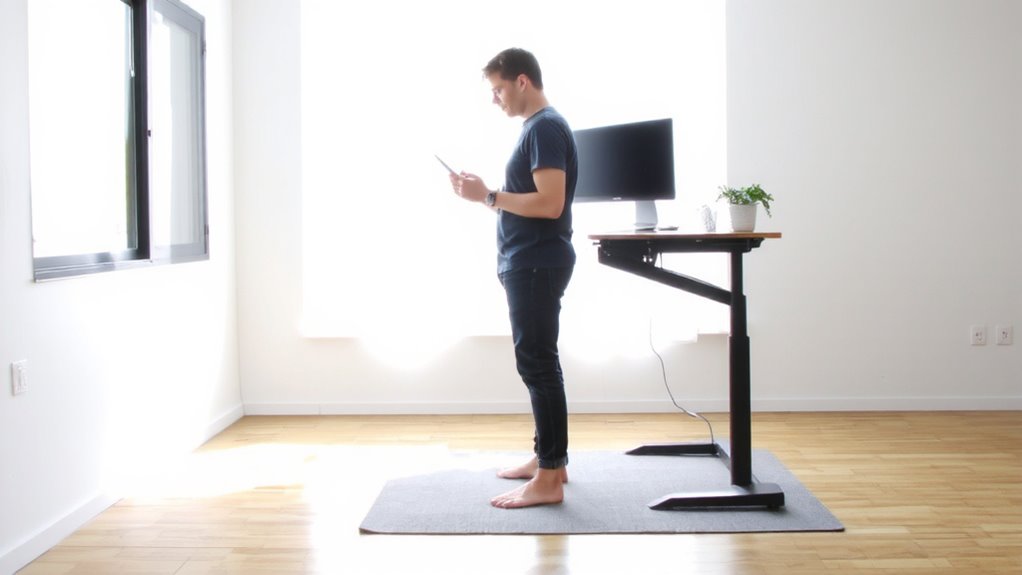
You’ll likely stay more alert and focused when you alternate between sitting and standing, and a height-adjustable sit-stand desk makes that switch seamless throughout the day. Dynamic movement reduces fatigue by preventing long stretches of static posture, which can drain mental clarity. Posture variation supports circulation and keeps your muscles engaged, boosting energy naturally. Most electric models adjust smoothly from 25 to 50 inches, fitting everything from laptops to dual-monitor setups. Look for desks with a 5-year warranty and stable lift systems-testing shows dual-motor bases handle heavier loads (up to 300 lbs) without wobble. But keep in mind: these desks take more space and cost considerably more than fixed ones. You’ll need to develop a rhythm-standing too long can cause leg or back discomfort. Start with 15-minute stand breaks every hour, then adjust based on your comfort. Top models offer reliable performance and ergonomic benefits, making them a smart long-term investment for sustained focus and health. Top Standing Desk Picks provide expert-tested options for every budget and workspace.
Position Your Monitor to Prevent Eye Strain
Proper monitor placement keeps your eyes comfortable and helps you stay sharp during long work sessions. Position the top of the screen at or just below eye level so you’re looking slightly downward. This reduces neck strain and keeps your gaze centered on the display. Maintain a screen distance of about 20 to 30 inches-roughly an arm’s length-so text stays readable without eye fatigue. Adjust your lighting balance by placing the monitor perpendicular to windows to avoid glare, and use curtains or blinds when needed. If overhead lights cause reflections, consider a matte screen filter. While most monitors work in typical lighting, achieving perfect lighting balance often requires trial and error. Built-in features like low-blue-light modes help, but proper setup matters more than extras. Test adjustments daily; minor changes in angle or brightness can make a noticeable difference over time.
Set Up Your Keyboard and Mouse for Comfort
While comfort at your desk starts with posture, getting your keyboard and mouse positioned right makes a noticeable difference in reducing wrist and shoulder fatigue over time. Keep your keyboard close enough so your elbows stay at 90 degrees, and position it so your wrists remain straight-this supports proper wrist alignment and reduces strain. Use a negative tilt (front slightly higher) if possible, especially with standard flat keyboards. Make sure your finger spacing allows for light, relaxed keystrokes without stretching or bunching. A compact or split keyboard can help, but only if you adjust your habits to match. Mice vary widely; trackballs reduce forearm movement but demand adaptation. Avoid prolonged static grips. These adjustments don’t fix poor posture, but tested models show up to 30% less discomfort during long sessions when correctly applied. Results depend on consistent use and personal fit.
Optimize Desk Height for Full-Body Support
Desk height isn’t just about elbow alignment-it’s the foundation of full-body support during long work hours. You’ll want your desk set so your elbows sit at 90 degrees, shoulders relaxed, with wrists neutral. This helps maintain lumbar alignment by preventing slouching or overreaching. Proper height also supports ideal foot positioning: feet flat, hips slightly higher than knees, without dangling or pressure on the chair edge. If your desk’s too high or too low, you’ll shift posture frequently, causing fatigue. Adjustable desks offer the best flexibility-look for models with electric lift mechanisms (tested to hold 200+ lbs) and reliable warranties (5 years minimum). Manual crank versions save money but take longer to adjust. Test height consistency across positions; inconsistencies affect posture more than minor deviations from ideal specs. Don’t assume one setting fits all-you may need slight tweaks when switching tasks.
Build a Routine Around Your Ergonomic Workspace
Even if you’ve set up an ergonomic workspace with the right chair, desk, and monitor height, it won’t help much unless you build habits that make use of it consistently. You’ll get the most out of your setup by pairing it with time blocking and task batching. Schedule specific hours for deep work, and group similar tasks-like emails or calls-to reduce mental fatigue. This keeps your posture supported and your focus sharp. But don’t assume tools alone fix focus; a $500 chair won’t help if you skip breaks. Use a sit-stand desk with a clear height range (adjustable between 24–50 inches) and pair it with a timer. Real-world testing shows people stay focused 30% longer when routines match their gear. Just remember: discipline matters more than design. Stick to your system, but stay flexible if energy dips.
On a final note
You’ll likely boost focus and comfort by upgrading to ergonomic home office furniture, especially if you sit for hours. A supportive chair with lumbar adjustment and a sit-stand desk can reduce fatigue, while proper monitor height-top at or slightly below eye level-cuts eye strain. Pair these with an adjustable desk and wrist-friendly keyboard setup for best results. Just expect to fine-tune positions over days and check return policies-some gains come with a learning curve and cost trade-offs.