How to Use Task Lighting With Built-In Blue Light Filters for Evening Work
Use a task light with built-in blue light filters and adjustable color temperature-aim for 2700K–3000K after sunset to support melatonin release without sacrificing visibility. Choose models with independent lab testing for flicker-free performance and spectral blue reduction, like those with 80+ CRI for accurate colors. Position the light behind your dominant hand to cut shadows and glare. Dimmable brightness (400–800 lumens) lets you balance comfort and focus. Just remember, warmth may reduce alertness-fine-tune based on your evening routine. More details follow on optimizing setup and model comparisons.
Notable Insights
- Choose a task light with adjustable color temperature under 3000K to minimize melatonin suppression in the evening.
- Use built-in blue light filters and dimmable settings to reduce brightness and block harmful wavelengths during nighttime work.
- Position the light behind your dominant hand to eliminate shadows and avoid glare on screens or work surfaces.
- Switch to warm light (2700K–3000K) after sunset to support circadian rhythm and promote natural melatonin release.
- Pair the task light with programmable timers or apps that gradually shift color temperature to align with evening routines.
Understand How Blue Light Affects Your Sleep
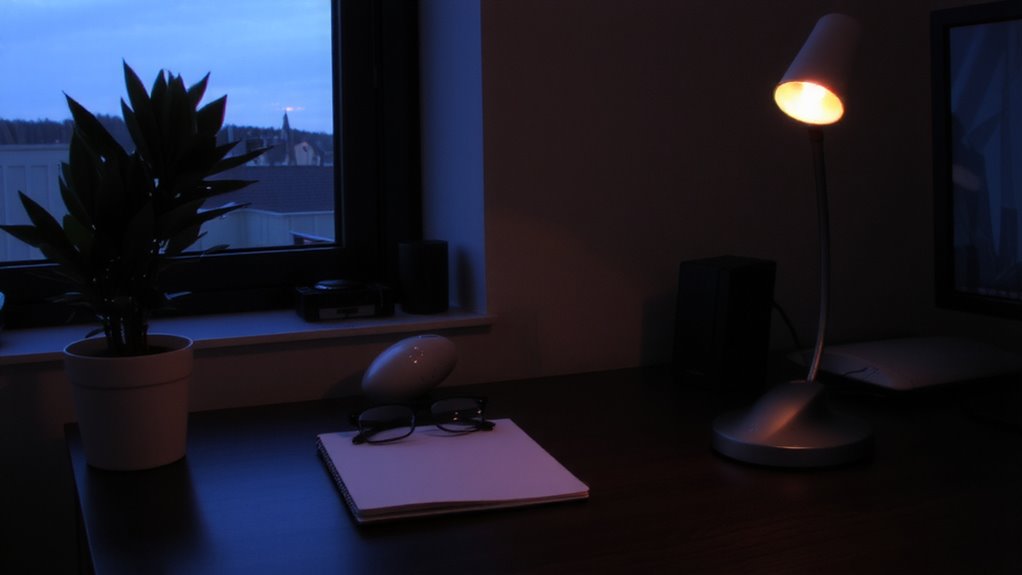
Why does staring at screens late into the night make it harder to fall asleep? Because blue light disrupts your circadian rhythm, the internal clock that regulates sleep and wakefulness. When you’re exposed to bright, blue-rich light in the evening, your brain interprets it as daytime, triggering melatonin suppression-this means your body produces less of the hormone needed to feel sleepy. Even moderate screen use after dusk can delay sleep onset by 30 minutes or more. Task lights with warmer color temperatures (below 3000K) and dimmable output help minimize this effect. But not all “blue light filters” are equal-look for models with independent lab testing confirming spectral reduction. While these lights support healthier nighttime work, they’re no substitute for good sleep hygiene. Use them wisely, but don’t ignore screen time limits or overall brightness. For maximum effectiveness, consider pairing your lighting with best blue light glasses designed to block harmful wavelengths without distorting color perception.
Choose a Task Light With Blue Light Filters
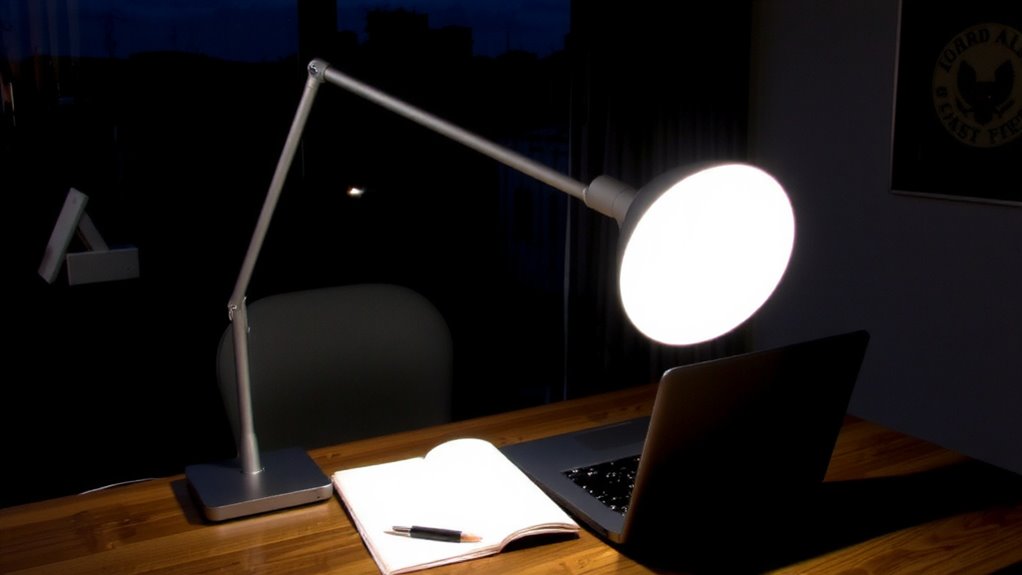
You’re already aware that blue light at night can throw off your sleep cycle by suppressing melatonin, so picking the right task light isn’t just about brightness-it’s about protecting your rest while staying productive. Look for models with adjustable color temperature and built-in blue light filters; these give you control without sacrificing clarity. Desk placement matters-choose a light that directs illumination precisely where needed, minimizing reflections on screens. Consider bulb brightness carefully: aim for 400–800 lumens with a color temperature below 3000K for evening use.
| Feature | Why It Matters |
|---|---|
| Adjustable arm | Improves angle control based on desk placement |
| Dimmable LED | Lets you tailor bulb brightness to the task |
| Filter switch | Activates warm mode to reduce blue light emission |
Warranty length and flicker testing are solid indicators of quality-check manufacturer specs before buying. Some top-rated options include desk lamps with USB ports for added convenience during evening work sessions.
Aim Your Light to Reduce Glare and Eye Strain
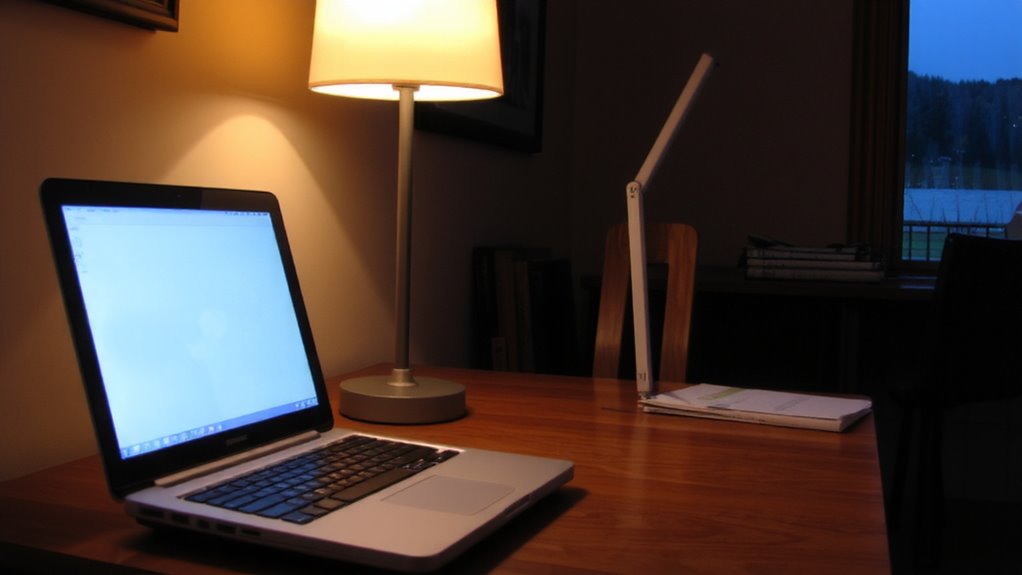
How effectively your task light is positioned can make the difference between sharp focus and constant squinting. Proper light placement isn’t just about brightness-it’s about minimizing glare and ensuring color accuracy for detailed evening work. Aim the light from behind your dominant hand to reduce shadows, especially when writing or using a keyboard. Position it so the beam falls directly on your workspace without shining into your eyes or reflecting off screens. This improves contrast and reduces eye strain over time. Poor angles can distort color accuracy, making whites look too cool or grays appear tinted, which affects tasks like editing or reading. Even with blue light filters, bad positioning undermines benefits. Adjust the arm or base frequently-your posture shifts, and so should your lighting. Most quality lights offer 30–45 degrees of tilt; use that range effectively. Don’t assume fixed stands are sufficient. A well-chosen best desk lamps for Zoom calls can combine optimal positioning with built-in blue light filtration for evening use.
Switch to Warm Light With Filters After Sunset
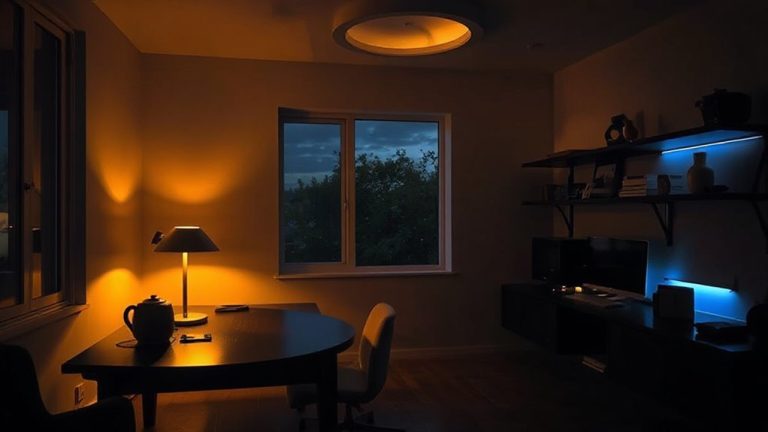
Once you’ve optimized your task light’s position, adjusting its color temperature becomes the next step in supporting eye comfort after dark. Switching to warm light after sunset promotes better circadian alignment by reducing blue light exposure that can interfere with melatonin. Most quality task lights with built-in filters let you lower the color temperature to 2700K–3000K, mimicking incandescent warmth without harshness.
| Feature | Benefit |
|---|---|
| 2700K–3000K output | Reduces eye strain, supports natural sleep cues |
| Integrated blue light filter | Maintains color accuracy while filtering harmful wavelengths |
| Adjustable brightness | Lets you tailor light levels without compromising warmth |
While warm light enhances evening comfort, it may limit alertness for intense tasks-balance is key. Look for lights with proven photobiological safety ratings and dimming accuracy across at least 10–100 lux.
Sync Your Lighting With Evening Work Habits
A well-designed task light with adjustable color temperature can make a meaningful difference when aligning your evening work routine with natural circadian rhythms. You should aim for light synchronization that shifts gradually from cool (5000K) to warm (2700K) after sunset, supporting better routine alignment. Many LED task lights offer programmable settings-look for models with dimmable output and at least 80 CRI for accurate color rendering. Set your light to auto-adjust using built-in timers or smartphone apps, but test manually at first to find your ideal warmth level. Keep brightness moderate: too high causes glare, too low strains eyes. Note that not all filters reduce blue light equally-check for third-party testing data. While helpful, these lights aren’t a fix for late-night screen use; pair them with screen filters and scheduled breaks for best results.
On a final note
You should use a task light with a built-in blue light filter for evening work-it helps protect your sleep by reducing melatonin disruption. Look for models with adjustable color temperatures below 3000K and flicker-free performance. Point the light to avoid glare on screens, and pair it with ambient lighting to reduce eye strain. Just remember: not all filters work equally well, so check third-party testing and warranty terms before buying.