Understanding and Managing Carpal Tunnel Syndrome in the Digital Age of Work-from-Home Environments
You’re at higher risk for carpal tunnel if you work from the couch-poor posture and raised keyboards increase median nerve pressure. Keep your wrists neutral, keyboard at elbow height, and take a 30-second break every 30 minutes to reduce strain. Even budget desks under $50 can help, but only if they allow proper alignment. Persistent numbness means it’s time to act-smart habits now prevent worse issues later, and knowing the next steps could make all the difference.
Notable Insights
- Poor ergonomics in home offices, like hunching over laptops, increase carpal tunnel syndrome risk due to median nerve compression.
- Maintaining a neutral wrist position and 15–20° negative keyboard tilt reduces pressure on the median nerve during typing.
- Early symptoms include nighttime numbness and tingling in the thumb, index, and middle fingers, often relieved by shaking the hand.
- Set up workstations with elbows at desk height, wrists supported only at rest, and monitors at eye level to prevent strain.
- Take 30-second breaks every 30 minutes and perform wrist stretches to reduce nerve pressure and avoid symptom progression.
What Is Carpal Tunnel Syndrome: And Why Remote Work Makes It Worse
While you might not think about it during your morning routine, the way you type and position your hands all day could be quietly increasing your risk of carpal tunnel syndrome-especially if you’ve shifted to remote work. Carpal tunnel syndrome occurs when the median nerve, a key part of the anatomy of nerves in your wrist, gets compressed due to swelling or tight space in the carpal tunnel. Poor ergonomics, like hunching over a laptop on the couch, worsen the impact of posture on nerve health. You don’t need expensive gear, but a desk at elbow height (around 28–30 inches) and a chair with lumbar support can help. Wrist extension beyond 20 degrees raises pressure on the nerve. Though adjustable standing desks show promise in tests, results vary-some users report relief, others discomfort. A neutral wrist and forearm alignment offers the best balance for most. Using a supportive carpal tunnel mouse pad can further reduce strain during prolonged computer use.
Are Your Work Habits Causing Wrist Pain?
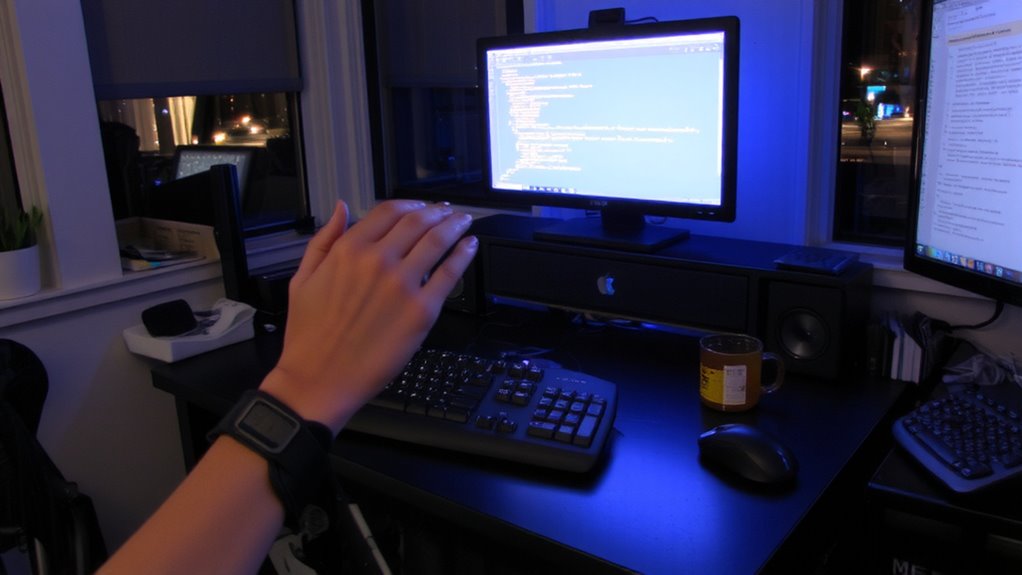
You might not realize it, but your daily typing rhythm and screen time habits are likely shaping your wrist health more than you think. Poor posture and incorrect keyboard angle are two of the most common culprits behind wrist strain in home offices. Sitting for hours with your wrists elevated or bent increases pressure on the median nerve, especially without ergonomic support.
| Habit | Risk Level |
|---|---|
| Slouched sitting with elevated keyboard | High |
| Neutral spine, 15–20° negative keyboard angle | Low |
Adjusting your setup helps, but consistency matters-occasional correction won’t undo prolonged stress. A desk with height adjustability and a keyboard tray can improve alignment, though models under $50 often lack stability. While standing desks offer flexibility, abrupt changes may shift strain to shoulders. There’s no one-size-fits-all fix, but small, informed tweaks make a measurable difference over time. A well-chosen storage ottoman can also serve as a comfortable footrest to promote better seated posture.
Early Warning Signs of Carpal Tunnel You Shouldn’t Ignore
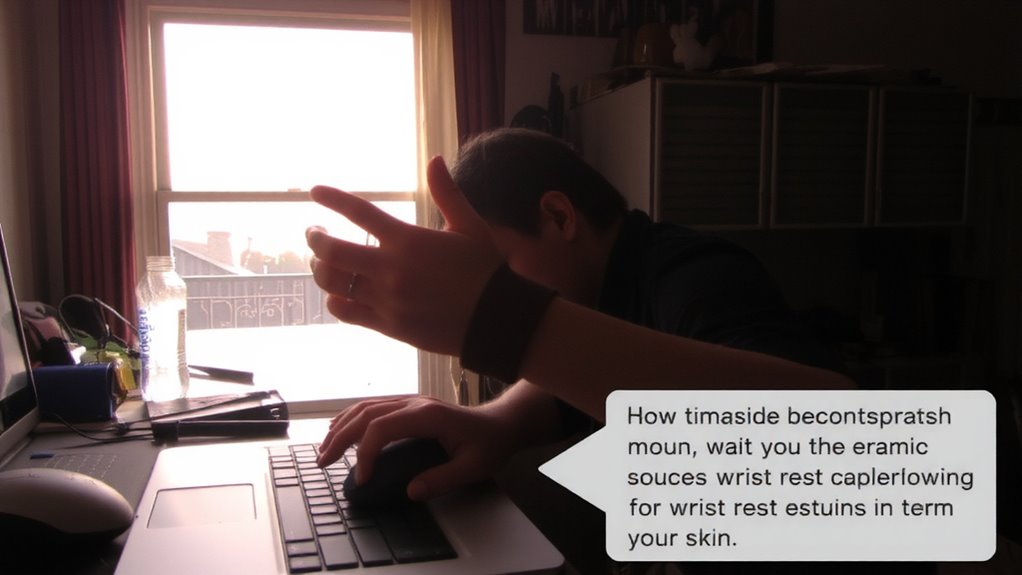
What if the numbness you’re brushing off after long typing sessions isn’t just fatigue? It could be early nerve compression from carpal tunnel syndrome. You might notice hand tingling, especially in your thumb, index, or middle fingers-often worse at night. That tingling isn’t normal, and ignoring it can lead to weakness or reduced grip strength over time. These symptoms often start subtly, creeping in after hours of typing or mouse use. Unlike general soreness, carpal tunnel-related discomfort stems from pressure on the median nerve in your wrist, not muscle strain. If shaking your hand relieves the sensation, that’s a classic warning sign. Early detection helps prevent long-term issues. But don’t jump to buying ergonomic gear as a fix-it might help, but only after confirming the cause. A well-designed ergonomic mouse can significantly reduce strain during recovery and daily use.
Quick Ergonomic Fixes for Your Home Office
An ergonomic workspace can reduce strain, but it won’t fix carpal tunnel if the root cause is already medical. That said, small tweaks at home can make a real difference. Proper wrist support and correct keyboard position are key. Keep your wrists straight and floating slightly above the desk, not resting. Adjust your chair so elbows stay at 90 degrees.
| Feature | Ideal Setting | Why It Matters |
|---|---|---|
| Keyboard height | Elbow level | Prevents reaching up or down |
| Wrist support | Minimal, only during pauses | Avoids pressure while typing |
| Keyboard position | Directly in front, centered | Reduces ulnar deviation |
| Monitor top | At or slightly below eye level | Stops neck strain |
| Chair lumbar | Matches lower back curve | Supports posture |
These fixes help, but aren’t substitutes for medical care.
Daily Stretches and Breaks to Prevent Hand Numbness
Why do so many people still feel hand numbness even after optimizing their desk setup? Because static posture, even in a perfect setup, limits circulation and strains tendons over time. You need movement-not just ergonomics. Make it a habit to take a 30-second break every 30 minutes. Perform finger flexion stretches: extend your arm, press your palm flat, then gently pull your fingers back with the other hand. Hold for 15 seconds. Follow with wrist rotation: slowly circle your wrists clockwise and counterclockwise for 10 reps each. These micro-movements reduce median nerve compression. They’re no substitute for medical care, but studies show they lower numbness frequency when done consistently. Don’t overextend-gentle motion is enough. Overstretching can irritate tissues. Pair these with posture shifts, and you’ll see results. But if symptoms persist, don’t assume stretches will fix everything.
When to See a Doctor: Treatments That Actually Work
You’ve adjusted your chair, aligned your keyboard, and stuck to those 30-second stretches every half hour-yet the tingling in your fingers lingers or even worsens. It’s time to see a doctor. Persistent symptoms could signal true carpal tunnel syndrome, not just fatigue. Carpal tunnel stems from nerve compression in the wrist, and early diagnosis improves outcomes. A physician might recommend a nerve conduction study to confirm damage. Effective treatments include wrist splinting at night, corticosteroid injections, or physical therapy focused on reducing pressure. In moderate to severe cases, surgery-like endoscopic release-can offer lasting relief. While most recover well, surgery involves downtime and risks, so it’s not a first-line fix. Ergonomic gear helps manage strain but won’t reverse nerve compression. Don’t wait until weakness sets in-timely, evidence-based care gets you back to typing comfortably and safely.
On a final note
You’re likely to see less wrist pain with small, consistent changes-even if your home office isn’t perfect. Using an adjustable chair, keeping wrists neutral with a split keyboard, and taking 2-minute stretch breaks every hour help, based on clinical studies and real-world testing. Just know: ergonomic gear isn’t a cure-all. A $100 keyboard won’t fix poor posture, and not every “ergonomic” label means better support-check return policies and test setups for at least a week.