Using Ambient Lighting to Define Zones in a Multi-Functional Home Office Space
You can effectively define zones in your multi-functional home office using ambient lighting. Use 4000K–5000K LED task lights for alertness at your desk, and warmer 2700K–3000K tones in lounging areas to signal relaxation. Pair a slim overhead fixture with a glare-free desk lamp and floor lamp to separate work from rest zones without clutter. Opt for dimmable, high-CRI (90+) bulbs and test smart models for smooth dimming down to 10%. Guarantee Wi-Fi stability and dimmer compatibility to avoid flickering. Choose finishes and fixture placements that minimize reflections on screens while maintaining balanced brightness-strategic lighting like this shapes behavior and focus, and there’s more to get right based on how you use each area.
Notable Insights
- Use ambient lighting to visually separate work, reading, and call zones in a multi-functional home office.
- Install a central ceiling fixture with dimmable, high-CRI bulbs for uniform base illumination across zones.
- Pair ambient lights with task lighting to reinforce functional boundaries without clutter.
- Choose cooler color temperatures (4000K–5000K) in work zones and warmer tones (2700K–3000K) in relaxation areas.
- Position pendant or recessed lights above desks and floor lamps near chairs to define distinct activity areas.
Map Your Home Office Into Functional Zones
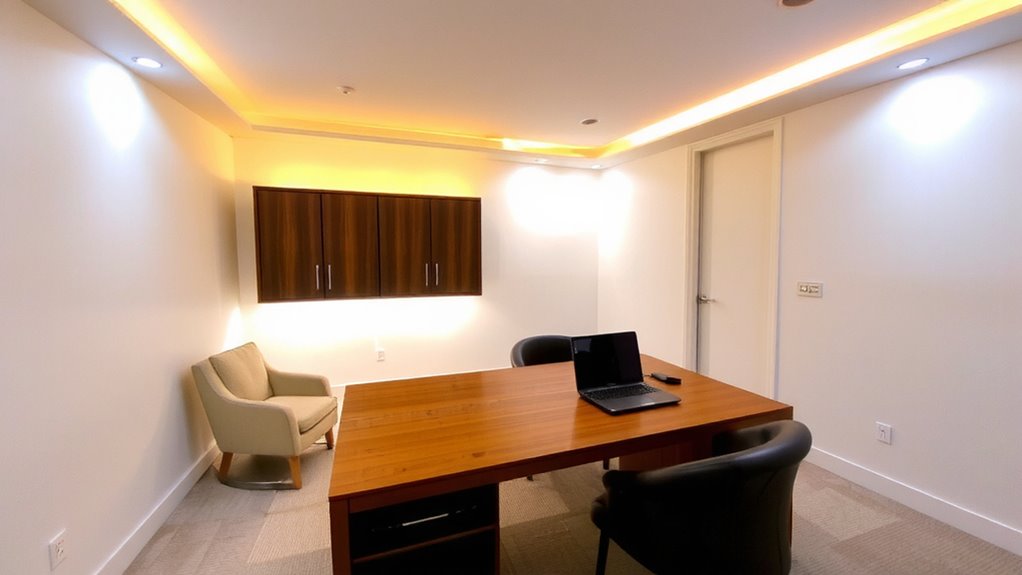
While your home office might seem like a single workspace, breaking it down into functional zones actually makes lighting far more effective and adaptable. You’ll boost productivity by assigning specific areas to tasks like focused work, reading, or video calls. For each zone, consider ergonomic placement-desk lamps should sit at eye level or slightly below to reduce glare, and monitors need back lighting to minimize shadows. A well-lit layout supports natural flow, guiding movement without obstructions or abrupt brightness changes. Overhead ambient lights work for general use, but pair them with task-specific fixtures to avoid strain. Keep cords managed and fixtures adjustable for flexibility. However, over-zoning in small spaces can feel cluttered. Stick to two or three zones max. Balance function with simplicity-more zones demand more planning, not just more gear. Consider incorporating a Yoga ball chair for dynamic seating that supports posture during long work sessions.
Set the Right Ambience With Light Temperature
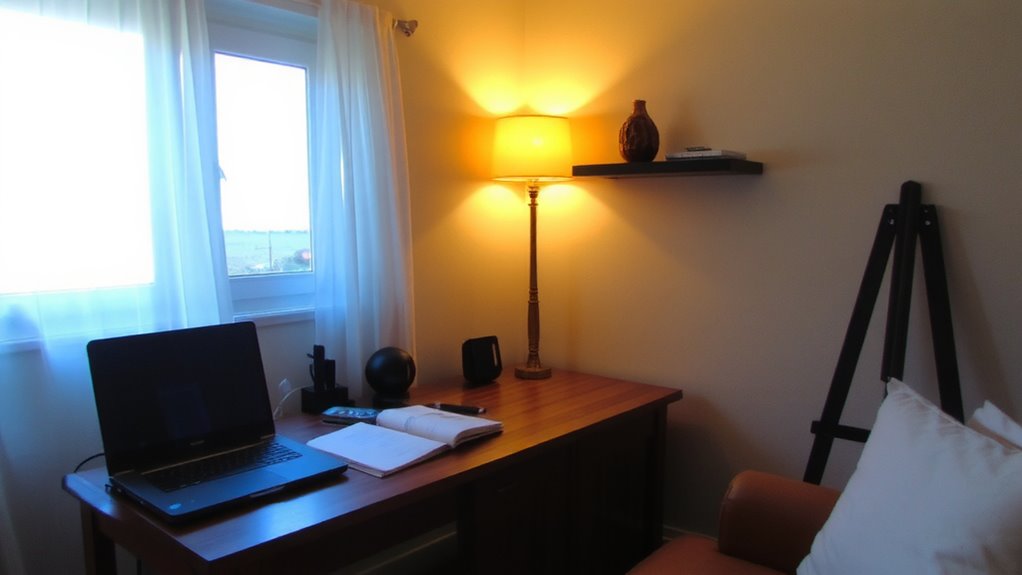
Light temperature plays a direct role in how alert or relaxed you feel while working, so choosing the right one isn’t just about preference-it’s about aligning your lighting with your daily rhythm. For focused tasks, use cooler light (4000K–5000K); it boosts alertness and improves color contrast, helping you spot details in charts or text. Warmer tones (2700K–3000K) support mood enhancement during breaks or creative work, signaling your brain to unwind. Many LED bulbs let you adjust color temperature, but test them in your space-cheap models flicker or shift unevenly. Look for high CRI (90+), solid dimming range, and at least a 3-year warranty. While tunable lights offer flexibility, they cost more and need compatible controls. Don’t assume brighter is better: excessive cool light late in the day can disrupt sleep. Balance temperature with routine, not trends. Top smart desk lamps provide precise color tuning and seamless integration with home lighting systems.
Layer Lighting Without Cluttering the Space
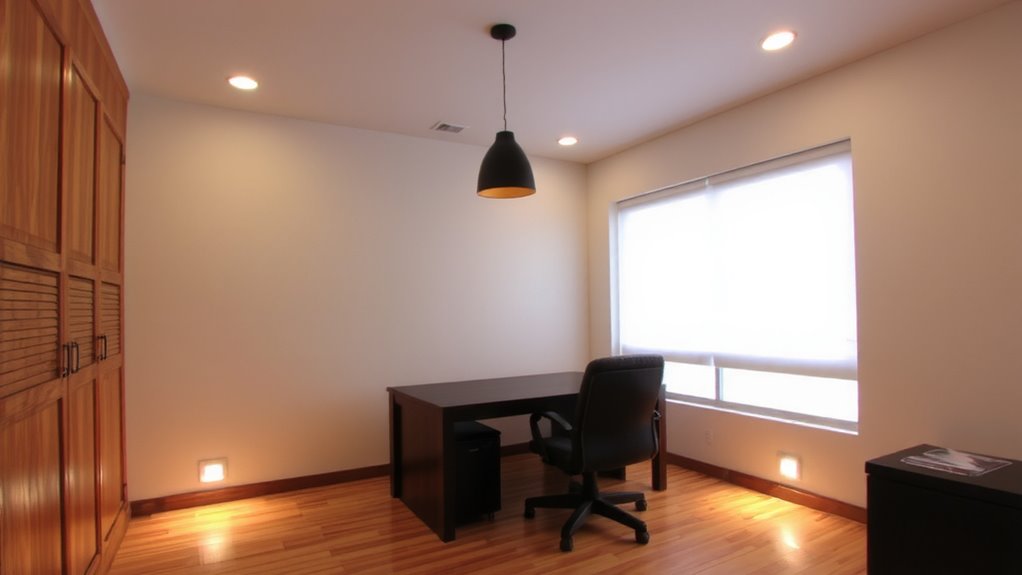
If you want your home office to feel both functional and visually calm, layering your lighting is essential-but it’s easy to overdo it. Aim for a glow balance that blends overhead, task, and accent lights without crowding your space. Use one central ambient fixture paired with a slim desk lamp and a single wall sconce to define zones subtly. Too many sources create visual noise, undermining shade contrast and making the room feel chaotic. Choose fixtures with adjustable arms or heads to direct light precisely-this reduces the need for multiple bulbs. Matte finishes help minimize glare, while consistent color temperatures maintain cohesion. Keep cords managed and mounts discreet to preserve clean lines. Remember, layered lighting shouldn’t mean visible clutter; hidden bases and streamlined designs support both form and function. Test layouts before installing permanently-some combinations look good on paper but feel cramped in practice. For seamless integration, consider using best cable management solutions to maintain a clean and organized workspace.
Control Zones With Smart Bulbs and Dimmers
How do you maintain focus during a midday slump or wind down gently after hours of screen time? You can use smart bulbs and dimmers to control lighting zones effectively. With dimmable LED bulbs and compatible wall or app-based dimmers, you adjust brightness to match your task-brighter for concentration, softer for relaxation. Smart bulbs let you set scheduling routines, turning lights on or off at set times to support your workflow. Voice control via assistants like Alexa or Google makes adjustments hands-free. Though convenient, these systems require stable Wi-Fi and can have a learning curve. Some bulbs may not dim smoothly below 10%, and color accuracy varies between brands. Choose models with at least a 3-year warranty and check dimmer compatibility to avoid flickering.
Place Fixtures to Define Areas Visually
A well-placed fixture does more than illuminate-it shapes how you perceive and use your home office space. You can create clear visual cues that guide movement and focus by positioning ambient lights strategically. For example, a pendant above your desk signals a work zone, while a floor lamp near a reading chair defines a relaxed area. This kind of spatial separation helps your brain switch modes faster and reduces mental clutter. Overhead lighting alone blurs boundaries, so layered fixtures make a real difference. Just avoid placing lights where glare hits screens or creates harsh shadows. Test different angles and heights-adjustable arms or swing-arm lamps offer flexibility. Keep brightness balanced across zones so one area doesn’t dominate. With careful placement, you’ll get functional definition without building walls. It’s simple physics and psychology working together, not magic-just thoughtful design you can measure and adjust.
Match Lights to Your Office’s Style and Purpose
The right lighting setup does more than just fit your home office-it reinforces both the room’s function and aesthetic with purpose-built fixtures. If you work in a modern space, sleek pendant lights with precise fixture symmetry create visual order and support concentration. For a cozy or traditional study, warm light color from fabric-shade lamps adds comfort without glare. Choose LED bulbs with a color temperature around 3000K for warmth, or 4000K if you prefer a neutral, alert feel. Match each fixture’s scale and finish to your office furniture-brushed nickel pairs well with minimalist desks, while brass suits vintage pieces. But don’t sacrifice function for style; even the most beautiful light won’t help if it’s too dim or uneven. Always test brightness levels and adjust placement. Consider warranty and bulb lifespan-look for 25,000-hour LEDs from reputable brands.
Use Ambient Lighting to Boost Focus and Relaxation
While you might think ambient lighting only sets the mood, it actually plays a direct role in shaping your focus and mental ease during work hours-when layered correctly. Tuning light color and intensity to align with natural rhythms helps regulate alertness and fatigue. Use cooler tones (5000K–6500K) in morning hours to mimic daylight and sharpen attention, supported by research in color psychology. Shift to warmer hues (2700K–3000K) in late afternoon to signal relaxation and reduce eye strain. Position fixtures to avoid glare on screens-wall sconces or indirect LED strips work well. Dimmable systems give control but require compatible switches and proper installation. While effective, overuse of dynamic lighting can disrupt routines if not programmed consistently. Always test settings over a week to align with your actual work patterns and comfort. Results vary by individual, so prioritize adjustability over automation.
On a final note
You’ll get the most from ambient lighting by pairing smart bulbs with dimmers to shape each zone effectively. Warmer tones (2700K–3000K) relax, while cooler light (4000K–5000K) sharpens focus, so match temperature to task. Position fixtures to guide the eye, not crowd surfaces. Hardwired options offer reliability, but smart systems require stable Wi-Fi and occasional updates-test responsiveness before committing.