Step-by-Step Guide to Measuring Background Noise Levels in Your Home Office
Start by measuring noise at ear height with a calibrated sound meter or a reliable iOS app during your usual work hours. Keep the device away from fans, windows, or walls to avoid false readings. Aim for 30–40 dBA, since levels above 45 dBA can hurt focus over time. Take multiple readings across days for accuracy. While entry-level meters work, smartphone apps give a solid baseline-just know they’re less precise than professional tools. You’ll also want to check frequency data to spot hidden hums or buzzes that disrupt concentration. The full approach reveals more than just volume.
Notable Insights
- Use a reliable sound meter or iOS noise app to measure decibel levels at ear height during typical work hours.
- Position the device away from walls, fans, or windows to avoid distorted readings and ensure accuracy.
- Take multiple measurements across different days to account for variable noise sources and identify consistent patterns.
- Aim for readings between 30–40 dBA, as levels above 45 dBA can impair concentration and productivity.
- Combine decibel data with frequency analysis to distinguish between low-frequency hums and distracting high-pitched noises.
Why Background Noise Hurts Your Focus
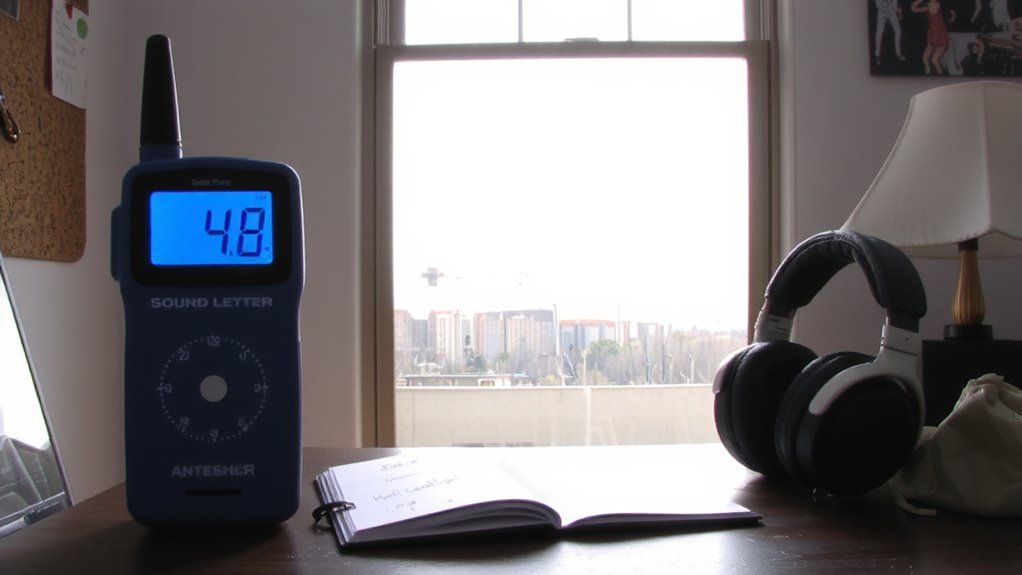
Ever wonder why that faint hum of your refrigerator or the occasional chatter through thin walls makes it so hard to stay on task? You’re not overreacting-background noise triggers attention drift, pulling your focus from complex work without you even noticing. Even low-level sounds force your brain to process distractions, accelerating cognitive fatigue over time. Studies show this constant mental filtering reduces productivity, especially during deep work sessions. You might manage short bursts, but sustained concentration suffers. That subtle noise doesn’t just annoy-it quietly degrades performance. While some people adapt, most experience slower reaction times and more errors. Soundproofing panels or thicker doors can help, but they’re not foolproof. Retrofitting older homes often requires trade-offs in cost and space. There’s no universal fix, and results vary by layout and building materials. You’ll need to assess your own environment realistically-small changes help, but complete silence is rarely achievable.
Pick the Right Tool to Measure Home Office Noise
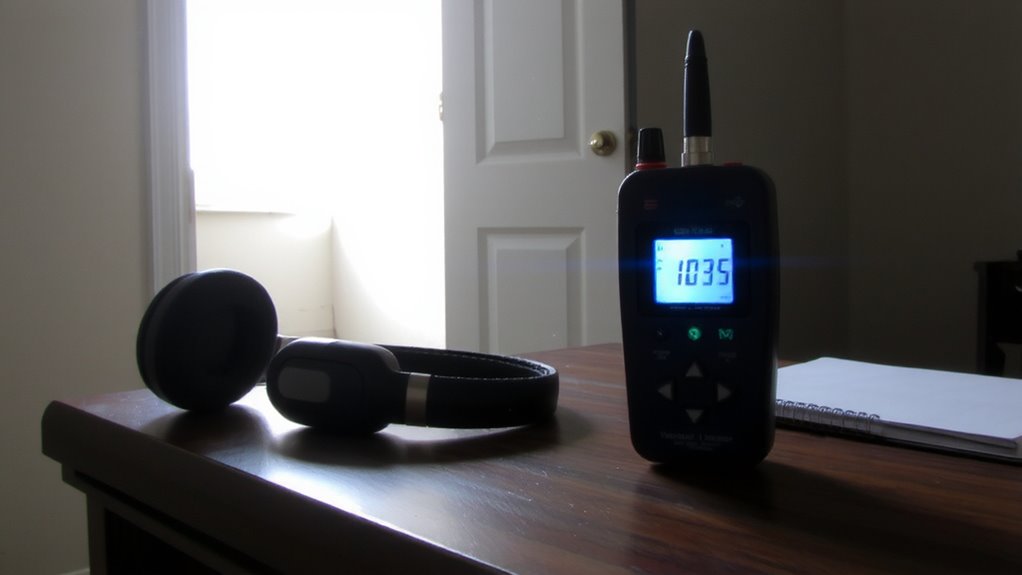
You can’t fix what you haven’t measured, and if background noise is hurting your focus, the first step is knowing exactly how loud your home office really is. For accurate readings, choose between dedicated sound meters and smartphone noise apps. While sound meters offer lab-grade precision and calibration, noise apps are budget-friendly and surprisingly reliable for everyday use.
| Tool Type | Accuracy | Best For |
|---|---|---|
| Professional Sound Meter | High (±1 dB) | Legal or technical use |
| Entry-Level Sound Meter | Moderate (±2 dB) | Home office checks |
| iOS Noise App | Moderate | Quick baseline tests |
| Android Noise App | Varies | Casual monitoring |
| Smart Speaker Tools | Low | General awareness |
Sound meters cost more but deliver consistency. Noise apps work well if calibrated properly, though results can vary by device. Pick based on your need for precision versus convenience.
Measure at the Right Time and Place
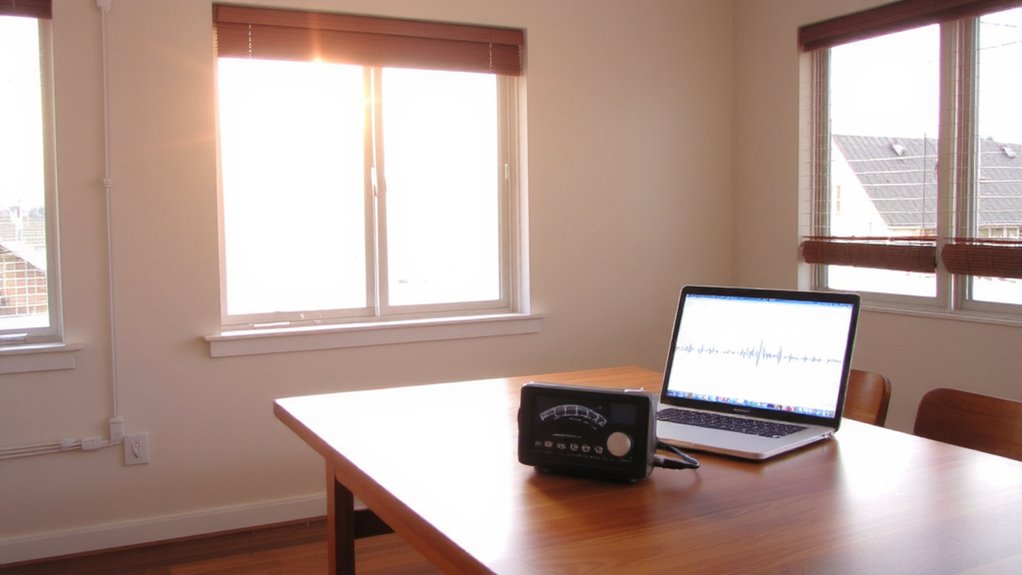
When should you measure noise in your home office? For reliable results, prioritize time selection and location accuracy. Measure during typical work hours when common distractions-like HVAC systems, street traffic, or household activity-are active. This guarantees your readings reflect real-world conditions, not artificial quiet. Avoid weekends or off-hours unless those match your usual schedule. Position the sound meter at ear height, where you sit, not in corners or near walls that could distort readings. Keep it away from fans, computers, or windows that skew data. Location accuracy means capturing sound exactly where you experience it. Take multiple readings across days to account for variability. While most meters perform consistently indoors, drafts or reflective surfaces can still compromise accuracy. Don’t trust a single number-context shapes every decibel.
Know What the Decibel Reading Means
How quiet is too quiet, and when does background noise start to interfere with focus? Most home offices should stay between 30–40 dBA, where sound intensity is low enough to support concentration without feeling unnervingly silent. Readings above 45 dBA can disrupt speech clarity and reduce productivity. Your decibel meter’s frequency analysis helps distinguish rumbling HVAC noise from higher-pitched electronics, letting you interpret what types of sound dominate your space. Low frequencies might not register as loudly in sound intensity but can still disrupt focus over time. Pairing your decibel readings with a basic frequency analysis helps you understand what kinds of noise affect you most. That way, you’ll know whether to address a hum, buzz, or general loudness.
Find the Biggest Noise Sources in Your Office
Where’s that hum coming from-your laptop fan, the air purifier, or something deeper in the walls? Pinpointing the biggest noise sources in your office starts with tracking noise patterns over time. Use sound mapping to visually identify hotspots, noting when devices spike in output. Walk around with your decibel meter, checking near electronics and shared walls.
| Source | Avg. dB Level | When Active |
|---|---|---|
| Laptop Fan | 45 | High CPU use |
| Air Purifier | 40 | Continuous |
| HVAC Vent | 50 | Cycling on/off |
Sound mapping reveals repeat offenders you might overlook. While fans are often culprits, structural elements can amplify noise patterns unexpectedly. Most devices list noise levels in specs-cross-check your findings. Keep in mind that perceived loudness varies by frequency and duration. A brief 50 dB spike may be less disruptive than a constant 40 dB drone.
Use These 5 Quiet-Up Strategies Immediately
A few strategic tweaks can cut background noise in your home office by 10 to 20 decibels-enough to make calls clearer and focus easier. First, install acoustic panels on walls near your desk; they absorb mid to high-frequency sounds from talking or typing, especially in bare rooms. Place them at reflection points-where sound bounces between your voice and walls-for best effect. Second, use sound masking with a white noise machine or fan; it doesn’t block noise but makes speech less distracting. Third, seal gaps under doors with draft stoppers-cheap and effective. Fourth, lay down a thick rug with padding to reduce floor reflections. Finally, reposition your desk away from noisy appliances. Acoustic panels work best when paired with sound masking, but neither fixes structural flaws. Results vary based on room size and materials, so test changes with your noise meter. For optimal results, choose panels designed specifically for speech frequencies, such as best acoustic panels for home office.
On a final note
You should measure your home office noise-it’s simple and reveals real distractions. Use a decibel meter app or basic sound level meter; they’re accurate enough for spotting issues. Test at your desk during typical work hours. If levels exceed 45 dB, focus suffers. Seal gaps, add rugs, or try acoustic panels-they help, but won’t block all sound. Noise-canceling headsets work well, though they’re a cost. Results depend on your space and gear quality.