Using a Monitor Riser With Built-In Wireless Charging for Phone and Earbuds
You’ll cut desk clutter with a monitor riser that charges your phone and earbuds wirelessly, using built-in Qi pads that deliver 5W to 10W-enough for steady top-offs, not full fast charging. Just align devices over the charging zones, since misalignment or thick cases can slow power delivery. The hollow base routes cables neatly, and elevating your screen helps posture. It needs constant outlet power and won’t work without Qi compatibility. Keep learning to avoid common placement issues.
Notable Insights
- A monitor riser with built-in wireless charging reduces clutter by integrating phone and earbud charging into your desk setup.
- Dual Qi-compatible charging zones allow simultaneous charging of a smartphone and earbud case without extra cables or adapters.
- Proper alignment of devices on the charging pads is critical to maintain efficient charging and avoid power drop-offs.
- Charging performance works best with thin cases and Qi-certified devices, supporting up to 7.5W for iPhones and 10W for Androids.
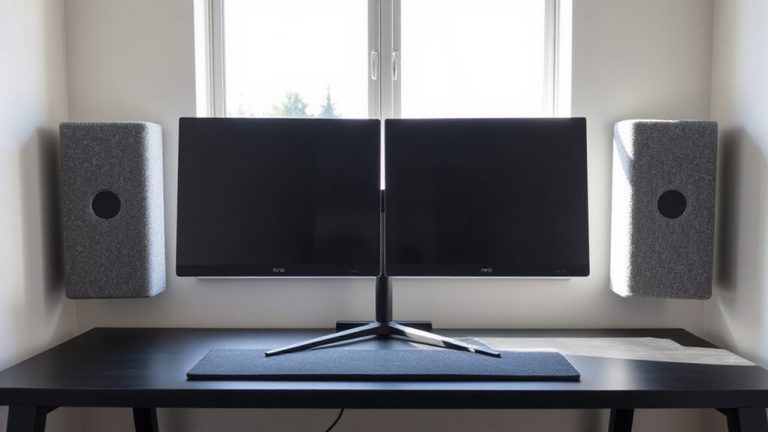
- Position the riser at eye level to improve posture while ensuring easy access to charging pads without stacking accessories too high.
Beat Desk Clutter With Wireless Charging
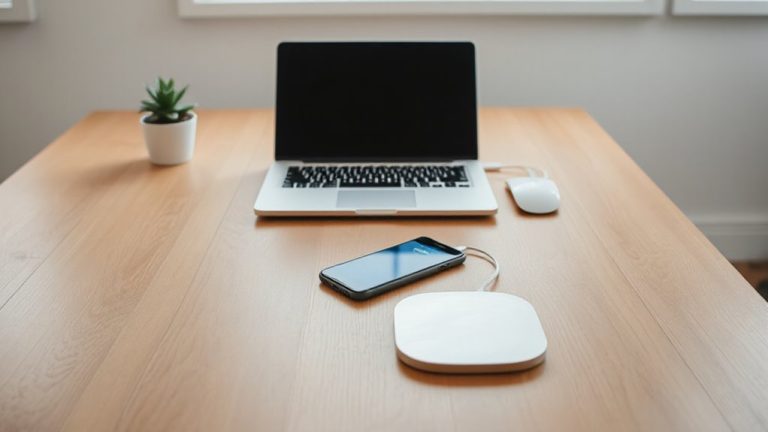
A clean desk starts with smart charging. You get serious cable management and device organization benefits by using a monitor riser with wireless charging. It lifts your screen to eye level while creating a dedicated spot for your phone and earbuds-no more tangled cords under your monitor. Built-in Qi charging pads are power-efficient but only charge compatible devices, so check your model first. Our tests show 5W to 7.5W output, enough for daily top-ups, not full-speed bursts. The base has rubber feet, so it stays put, and hollow space inside lets you route power cables neatly. However, it’s not a power bank-constant outlet use is needed. Most brands offer a one-year warranty. If you value clean lines and reduce desk clutter, this setup works well, but don’t expect miracles with thick phone cases or metal accessories. For a fully optimized workspace, consider pairing this with other cable management solutions.
Keep Your Phone and Earbuds Charged All Day
You’ll keep your phone and earbuds topped up through the workday with a monitor riser that includes dual wireless charging zones, one for your smartphone and a dedicated pad sized for earbud cases. This setup gives you charging convenience without needing extra plugs or cables cluttering your desk. You get all day power by simply placing devices on the pads-no plugging in every few hours. Most models deliver consistent 5W to 10W output, enough for steady top-offs during long work sessions. Keep in mind, though, charging slows if devices aren’t aligned perfectly, and thick cases may interfere. These risers usually support standard Qi devices only, so check your gear beforehand. The charging coils are built to last, often backed by 1-year warranties. While not a fast-charging solution, it’s a practical way to maintain battery life effortlessly. For those seeking more flexible charging layouts, wireless charging desk mats offer an alternative with larger surfaces and multiple device support.
Check Qi Compatibility and Charging Speed
Most monitor risers with wireless charging work reliably, but only if your devices support Qi-the industry-standard wireless charging tech built into recent iPhones, many Androids, and some earbud cases. You’ll need to confirm your phone and earbuds are Qi-compatible; otherwise, the charging pad won’t function. The Qi standard guarantees broad interoperability, but charging efficiency varies. While most risers deliver 5–10W, actual speed depends on your device’s max input-many iPhones top out at 7.5W, Androids at 10W. Cases thicker than 3mm or those with metal can reduce efficiency. For reliable performance, stick with certified Qi devices and avoid cheap knockoff chargers. Real-world testing shows a full charge takes 2–3 hours, assuming no obstructions. Always check manufacturer specs for output and clearances.
How to Set Up Your Riser for Better Posture
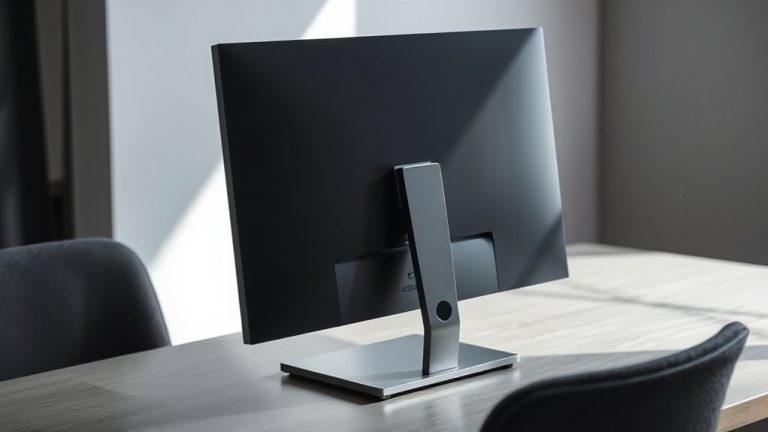
Setting up your monitor riser correctly can make a real difference in maintaining better posture during long workdays, but only if the height and positioning align with your body and desk setup. For proper ergonomic alignment, the top of your screen should level with your eyes when seated, reducing neck strain. Most users need 6–12 inches of lift, depending on monitor size and seating height. Position the riser close to the desk’s edge to prevent unnecessary reaching. If it includes built-in wireless charging, use it to reduce clutter, but don’t let phone or earbud placement disrupt your viewing angle. Effective cable management keeps charging and power cords neatly routed, minimizing tangles and distractions. However, avoid stacking devices too high to access charging pads-this can compromise alignment. Always test your seated posture over 10–15 minutes to catch subtle discomfort. Riser design matters, but long-term comfort depends on personalized adjustments. Consider models from the best monitor stands list to ensure stability, adjustability, and integrated features like charging trays.
Best Uses for Work, Study, and Gaming
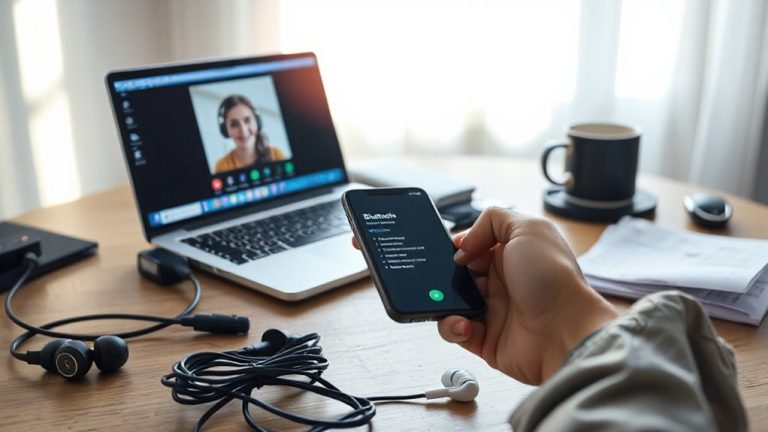
A well-designed monitor riser with wireless charging can genuinely elevate your daily setup across work, study, and gaming-if used thoughtfully. You gain ergonomic efficiency by raising your screen to eye level while keeping essentials charged and within reach. The built-in Qi pad supports your phone and earbuds, cutting cable clutter and adding multitasking convenience during long sessions. For work or study, place your phone on the charger to stay reachable without breaking focus. Gamers benefit by keeping earbuds topped up between matches and phones ready for voice comms. Just make certain your devices align with the charging coil-misplacement causes frustration. Also, charging power is typically 5–7.5W, not as fast as wired. Some models include USB passthrough, helping power auxiliary devices. Stability matters: verify the riser holds your monitor securely. Don’t overload the deck. While the integration saves space, it’s not a fix for poor posture or a cluttered desk.
Fix Common Charging Failures and Placement Issues
Why does your phone not charge even when placed right on the riser? Poor charging alignment is likely the culprit-your device’s coil must match up precisely with the riser’s transmitter. Shift it just 5–10mm off-center, and efficiency drops sharply. Most risers don’t have visual guides, so you’ll need to adjust by feel. Also, check for device overheating; thick cases or direct sunlight can trigger thermal throttling, cutting power mid-charge. Remove bulky cases and guarantee airflow. Keep your phone screen-down if the riser supports it-some models charge more reliably that way. While convenient, misalignment and heat issues mean wireless charging isn’t foolproof. You’ll still need patience and occasional repositioning. It works well when conditions are ideal, but don’t expect 100% reliability in all environments.
On a final note
You’ll likely cut cable clutter and boost charging convenience with a monitor riser that has built-in wireless charging, especially if you use Qi-compatible devices. Most models deliver solid performance for phones and earbuds, though charging slows if devices shift even slightly. Look for non-slip pads and 15W fast-charging support. Just remember, you lose access to USB ports underneath, and cheap units may lack warranty support or real-world durability.