Using a Hanging File Organizer on the Side of a Desk to Save Surface Area
You’ll save desk space by mounting a hanging file caddy on the side of your desk-just use a clamp-on model under 8 inches deep to avoid blocking walkways. Pick one rated for 5–8 lbs and fit for desks up to 2 inches thick. Vertical storage keeps files handy without clutter, but don’t overload it or risk sagging. Install in minutes, label folders clearly, and keep heavy use to a minimum. There’s more to get right for long-term use.
Notable Insights
- Mount a side-hanging file organizer to free up desk surface space and keep files within easy reach.
- Choose a compact caddy under 8 inches deep to fit small workspaces without obstructing movement.
- Install clamp-on models in under 5 minutes without tools for secure, quick setup on desks up to 2 inches thick.
- Organize files by priority or category, placing active folders in front for efficient access and workflow.
- Avoid overloading; stay under the 5–8 lb limit to prevent damage, sagging, or detachment.
Free Up Desk Space With a Side-Mounted File Organizer
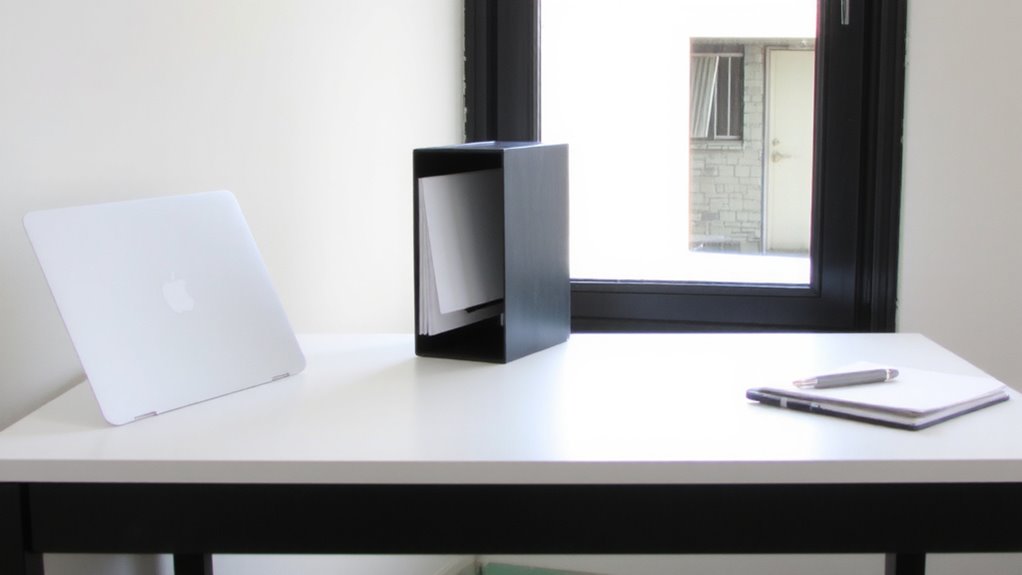
A side-mounted hanging file organizer can be a smart addition to your desk setup if you’re tight on surface space but still need quick access to files. You’ll gain valuable desktop real estate by switching to vertical storage, which pulls folders off your work surface and positions them within arm’s reach. This layout supports better posture and offers ergonomic benefits by reducing how much you twist or stretch to retrieve documents. Most models fit standard letter-size hanging files and clamp securely to desk edges up to 2 inches thick, though stability varies by build quality. While durable steel frames last longer, lightweight plastic versions may wobble under heavier loads. Installation is usually tool-free, but check weight limits-many hold only 10–15 pounds. Overloading risks sagging or damage to your desk. Choose a design with adjustable arms if your desk has obstacles like drawers or pedestals.
Pick the Best Hanging Desk File Caddy for Small Spaces
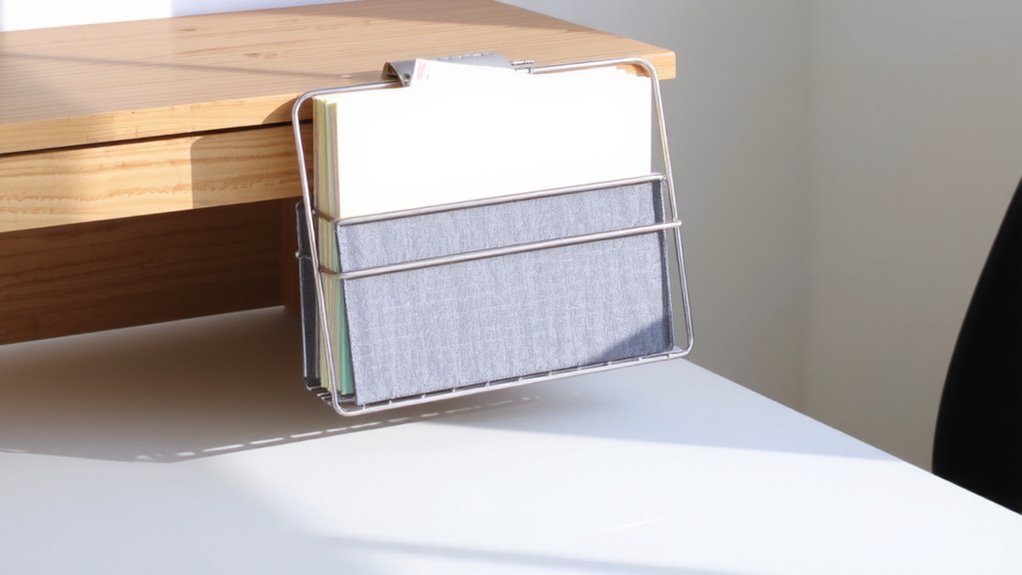
One well-chosen hanging desk file caddy can make a real difference when you’re working with just a few square feet of workspace. Look for a model with a compact design that fits neatly on the side of your desk without jutting into walkways or interfering with seating. The best options measure under 8 inches deep and hold at least two hanging files in a vertical layout. Wall compatibility matters-ensure your desk material (like wood, metal, or laminate) can support the caddy’s clamps or screws. Some models work only with desks under 1.5 inches thick, so check your setup. While these caddies save space, they aren’t ideal for heavy file loads; stick to lightweight documents. Choose one with a built-in pencil tray if you need small-item storage. Read warranty terms-good brands offer at least a 1-year guarantee against clamp wear.
Install Your Side File Organizer in Under 5 Minutes
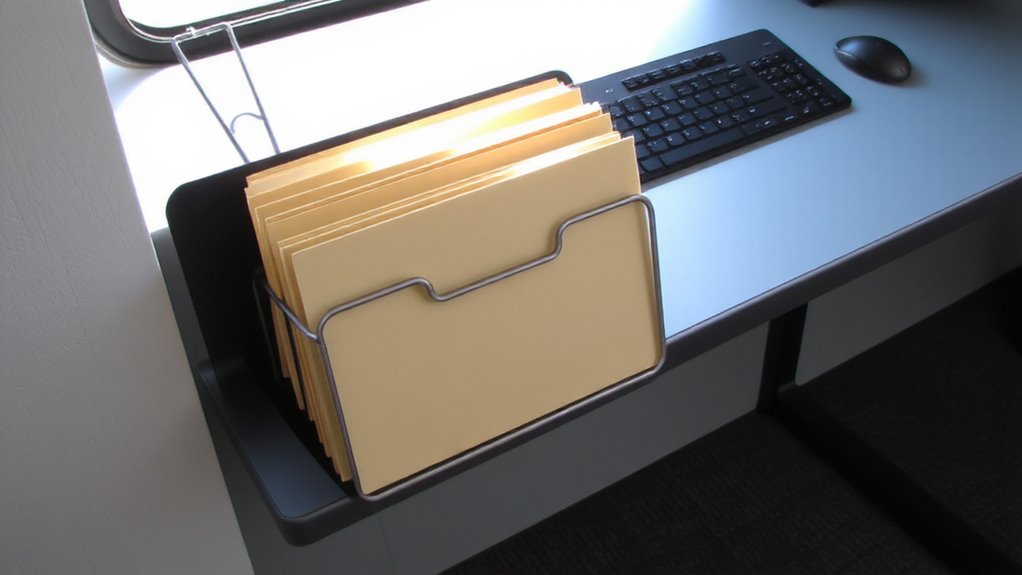
You’ve picked a space-saving hanging file caddy-now get it up and working in under five minutes. Most models use a simple clamp or adhesive mounting technique, so no advanced tool required-just a screwdriver if your model includes mounting hardware. Clamp-on types secure to desk edges up to 2 inches thick, offering stability without permanent installation. Adhesive versions save time but depend on surface type and long-term durability; they may loosen over months, especially in humid conditions. For reliable support, the clamp-based mounting technique is preferred, even if it takes an extra minute. Always check weight limits-typically 5–8 pounds-before loading files. While installation is quick, misalignment can cause uneven hanging, so double-check positioning. Not all desks accommodate side-mounted caddies; verify your desk’s material and edge clearance first. A well-installed caddy stays secure, but periodic tightening helps maintain function. For stylish and functional storage solutions, consider a decorative file organizer that complements your workspace aesthetics.
Organize Files for Fast Access in a Hanging Caddy
Smooth access starts with smart sorting-treat your hanging file caddy like the command center it’s designed to be. Arrange files by category or frequency so high-priority documents hit your hands first. Use consistent file labeling-bold, legible tabs or printed labels make a difference when you’re juggling deadlines. Without clear labels, even the neatest setup fails you during quick retrieval. Position active projects up front, and archive older ones toward the back to maintain flow. Most caddies hold 10–15 folders comfortably, but cramming kills access speed. Test your layout: if pulling one file disturbs two others, you’re losing efficiency. Durable nylon or metal caddies survive daily use, often backed by 1-year warranties. While side-mounted organizers save desk space, they rely heavily on smart organization-the design helps, but you’ve got to maintain it.
Don’t Overload It: 5 Common Hanging File Caddy Mistakes
Five mistakes commonly undermine the effectiveness of hanging file caddies, and overloading tops the list. You risk structural damage when you exceed the weight limit, which most models set at 5–8 pounds. A sagging or detached caddy disrupts workflow and can damage furniture or files. Balance accessibility with load to keep the system functional.
| Mistake | Consequence |
|---|---|
| Exceeding weight limit | Structural damage, detachment |
| Uneven file distribution | Tipping, misalignment |
Even high-quality steel brackets fail if overloaded. Most manufacturers void warranties if weight limits are ignored. Real-world tests show caddies begin warping after just 10 lbs. Use lighter file formats or split contents between two caddies. While convenient, these organizers aren’t built for heavy archives-plan accordingly.
On a final note
Mounting a hanging file organizer on your desk’s side saves space and keeps files within reach. It works well if your desk edge is under 2 inches thick and you use letter-sized folders. Most models hold 5–7 files before sagging. Check the clamp’s grip strength-tested units fail at 8+ pounds. Use it for daily paperwork, not heavy binders. A 5-year warranty is common, but avoid overloading to prevent damage.