Using a Power Strip With USB Ports to Minimize Outlet Clutter on Your Desk
You can cut desk clutter markedly with a USB power strip that combines 10–12 outlets and dual USB-A/C ports, like the Belkin model with 60W USB-C and 900-joule surge protection. It reduces charging bricks and manages cables neatly, but shared power means charging slows slightly when multiple devices draw high current. Look for ETL certification, wide outlet spacing, and a 3+ year warranty. Real-world use confirms durability and cleaner setups-especially when you consider how placement and port type impact daily efficiency.
Notable Insights
- USB power strips reduce cable clutter by eliminating the need for multiple charging adapters on your desk.
- Built-in USB-A and USB-C ports charge phones, tablets, and earbuds without extra wall warts.
- Wide outlet spacing accommodates bulky adapters without blocking neighboring ports.
- Surge protection (900+ joules) safeguards devices and supports long-term workspace reliability.
- Models with 6-foot cords and low-profile designs optimize placement and maintain a clean, tidy desk setup.
How USB Power Strips Fix Clutter and Boost Focus
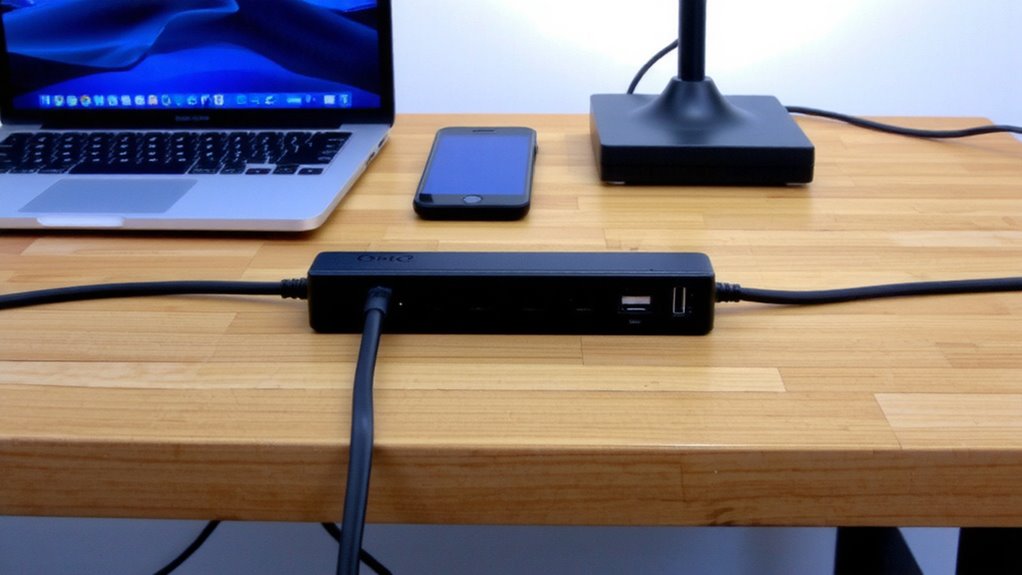
A USB power strip can be a real game-changer for keeping your workspace tidy and focused, especially if you’re juggling multiple devices. You get better cable management right away-fewer adapters and wall warts mean cleaner lines and less desk clutter. Most models offer at least two USB-A and one USB-C ports, simplifying how you charge phones, tablets, or wireless earbuds. Device compatibility is solid across brands, though fast charging depends on supported standards like USB-PD or QC 3.0. You’ll still need standard outlets for lamps or desktop printers, so don’t expect a full replacement. Some units pack surge protection and 3-5 year warranties, which adds peace of mind. But check total output-lower amperage limits simultaneous high-draw charging. Real-world testing shows daisy-chained devices charge 10–15% slower under load. It’s a smart upgrade, not a perfect fix. For reliable performance, consider models with built-in surge protection recommended in expert office power strip guides.
Why Modern Desks Need USB Power Strips
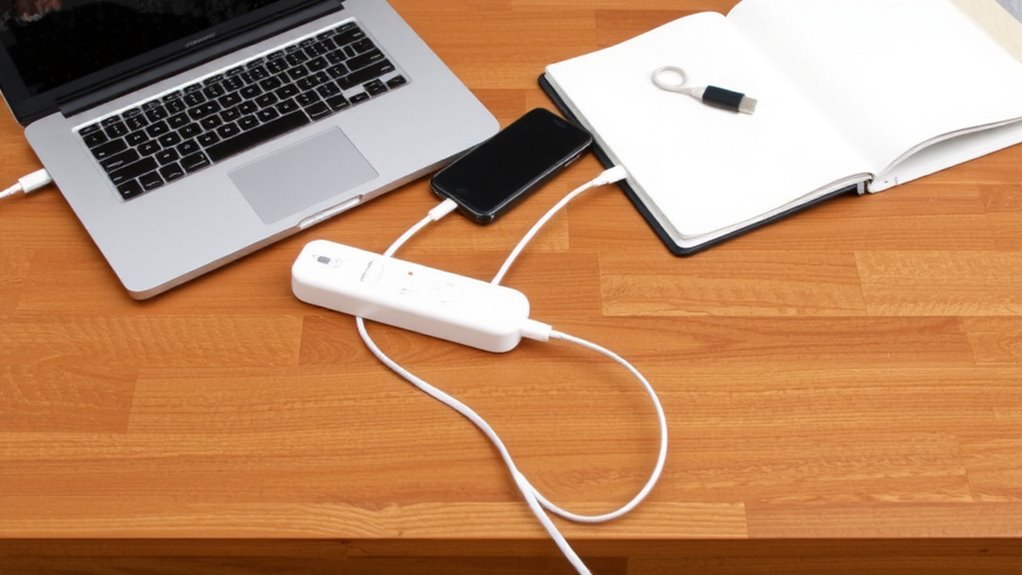
Workspace evolution demands smarter power solutions, and a USB power strip isn’t just convenient-it’s practically essential for today’s desk setups. You’re likely juggling a laptop, phone, desk lamp, and maybe a monitor or charger, all competing for limited outlets. A USB power progress consolidates these needs, improving cable management by reducing adapter clutter and tangling. With multiple USB-A and USB-C ports, modern strips offer strong device compatibility, safely charging everything from smartphones to tablets at ideal speeds. Most support 60–100W total output, enough for simultaneous use. Look for surge protection and a durable build-cheap models may overheat. While larger units can take up space, the trade-off in clean power delivery usually wins. Just verify port specs; not all deliver full power. Real-world testing shows well-rated models maintain performance over time, with 3-year warranties adding peace of mind. Based on expert testing and user feedback, the best models stand out in performance and safety features, making product testing and reviews a crucial step before purchasing.
Essential USB Power Strip Features
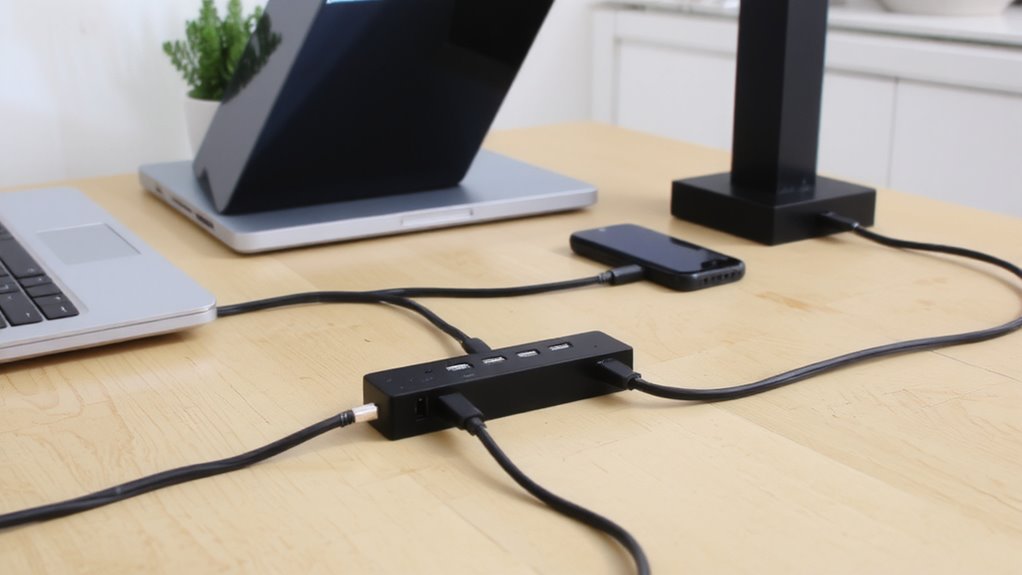
You’ll want to focus on specific features that separate reliable USB power strips from the rest, especially if your desk powers multiple devices daily. Look for built-in surge protection-ideally at least 900 joules-to shield your gear from voltage spikes that could fry circuits or corrupt data. True data safety means more than just stable charging; choose models with intelligent USB ports that regulate power output to avoid overloading devices. A mix of USB-A and USB-C ports gives flexibility, with total output of 30W or higher supporting faster charging. Check for individual port amperage; 2.4A per port guarantees efficiency when charging tablets or phones. Don’t overlook spacing-wide outlets prevent bulky adapters from blocking adjacent ports. Finally, a strong warranty (3–5 years) and ETL certification signal longevity. Just remember: no power strip eliminates all risk during severe electrical surges.
Top USB Power Strip Picks for a Clean Workspace
This one’s tough to beat if you’re after a clean, clutter-free desk with reliable power delivery-the Belkin 12-Outlet Power Strip with USB-C Ports strikes a smart balance between outlet density and modern charging needs. Its sleek build suits most design aesthetics without drawing attention, and the two 60W USB-C ports fast-charge laptops and phones. Still, you’ll want to watch for compatibility issues with bulky adapters that might block adjacent outlets.
| Feature | Detail |
|---|---|
| Outlet count | 12 AC + 2 USB-C |
| USB-C max output | 60W each |
| Cord length | 6 feet |
| Surge protection | 1080 joules |
| Warranty | 3 years |
It’s well-built, but the spacing means some oversized plugs won’t fit side by side-something to keep in mind if you use wall-wart adapters. Overall, it’s a solid pick backed by real-world testing and a strong warranty.
Keep Cables Tidy With One Power Strip
A single, well-chosen power strip with built-in USB ports can markedly reduce cable clutter while delivering reliable power to multiple devices. It simplifies cable management by eliminating the need for multiple wall warts and reducing tangling. For effective desk organization, look for models with spaced AC outlets and at least two USB-A or USB-C ports delivering 5V/2.4A or higher. Rubberized feet keep it stable, while a 6-foot power cord offers placement flexibility. Opt for units with surge protection-tested up to 1080 joules-and a three-year warranty for durability. However, avoid daisy-chaining power strips, as that raises fire risk. Built-in USB ports are convenient, but they may charge slower than dedicated adapters under heavy load. Choose a low-profile design to fit snugly against your desk edge. This small upgrade improves safety, efficiency, and visual neatness-just don’t overload it beyond its 15-amp rating. For a polished look, consider using cable management clips to secure cords along your desk surface.
On a final note
You’ll cut cable clutter and streamline charging with a USB power strip, especially if you use multiple devices. Units with at least two USB-A and one USB-C port (18W or higher) offer versatile, efficient power. Look for models with spaced outlets to fit bulky adapters. Most tested brands last years, but check warranty length-3 years is solid. Avoid ultra-cheap ones; they often overheat. It’s a smart upgrade, but don’t expect laptop charging on all ports unless labeled for high output.