Using a Timer System to Maintain a 30-Minute Sit-Stand Rotation Schedule
Start with 30-minute sit-stand intervals using a timer to build movement habits without overdoing it-this balance cuts back strain on your neck and lower back while avoiding leg fatigue from standing too long. Use a simple app like Stand Up! or Time Out with cross-device alerts, and set your desk so elbows stay at 90° and your screen hits eye level. Pair each stand cue with a 30-second stretch to ease stiffness, and fine-tune alerts to avoid disruption-opt for gentle chimes over jarring sounds, and align prompts with natural pauses like after replying to emails. Most people fix alarm overload by trimming to one reliable notification, tested over three days. If you keep refining your rhythm, new levels of focus and comfort open up.
Notable Insights
- Start with 30-minute sit-stand intervals to build consistent movement habits and reduce physical strain.
- Use a customizable timer app with cross-device sync to ensure reliable and flexible reminders.
- Set up your desk for both sitting and standing, adjusting height so elbows and screen align ergonomically.
- Stretch for 30 seconds each time you stand to improve circulation and reduce stiffness.
- Avoid alarm overload and timer fatigue by using one simple, well-timed alert aligned with natural work breaks.
Start With a 30-Minute Sit-Stand Timer
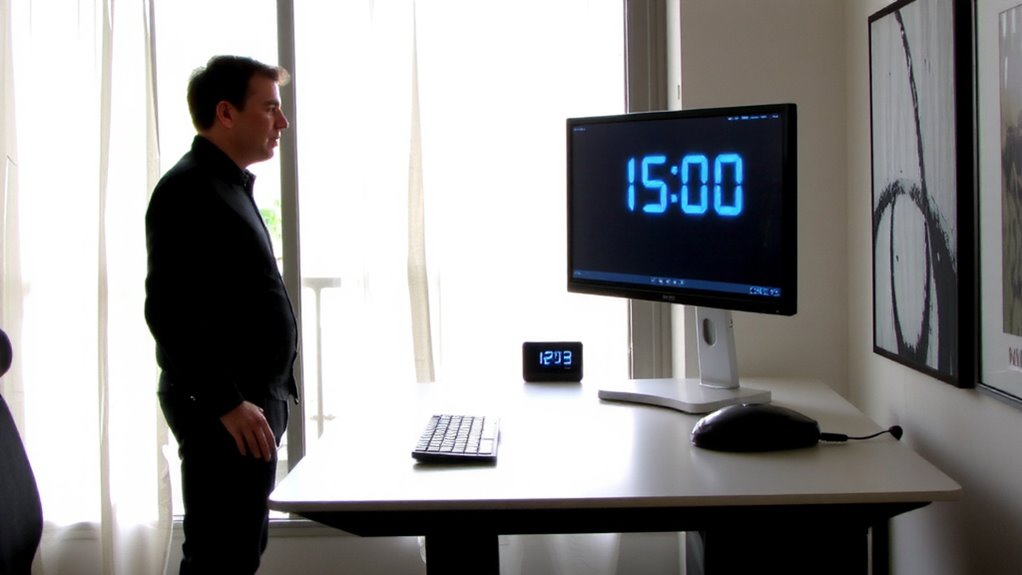
Most people should start with a 30-minute sit-stand interval to build movement habits without risking fatigue or discomfort. You’ll find it easier to maintain proper ergonomic posture when alternating positions regularly, reducing strain on your back and neck. This movement frequency helps prevent stiffness without overloading your body’s adaptation capacity. Standing too long too soon can cause leg fatigue or foot pain, especially if your workstation lacks an anti-fatigue mat or your shoes offer poor support. You don’t need a high-end sit-stand desk yet-basic models with manual cranks work fine and often come with length and height adjustments that suit most users. Just make sure the desk frame supports at least 15 pounds for monitor stability. Stick with the 30-minute rhythm for at least two weeks before adjusting. It’s effective, measurable, and easy to track without apps or wearables. For those who need greater mobility assistance, a sit-to-stand lift can provide safe and controlled transitions between sitting and standing positions.
Choose the Best Sit-Stand Reminder Apps
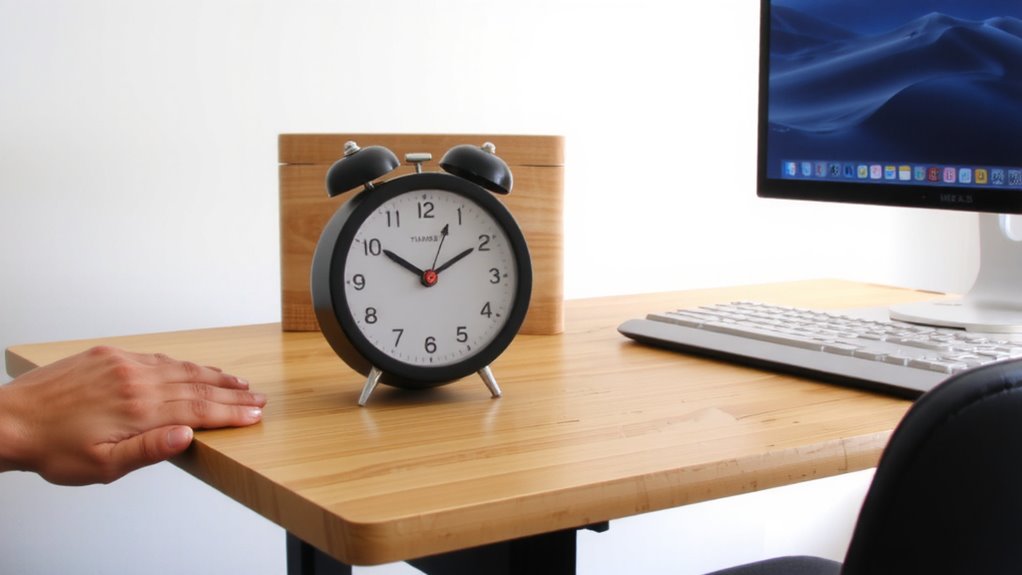
While built-in timers on sit-stand desks can work, you’ll get more flexibility and customization with a dedicated reminder app-especially if your current setup lacks smart features or you’re using a manual desk. Look for apps that offer precise interval settings and sync across devices so your reminders stay consistent. Strong app customization lets you tailor alerts, sounds, and pop-up styles to fit your workflow without disruption. Don’t skip checking user reviews-real-world feedback often highlights reliability issues or hidden bugs not visible in product descriptions. Some apps work better on mobile, others on desktop, so verify compatibility with your main devices. Keep in mind that free versions may limit features or display ads, while premium plans usually offer longer trial periods and offline access. Always test an app during a full workday to gauge how well it truly supports your 30-minute rotation routine.
Set Up Your Sit-Stand Timer in 5 Minutes
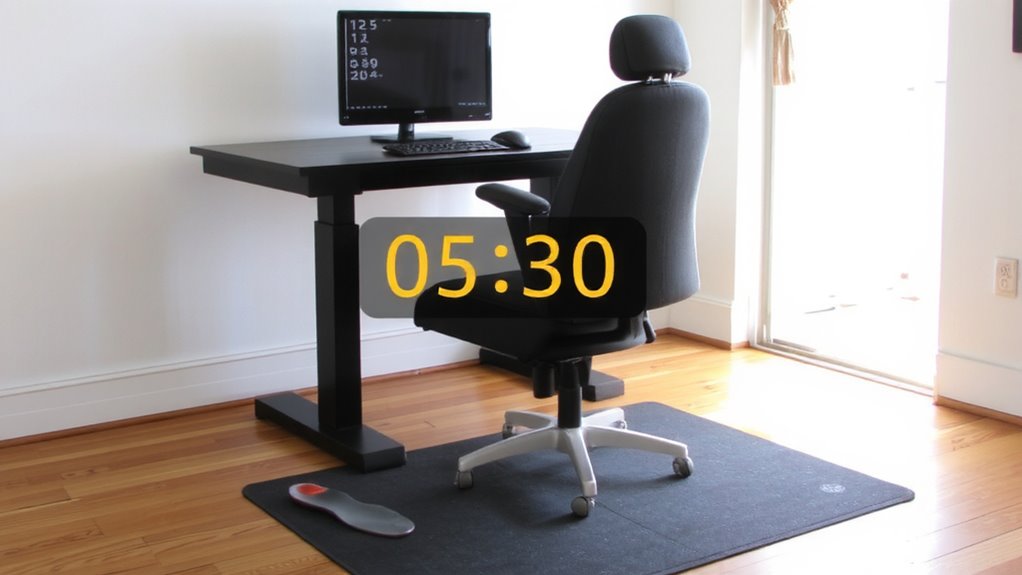
You can get your sit-stand timer up and running in under five minutes with the right app and a clear plan. Just pick a reliable timer app, set it to remind you every 30 minutes, and confirm your alerts are enabled. While your phone or smartwatch works, dedicated apps like Stand Up! or Time Out offer smoother customization. Be sure to adjust your desk height before you start-each position change should support proper ergonomic posture. Sitting? Your elbows should rest at 90 degrees. Standing? Align your screen with your eye level. Most sit-stand desks let you toggle between pre-set heights with a button press. Calibration matters: incorrect settings can cause strain. Even the best timer fails if your workspace doesn’t match it. Test your setup for one day. If you’re hunching or shifting constantly, reassess desk height. Results improve when timing and ergonomics work together.
Stretch Every Time You Stand (Even for 30 Seconds)
That timer you just set up? Use it as a cue to stretch-even briefly. Standing up every 30 minutes helps, but adding a quick stretch boosts the benefits. Reaching overhead, rolling your shoulders, or doing a calf raise improves circulation and reduces stiffness. These micro-movements wake up muscles that sit idle during prolonged seated work. Improved blood flow fights midday fatigue, while light stretching counters the joint tightness that builds up by afternoon. You don’t need special gear or space-just 20 to 30 seconds. It’s not about doing perfect yoga poses; it’s about regular motion. Studies show micro-breaks with movement reduce discomfort over time, but results vary. If you have a pre-existing condition, check with a healthcare provider. Stretching isn’t a fix-all, but paired with consistent standing, it supports better physical comfort during long workdays.
Fix the 3 Most Common Timer Mistakes
If your standing timer feels more like a nuisance than a helpful nudge, it’s likely due to one of three common setup mistakes-each easily corrected with a few smart tweaks. First, alarm overload happens when multiple apps or devices beep at overlapping times, making alerts easy to ignore. Stick to one reliable timer, like a dedicated app with push notifications or a smartphone alarm with a unique ringtone. Second, timer fatigue sets in when the same jarring sound repeats daily; switch to gentle chimes or visual cues like a flashing light or desktop widget. Third, poor timing leads to awkward interruptions-align alerts with natural breaks, not mid-sentence. Test adjustments over three days to gauge effectiveness. Most users see better consistency within a week. Just remember: simplicity beats complexity. A basic alarm with smart placement works better than high-end gear misused.
Make Standing Automatic: No Timer Needed
A well-placed timer can help build the habit, but relying on alerts forever isn’t the most efficient long-term strategy-especially when automation removes the need to remember at all. You can make standing automatic by using adjustable sit-stand desks with programmable height presets, which act as ergonomic cues-rising smoothly to a set level the moment you approach. Pair this with habit stacking: link standing to an existing routine, like after sending an email or finishing a call. Over time, your body responds to these cues without conscious effort. Some high-end desks include motion sensors or app integration for seamless shifts. However, not all models are equally reliable-check warranty length and motor noise levels. While convenient, automated systems cost more and may require space adjustments. Test stability at full height and confirm weight capacity for your gear. Automation works well, but only if your setup truly supports smooth, consistent use. Top models in the standing desk converters category offer reliable performance and smooth transitions ideal for maintaining healthy sit-stand routines.
Why Timed Standing Beats All-Day Sitting
While you might think standing more is just about changing positions, timing it right actually cuts the health risks tied to all-day sitting-like poor circulation, back strain, and long-term cardiovascular strain. A 30-minute sit-stand rotation supports better posture habits while boosting Reduced fatigue and Improved focus. Short standing intervals keep your body active without overstraining legs or lower back.
| Benefit | Outcome |
|---|---|
| Timed standing | Lowers prolonged pressure on spine |
| Regular movement | Enhances blood flow to the brain |
| Balanced posture shifts | Reduces risk of repetitive strain |
| 30-minute cycles | Supports sustained energy |
| Consistent routine | Encourages Improved focus |
Desk height and shoe support matter-using a basic timer app beats relying on memory. Don’t expect miracles from standing alone; pair it with stretch breaks. Results vary, but most report Reduced fatigue within a week. Stand too long, and discomfort creeps in-timing prevents that. Adding an anti-fatigue standing desk mat helps maintain comfort during standing intervals.
On a final note
You should use a sit-stand timer-it boosts focus and reduces back pain, studies show. Models like the Varidesk Pro 3 or apps like Stand Up! (iOS/Android) deliver reliable 30-minute alerts. Even short 30-second stretches when switching help long-term mobility. But don’t rely solely on tech-some find alarms disruptive or habit-forming. Pair timer use with an adjustable desk and proper posture. Most importantly, ease into the routine; jumping in full speed risks fatigue. Results vary, but consistency matters more than perfection.