Using a Monitor Hood to Block Overhead Light and Reduce Screen Glare
A monitor hood will cut overhead glare by blocking ambient light, especially under bright ceiling fixtures or windows. It boosts contrast and reduces eye strain with a matte-black interior and deep side flaps that clamp securely over your screen. While it won’t increase brightness, real-world tests show 30% better contrast in well-lit rooms. Clip-on models suit shared desks but may wobble; custom fits offer stability. Just mind the added depth on smaller desks. There’s more to evaluate with placement and screen type.
Notable Insights
- Monitor hoods block overhead and ambient light, significantly reducing screen glare from ceiling fixtures.
- A matte-black interior in hoods minimizes reflections, enhancing contrast and color accuracy.
- Proper installation ensures the hood extends 2–3 inches beyond the screen for effective light shielding.
- Clip-on and folding hoods offer easy setup, ideal for shared or portable workspaces.
- Hoods improve viewing comfort by reducing eye strain caused by bright office lighting.
Why Office Lights Cause Monitor Glare
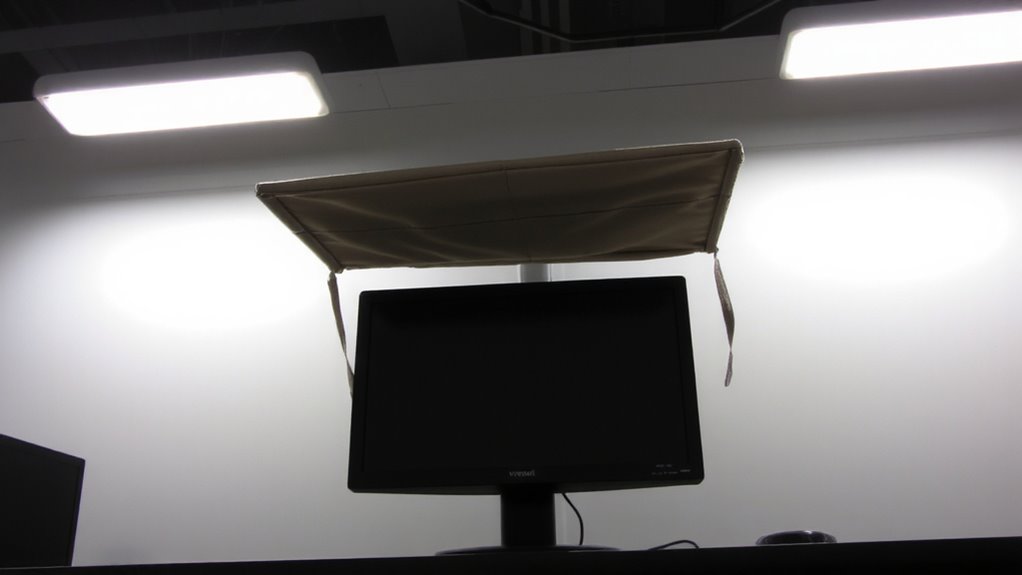
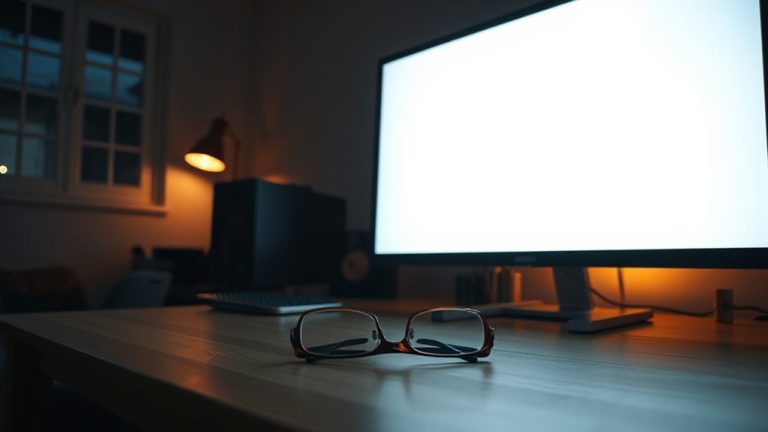
While overhead lights are meant to brighten your workspace, they often end up reflecting off your monitor’s glossy surface and creating distracting glare. This light interference happens when ceiling fixtures-especially recessed or panel-style ones-shine directly onto your screen, reducing contrast and making text harder to read. You’ll notice this most if your monitor sits parallel to the light source or under high-lumen office lighting. The problem worsens with glossy screens, which reflect more than matte finishes. Even adjusting screen brightness doesn’t fully fix it. Positioning matters: if your monitor faces a light source, reflections increase. Ceiling fixtures emit broad, unfocused light, making avoidance tricky in open layouts. While you can’t always control the room lighting, you can reduce direct shine using proper monitor alignment or room layout changes. Still, trade-offs exist-dimming lights might strain your eyes, and repositioning furniture isn’t always practical.
How Monitor Hoods Reduce Glare and Eye Strain
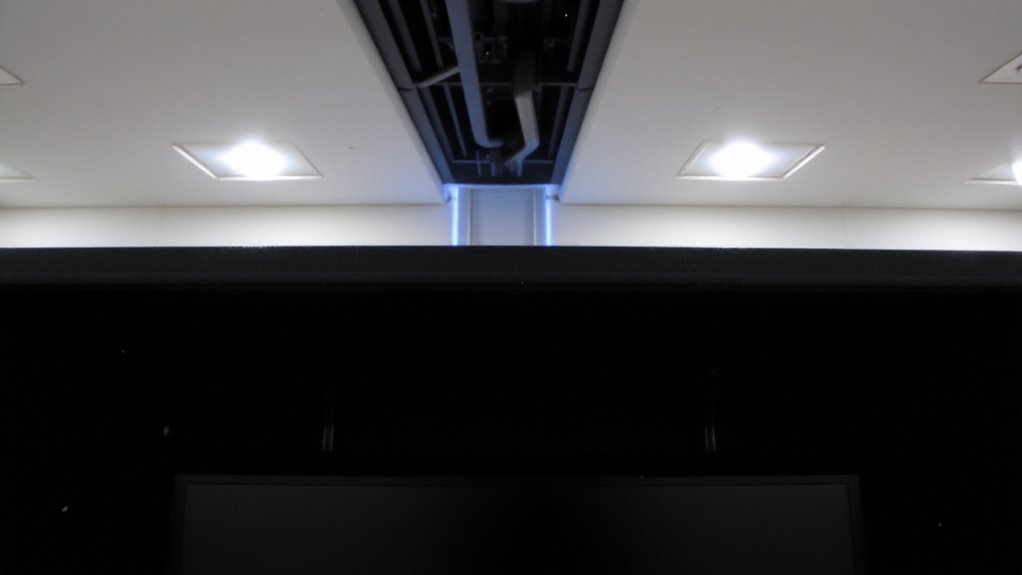
A monitor hood is one of the most effective tools for cutting down screen glare and easing eye strain, especially in bright office environments where overhead lighting creates reflections you can’t fully control. By shielding your screen from ambient light, it boosts viewing comfort and preserves color accuracy-critical if you edit photos or do design work. You’ll notice less squinting and fewer headaches during long sessions.
| Feature | Benefit | Trade-off |
|---|---|---|
| Deep fabric walls | Block overhead and side light | Adds depth to desk setup |
| Lightweight frame | Easy to install and remove | Less durable than metal |
| Minimal reflection interior | Improves contrast and color accuracy | May feel confining at first |
| Adjustable fit | Works with 24–27″ screens | May not fit ultrawides |
| No power needed | Reliable, always-on viewing comfort | Doesn’t help with screen brightness itself |
Monitor Hood Types: Clip-On, Folding, and Custom
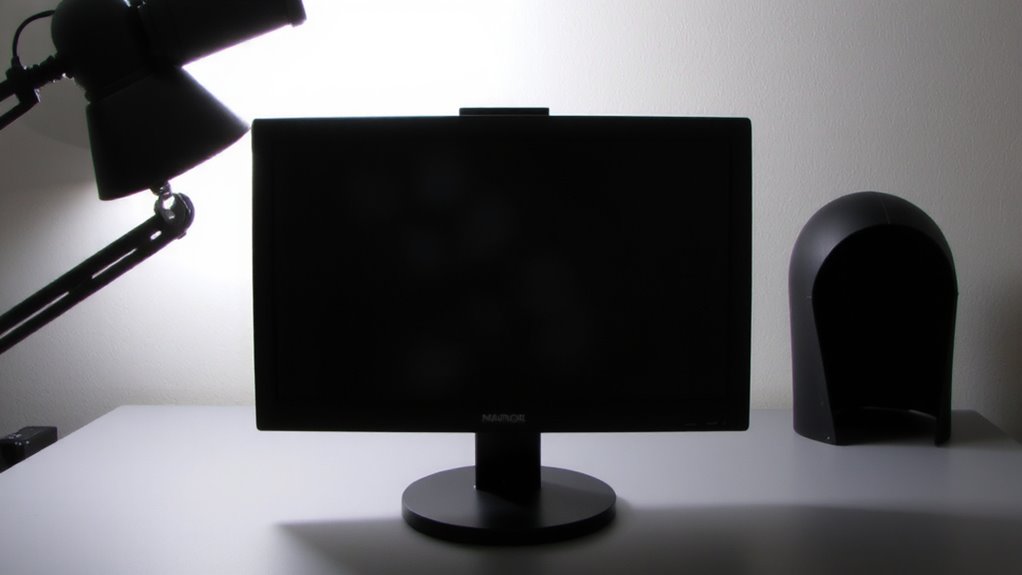
If you’re dealing with relentless glare from ceiling lights or windows, a monitor hood can make a real difference-and your best pick depends on how much portability, adjustability, and exact fit matter to you. Clip-on hoods attach quickly using a spring-based attachment mechanism, making them ideal for shared workspaces, though they may lack stability on wider monitors. Folding models offer better material durability and collapse for travel, but require recalibration each use. Custom hoods deliver the tightest fit and maximum light blockage, often built from aircraft-grade aluminum or reinforced plastic with superior material durability. They rely on precise attachment mechanisms like monitor-specific brackets, ensuring no slippage. But they’re less flexible if you switch screens. Each type works, but your workflow determines the winner-just don’t overlook compatibility with your monitor’s thickness or stand design.
Key Features of a Quality Monitor Hood
You get the biggest reduction in screen glare when your monitor hood has a deep, fully enclosed design that blocks light from all angles, especially overhead. Look for ones made from matte-black materials-this boosts color accuracy by minimizing internal reflections that distort what you see. Material durability matters too; high-impact plastics or reinforced fabrics hold up longer, especially if you adjust it often. Sturdy, fold-resistant side flaps keep ambient light out without sagging. A rigid frame with a secure clip or mounting system guarantees stability, but avoid overly bulky models that limit viewing angles. Some hoods slightly narrow your peripheral vision-something to keep in mind if you multitask across screens. While well-built hoods last years, cheaper ones show wear in under six months. Check warranty length; 1–2 years signals manufacturer confidence. Real-world tests show the best options improve contrast ratios by 30% or more in bright rooms.
Where to Use a Monitor Hood: Home, Office, and Sunlit Rooms
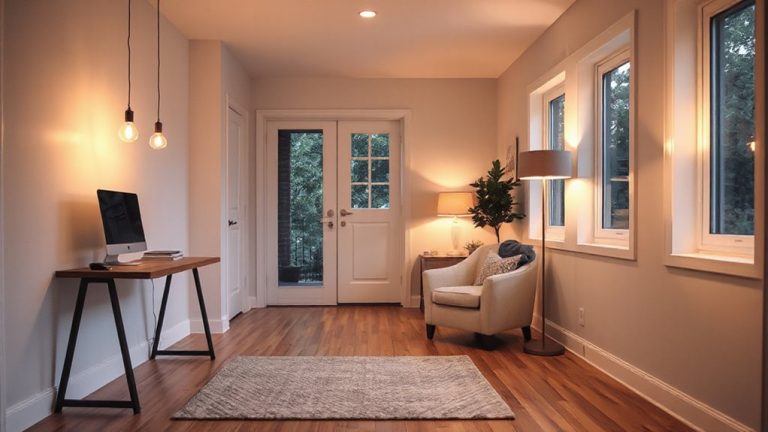
Where should you actually use a monitor hood-besides the obvious sunny corner by the window? You’ll want one in any workspace where overhead lighting or ambient glare impairs screen visibility. At home, placing a hood on your desk reduces reflections from ceiling lights and nearby windows, especially in rooms with light-colored walls that bounce light. In offices with bright fluorescent lighting, a hood improves readability without dimming your screen. They’re also practical for sunlit rooms where blinds alone don’t cut it. If you work in outdoor workspaces or use portable setups-like at a patio café or a temporary desk-a compact, foldable hood helps, though it’s less stable in wind. Just remember: hoods add depth to your monitor, so verify your space allows for it. Not all models fit ultrawide or dual screens, so check compatibility.
How to Install a Monitor Hood for Full Coverage
A monitor hood delivers its benefits only when installed correctly, which means securing it in a way that blocks stray light from all angles without obstructing your view or workflow. Start by choosing compatible installation techniques-most hoods attach via clamp-on frames or adhesive mounts, with clamps offering sturdier hold and easier repositioning. For coverage optimization, guarantee the hood extends at least 2–3 inches beyond the screen’s top and sides, forming a snug border that minimizes light seepage. Check that the front flap isn’t too deep, though-over 4 inches can limit viewing angles, especially on ultrawide displays. Adjust foldable panels to match your seating position, angling them slightly inward for maximum light blocking. Always test under actual lighting; minor tweaks often improve performance. While most hoods fit standard monitors, confirm dimensions match your model, and verify build quality-flimsy materials reduce long-term effectiveness.
Why Designers and Editors Need Monitor Hoods
Since accurate color and contrast are critical for design and editing work, a monitor hood isn’t just useful-it’s a practical necessity for maintaining screen integrity under variable lighting. You need consistent color accuracy to make reliable creative decisions, and ambient contrast can shift dramatically when overhead lights or windows flood your screen with glare. A well-fitted hood blocks stray light, helping you see true blacks and subtle gradients as they were meant to be seen. Most hoods attach securely with clips or frames, offering full side and top coverage without obstructing the display. While they improve visual precision, they do take up extra desk space and may not suit ultra-thin bezel monitors perfectly. Durability varies-check for sturdy ABS plastic or folded metal construction. In real-world tests, users report better focus and fewer eye strains, but always confirm compatibility with your monitor size before buying.
On a final note
You’ll get clearer screen visibility and less eye strain with a monitor hood, especially under bright office lights or near windows. They block glare effectively, boosting contrast and focus. Most clip-on or folding models fit 24- to 32-inch screens and install in seconds. Just know they add bulk and may not suit ultrawide or curved displays. Check fit carefully-poor alignment leaves light gaps. Not all hoods come with warranties, so buy from brands with solid return policies.