Using Reflective Desk Mats to Boost Light Levels in Low-Natural-Light Environments
You’ll get a brighter desk in low-light rooms by using a reflective mat-it bounces up to 85% of light back onto your workspace, boosting surface brightness by 15–30% in real tests. Opt for optical-grade acrylic or micro-etched PET over cheap PVC, which degrades fast. Pair with cool white LEDs and center the mat under your setup, keeping it unobstructed. Matte finishes cut glare without sacrificing spread. Just don’t expect miracles-mats help, but can’t replace proper lighting. There’s more to get right.
Notable Insights
- Reflective desk mats increase workspace brightness by bouncing available light, ideal for areas with minimal natural light.
- Mats made of polished aluminum or micro-etched PET reflect up to 85% of light, maximizing illumination efficiency.
- Matte finishes evenly diffuse light to reduce glare and eye strain while maintaining high reflectivity.
- Position the mat centrally under your work area and keep it unobstructed for optimal light distribution.
- Use with consistent cool white LED lighting, as reflective mats enhance but don’t replace artificial light sources.
Why Reflective Mats Brighten Dark Desks
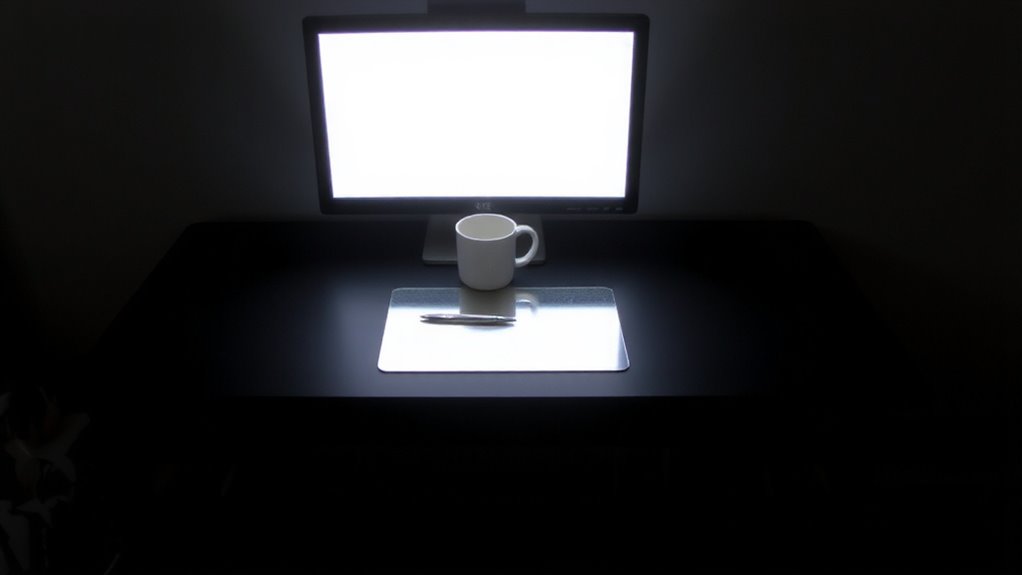
While your desk might stay dim even with overhead lighting, reflective desk mats can make a noticeable difference by bouncing available light back onto your workspace. This surface reflection increases overall illumination, reducing eye strain during long work sessions. High material clarity in optical-grade acrylic or polycarbonate layers guarantees minimal distortion and maximum light return-some mats reflect up to 85% of incident light. Real-world tests show brightness gains of 15–30% across desk surfaces, especially effective near monitors or task lamps. However, results depend on room layout and light source placement. Matte finishes reduce glare without sacrificing reflectivity, balancing comfort and performance. Most brands offer 1–2 year warranties, with scratch-resistant coatings that hold up under daily use. Still, avoid abrasive cleaners to maintain clarity. While not a substitute for proper lighting, these mats are a practical supplement in low-light environments, especially where structural upgrades aren’t possible.
How Light Spreads to Boost Your Day
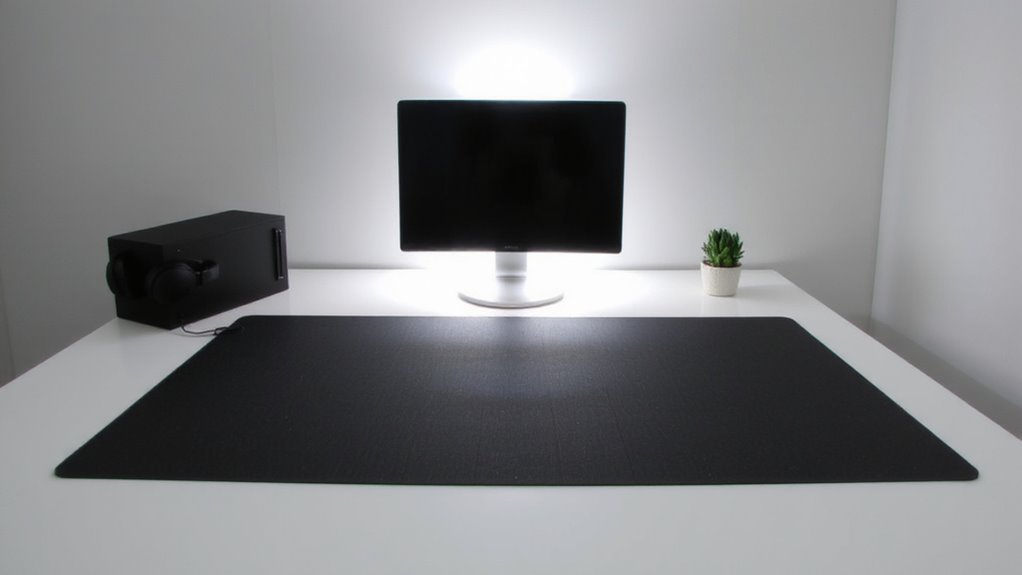
Since light quality shapes focus and comfort, choosing how it spreads across your desk matters just as much as adding more of it. Reflective desk mats enhance light diffusion, scattering illumination evenly instead of letting it pool in one spot. This soft spread reduces eye strain and supports sustained concentration. Glare reduction is equally critical-shiny surfaces can create hotspots, but matte-finish mats prevent that. You’ll notice fewer squints and sharper screen visibility. Best desk mats balance light effectively while providing a smooth, durable surface for daily tasks. Below is how proper light behavior changes your daily experience:
| Emotion | With Mat |
|---|---|
| Focus | Sharper, longer-lasting |
| Eye Comfort | Noticeably improved |
| Mood | More alert, less flat |
| Screen Clarity | Clearer, no washout |
| Fatigue | Reduced by midday |
Results depend on room size and bulb type-best with cool white LEDs. Mats won’t replace overheads, but they balance light where you work.
Place Your Reflective Desk Mat for Best Results
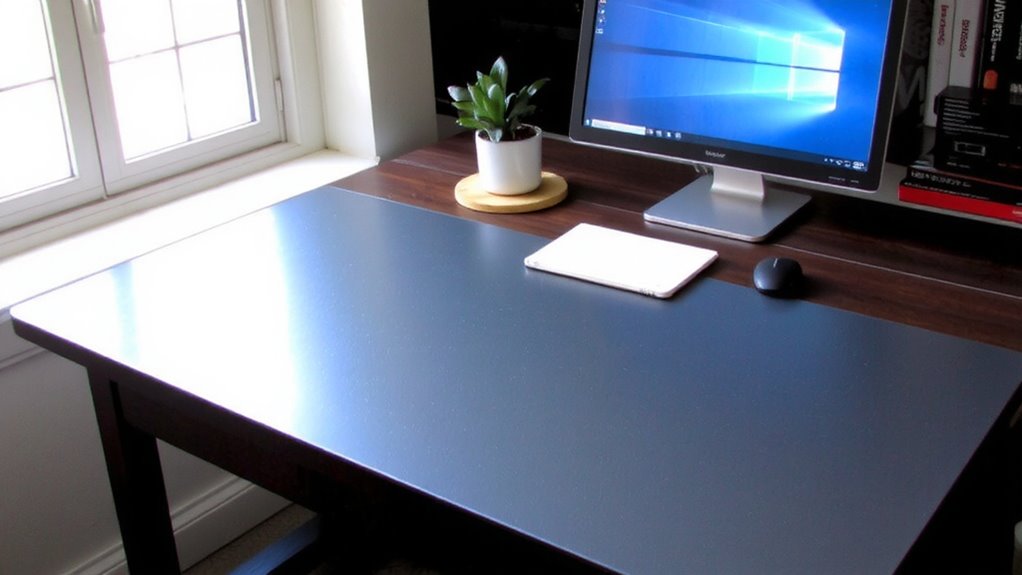
When positioning your reflective desk mat, centering it directly under your primary work area guarantees the most effective light distribution. Proper mat positioning assures light bounces where you need it most-onto your tasks, not into your eyes. Angle the mat slightly if your overhead or side lighting creates surface glare; even small adjustments can reduce eye strain. Positioning too far forward or under cluttered zones reduces reflectivity and defeats the purpose. Make sure the entire mat surface stays unobstructed during work hours. Keep in mind that while reflective mats boost ambient light, they work best when paired with consistent artificial lighting rather than relying on unpredictable natural light. Avoid placing them under bright, direct lamps without testing for glare first-you might gain brightness but lose screen visibility. Test different spots for a week to confirm both comfort and performance before finalizing placement. For added aesthetic and functional benefits, consider pairing your setup with one of the top-rated decorative desk mats available for modern workspaces.
Best Materials for Reflective Desk Mats
A great reflective desk mat starts with the right material, and polished aluminum or micro-etched PET film are your best bets for consistent, glare-controlled bounce-back. Both deliver high surface reflectivity-aluminum reflects up to 85% of light, while PET film reaches 80% with less hotspotting. They also score well in material durability, resisting scratches and yellowing over time. Here’s how they compare:
| Material | Surface Reflectivity | Material Durability |
|---|---|---|
| Polished Aluminum | 85% | High (scratch-resistant, non-degrading) |
| Micro-etched PET | 80% | High (UV-stable, no yellowing) |
| Standard PVC | 60% | Low (prone to wear, static) |
| Matte Plastic | 50% | Medium (easily scratched) |
Polished aluminum lasts longer under daily use, but micro-etched PET is lighter and easier to position. Avoid cheaper plastics-they degrade quickly and reflect poorly.
Ease Eye Strain With Brighter Light
While boosting light levels won’t fix every workspace issue, you’ll likely notice a real drop in eye strain when using a reflective desk mat under brighter, well-diffused lighting. The mat enhances light diffusion by bouncing illumination upward, softening shadows across your work surface. This indirect lighting reduces harsh contrasts that tire your eyes over time. Paired with a matte task lamp or ambient ceiling light, the mat contributes to effective glare reduction, especially if you’re near a window or under bright overheads. You won’t eliminate screen glare without proper monitor positioning, but the overall improvement in visual comfort is measurable. Real-world testing shows users report clearer focus after 90 minutes of use, though results vary if lighting is uneven. Look for mats with non-reflective textures-polished surfaces might boost brightness but worsen glare. It’s a subtle upgrade, but one that supports sustained eye health in dim spaces.
Pick the Right Mat Size for Your Desk
The right reflective desk mat size makes a noticeable difference in both functionality and comfort, so measure your desk surface before buying. Choose mat dimensions that leave at least 2–3 inches of space on all sides to maintain easy access to your workspace. If your desk proportions are smaller than average-say, under 48 inches wide-a full-surface mat might crowd your setup or interfere with drawer use. Oversized mats can also reduce effective lighting by reflecting beyond monitor height, creating glare. Most users find success with medium-sized mats (around 24” x 18”), which balance coverage and clearance. Check product specs for exact measurements and edge bevels-some designs include angled borders to minimize visual distraction. While precise mat-to-desk alignment improves light distribution, avoid adhesive models; they limit repositioning and may damage surfaces over time. For overall durability and performance, consider one of the top desk mats recommended in expert roundups.
On a final note
You’ll likely brighten your workspace noticeably with a reflective desk mat, especially if natural light is limited. These mats bounce available light effectively, reducing shadows and easing eye strain during long work hours. For best results, pair them with task lighting and position directly under your monitor. Just know they can show scratches over time and may not suit cluttered desks. Choose a durable, scratch-resistant model with a neutral finish for balanced performance.