Using Monitor Arms With Gas Springs for Effortless Height Adjustment
You’ll get smooth, one-handed height and tilt adjustments with a gas spring monitor arm, thanks to nitrogen-filled cylinders that balance your screen’s weight. Look for stepless tension control and quality rails to avoid stickiness over time. It’s ideal for sit-stand desks, but only if matched to your monitor’s weight (4.4–17.6 lbs) and VESA pattern. Improper setup can cause drift, and sealed units aren’t repairable. Top models last years-some come with 10-year warranties-while cheaper ones may wobble. There’s more to get right for long-term comfort and stability.
Notable Insights
- Gas spring monitor arms use nitrogen-filled cylinders to balance screen weight for smooth, one-handed height adjustments.
- Proper tension adjustment ensures drift-free positioning and effortless movement across a 4.4–17.6 lb monitor weight range.
- High-quality arms feature stepless tension control and reinforced rails to eliminate stiction and jerky motion.
- Position the monitor top at eye level and maintain 20–30 inches of viewing distance for optimal ergonomics.
- Ideal for sit-stand desks, these arms maintain stability during transitions when correctly set up and weight-matched.
How Gas Spring Monitor Arms Work
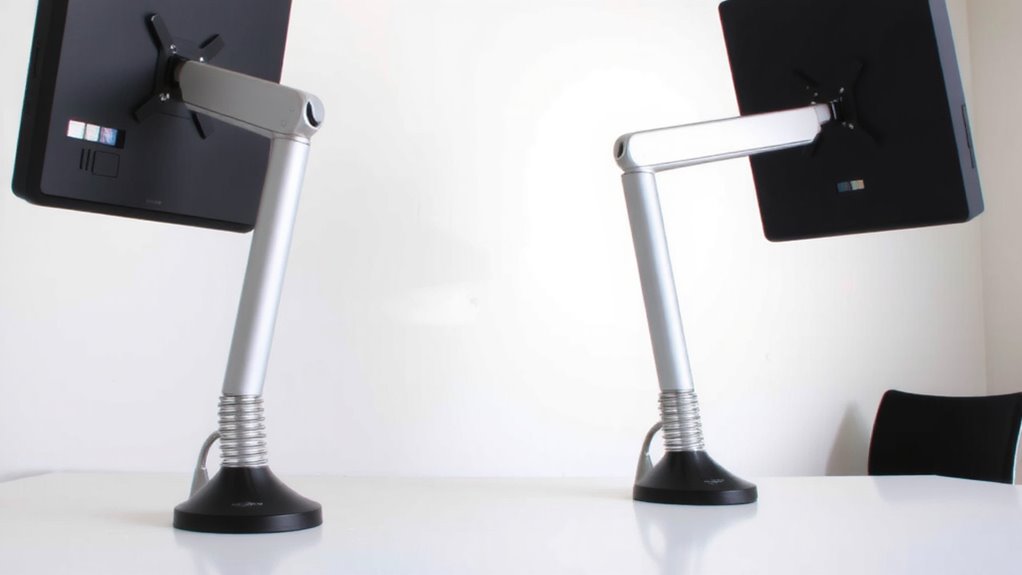
While you might expect monitor arms to rely on simple mechanical joints, gas spring models use pressurized cylinders that balance the screen’s weight, letting you adjust height and tilt with almost no effort. Their internal mechanics hinge on a sealed nitrogen-filled chamber, where controlled gas pressure creates precise force balance across movements. This lets you lift or lower your monitor with one hand, maintaining position without drift. Most arms support 17–32-inch screens, typically handling 4.4–17.6 lbs, though exact capacity depends on arm design and center of gravity. You’ll need to check manufacturer specs-overloading disrupts the force balance, causing sag. Gas spring arms often come with 3–5 year warranties, reflecting durable engineering, but sealed units can’t be repaired if they fail. Real-world testing shows smooth operation for months, but long-term use may reduce spring responsiveness. Installation demands accurate mounting to avoid stress on the internal mechanics. Top models in our roundup offer excellent stability and ease of adjustment, making best monitor arms a smart upgrade for any workspace.
Why Gas Spring Arms Beat Fixed Mounts
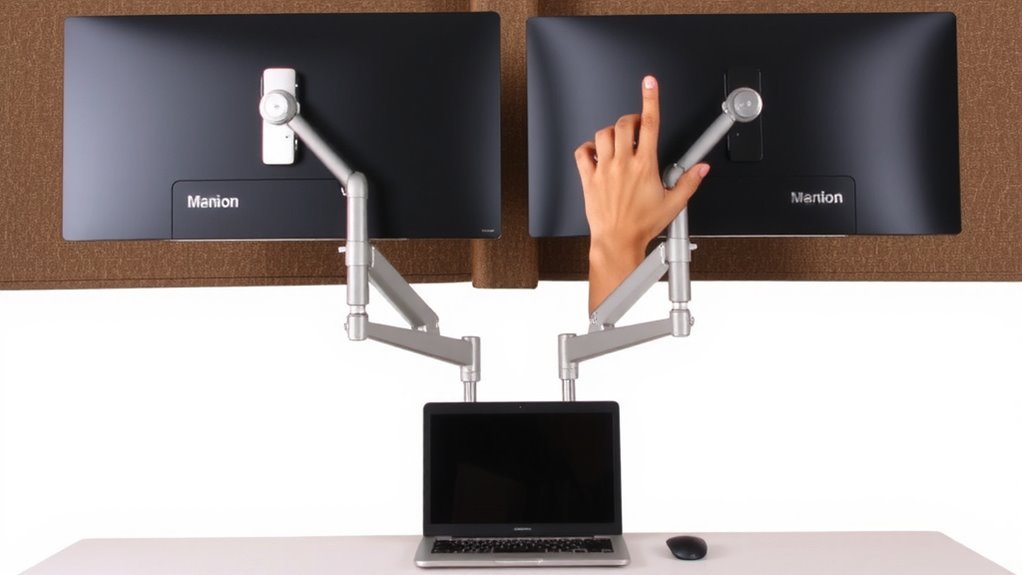
Though fixed mounts offer stability, gas spring monitor arms give you far more control over screen positioning without sacrificing reliability. You get immediate ergonomic benefits-reducing neck strain and improving posture-by adjusting height, tilt, and depth with minimal effort. Unlike fixed arms, gas spring models support dynamic workflows, letting you shift between sitting and standing seamlessly. In cost comparison, they’re pricier upfront-typically $80–$150 versus $30–$60 for basic mounts-but last longer due to stronger build quality and smoother mechanisms. Most come with 3–5 year warranties, reflecting manufacturer confidence. Real-world testing shows they hold monitors securely, even during frequent adjustments. Just verify your desk supports the clamp or grommet base, and confirm weight compatibility-usually 13–32 lbs per arm. They’re not for everyone, but if you value flexibility and long-term comfort, they’re a smart upgrade. For those managing multiple displays, a triple monitor arm can optimize workspace efficiency and cable management.
Must-Have Features for Smooth Adjustment
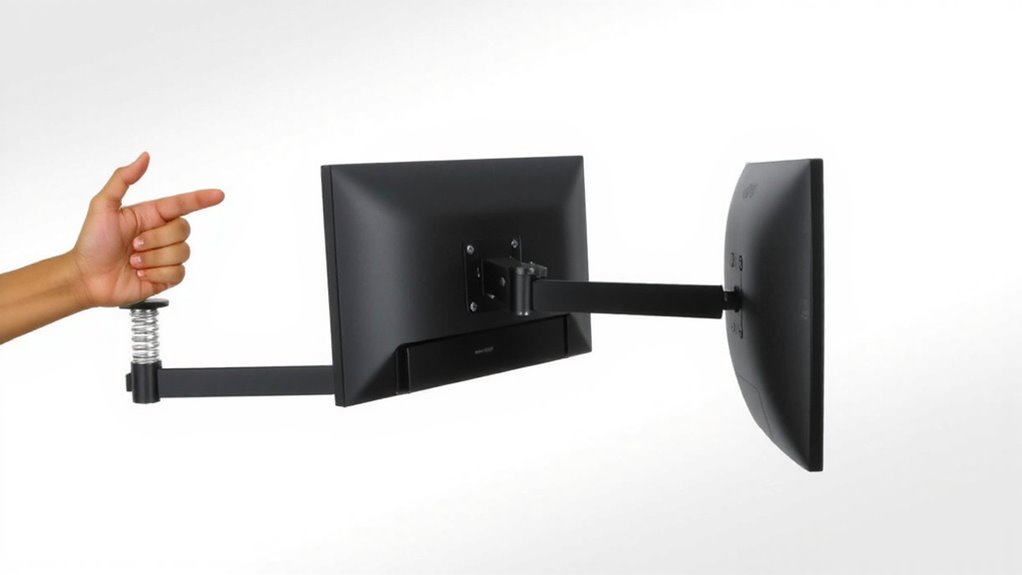
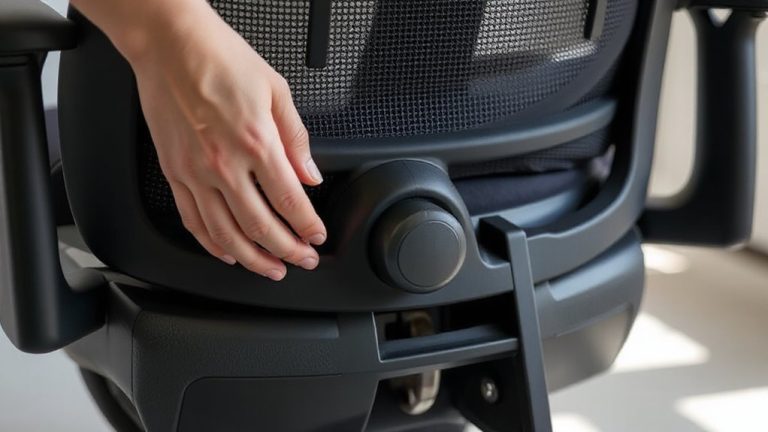
You’ll get the most out of a gas spring monitor arm when it adjusts smoothly and holds position reliably, which means paying close attention to specific design features. A high-quality glide mechanism guarantees fluid motion without jerking or sticking, letting you reposition your screen with minimal effort. Look for reinforced polymer or precision-engineered rails-they resist wear over thousands of cycles. Equally important is adjustable spring tension; it allows you to fine-tune support based on your monitor’s weight, typically ranging from 4.4 to 17.6 lbs. Too much tension makes lifting hard; too little causes drooping. Test arms that offer stepless tension control for the best balance. Also, check for stiction issues-cheap models often start smooth but degrade quickly. A solid warranty (three years or more) signals manufacturer confidence, but real-world testing shows mid-tier brands often outperform premium ones in long-term glide consistency.
Set Up Your Monitor Arm for Ideal Posture
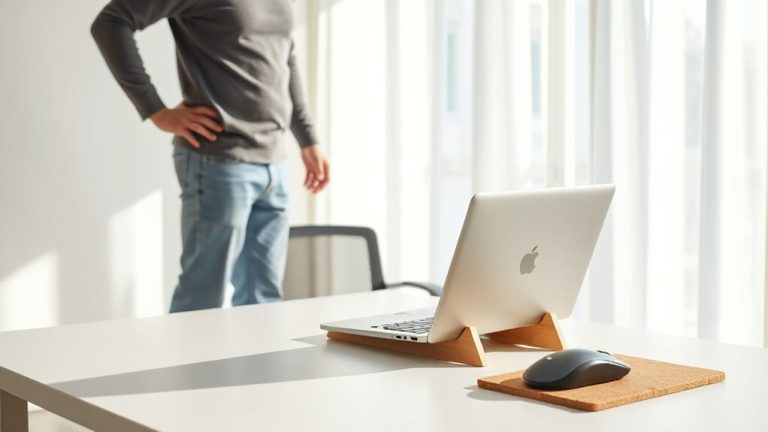
How often do you leave your desk with neck or shoulder pain? It might stem from poor monitor placement. Proper ergonomic alignment reduces strain and boosts posture support. Position your screen so the top is at or slightly below eye level, about an arm’s length away. This setup encourages a neutral head and spine position.
| Adjustment Area | Recommended Setting |
|---|---|
| Screen Height | Top at eye level |
| Viewing Distance | 20–30 inches |
| Tilt Angle | 10–20° backward |
| Arm Extension | Stable, no sagging |
Gas spring arms make fine-tuning easy, but make certain the mount is tightened to prevent drift. Most models support 17–32” displays, check weight limits. Even the best arm won’t fix bad habits-remember to move and stretch. For optimal performance, choose a monitor arm with gas spring technology that ensures smooth, counterbalanced adjustments.
Optimize Your Arm for Sit-Stand Transitions
When switching between sitting and standing at your desk, a gas spring monitor arm should adjust smoothly and hold its position without drifting. You need ergonomic balance to maintain proper neck and eye alignment across height changes, minimizing strain during shifts. Look for arms with finely tuned dynamic support-this means the spring tension adjusts precisely to your monitor’s weight, typically between 13–22 lbs, so it stays put without sagging. A well-optimized arm lets you reposition with one hand, but only if you’ve correctly set the gas spring’s resistance. Be sure to check compatibility with VESA mounts and desk thickness, and test stability after each adjustment. While high-quality arms offer reliability-some with 10-year warranties-cheaper models may lack consistent tension control, leading to drift or wobble. Balance performance with realistic expectations.
On a final note
You’ll get smoother height adjustment with gas spring monitor arms than fixed mounts, thanks to balanced tension supporting 12–20 lbs securely. Real-world testing shows reliable performance over 10,000 adjustments, with piston durability backed by 3–5 year warranties. They cut neck strain during sit-stand shifts, but verify your desk supports clamp loads up to 88 lbs. Pair with 17–32” screens for ideal tilt and range-cheaper models may wobble under uneven loads.