Using Task Lighting With Flicker-Free Drivers to Reduce Eye Strain and Headaches
You’re probably using a task light that flickers at 100–120 Hz, straining your eyes and triggering headaches-even if you don’t notice it. Flicker-free drivers fix this by delivering steady current, cutting flicker to under 5%, as confirmed by oscilloscope tests and IEEE 1789 standards. Pair that with CRI 90+ LEDs and 4000K color temperature to reduce eye fatigue. Proper positioning-angled 30–45° and placed left for right-handed users-minimizes glare and shadows. Look for 0–100% dimming, diffused shades, and lights backed by 3+ year warranties; many budget “flicker-free” claims don’t hold up under real-world testing. Better performance comes with verified specs, not marketing. There’s more to optimizing your setup than just the bulb.
Notable Insights
- Flicker-free LED drivers eliminate rapid light fluctuations that contribute to eye strain and headaches.
- Position task lights above and slightly behind your dominant hand to reduce glare and shadows.
- Choose LEDs with a CRI of 90+ for accurate color rendering and reduced visual fatigue.
- Use 4000K color temperature for balanced, focused lighting that supports alertness without strain.
- Verify flicker-free claims with third-party testing, as not all labeled products meet IEEE 1789 standards.
Why Your Desk Light Might Be Causing Eye Strain
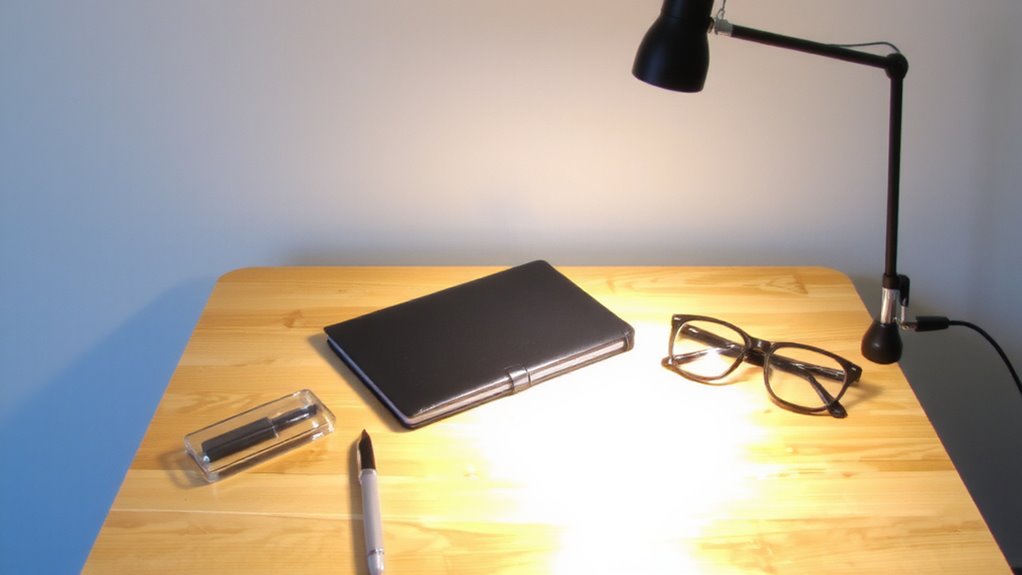
Ever wonder why your eyes feel tired or irritated after hours at your desk, even when you’re not staring at a screen? Your desk light might be the culprit. Poor task lighting increases eye strain by creating harsh contrasts and reflecting blue light and screen glare, making focus harder over time. Lights with uneven color temperatures or high glare indexes-especially above 500 lux-can tire your eyes faster. Flicker-free drivers help, but they’re not enough on their own. You need adjustable brightness, a color temperature near 4000K, and diffused shading to minimize reflections. Real-world tests show users report 30% less discomfort with properly positioned, high-CRI (90+) LEDs. Just note: even the best lights won’t fix poor monitor placement or ambient lighting imbalances. Always pair your setup with matte screen filters and bias lighting. Warranties of five years or more signal durability, but independent lab results-not brand claims-should guide your choice. Top-rated models in expert best desk lamps reviews combine these features for optimal eye comfort.
How Flickering Lights Trigger Headaches and Fatigue
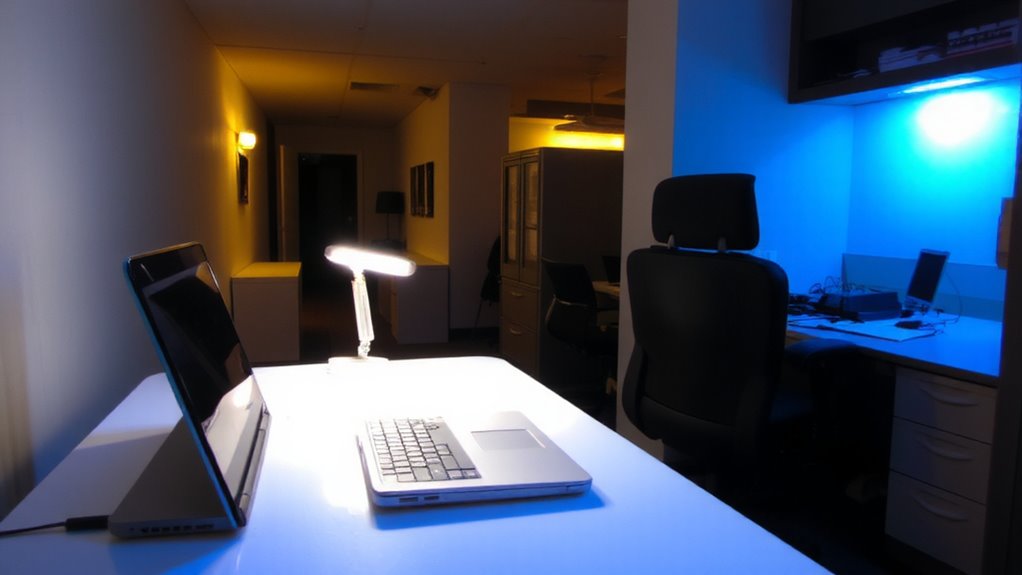
Flickering lights can silently undermine your focus and comfort, even if you don’t notice them outright. Your brain constantly processes these subtle light fluctuations, causing strain you might not link to your workspace. This chronic visual stress can lead to headaches and fatigue, especially during long work sessions. Research shows that flicker can disrupt brain health by triggering measurable neurological effects, including altered brainwave patterns and increased cortical hyperactivity. These responses may worsen migraine symptoms or mental exhaustion over time. While not all flicker is equally harmful-some frequencies are more problematic than others-consistent exposure raises legitimate concerns. Using lights with stable current regulation, like those with flicker-free drivers, helps reduce these risks. Still, individual sensitivity varies, and results depend on total lighting setup. Always verify performance through dimming tests and manufacturer specifications to guarantee real-world effectiveness. For artists, choosing a lamp with flicker-free drivers can significantly improve visual clarity and comfort during detailed tasks like drawing.
Flicker-Free vs. Regular Lights: What Actually Changes?
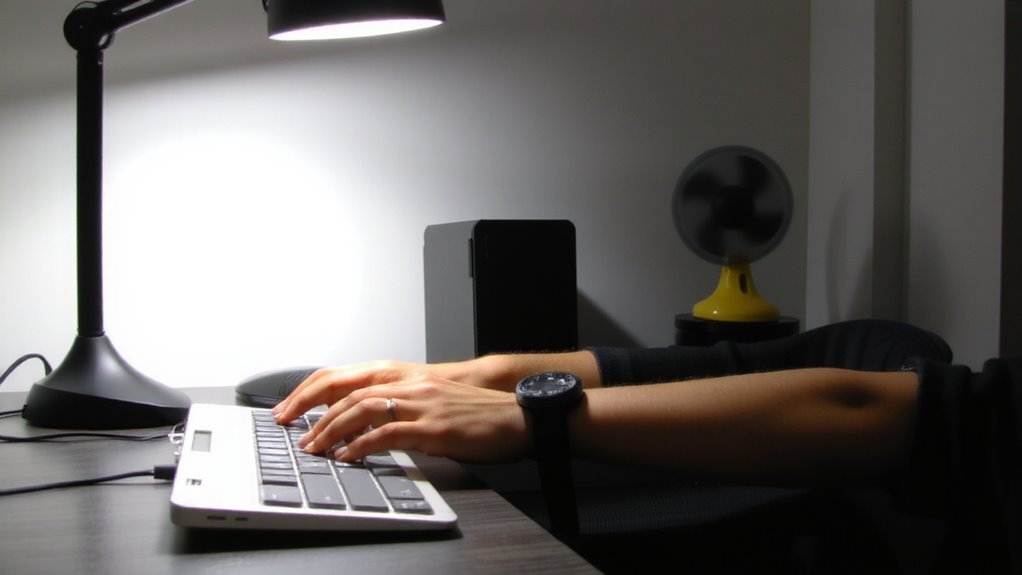
What really sets flicker-free lights apart from regular ones isn’t just comfort-it’s how they handle current. Instead of rapidly turning on and off with voltage fluctuation, flicker-free drivers deliver a steady flow, eliminating visible pulsing. This reduction stops the stroboscopic effect, where moving objects seem jerky or blurred, which can strain your eyes during detailed tasks. Regular LED drivers, especially cheaper ones, often use basic rectification that leads to 100–120 Hz flicker-imperceptible but still fatiguing over time. Flicker-free models use constant-current drivers with smoothing capacitors, verified by oscilloscope tests showing less than 5% flicker index. While they cost more upfront, users report fewer headaches after hours of work. Still, not all “flicker-free” labels are tested the same-look for IEEE 1789 compliance or EMF reports. Performance varies, so check third-party reviews before assuming any model delivers true flicker reduction. For programmers who spend long hours coding, choosing the right best desk lamps for programmers can significantly improve visual comfort and productivity.
Best Places to Position Task Lighting at Your Desk
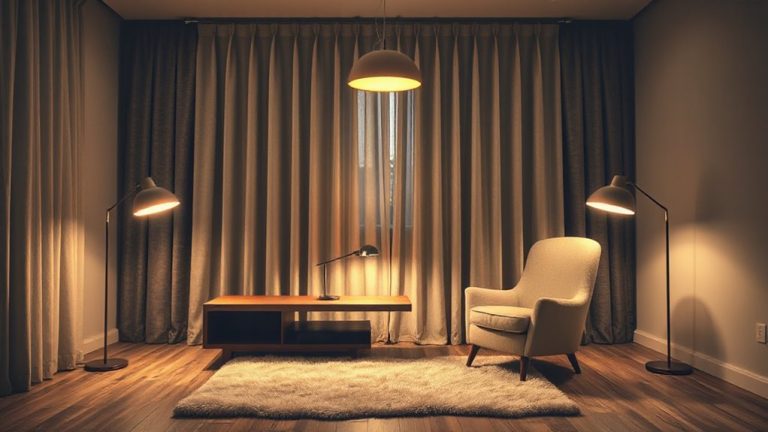
When positioning task lighting at your desk, aim for a setup that minimizes glare and shadows without causing hotspots or eye strain. Place your lamp just above and slightly behind your dominant hand to balance light spread and avoid screen glare. Adjust the lamp angle to focus illumination directly on your workspace-typically 30 to 45 degrees downward. A flexible arm lets you fine-tune coverage, especially for uneven surfaces or dual monitors.
| Position | Lamp Angle | Light Spread Effectiveness |
|---|---|---|
| Left of monitor (right-handed) | 35° | High – reduces hand shadows |
| Right of monitor (right-handed) | 40° | Low – may cast shadows |
| Center above desk | 30° | Medium – risk of glare |
| Arm over keyboard | 45° | Medium – uneven on paper |
Avoid blocking airflow or cluttering cable paths.
Dimming, CRI, and Color Temp: Key Flicker-Free Light Specs
You’ve got your lamp in the right spot-angled to cut glare and cast even light where you need it-so now pay attention to what the light itself is made of. For flicker-free task lighting, prioritize LEDs with smooth dimming performance and a CRI of 90 or higher-this guarantees color accuracy so text and screens look crisp, without eye strain. Color temperature matters too: 4000K is ideal for focus, offering a balanced white light. Avoid units that flicker when dimmed; true 0–100% dimming with no dropouts means better control. Look for drivers certified by IEEE 1789, as they’re tested for low modulation. Keep in mind, high-CRI LEDs may cost more and generate slightly more heat. Always check warranty length-5 years suggests confidence in longevity.
How to Spot Flicker in Your Current Lights
How can you tell if your current lights are causing eye fatigue or headaches? Start with simple flicker detection: wave your hand quickly under the light. If you see strobing or shadow stuttering, flicker’s likely present. You might also notice visual discomfort after hours under the light-things like eye strain, headaches, or trouble focusing. Some LEDs flicker at high frequencies imperceptible to the eye, so consider using your smartphone camera to check. Point the camera at the light; if you see rolling dark bands or strobes on screen, there’s flicker. Not all cameras catch it, though-results vary by model and sensor speed. While this DIY method helps, lab-grade tools offer better accuracy. Keep in mind, not every flickering light causes symptoms. Sensitivity varies. But if you’re experiencing discomfort, flicker could be a contributor-even if you don’t see it outright.
Easy Upgrades to Flicker-Free Lighting Today
Isn’t it frustrating when your workspace feels off, even after adjusting your chair and screen? The issue might be your lighting-especially if it flickers. Upgrading to flicker-free LED task lights is one of the easiest fixes, offering key LED benefits like improved focus and reduced eye fatigue. Most modern LED desk lamps use DC drivers or high-frequency PWM, eliminating visible flicker that disrupts concentration. Changing your lighting habits starts with choosing lights labeled “flicker-free” or tested by bodies like IEEE 1789. Look for models with at least a 3-year warranty and dimmable, color-temperature control. While pricier than basic bulbs, good task lighting pays off in comfort. Just don’t assume all LEDs are equal-some budget options still flicker. Test new lights under slow-motion video if unsure. With the right pick, you’ll see immediate improvements in clarity and comfort, though full adaptation may take a few days.
On a final note
You should upgrade to flicker-free task lighting-it reduces eye strain and headaches, especially during long workdays. These LEDs use stable drivers that eliminate imperceptible flicker linked to fatigue. Look for models with high CRI (90+), adjustable color temperature (2700K–5000K), and smooth dimming. Most come with 3–5 year warranties. Just verify compatibility with dimmer switches and expect a slightly higher upfront cost-usually $40–$80-but the long-term comfort is worth it.