Using Visual Cues to Identify Voltage Drop Symptoms in Long Cable Runs
You’ll see voltage drop in long cable runs through dimming or flickering lights, especially under load. Discolored or warm wires and connectors signal resistance and heat buildup. Motors may run slow, and devices can reboot unexpectedly. Check for brittle insulation or corroded terminals-they worsen power loss. Use a multimeter to confirm voltage drop under load. A drop over 3% means trouble. Fix connections, right-size your cable, and guarantee clean terminations. The full picture reveals how small signs point to deeper issues.
Notable Insights
- Dim or flickering lights, especially when under load, signal voltage drop in long cable runs.
- LED or CFL lights may flicker or dim more noticeably than incandescent due to voltage fluctuations.
- Discolored, cracked, or brittle insulation along cables indicates overheating from excessive resistance or current.
- Warm or hot connectors suggest high resistance at terminals, often due to looseness or corrosion.
- Motors on long runs may operate slowly or stall under load due to insufficient voltage delivery.
What Voltage Drop Actually Looks Like
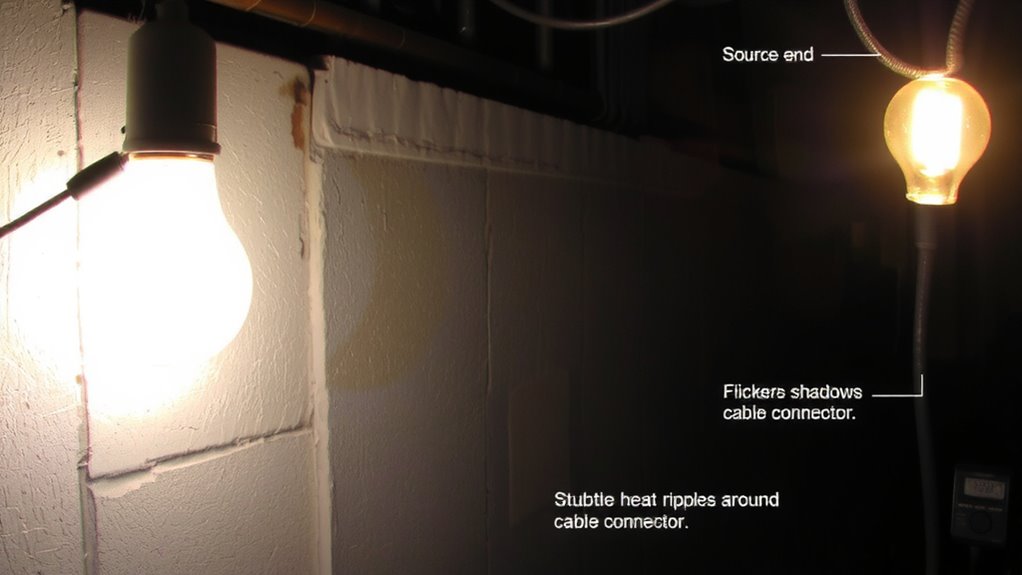
Voltage drop isn’t always obvious, but when it happens, your gear tells the story. You’ll notice dim lights-at outlets or integrated displays-that shouldn’t be flickering, especially under load. Devices on long cable runs start showing weak signals, lagging or dropping connections intermittently. This isn’t random; it’s physics. The resistance in extended cables eats away at usable voltage, leaving downstream equipment starved. Your router might stay on, but performance tanks. A multimeter check often reveals voltages below spec-say, 4.5V instead of 5V on a USB run. You can fix this with thicker gauge cables or localized power, but don’t assume all adapters or power supplies will compensate. Active cables help, but they cost more and need their own power. Test under real load, not just idle. And remember, symptoms like dim lights and weak signals might mimic software issues-verify power first.
Discolored Wires and Why They Matter
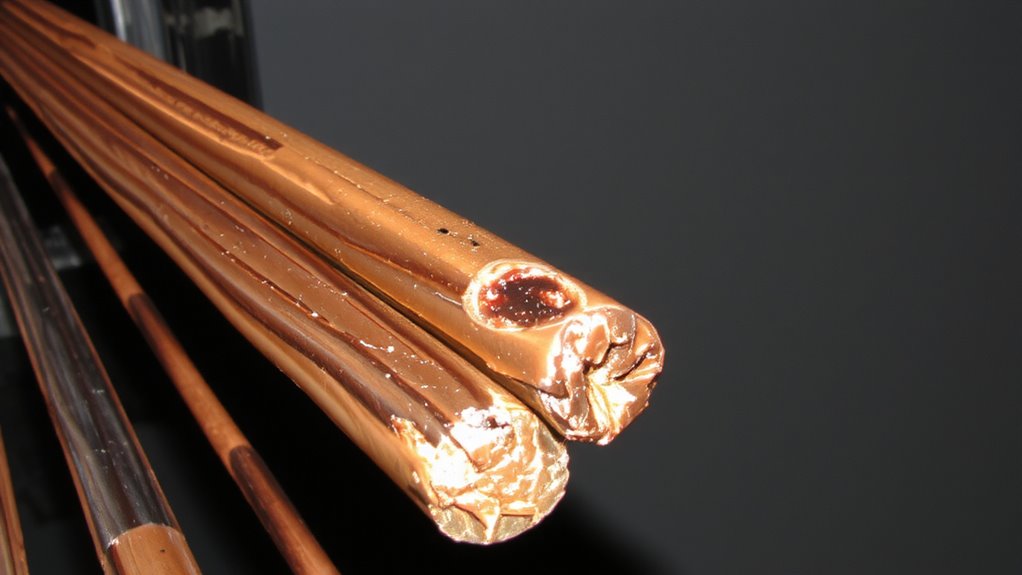
Burn marks or discolored insulation aren’t just cosmetic issues-they’re red flags for serious power problems. When you see darkened areas on wire insulation, it often signals overheating due to excessive current or resistance in long cable runs. This heat accelerates oxidation signs at connection points, increasing resistance further and worsening voltage drop. You’ll also want to check for insulation cracking-brittle, flaking material exposes conductors and raises fire risk. These symptoms mean your circuit’s under stress, possibly overloading devices or degrading performance over time. While fixing it might mean upgrading wire gauge or shortening runs, don’t assume bigger cables always solve it. Poor terminations or undersized neutrals can mimic these signs. Always inspect connectors and splices thoroughly. Voltage drop isn’t just inefficiency-it’s a safety concern when paired with physical wire damage. Replace compromised cables promptly, especially in walls or high-load setups.
Overheating Connectors on Long Runs
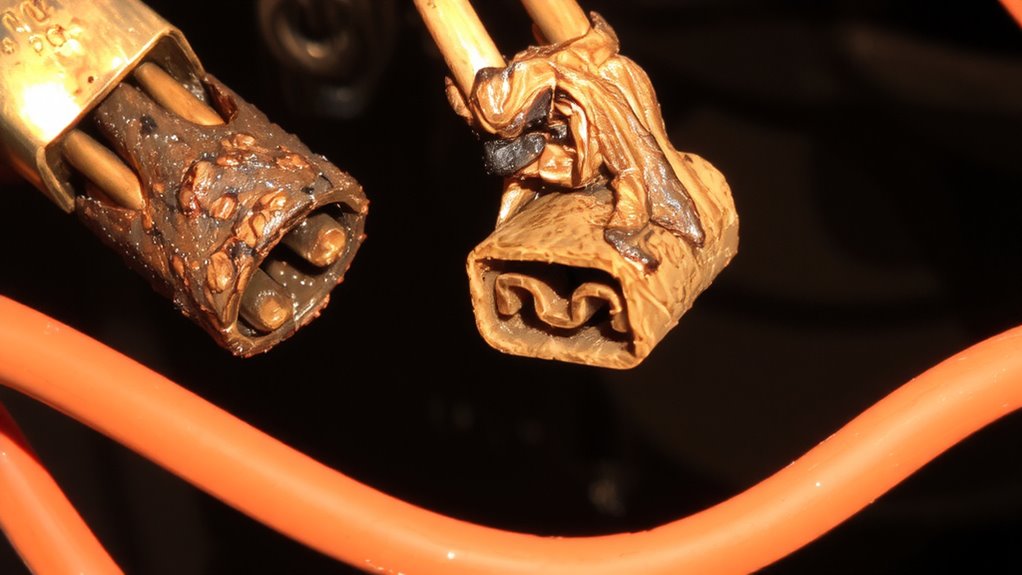
When you’re dealing with power delivery over long cable runs, overheating connectors are a sure sign something’s off-often pointing to excessive resistance where wires meet terminals. You’ll typically find this heat build-up at junctions where loose terminals or corroded contacts slow current flow, turning electrical energy into unwanted heat. If a connector feels warm to the touch, that’s wasted power and a potential fire risk. Tightening connections helps, but don’t ignore corrosion-especially in damp or outdoor environments-since oxidized or dirty contacts increase resistance just as much as a loose screw. Use anti-oxidant paste for aluminum wiring and guarantee terminal screws are torqued to spec, not just finger-tight. While better connectors cost more, they’re cheaper than rewiring or repairs. Still, no high-end terminal compensates for undersized wire. Always verify both connection quality and proper gauge for your run.
Flickering Lights? Voltage Drop Could Be Why?
Why do your lights flicker when you fire up the vacuum or charge your laptop? Voltage drop in long cable runs could be behind those flickering causes. When high-demand devices draw power, weak circuits struggle to maintain voltage, and that directly affects light behavior-especially with LEDs or CFLs, which are more sensitive than incandescents. You’ll notice dimming or brief blinking, not random flickering, which usually points to wiring issues. This symptom often appears in workshops or home offices using extension cords over 50 feet, where undervoltage becomes measurable. Check voltage at the source and load; a drop over 3% (for lighting) suggests circuit redesign. While upgrading wire gauge or shortening runs helps, it’s not always practical. Use dedicated circuits for high-load devices to isolate them. Don’t assume faulty bulbs-test with a multimeter first. Voltage drop is fixable, but only if you measure it first.
Motors Running Slow? Check for Voltage Drop?
Flickering lights aren’t the only sign of weak power-slow motor performance often tells the same story. When motor speed drops below rated RPM, voltage drop in long cable runs could be starving the unit of proper power supply. You’ll notice this in AC motors used for pumps, fans, or conveyors-equipment that relies on consistent voltage to maintain performance. If the motor runs sluggish, especially under load, check voltage at both the source and motor terminals. A difference over 3% suggests excessive drop due to undersized wire or distance. While boosting voltage at the source might help, it’s often better to shorten the run or increase conductor gauge. Don’t assume the motor’s faulty-verify the power supply first. Fixed installations with tested voltage levels and documented measurements prevent misdiagnosis. Use a digital multimeter for accuracy, and refer to NEC guidelines when upgrading wiring.
Why Field Devices Reboot Unexpectedly
Though power hiccups might seem random, unexpected reboots in field devices usually point to voltage instability you can measure and fix. When voltage drops too low, devices reboot because they lack the power to stay online-this often happens in long cable runs where resistance steals voltage. A sudden power surge can also trigger reboots, especially if your protection isn’t rated for the spike. Ground loops worsen the issue, creating unwanted current flows that disrupt sensitive electronics. You’ll see intermittent faults that look like software glitches but are really electrical. Use a multimeter to check voltage at the device under load; if it’s below the manufacturer’s spec, the circuit’s compromised. Shielded twisted-pair cabling helps, as does proper grounding at one end only. Don’t assume surge protectors solve everything-they can degrade. Test them yearly. Balancing wire gauge, distance, and load keeps voltage stable and reboots rare.
Faulty Connections That Cause Voltage Drop
A loose or corroded connection might seem minor, but it’s one of the most common causes of voltage drop in field circuits. You’ll often spot symptoms like dimming lights or sluggish motors, especially under load. Loose terminations increase resistance at connection points, generating heat and reducing effective voltage downstream. Corroded contacts do the same, particularly in humid or outdoor environments where oxidation builds up over time. These issues aren’t always visible at first glance-sometimes connections look secure but fail under operational stress. Regularly inspect terminal blocks, conduit entries, and splice points. Use a digital multimeter to measure voltage drop across connections; anything over 3% warrants investigation. Fixing faulty connections typically means tightening, cleaning, or replacing damaged parts. While quick to resolve, ignoring them can lead to device failure or fire risks. Always power down before servicing.
On a final note
You’ll likely see voltage drop in discolored wires or flickering lights on long cable runs. Overheating connectors and slow motors are red flags, often from undersized gauge wiring or poor terminations. Check connections and use a multimeter to confirm drops below 3% for power efficiency. While solid-core copper cable and proper conduits help, even quality setups fail if distance exceeds design limits. Always derate for heat and verify with real-world load testing-because specs alone won’t prevent field device reboots.