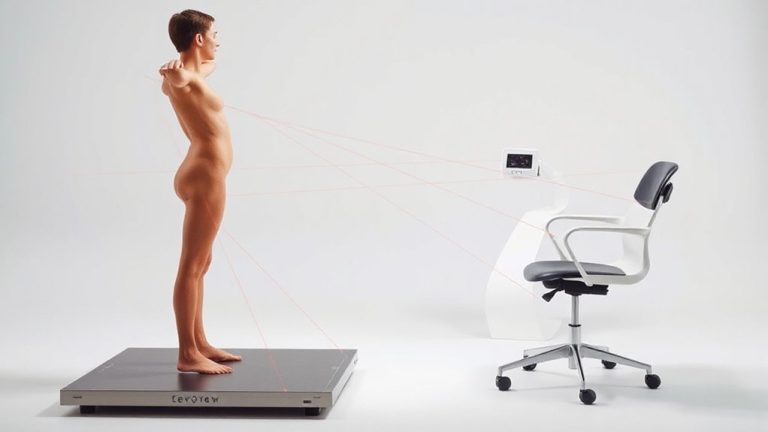
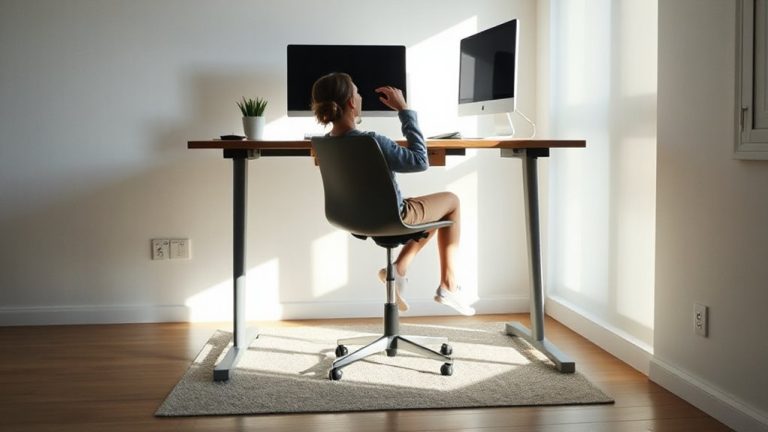
Anthropometric Measurements for Ergonomic Fit: Understanding the Importance of Personalized Furniture Choices at Work
Your chair and desk should fit your body, not some “average” that doesn’t exist. Proper seat depth, hip clearance, and elbow height depend on your unique measurements-like popliteal height or hip breadth-so off-the-shelf furniture often fails. Adjustability in seat height, depth, and armrests helps, but even high-end gear underperforms if misaligned. Neutral posture reduces strain, but only if dimensions match your frame. Real comfort means measuring twice and settling for nothing less. You’ll discover how to align each feature precisely with your body’s needs next.
Notable Insights
- Anthropometric measurements ensure furniture matches individual body dimensions for optimal comfort and efficiency.
- Proper seat depth and width prevent circulation issues and support hip breadth differences among users.
- Seated elbow height determines ideal desk height to maintain 90-degree arm angles during work.
- Popliteal height guides correct chair height, allowing feet to rest flat and reduce lower back strain.
- Personalized ergonomic setups reduce long-term injury risks by aligning furniture with natural body positioning.
What Are Anthropometric Measurements and Why Do They Matter at Work?
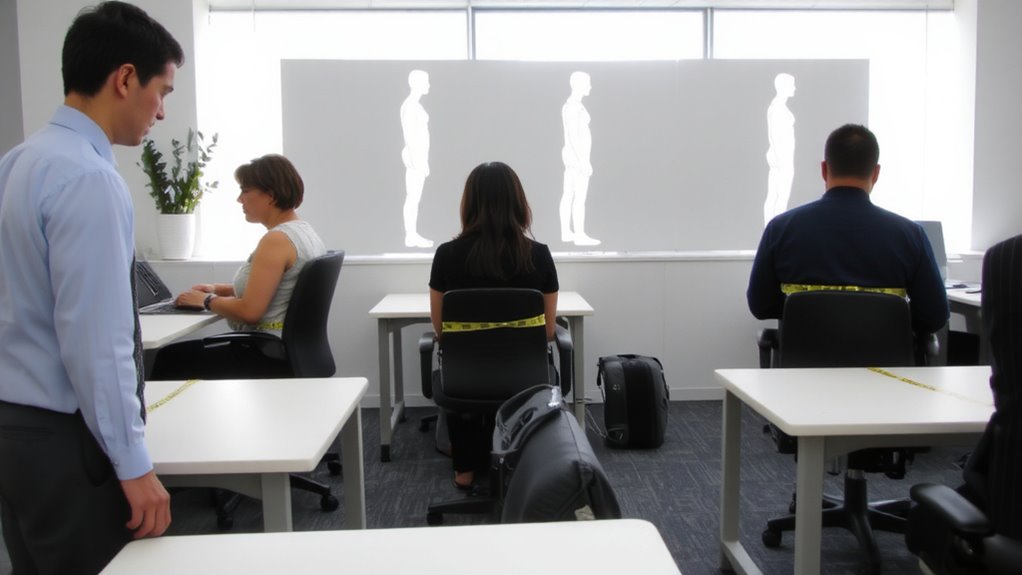
While you might not think much about how your body fits into your workspace, understanding anthropometric measurements-essentially the science of measuring human body dimensions-can make a real difference in how comfortably and efficiently you work. Your body proportions directly affect seating comfort and performance, especially during long hours. A chair sized for your frame reduces strain, but off-the-shelf models often assume average dimensions that may not match you. Adjustable seat depth, lumbar support, and width help bridge that gap. Still, even high-end ergonomic chairs can underdeliver if they don’t align with your specific measurements. While better adjustability improves fit, it also increases complexity and cost. Real-world testing shows mixed outcomes-some users see clear benefits in posture and reduced fatigue, while others find minimal change. Always check return policies and warranties before buying, since personalized fit isn’t guaranteed just by price or brand.
How Arm Length and Hip Width Shape Chair and Desk Design
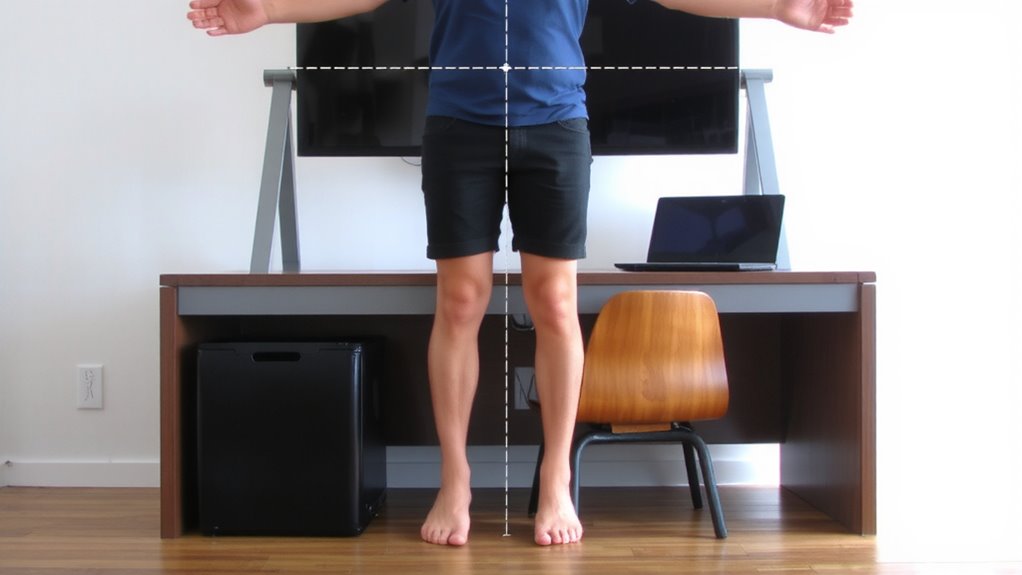
Your arm length and hip width aren’t just numbers-they’re key to finding a chair and desk that actually fit. If your arm reach is too short or long for your desk depth, you’ll strain your shoulders or hunch forward. Ideally, your elbows should rest at 90 degrees when typing, with forearms parallel to the floor-this depends heavily on proper arm reach. Meanwhile, hip width determines whether a chair’s seat depth works for you. A seat that’s too deep cuts off circulation behind the knees, while one too shallow feels unstable. Most standard chairs offer 15–18 inches of seat depth, but wider hips often need broader, firmer seats with adjustable depth. Even high-quality ergonomic chairs fail if these measurements don’t align. Always test chairs with your typical posture, and verify desk height matches your arm reach. Poor fit leads to fatigue, no matter how expensive the gear. Choosing from the best ergonomic office chairs ensures access to critical adjustability features that support proper anthropometric alignment.
Key Anthropometric Data Points for Desk and Chair Sizing
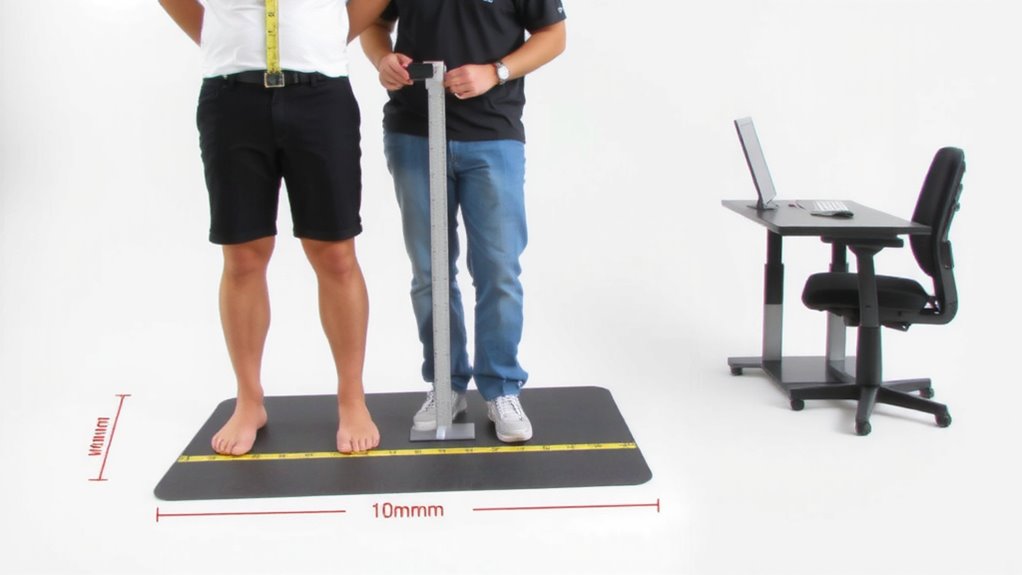
Fit starts with knowing four critical measurements: seated elbow height, popliteal height, hip breadth, and upper arm length. These help you choose chairs and desks that support posture without guesswork. Don’t forget foot length and thigh depth-they impact how your legs fit under the desk and whether your chair provides enough clearance. Shorter thighs? You might need less depth. Larger hip breadth? Standard seats may feel tight. Use this data to size gear right. Some ergonomic chairs now incorporate core-engaging design to promote active sitting and improve posture throughout the day.
| Measurement | Why It Matters | Typical Range (in) |
|---|---|---|
| Seated elbow height | Aligns desk with forearm | 18–24 |
| Popliteal height | Sets chair height for foot flat | 15–20 |
| Hip breadth | Guarantees seat width fits | 14–20 |
| Upper arm length | Positions armrests correctly | 12–17 |
| Thigh depth | Prevents edge pressure | 15–22 |
Match Your Body to Your Desk and Chair
When setting up your desk and chair, start by aligning key body measurements with adjustable features so you’re not stuck adapting to poor geometry. Set your chair height so your feet rest flat-foot position matters because dangling legs increase pressure on your lower back. Your knees should sit at a 90-degree angle, with thighs supported fully. Adjust the lumbar support to match your natural spine curve; proper back posture reduces strain during long sessions. Tilt the seat slightly forward if it helps align your pelvis, but avoid over-arching. Make sure the desk height lets your elbows fall at 90 degrees when typing, keeping wrists neutral. Armrests should support without forcing shoulders up. Even with ideal specs, comfort varies-test adjustments over hours, not minutes. No single chair or desk fits all, and adjustable components are worth the investment if you value daily function. A reliable wireless connection can also enhance your workspace efficiency, so consider installing a best PCIe Wi-Fi card to ensure seamless connectivity.
How Personalized Ergonomics Prevent Long-Term Injury
While off-the-shelf office setups might seem convenient, they often fail to prevent the gradual wear and tear that leads to long-term injury-something a personalized ergonomic approach can greatly reduce. Proper posture alignment lowers the risk of chronic back pain, while minimizing muscle strain from awkward reaches or hunched positions. When your desk, chair, and monitor height match your body’s measurements, you maintain neutral joint angles, reducing stress on tendons and ligaments over time.
| Feature | Generic Setup | Custom Fit |
|---|---|---|
| Seat Depth | Fixed, often too deep | Adjustable to thigh length |
| Desk Height | Standard 29″ | Matches elbow height |
| Monitor Position | Eye level varies | Top at or slightly below eye level |
| Keyboard Placement | Static | Allows 90° wrist angle |
Customizing your workspace demands effort and upfront measurement, but the payoff-fewer aches, better focus-can last years. Just make certain adjustments are actually usable day to day.
On a final note
You should choose office furniture based on your body’s measurements-especially arm length and hip width-to get real ergonomic benefits. A chair with proper seat depth and adjustable armrests reduces strain, while a desk at elbow height improves posture. But even the best gear won’t help if it’s not adjusted right. Balance comfort with practicality, and check return policies and warranty length before buying.