Understanding the Impact of Anthropometric Measurements on Your Ergonomic Furniture Choices for Maximum Comfort
Your body size directly determines whether your workspace supports comfort or causes pain. Arm and leg length affect desk height and seat depth, so your elbows stay at 90 degrees and knees clear the seat edge by 2–4 inches. A chair’s adjustability-especially seat depth, lumbar support, and armrests-must match your torso and limbs to maintain neutral posture. Most off-the-shelf furniture doesn’t fit extreme statures well; accurate measurements help you choose models with enough range. You’ll see exactly how to apply your numbers next.
Notable Insights
- Body dimensions determine proper ergonomic fit, preventing pain by aligning spine and reducing muscle strain.
- Arm length affects elbow positioning, requiring 90-degree angles to minimize shoulder and wrist stress.
- Leg length influences seat height and depth, ensuring knee alignment and 2–4 inches of clearance behind the knees.
- Torso ratio and foot width impact seat design needs, affecting posture support and seated stability.
- Adjustable chairs and desks must be configured to individual measurements for true ergonomic effectiveness.
Why Your Body Size Determines a Pain-Free Workspace
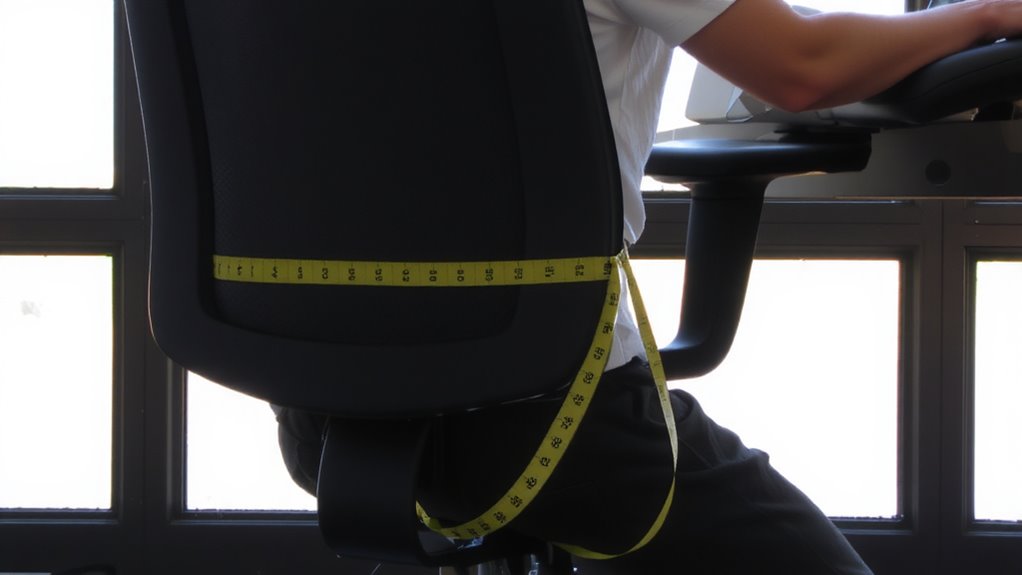
Your body’s dimensions directly shape how comfortably you can work-ignoring them almost guarantees strain over time. Poor body posture from mismatched furniture leads to muscle fatigue, especially during long sessions. If your chair’s seat depth doesn’t match your torso or your desk height forces shoulder hunching, you’re compromising spinal alignment. That misalignment builds tension in your neck, back, and shoulders. Ergonomic furniture calibrated to your size helps maintain neutral posture, reducing stress on joints and muscles. But remember: even the best adjustable chair won’t fix discomfort if you don’t tweak armrests, lumbar support, or seat tilt. Look for models with measurable adjustments-like 20+ seat height settings or 4+ inch depth ranges-and test them in real use. Warranties of five years or more signal durability, but personal fit matters more than specs alone. Results vary-what works for one frame may fail another. A well-chosen standing desk can significantly improve posture and reduce sedentary strain when adjusted to your anthropometric needs.
How Arm and Leg Length Shape Your Desk and Chair Fit
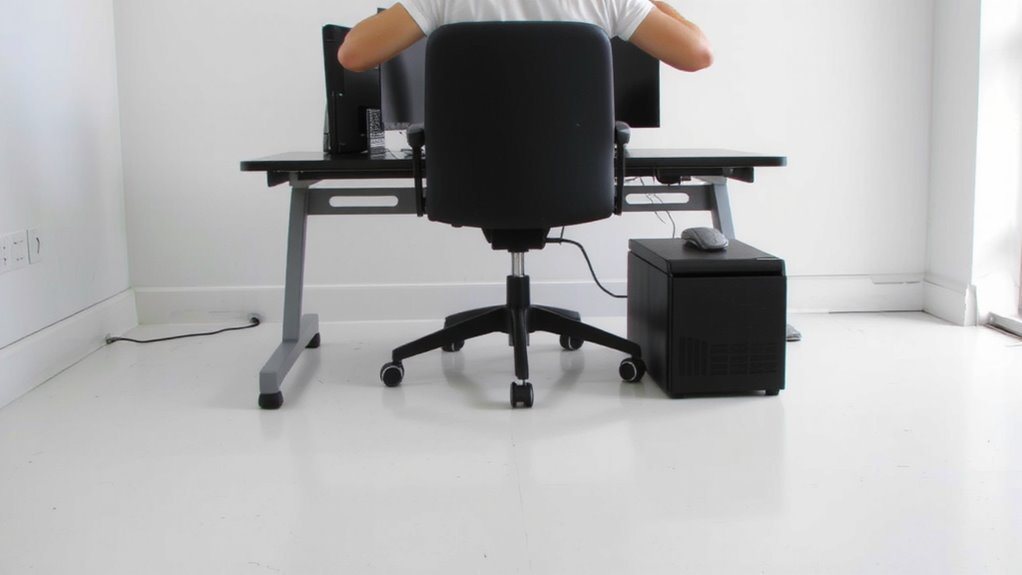
A well-fitted workstation starts with recognizing how arm and leg length directly influence chair and desk compatibility-get these wrong, and even top-tier gear won’t prevent discomfort. Your arm length determines proper elbow reach, meaning your elbows should rest at 90 degrees when hands are on the keyboard, with forearms parallel to the floor. Too long a reach strains shoulders; too short crowds your posture. Leg length affects thigh clearance under the desk-ideally, you’ll have 2–4 inches between the desk underside and the back of your knees when seated. Without enough space, circulation suffers and discomfort builds fast. Adjustable chairs with depth-rated seats and sit-stand desks with ample height ranges help accommodate these proportions. But not all frames fit every body, so measure your limbs before buying. Even premium models fail if they don’t match your build. For those using sit-stand desks, incorporating a standing desk stool can further support healthy posture during prolonged standing.
7 Measurements to Match Furniture to Your Body
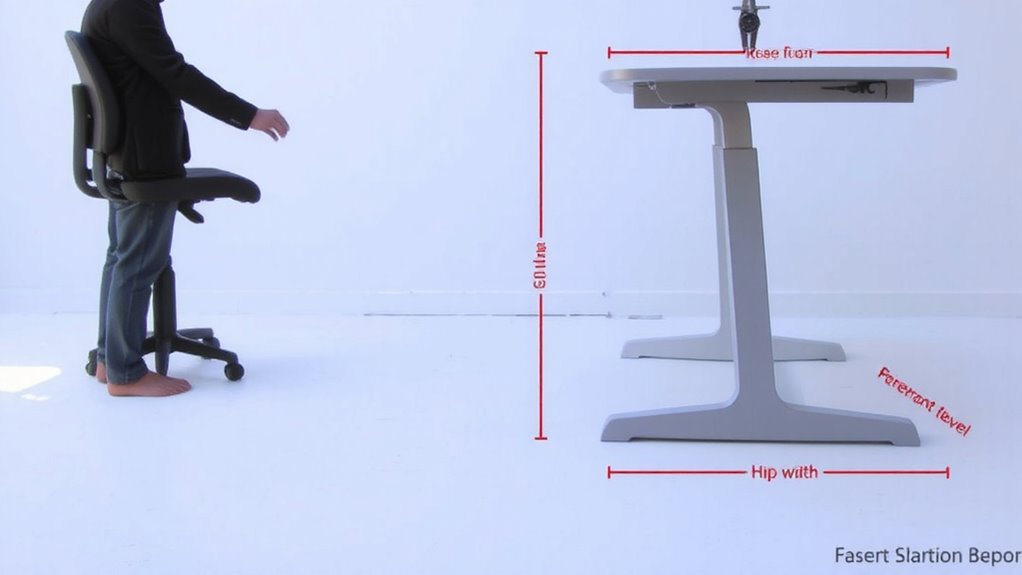
Getting the right fit between your body and office furniture starts with accurate measurements-not guesswork. Your torso ratio, the proportion of your seated torso height to overall height, determines how well a chair supports your spine’s natural curve. A mismatch here can lead to slouching or perching, even in high-end models. Likewise, foot width affects stability and pressure distribution when seated; standard seats may pinch or overhang, reducing circulation. Measure both precisely before selecting a chair or stool. Many brands now offer adjustable bases or modular footrests, but verify compatibility-some won’t accommodate wider feet without add-ons. While customizable furniture improves alignment, it often comes with higher costs and longer setup times. Real-world testing shows users benefit most when measurements guide choices, not aesthetics. No single model fits all, so prioritize specs over style for lasting comfort.
Set Seat Height and Depth Based on Your Frame
When sizing a chair for your workspace, setting the correct seat height and depth isn’t optional-it’s essential for maintaining proper circulation and spinal alignment. You need proper seat elevation so your feet rest flat, knees at 90 degrees. Too high, and you’ll lose thigh support; too low, and pressure builds behind the knees. Depth matters just as much-your seat should allow 2–4 inches between the edge and your calves. A well-designed ergonomic office chair will offer adjustable seat depth and height to match your unique anthropometric profile.
| Your Height (ft/in) | Recommended Seat Depth (in) |
|---|---|
| 5’0″–5’5″ | 15–16 |
| 5’6″–5’11” | 16–18 |
| 6’0″–6’4″ | 18–20 |
| 6’5″+ | 20+ |
Adjustable mechanisms let you fine-tune both seat elevation and thigh support, but not all frames offer sufficient range-check specs before buying.
Adjust Armrests and Monitor Using Your Body Data
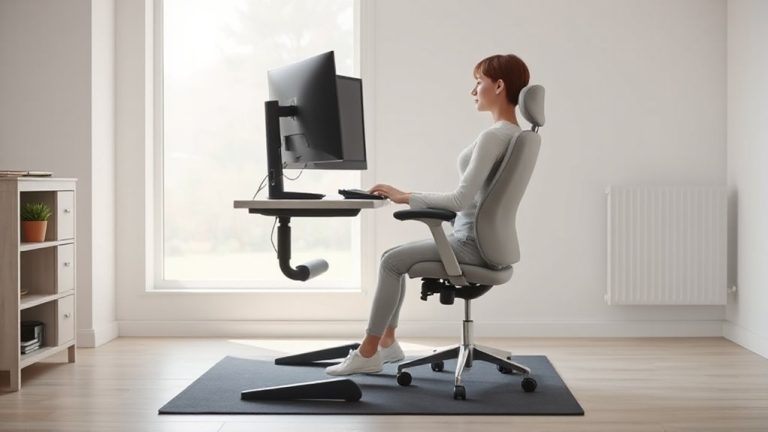
Your chair’s armrests and monitor position need to match your arm length and seated posture just as much as seat height matches your legs. Proper armrest positioning keeps your shoulders relaxed and elbows near 90 degrees, reducing strain during long tasks-adjust them so your forearms rest lightly while typing. If armrests are too high or low, you risk shoulder or wrist discomfort, even with good posture. For monitor alignment, the top of the screen should be at or slightly below eye level, about an arm’s length away, minimizing neck flexion. Taller users often need monitor arms or risers for correct height, while shorter users may require adjustable mounts to avoid glare and poor sightlines. Not all chairs or desks offer fine-tuned adjustments, so verify range limits before buying. Always test adjustments daily-comfort today doesn’t prevent fatigue tomorrow.
Why Most Office Furniture Doesn’t Fit You: And What to Do
Why does your office chair feel off even after careful adjustment? Because standard furniture ignores your unique body proportions. Most mass-produced office gear is built for averages, not individuals, creating a furniture mismatch that leads to discomfort over time. You’re not flawed-your gear just doesn’t fit.
| Issue | Reality Check |
|---|---|
| Seat depth | Often too deep; cuts circulation if thighs don’t fully rest |
| Armrest height | Fixed settings rarely match shoulder elevation needs |
| Backrest curve | Generic lumbar support might press wrong spinal area |
| Keyboard tray | May force wrists into ulnar deviation if too high |
Adjustability helps, but only within limits. Even high-end chairs have ranges that exclude extreme statures. Look for modular designs with customizable dimensions-some brands offer extended seat rails or taller backrests. Measure your key body proportions first. No single model fits all, so verify specs against your frame before buying.
Build an Ergonomic Workspace That Fits You Perfectly
How do you create a workspace that actually fits? Start by adjusting your chair so your feet rest flat with proper foot placement-heels on the floor or a stable footrest, knees at 90 degrees. This reduces leg strain and improves circulation. Pair that with strong back support: use a chair that matches your spine’s natural curve, ideally with adjustable lumbar support. Your desk height should let your elbows sit at 90 degrees when typing, wrists neutral. Monitor height matters too-top line at or slightly below eye level. While sit-stand desks offer flexibility, they require consistent adjustments to be effective. Most ergonomic chairs last 7–10 years with regular use, but check warranty terms-some limit coverage to five. There’s no universal fix, but small, measured changes based on your body’s dimensions deliver real comfort over time.
On a final note
You’ll work more comfortably when your desk and chair match your body. Set seat height so thighs slope slightly down and feet rest flat-usually 16–21 inches. Adjust armrests to keep elbows at 90 degrees. Position monitor top at eye level, about an arm’s length away. Most furniture fits averages, not individuals-expect some compromise. Test adjustments over hours, not minutes. Look for chairs with 3-5 year warranties and real back support.