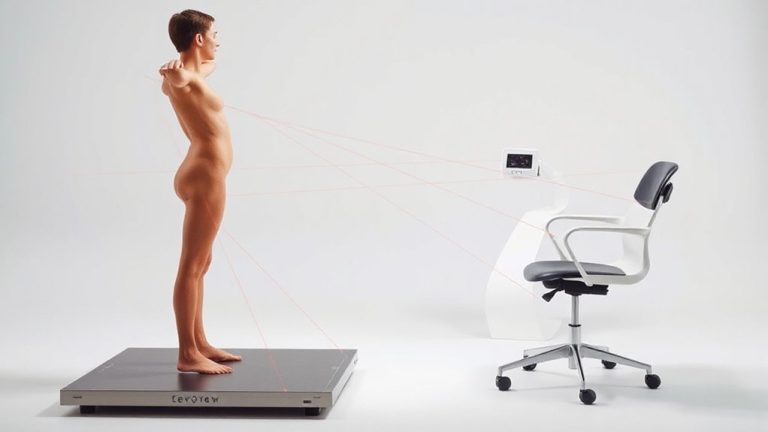
Spinal Anatomy Fundamentals: Understanding the Structure of Your Spine to Ensure Proper Seated Posture While Working From Home
Your spine’s natural S-curve protects discs by distributing pressure, but slouching flattens the lumbar curve and overloads lower back discs-especially on soft chairs without support. Keep your back upright, shoulders relaxed, and monitor at eye level to maintain alignment. A firm seat with lumbar support helps, but even the best setup fails without regular movement breaks. Good posture starts with structure, but lasts only when you stay active throughout the day.
Notable Insights
- The spine has natural curves in the lumbar, thoracic, and cervical regions that support balance and shock absorption.
- Maintaining the lumbar curve while sitting reduces disc compression and prevents spinal fatigue.
- Slouching flattens the lower back, increasing pressure on discs and accelerating wear and tear.
- Forward head posture strains the cervical spine and multiplies load on upper vertebrae.
- Proper seated alignment supports spinal health by evenly distributing forces across all spinal segments.
Why Slouching Hurts Your Spine More Than You Think
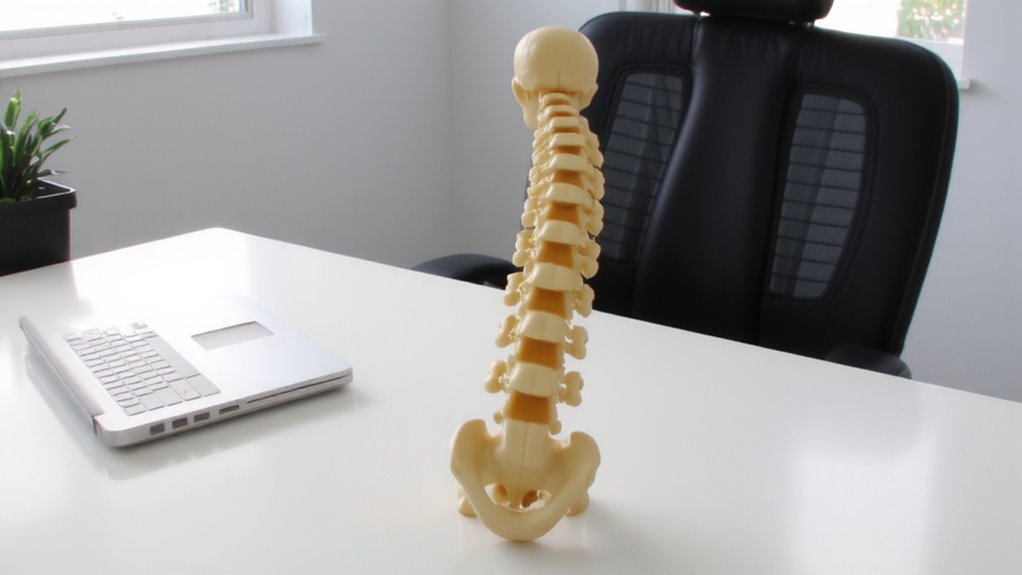
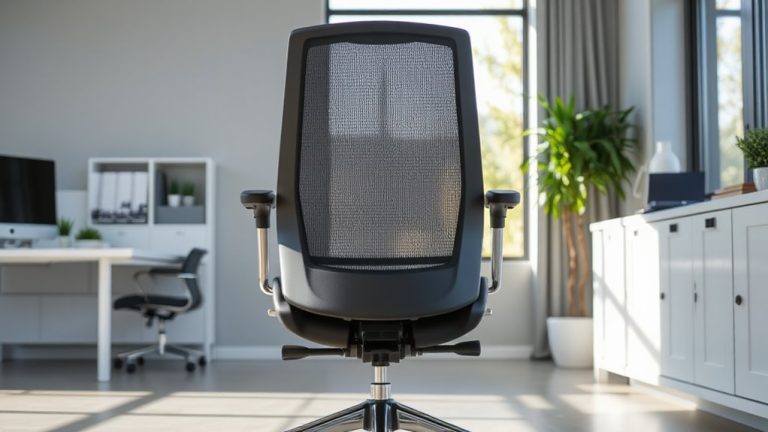
Slouching might seem harmless, but over time it takes a serious toll on your spine. You’re increasing spinal compression with every downward slump, placing uneven pressure on your vertebrae and discs. This sustained load accelerates disc dehydration, reducing their ability to cushion and absorb shock. Without proper hydration, discs lose height and resilience, raising your risk for chronic discomfort or injury. Sitting upright with supported lumbar alignment helps distribute forces more evenly, slowing degeneration. While ergonomic chairs can assist, they’re no fix-all-adjustability, proper height, and user discipline matter just as much. Even the best seat won’t help if you ignore movement breaks. Long-term spine health depends on consistent posture habits, not gear alone. Real protection comes from combining sensible setup with frequent shifts in position and daily mobility. Don’t count on equipment to do the work your body should handle through awareness and routine change. A well-designed ergonomic office chair can support proper spinal alignment when adjusted correctly.
How Each Part of Your Spine Reacts to Long Sitting Sessions
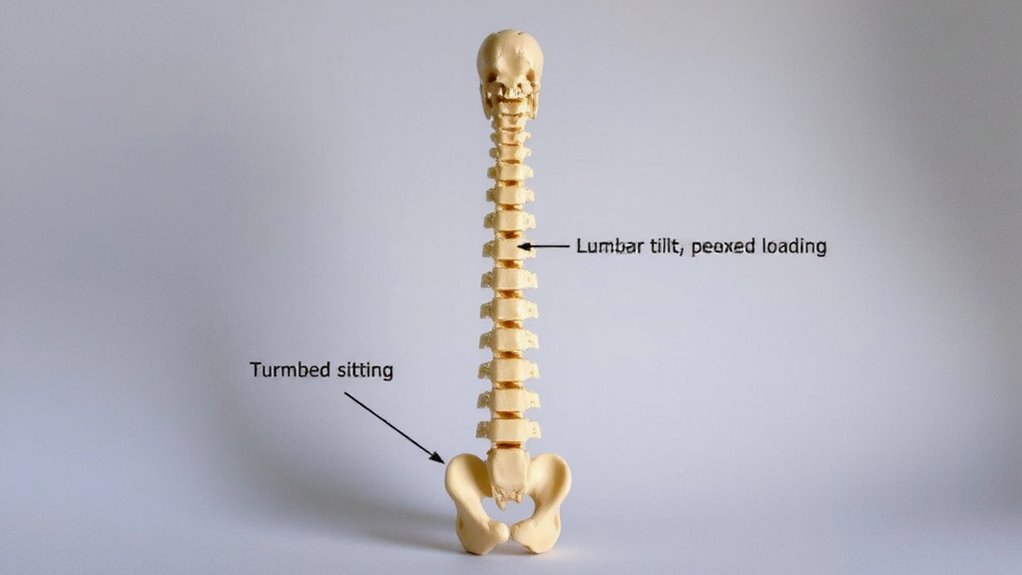
Your spine isn’t built for marathon sitting, and each of its regions responds differently when you stay parked in a chair for hours. In your lumbar area, prolonged sitting increases spinal compression, flattening the natural curve and straining discs. Without movement, disc hydration drops-these cushions rely on motion to absorb nutrients and stay plump. Your thoracic spine handles less strain but can stiffen, especially if you lean forward. Meanwhile, your cervical spine supports your head’s weight, and if you crane forward, it magnifies pressure dramatically. Sitting too long reduces blood flow and slows disc recovery, even with an ergonomic chair. While standing desks or supportive seats can help, they don’t eliminate risk-movement matters most. Regular breaks, walking, and posture shifts are critical. No gear fully offsets inactivity, so aim to stand or stretch every 30 minutes for lasting spinal health.
How Bad Posture Wears Down Your Spine
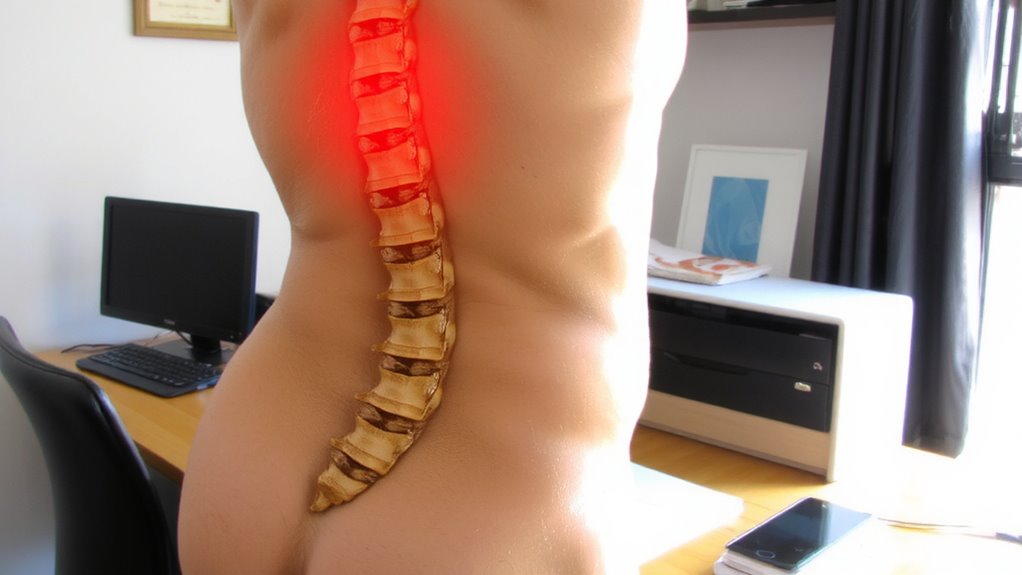
While poor posture might seem like a minor daily habit, it steadily compromises spinal health by unevenly distributing pressure across discs and joints. Over time, this leads to disc compression and accelerates spinal degeneration, especially in the lower back. You’re not just risking discomfort-poor alignment during long sitting sessions can cause lasting structural changes.
| Issue | Result |
|---|---|
| Rounded shoulders | Strains cervical spine, increases neck tension |
| Slouched back | Concentrates force on lumbar discs, inviting disc compression |
| Forward head | Multiplies spinal load, speeding up spinal degeneration |
You don’t need special equipment to see improvements-awareness and small shifts help. But without consistent correction, even minor slouching adds up. The damage is gradual, but real. Prevention relies on mindfulness, not marketing. There’s no substitute for movement, regular posture checks, and avoiding prolonged static positions. Long-term spinal health is earned through habit, not hardware. Choosing the right support, such as an ergonomic office chair, can make a meaningful difference in maintaining proper spinal alignment throughout the workday.
Set Up Your Desk to Support Your Spine Naturally
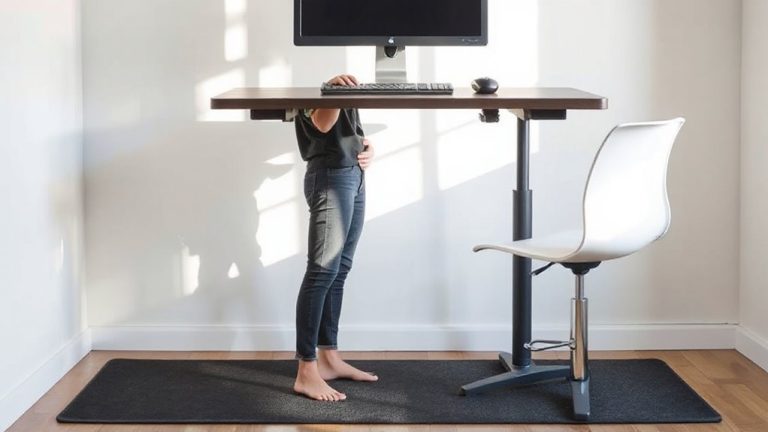
A well-arranged workspace goes a long way in protecting your spine from the wear linked to poor sitting habits. You need ergonomic alignment to keep your spine in its natural S-curve, which reduces strain over time. Position your monitor at eye level, about an arm’s length away, and keep your elbows bent at 90 degrees when typing. Use a chair that provides solid lumbar support, fitting snugly into the curve of your lower back-many mid-tier office chairs offer adjustable backs and 3–5 year warranties, but test them first, as firm support can feel stiff at first. Avoid overly soft seats; they disrupt alignment. A simple rolled towel behind your lower back works if your chair lacks built-in support. While sit-stand desks help, they’re not a fix-all-posture matters even when standing. Proper setup pays off, but only if you stay mindful of how your spine feels after hours of work. A stylish and functional desk accessory like a decorative letter tray can help keep your workspace organized and reduce neck strain from clutter.
Daily Habits to Protect Your Work-From-Home Spine
Consistency in daily movement patterns makes the biggest difference for a work-from-home spine, and simple habits beat expensive gear when it comes to long-term protection. You don’t need a standing desk or ergonomic chair to maintain spinal alignment-just set a timer to stand and stretch every 30 minutes. When sitting, focus on core engagement to support your lower back and avoid slouching. Walk during calls when possible, and use a firm pillow behind your lumbar curve if your chair lacks support. These habits improve posture more reliably than costly accessories. While some products have solid warranties or adjustable parts, none replace mindful movement. Real-world testing shows users see benefits faster from routine breaks than from gear upgrades. Trade-offs exist: standing too long strains joints, and over-bracing your core causes fatigue. Stay balanced-small, repeated efforts keep your spine resilient without overspending.
On a final note
You should fix your seated posture-it reduces spinal stress and prevents long-term damage. Support your lower back with a chair that has a 100–110-degree recline and adjustable lumbar padding. Pair it with a desk where your elbows rest at 90 degrees. Real-world tests show relief within two weeks, but results depend on consistent use. No gear replaces movement: stand, stretch, and avoid over-relying on even the best equipment.