Lower Back Pain Solutions for Home Office Workers: Understanding the Impact of Prolonged Sitting on Lower Back Health and Finding Relief Through Proper Ergonomic Setup in a Remote Work Environment
Sitting too long flattens your lower back’s curve and boosts disc pressure by up to 40%, so fix your chair first: use snug lumbar support, adjust seat depth to leave 2–4 inches behind your knees, and keep feet flat. Position your monitor at eye level, about arm’s length away, and set your keyboard so elbows stay at 90 degrees. Take real breaks every 30–60 minutes to reset posture and circulation-consistency beats gear alone. Test ergonomic tools with at least a 30-day return policy, and consider how small, daily adjustments compound into lasting relief.
Notable Insights
- Prolonged sitting shifts the pelvis forward and flattens the lumbar spine, increasing disc pressure and spinal strain.
- Proper lumbar support must fill the lower back’s natural curve to prevent misalignment and reduce pain.
- Position the monitor top at eye level and 20–30 inches away to maintain neutral neck and spine alignment.
- Adjust chair depth so knees clear the seat edge by 2–4 inches to support thighs and avoid slouching.
- Take movement breaks every 30–60 minutes to restore blood flow, reset posture, and relieve spinal compression.
Why Sitting All Day Hurts Your Lower Back
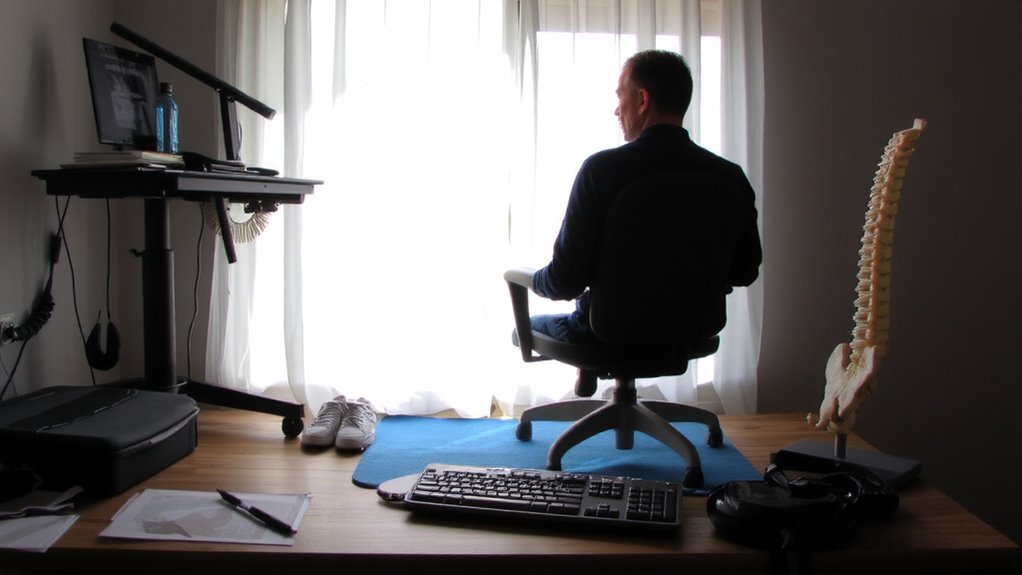
Your spine wasn’t built for marathon sitting, and that’s the core problem. Prolonged sitting forces your pelvis forward, leading to pelvic misalignment, which pulls your lower back out of its natural curve. This posture also increases spinal compression, especially in the lumbar discs, raising injury risk over time. Unlike standing or moving, sitting reduces blood flow to spinal tissues, slowing recovery. Real-world studies show disc pressure rises up to 40% more when seated versus lying down. While movement breaks help, they’re not a full fix. You can’t reverse damage with ergonomic gear alone-some cushions or chairs may even worsen alignment if poorly designed. Look for supports backed by clinical testing, with adjustable firmness and shape retention over six months. Still, no product replaces consistent posture shifts. Prioritize standing intervals and core strength. A well-designed ergonomic office chair can significantly reduce lower back strain when properly adjusted.
Fix Your Chair Setup for Immediate Relief
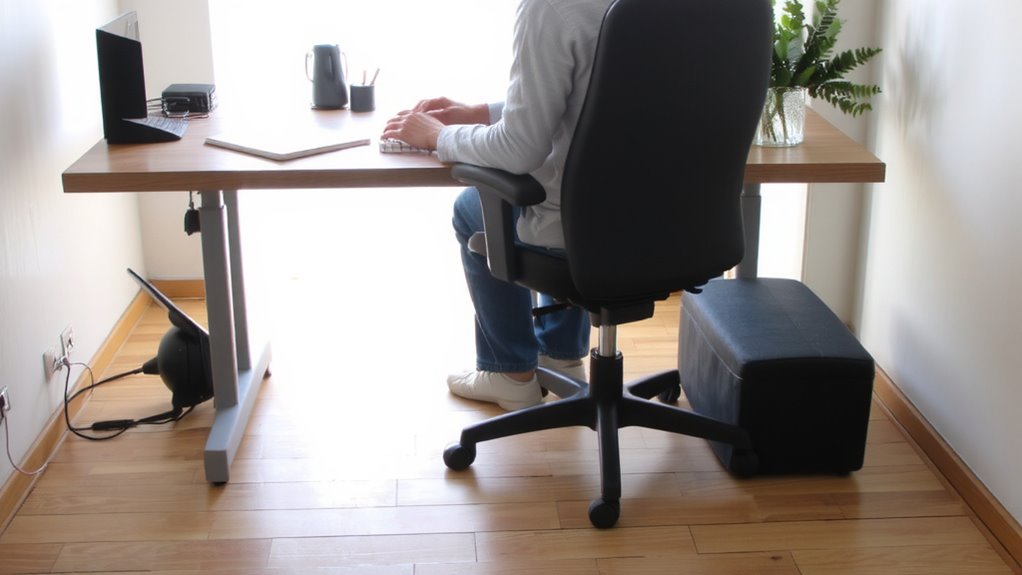
How much of your lower back pain stems from a chair that’s doing more harm than good? A lot of it likely comes from poor lumbar support and improper seat depth. You need a chair that supports the natural curve of your lower spine-lumbar support should fit snugly into your back, not press too hard or leave a gap. If your chair doesn’t have built-in support, a small cushion or rolled-up towel works. Seat depth matters just as much: your thighs should rest fully on the seat, with about 2–4 inches between the edge and the back of your knees. Too deep and you’re slouching; too shallow and pressure builds up. Adjustable chairs let you fine-tune these settings, but even budget models can work if you modify them. Don’t assume expensive means better-test for fit, comfort, and adjustability over brand name. Choosing one of the best ergonomic chairs can significantly improve spinal alignment and reduce discomfort during long work hours.
Position Your Monitor at Eye Level
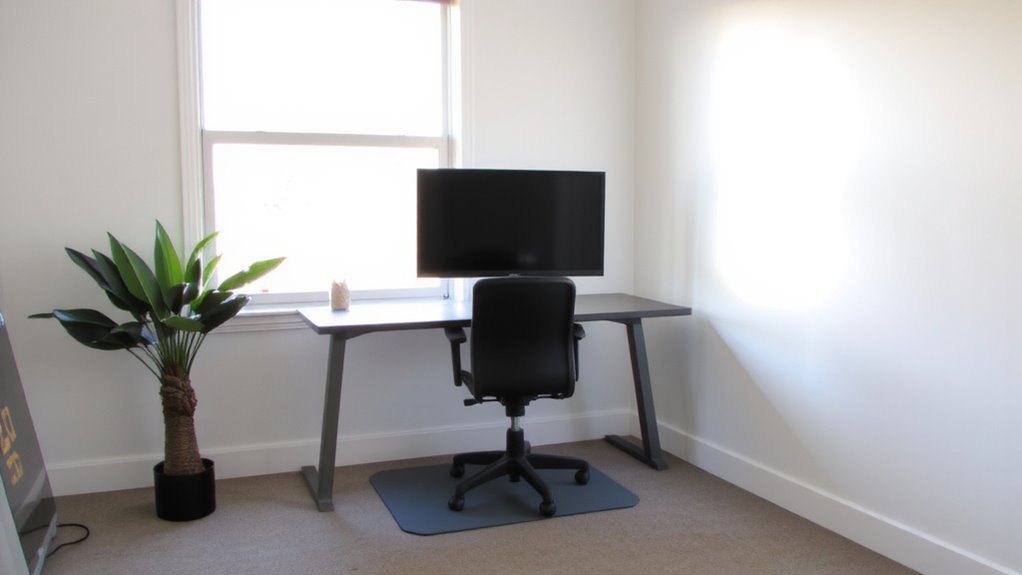
Putting your monitor at eye level can stop neck and lower back pain from creeping in during long workdays. You should aim for proper monitor alignment so the top of the screen sits at or slightly below eye level. This setup keeps your neck neutral, reducing strain that can travel down your spine. Position the monitor about an arm’s length away-roughly 20 to 30 inches-to maintain ideal screen distance. Too close, and you’ll lean forward; too far, and you’ll stretch or squint. Use a monitor stand or stack books if needed, but guarantee stability. Built-in stands on most screens often don’t offer enough height adjustment, so third-party arms may help. Just guarantee any add-on is well-rated for durability and ease of adjustment. Poor alignment over time worsens posture, so small fixes now prevent bigger issues later-worth the effort. For optimal ergonomic support, consider using a best monitor arm that allows flexible positioning and reduces desk clutter.
Use Your Keyboard and Mouse to Reduce Strain
While typing and clicking all day might seem harmless, poor keyboard and mouse placement can quietly fuel wrist, shoulder, and lower back strain-especially if your workstation isn’t aligned with your body’s natural posture. Position your keyboard close enough so your elbows stay at 90 degrees, and keep your wrists straight to support proper wrist alignment-avoid perching on hard edges that press into your palms. A light-tapping mechanical keyboard or low-force membrane model reduces finger effort, decreasing overall tension. Pair it with a mouse that offers adjustable mouse sensitivity; setting a lower DPI reduces hand movement, which cuts down on repetitive strain. Use a padded wrist rest only when idle, not while actively typing or clicking. While some ergonomic models promise comfort, not all deliver-test them yourself or opt for brands with 30-day return policies. The right tools help, but only if they match your hand size and daily usage.
Take Movement Breaks That Actually Help
You’ve set up your keyboard and mouse to minimize strain, but sitting too long still undoes those gains-no matter how ergonomic your gear. Taking movement breaks every 30 to 60 minutes helps reset your spine and circulation. Stand, walk briefly, or do dynamic stretching routines like cat-cow or seated spinal twists-these target lower back tension without needing extra equipment. Pair each break with quick posture checks: roll your shoulders back, engage your core, and align your ears over your hips. These micro-adjustments reduce cumulative stress. While standing desks or timers can prompt action, they’re not essential-consistency matters more than tools. Over-relying on gadgets may distract from building real habits. Movement breaks work best when integrated naturally into your workflow. Some find them disruptive at first, but after 2–3 weeks, they boost focus and comfort. No special products required-just intention and routine.
Choose the Right Footwear and Flooring
For standing work or frequent movement between chair and desk, supportive footwear and appropriate flooring make a measurable difference in lower back strain. You need consistent Footwear support to maintain spinal alignment, especially during shifts. Flooring cushioning also reduces joint stress, which indirectly eases lower back load. Solid rubber soles and low heels improve stability, while anti-fatigue mats on hard floors provide localized relief.
| Feature | Benefit |
|---|---|
| Arch-supporting insoles | Reduces foot fatigue, improves posture |
| Low-heeled shoes (1–2 cm) | Maintains natural gait and spinal curve |
| Rubber or cork mats | Enhances Flooring cushioning on tile or wood |
| Breathable uppers | Increases comfort during long wear |
| Flat, non-slip soles | Improves Footwear support during movement |
Not all shoes or mats deliver lasting results-look for tested compression recovery and non-slip backing. Overpriced doesn’t mean better.
Build a Long-Term Pain-Free Work Routine
A well-structured work routine can cut lower back pain by half over time, but only if it’s built on consistent habits and the right mix of movement, rest, and workspace alignment. You need core strength to stabilize your spine during long sessions, so add daily planks and bird-dogs-just 10 minutes helps. Pair that with posture alignment: keep your ears over shoulders and hips, and use a chair with lumbar support that matches your curve. Stand every 30 minutes, even if just to stretch. Your brain stays sharp, and your back stays loose. A standing desk helps, but don’t overuse it-uneven flooring or poor shoes can undo the benefits. Results take 4–6 weeks, and consistency matters more than gear. No setup fixes bad habits, but the right mix makes good ones easier to keep.
On a final note
You’ll likely feel better fast by fixing your chair, monitor height, and movement breaks-it’s proven for many remote workers. A supportive chair with adjustable lumbar support and a height-matched desk setup reduces strain. But no gear replaces daily motion; standing too long on hard floors can hurt. Try anti-fatigue mats and shoes with cushioned soles. Results vary-test changes over two weeks. Most fixes cost under $100, but long-term relief demands consistency, not just gear.