Understanding Neutral Body Positioning Principles to Reduce Musculoskeletal Strain at Work
You’ll reduce strain by positioning your body neutrally: spine in its natural S-curve, shoulders relaxed, elbows near 90 degrees, and wrists straight while typing. This alignment minimizes joint stress and fatigue over time. Set your desk so forearms parallel the floor, use an adjustable chair with functional lumbar support, and keep feet flat-or use a footrest if needed. Avoid aggressive back supports that over-correct. Small, tested adjustments beat expensive gear-consistency matters most if you want real results.
Notable Insights
- Maintain a neutral spine with natural S-shaped curvature to minimize spinal compression and muscle strain.
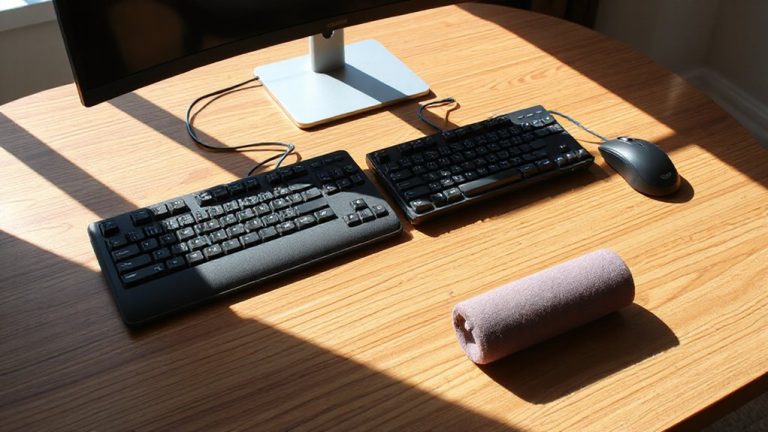
- Position elbows at 90 degrees and keep wrists straight to reduce upper limb strain during typing.
- Keep feet flat on the floor or a footrest to support pelvic alignment and lower back health.
- Align the top of the monitor at eye level to prevent neck flexion and upper back stress.
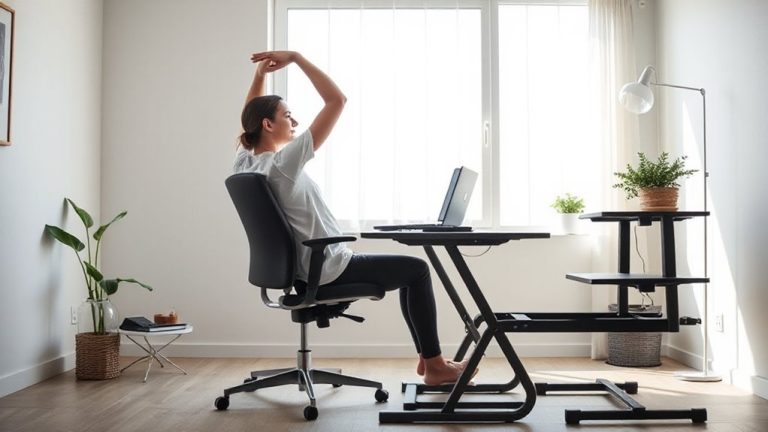
- Take brief movement breaks every 30–60 minutes to reset posture and prevent musculoskeletal fatigue.
What Is Neutral Body Positioning And Why It Matters
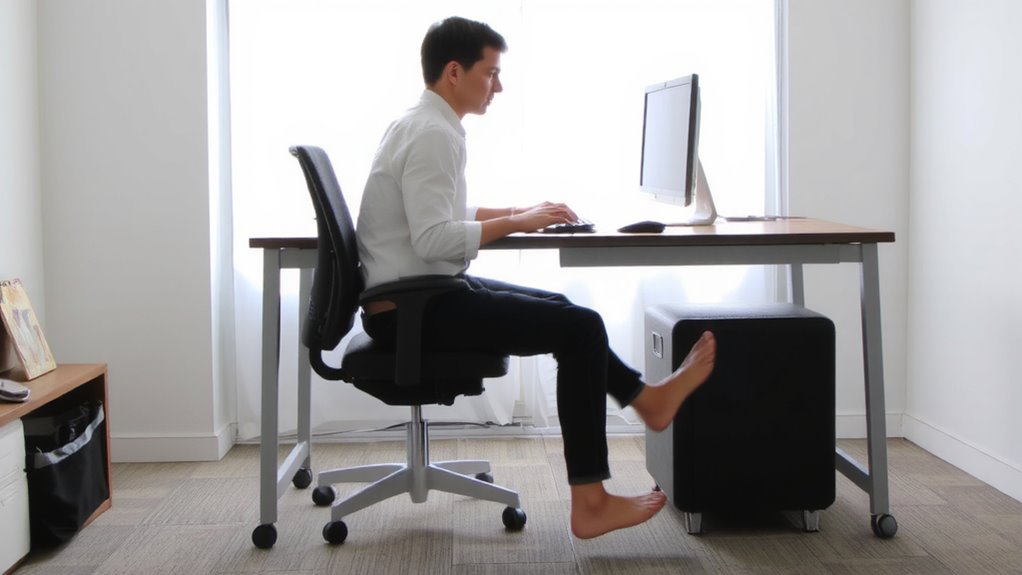
Neutral body positioning means aligning your spine, joints, and limbs in a way that reduces strain during work-think of it as your body’s natural resting posture, supported evenly to prevent fatigue. You’ll achieve better biomechanical efficiency when your elbows stay near 90 degrees, feet rest flat, and wrists remain straight. This setup isn’t about comfort alone; it boosts ergonomic awareness so you can spot misalignments before they become problems. While adjustable chairs and sit-stand desks help, they aren’t magic fixes-poor setup can worsen strain. Real benefits come from consistent positioning, not gear. You’ll need to assess your own posture regularly, since even top-rated office tools can’t compensate for inattention. Results vary based on body type, desk depth, and monitor height. Focus on function, not features.
How Poor Posture Causes Musculoskeletal Strain

Slouching or hunching at your desk might feel natural after hours of work, but it steadily loads stress on your muscles and joints, setting you up for long-term strain. Poor posture increases spinal compression, especially in the lower back, reducing the space between vertebrae and raising injury risk. It also leads to joint misalignment, forcing your shoulders, hips, and neck to operate outside their ideal range. Over time, this imbalance causes fatigue, inflammation, and repetitive strain. You may not notice it at first, but consistent misalignment wears down tissues, making recovery harder. While ergonomic chairs or sit-stand desks can help, they aren’t magic fixes-poor habits override even high-end gear. Success depends on consistent posture checks and movement, not just equipment. There’s no substitute for body awareness and timely adjustments throughout the day.
The 3 Elements Of Neutral Spine And Joint Alignment
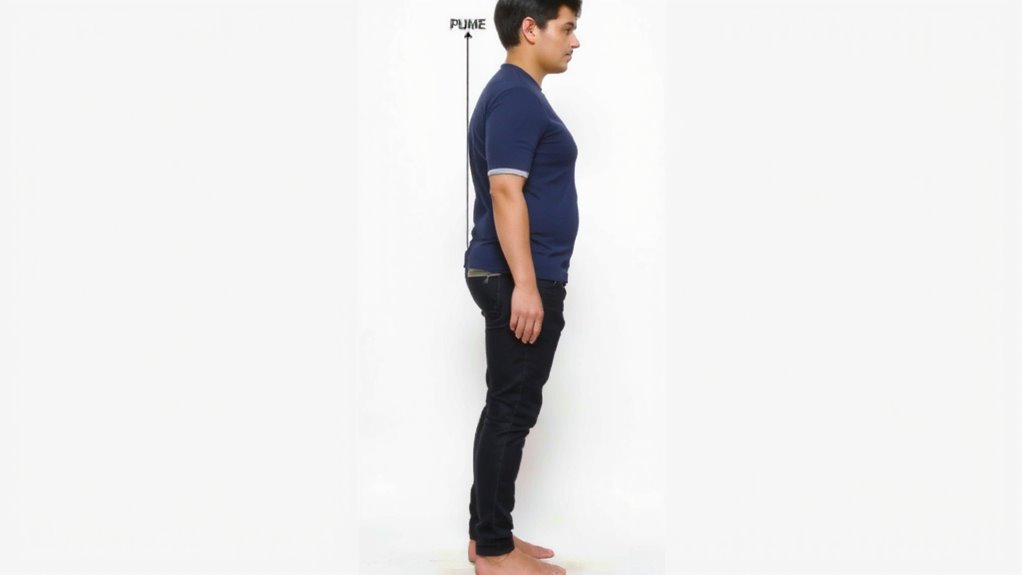
Your spine’s sweet spot isn’t just about sitting up straight-it’s about alignment that supports natural curves without overstuffing lumbar cushions or relying on chair knobs to do the work. Proper pelvic tilt and spinal curvature form the foundation of a neutral position that reduces strain over time. Maintain these three elements to stay aligned and avoid fatigue:
| Element | Ideal Position | Why It Matters |
|---|---|---|
| Pelvic tilt | Slight forward tilt | Keeps lumbar spine supported |
| Spinal curvature | Natural S-shape (not flat) | Reduces disc pressure |
| Shoulder alignment | Relaxed, not hunched | Prevents neck and upper back pain |
You don’t need premium gear-just consistent positioning. Over-correcting with aggressive lumbar supports can distort spinal curvature instead of helping. Small adjustments beat expensive fixes. Choosing an ergonomic office chair with proper adjustable lumbar support can help maintain the natural S-shape of the spine without overcorrection.
Set Up Your Desk For A Neutral Working Position
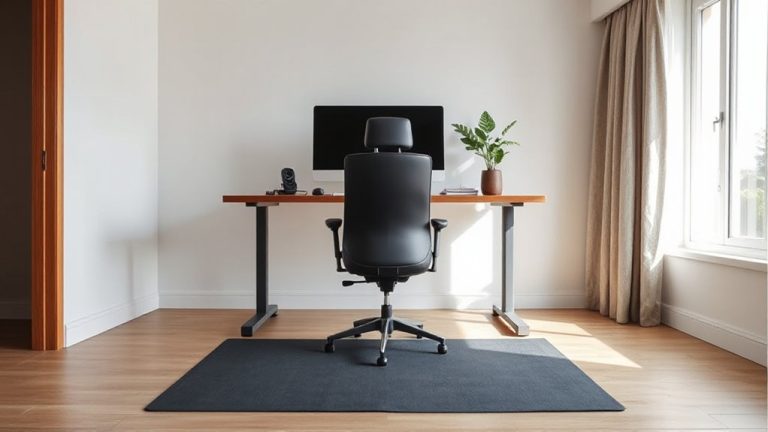
Ergonomic wins start with setup, not splurges-getting your desk arranged right means aligning screens, chairs, and surfaces so your spine and joints stay in their natural positions without strain. You need ergonomic chairs that support your lower back and let your feet rest flat, ideally with adjustable armrests and seat depth. Your desk height should allow your elbows to hover near 90 degrees when typing, wrists straight, shoulders relaxed. If you’re using a fixed desk, raising your chair and using a footrest often works better than compromising posture. Standing desks offer flexibility, but only if you alternate positions regularly. Even the best gear fails if setup ignores your body’s proportions. Test adjustments over full work sessions-long-term comfort matters more than initial feel. There’s no universal ideal, just what fits your frame and routine without forcing trade-offs. A well-chosen top home office desk can provide the necessary adjustability and space to support these ergonomic principles.
Optimize Your Workspace To Support Natural Alignment
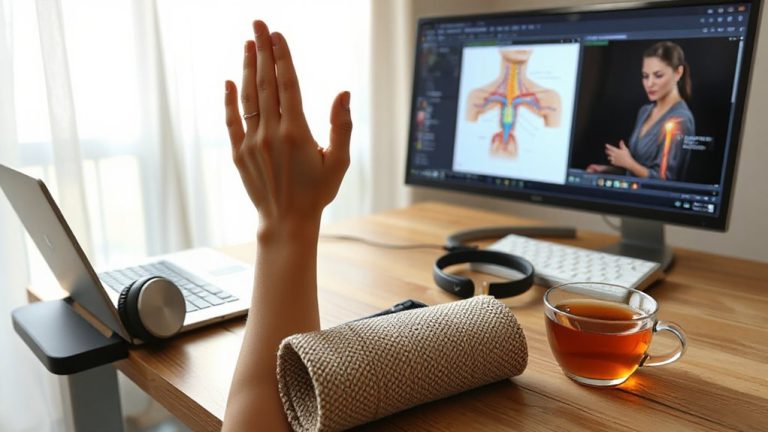
While sitting for hours might seem harmless, poor alignment slowly builds tension in your neck, shoulders, and lower back-so optimizing your workspace isn’t about comfort alone, it’s about maintaining natural spinal curves and joint angles over time. You should use ergonomic accessories like an adjustable chair with lumbar support and a monitor riser to keep your screen at eye level, but avoid overspending on gadgets without proven benefits. A standing desk can help, though alternating postures only works if you maintain alignment in both positions. Remember to take movement breaks every 30–60 minutes to reset posture and reduce stiffness. These breaks don’t need to be long-just 1–2 minutes of stretching or walking. Test adjustments gradually, track how your body responds over a week, and tweak based on actual comfort, not marketing claims. For long-term support, consider investing in one of the top ergonomic office chairs recommended by experts.
On a final note
You should set up your workspace for neutral body positioning-it reduces strain and boosts comfort. Keep your spine aligned, elbows bent at 90°, and wrists straight. Use an adjustable chair and desk to fine-tune height and support. A monitor at eye level helps avoid neck strain. But even the best gear won’t fix poor habits; consistency matters most. Test adjustments over days, not minutes.