Repetitive Strain Injury Prevention Strategies for Remote Workers: a Comprehensive Guide to Reducing Long-Term Health Risks From Prolonged Sitting
You can reduce RSI risk by adjusting your monitor to eye level and sitting an arm’s length from the screen to cut neck strain. Keep elbows at 90 degrees, use a standing desk converter with 12+ inches of height range, and stand every 30 minutes-anti-fatigue mats help. Pair these with voice tools like Windows Speech for 95%+ accuracy after training. Movement and posture shifts matter more than gear, but smart setups boost consistency. Early discomfort is a warning-act before it’s chronic. There’s a clear way to stay ahead when you know what to track.
Notable Insights
- Adjust your workstation so the monitor is at eye level and arms are at a 90-degree angle to reduce strain.
- Take standing breaks every 30 minutes to alleviate spinal compression and improve circulation.
- Use a standing desk converter with smooth height adjustment for easy sit-stand transitions.
- Perform simple desk stretches and movements hourly to prevent muscle stiffness and fatigue.
- Monitor early symptoms like wrist stiffness or tingling and act promptly to avoid chronic injury.
How Sitting All Day Causes RSI
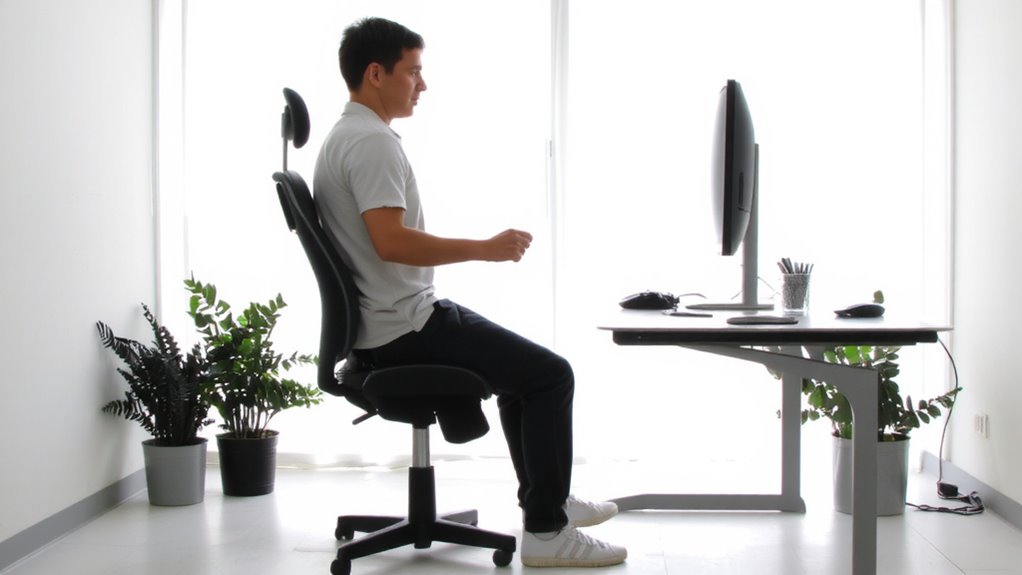
While you might think sitting at your desk is harmless, long hours in a static posture actually set the stage for repetitive strain injury (RSI) by restricting blood flow and overloading specific muscles and tendons. Poor posture-like hunching forward or slouching-increases stress on your neck and shoulders, worsening muscle fatigue over time. When you stay seated without moving, your body doesn’t get the circulation boost it needs, reducing oxygen to overworked tissues. That constant strain, especially in the wrists, elbows, and lower back, makes you more prone to RSI, even if you feel fine now. You don’t need expensive gear to fix this; small changes like standing every 30 minutes or adjusting chair height help. But consistency matters-sporadic breaks won’t undo hours of compression. There’s no magic solution, just smart habits backed by real biomechanics. Choosing the right ergonomic office chair can significantly reduce these risks by supporting proper spinal alignment and promoting healthy sitting posture.
Set Up an Ergonomic Workspace for Remote Work
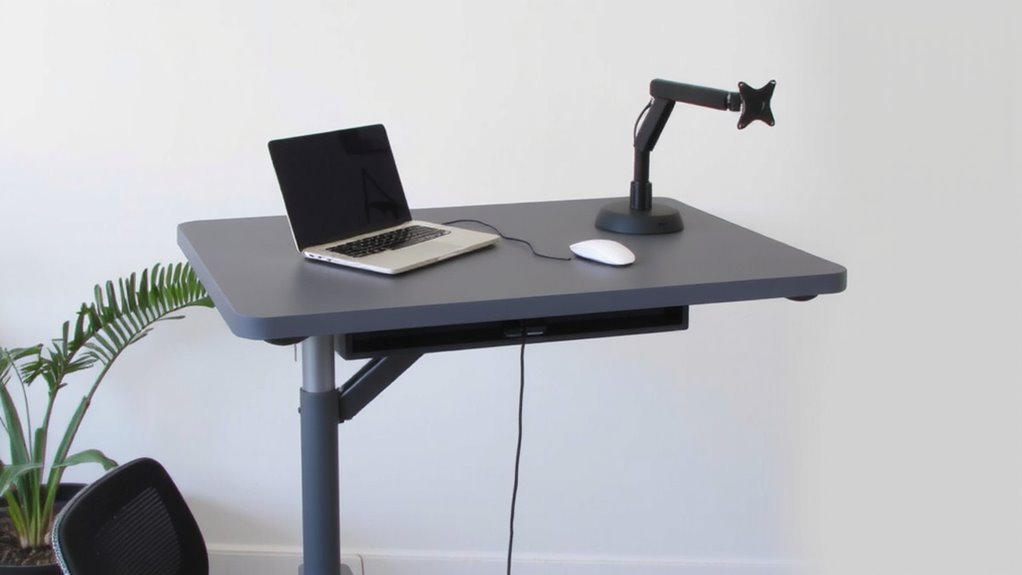
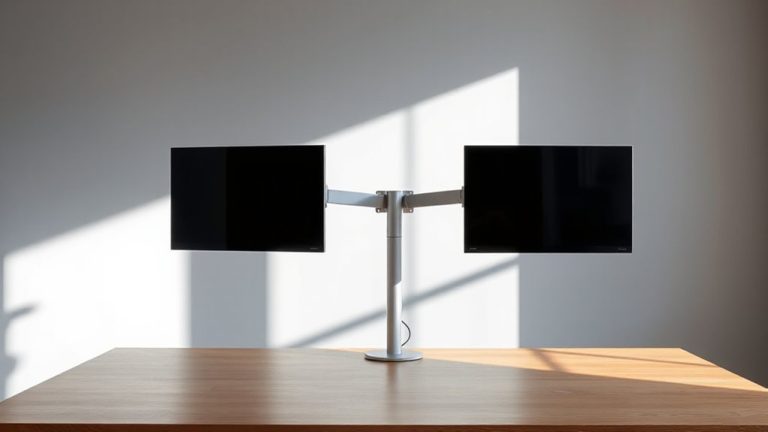
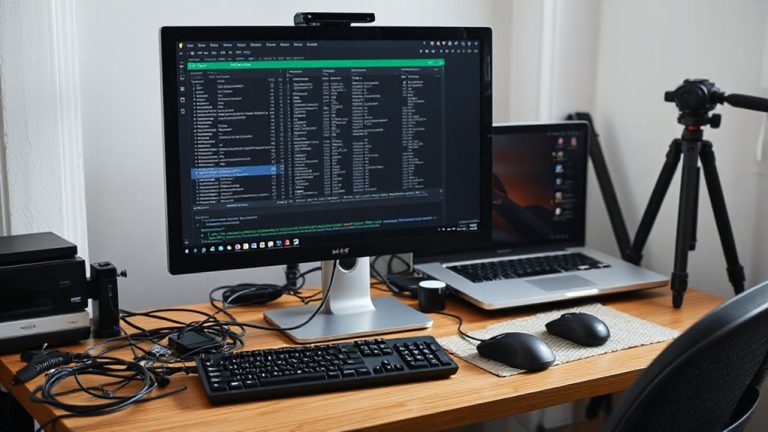
Your workspace setup is the foundation of injury prevention-and getting it right means more than just buying a fancy chair. Start with monitor alignment: the top of your screen should be at or slightly below eye level, about an arm’s length away, reducing neck strain. Position your keyboard and mouse so your elbows stay at 90 degrees. Good cable management isn’t just tidy-it prevents accidental pulls and keeps your focus where it should be. Use simple tools like clips or sleeves to secure cords, but don’t overspend on modular systems that promise more than they deliver. A cost-effective and efficient way to maintain order is with best cable management solutions, which include options like adhesive cable clips, braided sleeves, and desk grommet organizers. While sit-stand desks and ergonomic chairs can help, even budget gear works if you set it up properly. The real win comes from consistency, not cost. Just remember-no setup eliminates risk completely, but small, precise adjustments over time lead to real, lasting protection.
Use the Right Tools to Reduce Strain
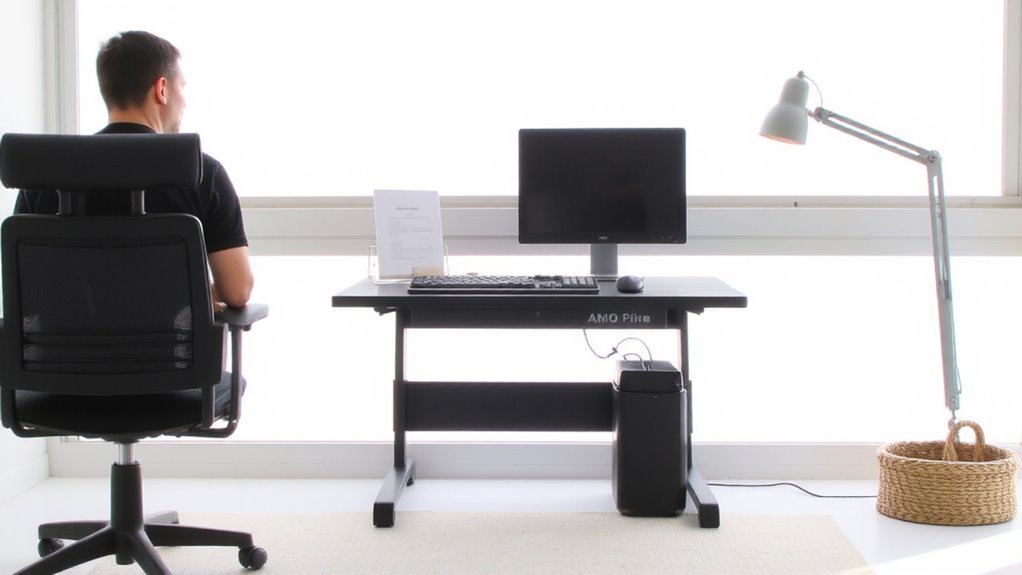
The best tools for reducing strain aren’t always the most expensive, but they do need to fit your body and workflow. Standing desk converters let you switch between sitting and standing without replacing your current desk-look for models with smooth height adjustment and at least 12 inches of vertical range. Pair them with an anti-fatigue mat to reduce leg strain. Voice activated software can cut down typing, especially for long emails or documentation; modern tools like Windows Speech Recognition or Dragon have over 95% accuracy when trained properly. However, background noise or heavy accents can cause errors, so test in your actual workspace. Not all tools work universally-what helps one person may slow another. Prioritize adjustability and ease of use, and check return policies or warranties before buying, since comfort is personal and results vary. Try before committing long-term. Top models offer stability and ease of transition, making Top Standing Desk Converters a smart starting point for research.
Move Regularly to Prevent RSI
Even if your setup is perfectly adjusted, staying in one position for hours increases the risk of repetitive strain injury-so make it a habit to move every 30 to 60 minutes, whether that means stretching, walking to another room, or simply shifting posture at your desk. Incorporating standing breaks and stretch intervals into your routine helps reduce muscle fatigue and improves circulation. Set a timer or use a smartwatch to remind yourself-consistency matters more than duration. You don’t need special gear; just stand up, reach overhead, or do quick shoulder rolls. These small movements prevent stiffness and keep joints lubricated. While sit-stand desks can support standing breaks, they’re optional-the key is regular motion, not equipment. Overdoing standing without proper footwear or matting might cause new discomfort, so balance is essential. Movement isn’t a fix-all, but done right, it markedly lowers RSI risk without disrupting productivity.
Spot RSI Early and Stop It
How quickly can you catch the early signs of RSI before they turn into something worse? Early detection is your best defense. You might notice mild wrist stiffness, shoulder tightness, or occasional tingling in your fingers-don’t ignore them. These subtle signals are your body’s way of demanding attention. Symptom awareness helps you act before damage becomes chronic. Pay attention to patterns: does discomfort return during typing or mouse use? Does resting relieve it, only for it to come back the next day? That’s a red flag. Catching these cues early means you can adjust your setup or workload before needing medical intervention. No gadget replaces vigilance, and while ergonomic keyboards or chairs may help, they’re not foolproof. Real prevention starts with you noticing, pausing, and responding-not waiting until pain becomes constant.
Make RSI Prevention a Daily Habit
Catching early symptoms gives you a real chance to stop RSI before it takes hold-now you need to build daily routines that keep those issues from coming back. Make mindful breathing part of your morning and midday breaks; just two minutes can reset your focus and reduce muscle tension linked to strain. Pair this with consistent hydration-keep a 16-oz water bottle at your desk and refill it twice by noon to maintain circulation and combat fatigue. Set recurring 5-minute stretch alerts every hour, even if you feel fine, because comfort doesn’t mean safety. Use an adjustable sit-stand desk, but don’t over-rely on it-poor posture at any height worsens risk. Ergonomic keyboards help some, but real protection comes from habit, not gear. Results take 3–4 weeks to feel, and skipping days slows progress. There’s no single fix-just steady, smart choices you control.
On a final note
You should set up your home office to prevent repetitive strain injury, but it’s not a cure-all. Use an adjustable chair with lumbar support and position your monitor at eye level to reduce strain. Test products with proven ergonomics, like vertical mice or split keyboards, but expect a learning curve. Take breaks every 30 minutes to move-even small stretches help. Real protection comes from consistency, not gear alone.