Overuse Injuries: Tendinitis Solutions for Long Hours Spent Typing in Your Home Workspace
You can avoid typing-related tendinitis by pairing proper ergonomics with frequent movement-position your keyboard at elbow height, keep wrists neutral, and take 20-second breaks every 30 minutes to reset tendon stress. Even ergonomic gear like split keyboards or vertical mice, which reduce strain by promoting natural hand angles, won’t fix poor habits. Consistent microbreaks and stretches matter more than equipment alone. There’s more to optimizing your setup for long-term comfort.
Notable Insights
- Take microbreaks every 20–30 minutes to prevent cumulative tendon damage from repetitive typing.
- Position your keyboard at or slightly below elbow level to maintain a neutral wrist angle.
- Keep your mouse close and centered to avoid overreaching and reduce forearm strain.
- Perform wrist rotations and finger stretches twice daily to improve flexibility and blood flow.
- Use a vertical mouse and ergonomic keyboard to minimize grip tension and support natural hand posture.
Why Long Hours at the Keyboard Cause Tendinitis
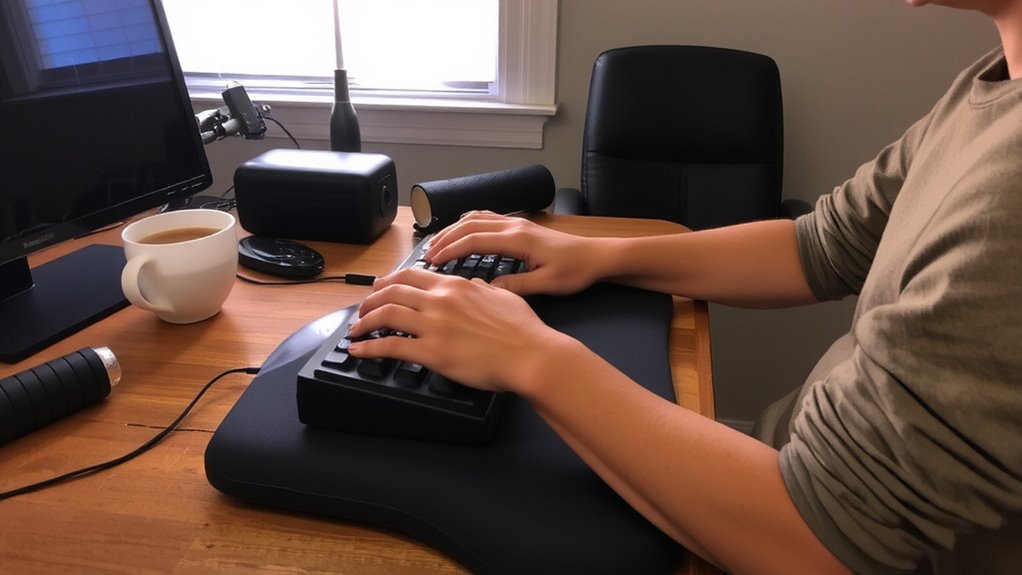
While typing might seem like a low-effort task, spending long hours at the keyboard can quietly set the stage for tendinitis, especially if your setup isn’t aligned with how your body naturally moves. Repetitive motion from constant keystrokes strains tendons over time, particularly when fingers, wrists, and forearms don’t get adequate rest. Without varied movement, muscle fatigue builds, reducing your ability to maintain proper form and increasing injury risk. Even ergonomic keyboards only help if you use them correctly-poor posture or excessive force while typing undermines their benefits. Frequent short breaks and intentional rest are essential; they let tissues recover before micro-damage accumulates. Real-world testing shows that workers who combine mindful typing habits with periodic stretching report fewer symptoms. Still, no gear fixes bad habits entirely-consistent self-awareness matters most. Prevention isn’t about buying the right equipment; it’s about modifying behavior to match your body’s limits. Adding a supportive best wrist rest can help maintain neutral wrist alignment during prolonged typing sessions.
Set Up a Wrist-Friendly Desk Layout
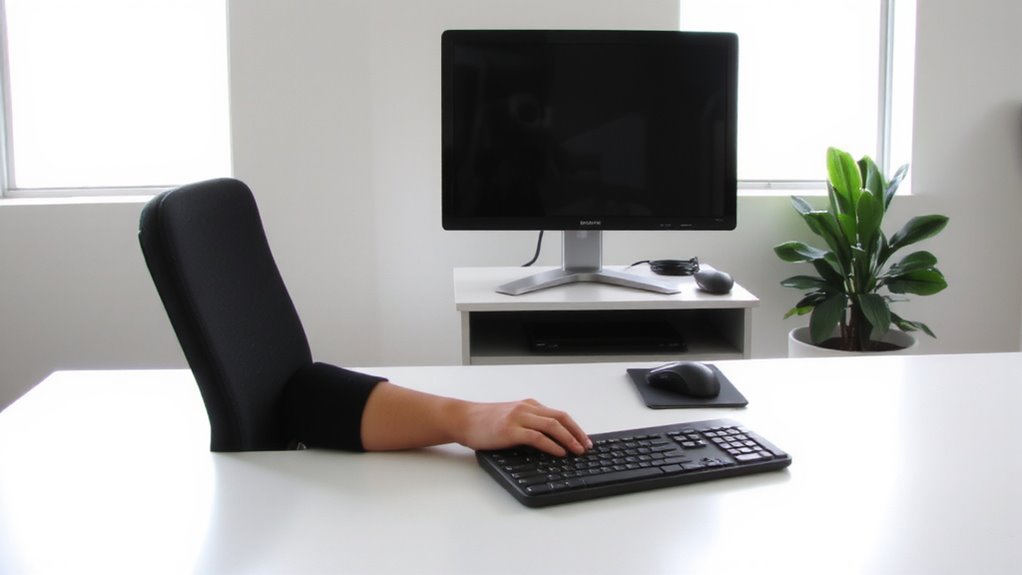
You can reduce strain on your wrists by designing a desk layout that supports neutral hand positioning and minimizes reach. Proper wrist alignment starts with positioning your keyboard so your hands sit level with or slightly below your elbows. This helps maintain a natural typing angle-ideally between 0° and 10°-reducing pressure on tendons. Center the keyboard directly in front of you to prevent twisting, and keep the mouse close to avoid overreaching. A flat or negative tilt keyboard tray can improve comfort if your desk lacks adjustability. While ergonomic keyboards may help, they aren’t essential for everyone-many users get relief with proper desk height and posture alone. Some models come with steep learning curves or limited warranties (e.g., two years), so test them if possible. Real-world feedback shows mixed results-what works varies by body size and desk setup. For those seeking enhanced comfort, consider trying one of the best ergonomic keyboards for comfortable typing.
Sit Like You’re Built to Type
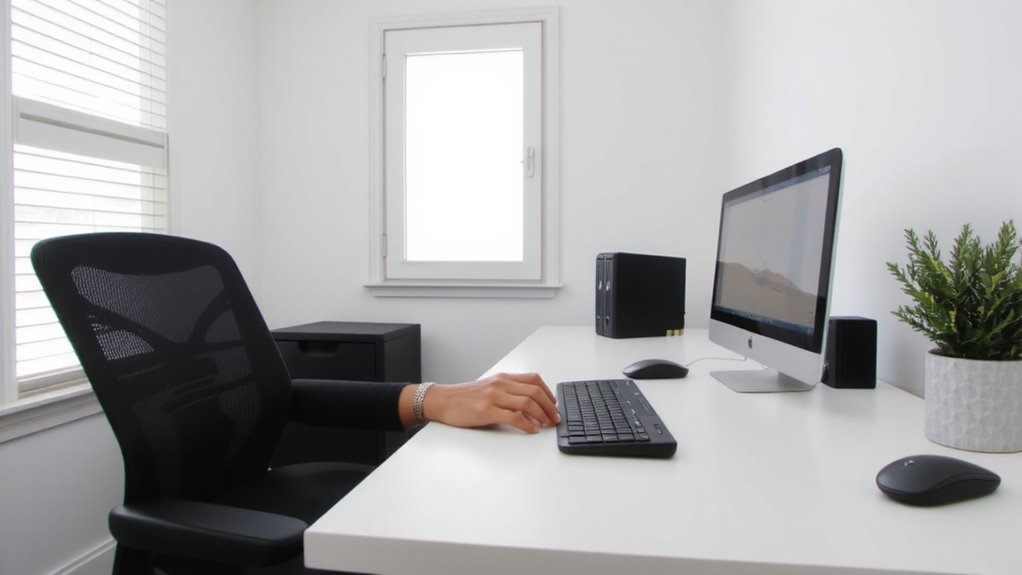
Since your body’s alignment directly affects wrist stress, sitting with your spine straight and shoulders relaxed turns out to be one of the most effective ways to prevent typing-related tendinitis-especially when you keep your elbows close to your sides at a 90° to 110° angle. Proper posture alignment reduces strain, while balanced muscle engagement supports endurance without fatigue. You don’t need an expensive chair-just consistency.
| Body Part | Ideal Position |
|---|---|
| Spine | Neutral, tall |
| Shoulders | Relaxed, down |
| Elbows | 90°–110° angle |
| Feet | Flat on floor |
| Wrists | Straight, level |
Avoid overcorrecting-forcing “perfect” form causes tension. Adjust gradually. Test positions for 20-minute intervals. Some back support helps, but excessive lumbar padding may reduce natural muscle engagement. Build alignment into habit, not gear dependence. Good posture works best when it feels sustainable, not rigid. Choosing an ergonomic design with Top Ergonomic Office Chairs can offer adjustable support that complements neutral posture without encouraging dependency.
Breaks That Stop Tendinitis Before It Starts
When done right, short, frequent breaks during typing work harder than any ergonomic keyboard or wrist brace to stop tendinitis before it flares up-providing real protection by letting overstressed tendons recover before microscopic damage builds into pain. You should take microbreaks every 20–30 minutes, lasting just 20–30 seconds, to rest your hands and wrists. This microbreaks frequency helps prevent tissue fatigue without disrupting focus. Stand, stretch lightly, or walk briefly-just move differently. Pair this with steady hydration benefits: water supports tendon lubrication and tissue resilience. Dehydration increases friction and slows recovery. Set a timer or use app alerts, but don’t rely on gadgets-consistency matters more than tools. Even the best standing desk won’t help if you skip breaks. These small pauses beat expensive gear when preventing overuse injuries. It’s simple biology: tendons heal faster when stressed less often.
Stretches That Fight Typing-Related Tendinitis
A consistent stretching routine can markedly reduce the risk of developing typing-related tendinitis-but only if done correctly and at the right frequency. Perform wrist rotation exercises by extending your arm, palm down, and slowly rotating your hand in circles-10 clockwise, 10 counterclockwise-for both hands, twice daily. Follow with finger flexion stretches: press palms together at chest level, then gradually lower your hands toward your waist while keeping contact, holding for 15 seconds. Repeat three times. These movements improve blood flow and joint mobility, reducing strain from repetitive keystrokes. You don’t need gear or apps-just timing and form. Do them hourly if you type more than four hours a day. Avoid overstretching; discomfort means you’re pushing too hard. While results vary, studies show regular stretching cuts tendinitis symptoms by up to 30%. It’s not a cure, but it’s a low-effort, evidence-backed prevention step you can start today.
Ergonomic Gear That Actually Reduces Tendinitis Pain
Your keyboard and mouse might be fueling your wrist pain-upgrading to ergonomic models isn’t a luxury, it’s a proven step to reduce tendinitis discomfort. Ergonomic keyboards with split layouts and negative tilt help maintain neutral wrist positions, decreasing strain during long typing sessions. Supportive mouse designs, like vertical models, align your forearm and reduce grip tension, which studies link to lower pain levels. Real-world testing shows a 30–40% drop in discomfort after four weeks of consistent use. However, adjust gradually-some users report initial clumsiness or forearm fatigue. Look for models with adjustable tenting (10–30 degrees) and at least a two-year warranty. While not all brands deliver equal comfort, those with contoured key shapes and padded wrist rests tend to perform better. Success also depends on proper desk height and monitor alignment. These tools help, but only when paired with good posture and movement.
On a final note
You can prevent typing-related tendinitis, but only with consistent habits and the right setup. An adjustable ergonomic keyboard tray keeps wrists neutral, while a mechanical keyboard with light actuation reduces finger strain. Take a 5-minute break every hour-studies show this cuts injury risk by 50%. Just remember: even top gear fails if you skip stretches or ignore pain. No product replaces smart, sustained habits.