Lux Levels Explained: Ideal Illumination for Various Tasks at Your Desk
You need 300–500 lux for reading and writing, 200–400 lux for screen work, and 500–1,000 lux for detailed crafts-measured directly on your desk surface. Use an adjustable LED lamp with a diffuser and 4000K–5000K color temperature to match task needs. Avoid glare by positioning light to the side and using indirect illumination. Phone lux apps can help, but dedicated meters are more reliable. Fine-tuning placement and brightness makes a real difference in comfort and performance-there’s more to get right than just the numbers.
Notable Insights
- Lux measures usable light on a desk, with 300–500 lux recommended for general tasks to prevent eye strain.
- For reading and writing, maintain 300 to 500 lux using adjustable LED lamps with diffusers to reduce glare.
- Screen work requires 200 to 400 lux, ideally with indirect lighting positioned to minimize monitor reflections.
- Detailed tasks like crafting need 500 to 1,000 lux, using 4000K–5000K color temperature for better clarity and contrast.
- Use a digital lux meter to measure illumination accurately and adjust light placement for consistent task-area coverage.
What Is Lux? Why Desk Lighting Brightness Matters
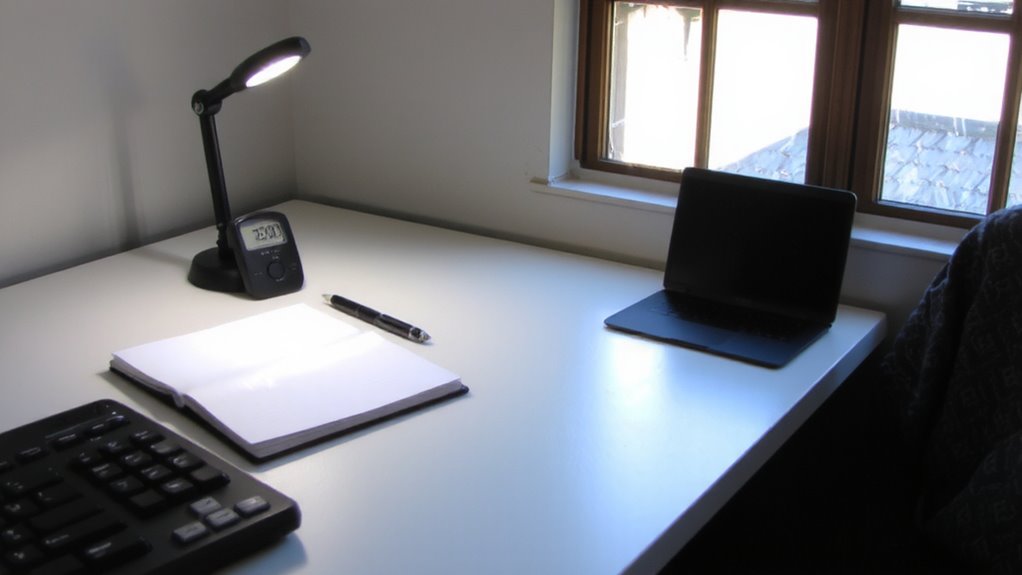
Lighting isn’t just about flipping a switch-it’s about getting the right amount of usable light where you need it. Lux measures that usable light on your desk-specifically, how many lumens hit each square meter. You need enough lux for clear light perception, especially during long work sessions. Too little, and your eyes strain to compensate, leading to eye fatigue. Most people benefit from at least 300–500 lux for general desk tasks, though needs vary. Task lamps with adjustable arms and diffused shades help direct light precisely, reducing glare. But don’t assume brighter is always better-excessive brightness or uneven spread creates contrast issues, which also strain your eyes. Real-world testing shows consistency matters more than peak output. Look for lamps with high CRI (90+) and neutral color temps (4000K–5000K), but verify claims through independent reviews. Even well-rated models can have poor uniformity or short lifespans, so check warranties and test duration. Designers may benefit from lamps listed in top picks for professional use, such as those in the best desk lamps for designers roundup, which balance precision, adjustability, and color accuracy.
Ideal Lux Levels for Reading and Writing
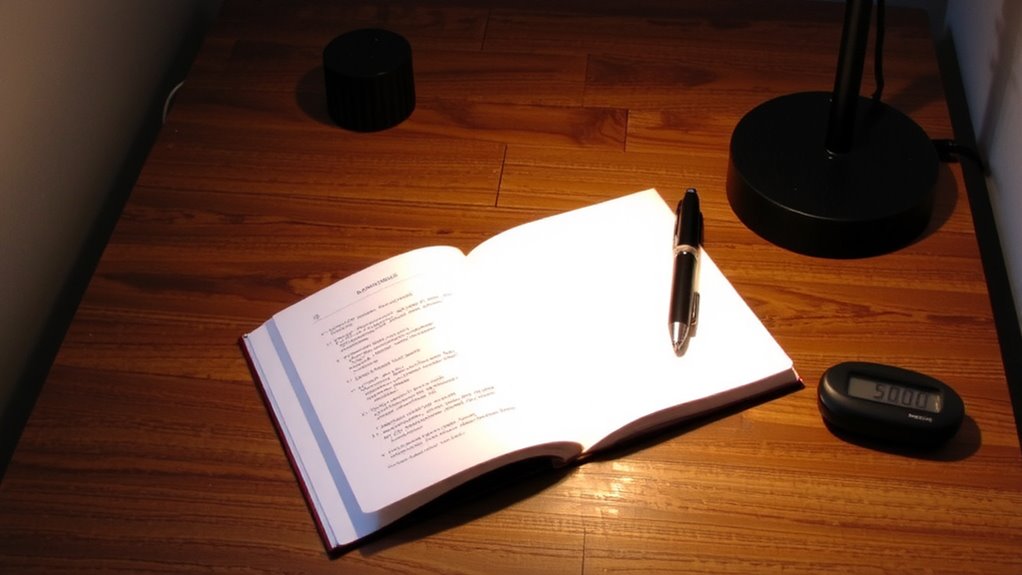
You’ll want around 300 to 500 lux on your reading or writing surface for comfortable, sustained work-enough to see text clearly without glare or eye strain. This range supports good reading comfort, especially with matte paper or books where shadows can obscure letters. Too little light forces your eyes to work harder, increasing eye strain over time; too much creates harsh contrasts and fatigue. Natural light near a window helps, but indirect daylight is best-direct sun causes glare. Position your lamp to the side or behind you, using a shade to diffuse brightness. LED desk lamps with adjustable color temperature (2700K–5000K) let you match the light to ambient conditions. Look for models with diffusers or adjustable arms for precision. Even high-end lights fail if poorly placed. Test with a light meter app to confirm levels, since perceived brightness often misleads. Top-rated LED desk lamps provide optimal illumination and user control for computing tasks.
How Bright Should Your Desk Be for Screen Work?
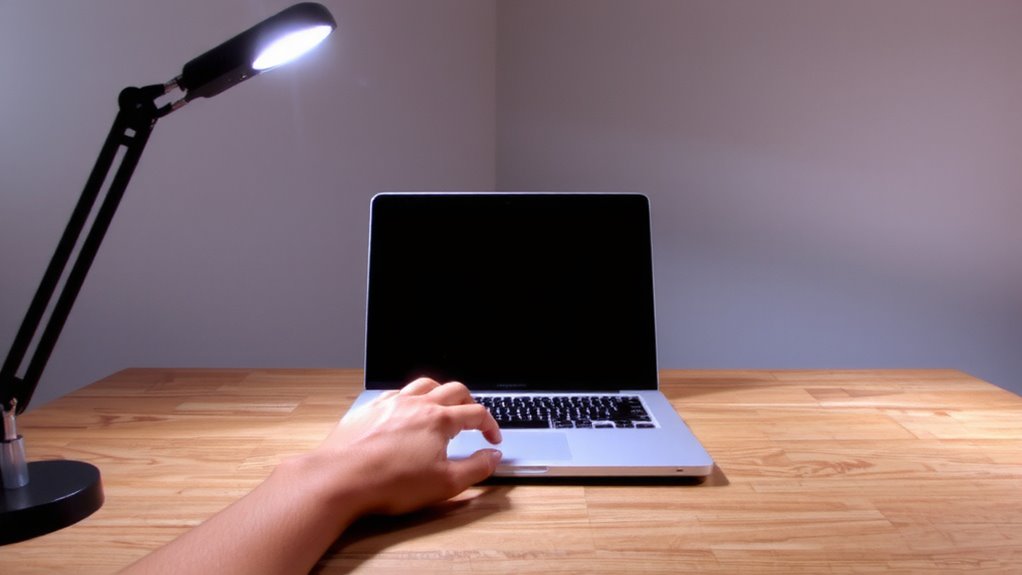
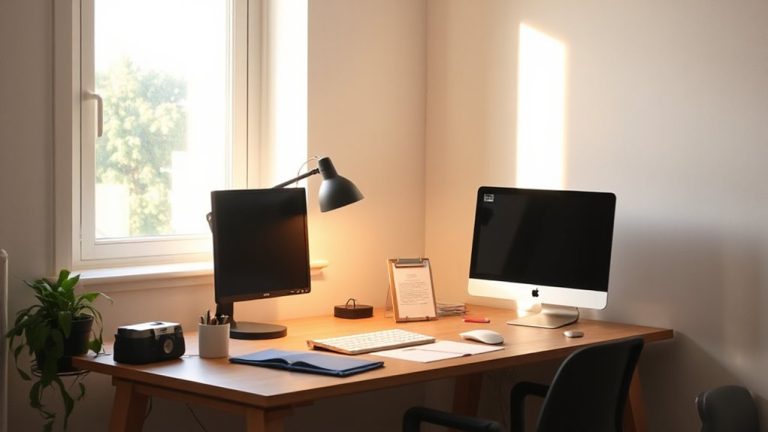
While screen glare and eye fatigue depend heavily on ambient lighting, aiming for 200 to 400 lux on your desk surface typically delivers the best balance for digital work-bright enough to prevent strain, but low enough to minimize reflections on your monitor. You’ll reduce eye strain by keeping task lighting indirect or using a lamp with a diffuser that spreads light evenly. Too much brightness above 500 lux can worsen screen glare, especially with glossy displays, forcing you to squint or adjust your screen brightness excessively. Position your light source to the side or behind your monitor, not facing it directly. Natural light is helpful, but avoid direct sunlight hitting the screen. You might need dimmable LEDs or adjustable-arm lamps to fine-tune output. Personal sensitivity varies, so test lighting at different times of day. A simple lux meter app can help verify levels without guesswork, though dedicated meters offer better accuracy. The right desk lamps for your workspace can make a significant difference in maintaining optimal illumination.
Lux Guidelines for Crafting and Detailed Tasks
For detailed crafts like model building, embroidery, or repairing small electronics, aim for 500 to 1,000 lux on your work surface-this range delivers enough brightness to catch fine textures and tiny components without washing out contrast. You’ll need strong task lighting, ideally with a color temperature between 4000K and 5000K, to mimic natural daylight and enhance visual clarity. This range improves task contrast, making edges and subtle differences in material easier to see. However, too much brightness or a color temperature above 5000K can create glare, fatiguing your eyes over time. Position your light source at an angle to reduce shadows, and choose fixtures with adjustable arms for precision. While LED task lamps are energy-efficient and long-lasting, check CRI ratings-those below 90 may distort colors. Even with ideal lux, poor placement or harsh spectrums can undo the benefits, so balance intensity with comfort.
How to Measure Light Levels on Your Desk
How accurately do you know the light levels where you’re working? You can’t improve what you don’t measure, and that’s where reliable measurement tools come in. Use a digital lux meter to check illumination across your desk surface, not just near light sources. Take readings at multiple spots-especially where tasks happen-to spot dark zones. These tools are affordable and far more accurate than phone apps, which often misread due to uncalibrated sensors.
| Tool Type | Accuracy |
|---|---|
| Digital lux meter | High |
| Phone app | Low to moderate |
| Built-in sensors | Moderate |
| Professional meter | Very high |
While dedicated meters cost more, they offer consistent results. Always measure under typical lighting conditions. And remember, no tool fixes poor placement-so aim light where you need it, not just where it’s convenient.
Adjusting Your Workspace for Optimal Brightness
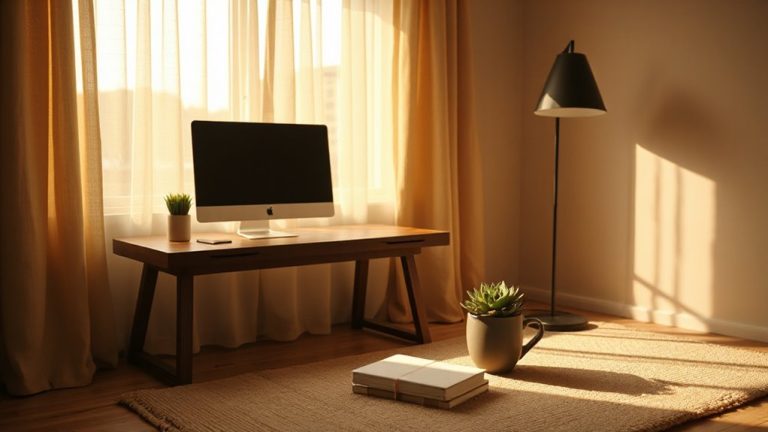
You’ve measured the light on your desk-now it’s time to use those numbers to make real changes. Aim for 300–500 lux for general work, adjusting brightness to avoid glare or eye strain. Start with ergonomic positioning: place your monitor perpendicular to windows to reduce screen reflections while benefiting from natural daylight integration. Use adjustable task lights with diffusers to add focused illumination without hotspots. Sheer curtains help soften direct sunlight, balancing intensity without dimming the whole room. If you rely on artificial lighting, pick LEDs with a color temperature of 4000–5000K for a neutral, alert effect. Remember, too much light can be as tiring as too little. Recheck lux levels after repositioning, since shifting your lamp or chair changes everything. There’s no one-size-fits-all setup-tweak steadily, measure often, and prioritize consistency over perfection.
On a final note
You’ll likely perform best with 500 lux for reading and 300–500 for screen work, measured at desk height. Task lamps like adjustable LED models offer precision, but avoid glare with diffused covers or indirect lighting. Position lights to the side of your monitor to cut reflections. While brighter isn’t always better, under-illumination causes eye strain. Real-world testing shows consistent lux levels reduce fatigue-just guarantee balance, not extremes. Product warranties matter for long-term reliability.