Ergonomic Desk Lamp Placement Tips: Eliminating Shadows and Enhancing Visual Comfort While Working Remotely
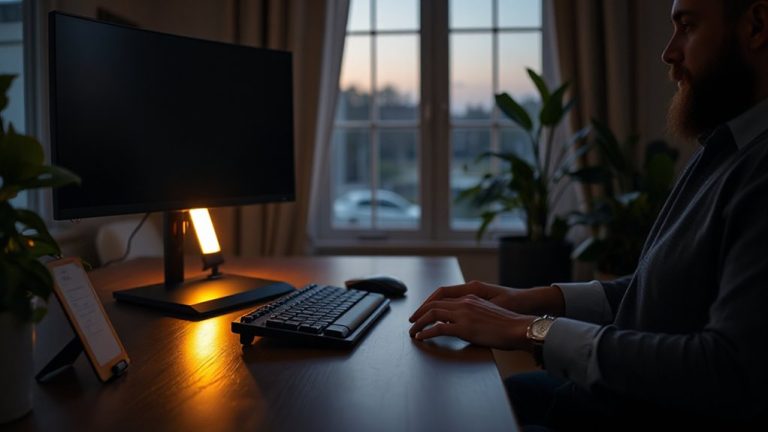
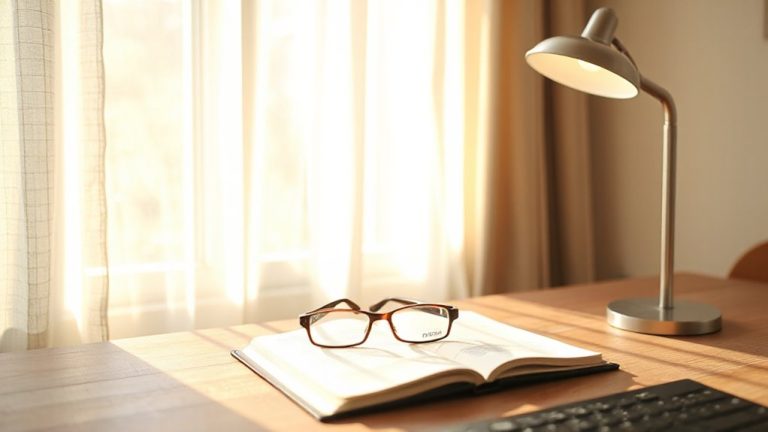
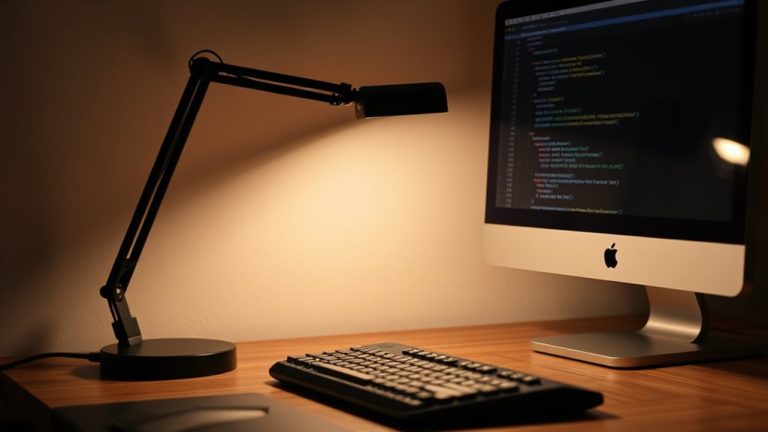
Place your desk lamp on the opposite side of your dominant hand-left for right-handed, right for left-handed-to reduce shadows and eye strain. Angle the light at 30–45 degrees from your screen to prevent glare, and keep the top of the shade at eye level (15–20 inches high) for even coverage. Use a flicker-free LED with 4–8 watts (40–60W equivalent) and adjustable color temperature: 5000–6500K by day, 2700–3000K at night. Opt for diffused shades to soften brightness. Stability matters-pick lamps with stiff goosenecks or articulated arms that hold position after repeated adjustments. Test different setups in your actual workspace, since screen type and room lighting affect results. You’ll find personalized comfort with a few precise tweaks.
Notable Insights
- Position the lamp on the opposite side of your dominant hand to minimize shadows on your workspace.
- Align the top of the lamp shade with your eye level to ensure even illumination and reduce glare.
- Angle the light at 30 to 45 degrees from your screen to prevent reflections and screen glare.
- Use a flicker-free LED lamp with 40–60 watt equivalent brightness for comfortable, consistent lighting.
- Adjust color temperature: 5000–6500K during day for alertness, 2700–3000K at night to reduce eye strain.
Fix Common Desk Lamp Mistakes Causing Eye Strain
Ever wonder why your eyes still feel tired even with a desk lamp on? You might be overlooking two key issues: lamp flickering and bulb wattage. Flickering, even when subtle, strains your eyes over time-especially with fluorescent or low-quality LEDs. Always choose lamps with steady, flicker-free output, ideally tested at 100+ Hz to match natural light stability. As for wattage, too high creates glare; too low forces your eyes to work harder. For most desks, a 40–60 watt equivalent (4–8 watts LED) offers balanced brightness. Position it behind or beside your monitor, not directly in front, to reduce reflected glare. Keep color temperature around 4000K for alertness without harshness. Note: higher wattage doesn’t mean better-context matters. Test different bulbs and settings in your actual workspace. Results vary based on room lighting, screen type, and individual sensitivity. Consider selecting from the best desk lamps for computer work to ensure optimal ergonomic lighting performance.
Place Your Desk Lamp on the Opposite Side of Your Hand
Place Your Desk Lamp on the Opposite Side of Your Hand
Position your desk lamp on the opposite side of your writing hand to prevent shadows and reduce hand fatigue during long work sessions. This lamp orientation guarantees light falls across your workspace, not blocked by your hand. If you’re right-handed, place the lamp on the left; if left-handed, on the right-this respects your hand dominance and improves visibility. A poorly placed lamp can create harsh shadows on documents, forcing your eyes to strain. While this setup optimizes task lighting, it’s not one-size-fits-all: monitor placement and desk layout can require small adjustments. Some lamps offer flexible arms or swivel heads, letting you fine-tune the angle without compromising position. Avoid models with rigid necks-they limit control. Look for balanced articulation and durable joints that hold position after repeated use. Test lamp stability under regular movement to guarantee long-term reliability. A well-designed best desk lamp provides optimal adjustability and consistent illumination for ergonomic comfort.
Angle the Light to Prevent Screen Glare and Shadows
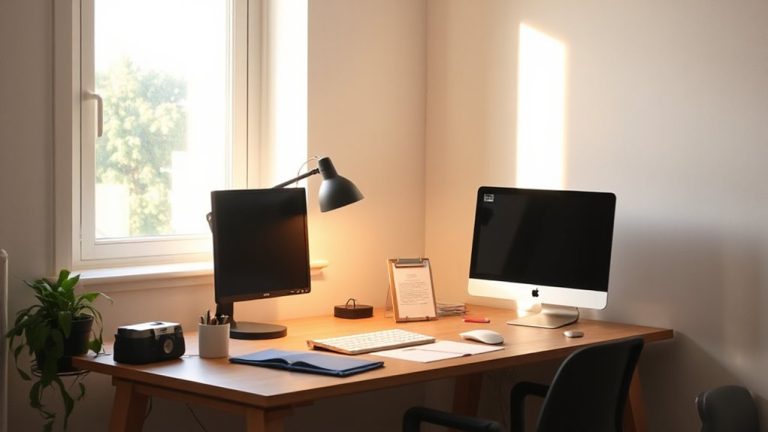
While lighting your workspace effectively depends on more than just lamp placement, angling the light properly is key to avoiding screen glare and harsh shadows. You want to aim the lamp so that direct lighting hits your work surface-not your monitor-by positioning it at about a 30- to 45-degree angle from your screen. This minimizes reflections that strain your eyes and disrupt focus. A well-angled beam also contributes to better ambient balance, blending with overhead or background light to create consistent illumination. Don’t point the lamp straight at your face or screen, as that creates hotspots and reduces contrast. Instead, adjust the gooseneck or pivot arm carefully, especially with high-lumen LEDs, since their focused output can be too intense if misdirected. Test different angles during actual use, particularly under evening lighting, to confirm comfort and efficiency. Proper angling isn’t a one-size-fits-all fix-but it’s a low-effort, high-impact step toward visual ease. For streaming setups, choosing one of the top desk lamps can further enhance lighting control and reduce unwanted shadows.
Keep Your Lamp at Eye Level for Even Illumination
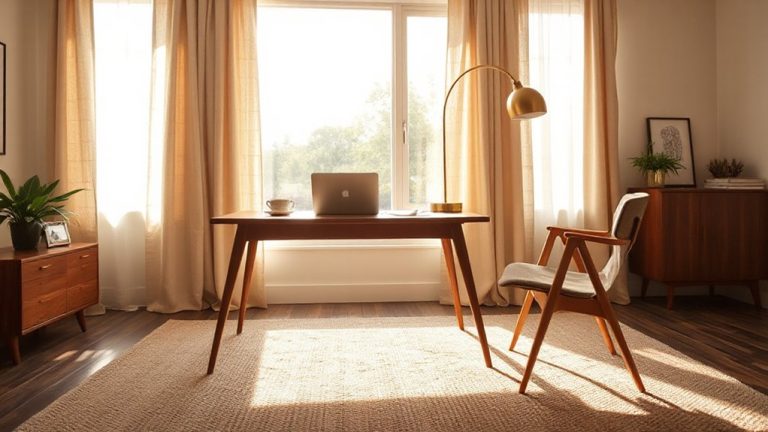
Placing your desk lamp at eye level gives you the most balanced spread of light across your workspace, reducing harsh contrasts between bright and dim areas. Proper lamp height guarantees eye alignment with the top of the shade or diffuser, minimizing upward glare and shadows on your tasks. You’ll get even illumination over documents and desks without over-bright spots that strain focus. Most task lamps with adjustable arms let you set the height between 15 to 20 inches from the desk, depending on your seating and monitor setup. If the lamp’s too low, it casts shadows; too high, and it creates hotspots or glare. Eye alignment matters most when reading or writing for long stretches. But if you wear bifocals or use a high monitor, slight adjustments may be needed. Don’t assume one height fits all-test angles while seated normally. A stiff, adjustable gooseneck or articulated arm helps maintain position without sagging.
Use Warm-White Bulbs to Reduce Eye Fatigue
If you’re trying to cut down on eye strain during long workdays, switching to a warm-white LED bulb (around 2700K to 3000K color temperature) can make a noticeable difference. This range mimics natural evening light, helping reduce glare and eye fatigue without dimming brightness. Cooler bulbs (over 4000K) may feel harsh over time, especially under prolonged screen use. Pair your warm-white bulb with a lampshade that offers good light diffusion-matte or fabric finishes work best-to spread illumination evenly and avoid hotspots. While warm-white light boosts comfort, it may slightly lower alertness compared to cooler tones, so it’s not ideal if you need intense focus late at night. Always check lumens (800–1100 recommended) alongside color temperature for balanced performance. Look for bulbs with a 25,000-hour lifespan and flicker-free operation, verified in independent lab tests, for durable, eye-friendly lighting.
Adjust Your Desk Lamp for Day vs. Night Work
You need different lighting setups depending on whether you’re working during the day or at night, and adjusting your desk lamp accordingly helps maintain visual comfort and focus. During the day, set your lamp’s color temperature to 5000–6500K to match natural daylight-this boosts alertness and improves screen contrast. At night, shift to 2700–3000K to reduce blue light exposure, which can disrupt melatonin production. Always balance your lamp’s output with ambient balance: if the room feels too dark around you, increase background lighting to avoid eye strain. Many modern LED lamps offer adjustable color temperature via buttons or apps, but test them over a week to confirm usability. Note: cheaper models may flicker or lack precise temperature control, so check for a solid dimming range and a warranty of at least two years. Consistency matters more than perfection-small, deliberate tweaks yield the best long-term comfort.
On a final note
You’ll see sharper focus and less eye strain with the right desk lamp setup, but only if you avoid common missteps. Position your lamp on the opposite side of your writing hand to cut shadows, and angle light across your work surface-not at your screen-to prevent glare. Keep the bulb just above eye level and use 2700K–3000K warm-white LEDs for steady output. Most quality lamps last 25,000 hours, but check warranties; even top models need repositioning if your natural light changes.