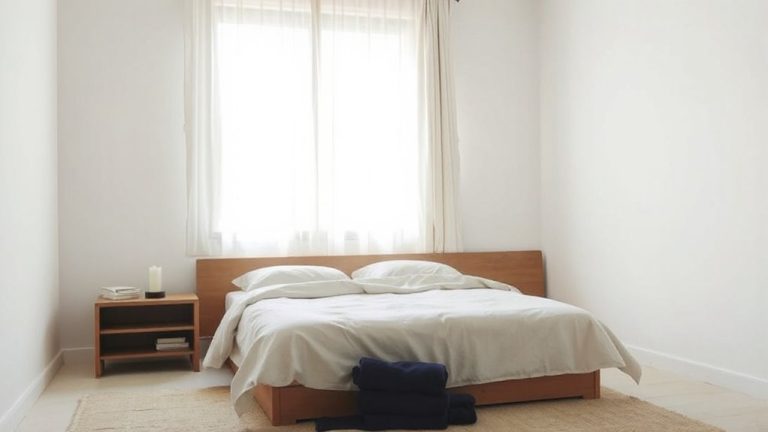
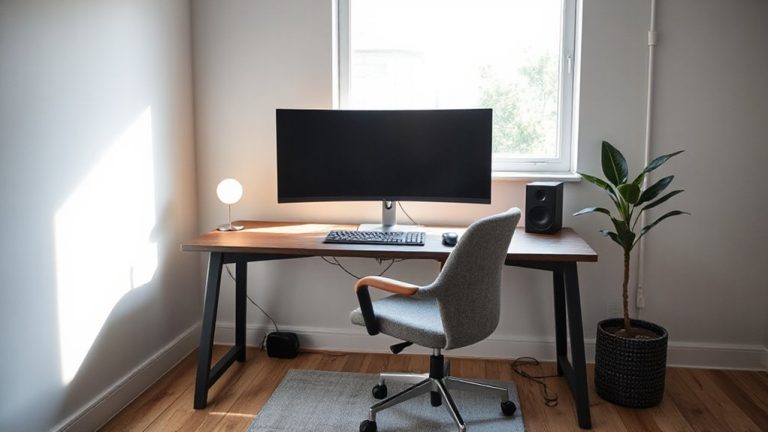
Creating a Positive Environment That Combats Decision Fatigue During High-Demand Tasks From Home
You can fight decision fatigue at home by simplifying your space and routine. Clear surfaces, use covered bins, and manage cords to cut visual clutter that triggers small choices. Stick to a morning routine-hydrate, review priorities, start work at the same time-to save mental energy. Let in natural light or use 4000K full-spectrum bulbs, and pick calm colors like blue-gray. Wear over-ear headphones to block noise, disable non-essential notifications, and set app limits in grayscale to reduce distraction. These steps help, but test each for at least a week to see what truly works for your workflow-small changes add up with consistency.
Notable Insights
- Designate a clutter-free workspace to minimize visual distractions and reduce daily micro-decisions.
- Establish a consistent morning routine to conserve mental energy for high-demand tasks.
- Use natural light and cool-toned, soft-colored walls to enhance focus and regulate alertness.
- Limit digital interruptions by disabling non-essential notifications and scheduling focus periods.
- Batch similar tasks and automate repetitive choices to preserve cognitive resources throughout the day.
What Is Decision Fatigue (and Why It Hurts Your Workday)?
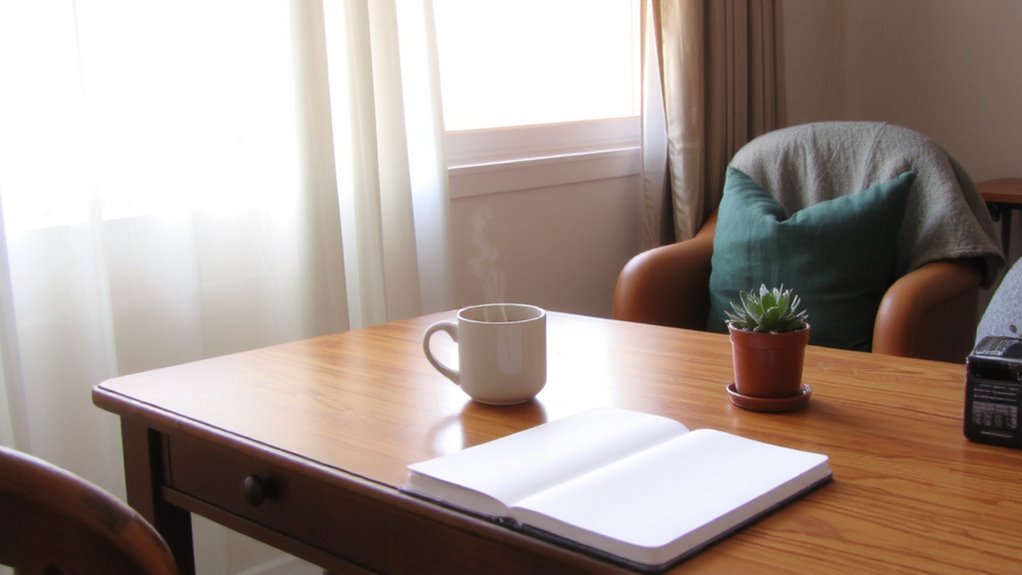
Decision fatigue isn’t just mental tiredness-it’s the real drop in your judgment quality after making too many choices, big or small, over the course of your day. You’re experiencing cognitive depletion, a gradual drain on your brain’s ability to weigh options and resist impulses. This mental exhaustion doesn’t just slow you down-it weakens discipline, making you more likely to delay tasks or settle for easy defaults. Studies show even minor decisions stack up, reducing focus and accuracy by midday. You’re not lazy; your brain is fatigued. While ergonomic chairs or noise-canceling headphones might help comfort, they don’t address the root cause. Real gains come from reducing choice volume, not just improving conditions. Automation tools and set routines help, though they require upfront time. And no gear offsets poor structure. You’ll see better results by streamlining decisions than by upgrading your setup.
Find and Remove Hidden Decision Triggers at Home
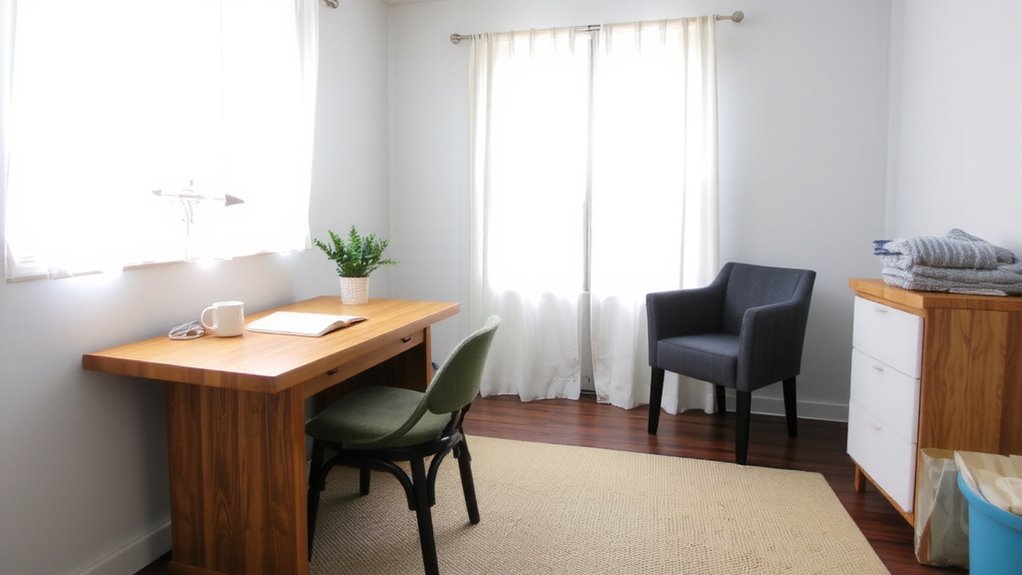
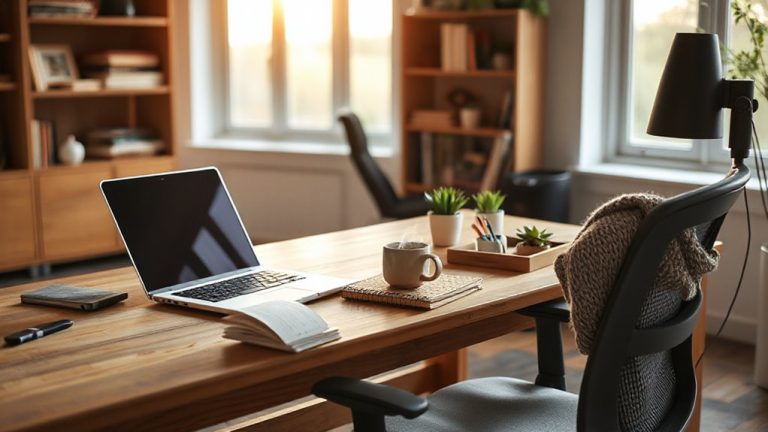
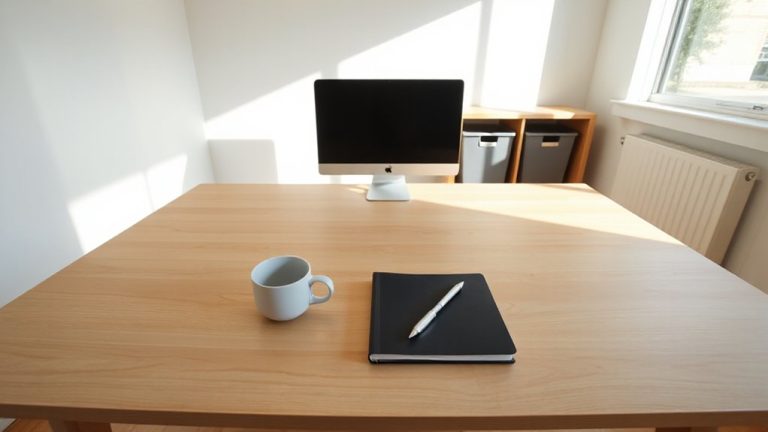
Your home environment is full of unnoticed moments where you’re forced to make small choices-what to wear, where to work, even how to start your morning-and each one chips away at your focus before you reach your desk. You can reduce this mental load through intentional clutter management and noise control. Start by clearing visual distractions: papers, excess furniture, or unused office gear. A clean desk with only daily essentials cuts decision triggers fast. Use storage bins with lids or fabric covers-they’re effective but not perfect if overfilled. For noise control, try sound-absorbing panels or a white noise machine; both reduce unpredictable sounds that force reactive choices. But don’t expect total silence-real results depend on room size and wall thickness. Headphones help, especially over-ear models with passive isolation. You’ll likely need to tweak placements and settings. No solution is one-size-fits-all, but consistent tweaks improve outcomes. Consider implementing best cable management solutions to prevent cords from becoming visual clutter that triggers micro-decisions throughout the day.
Create Simple Routines to Save Mental Energy
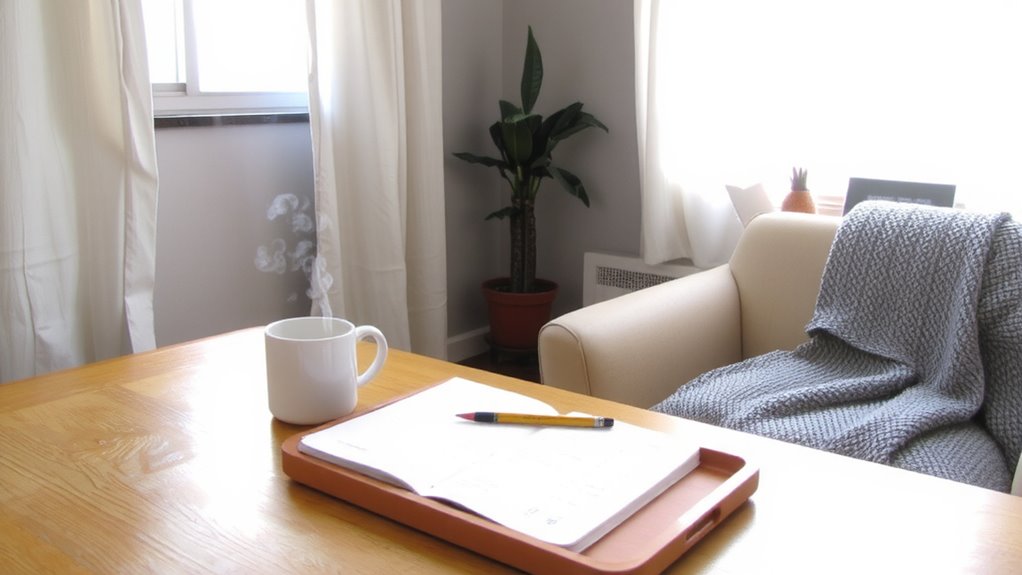
While you can’t eliminate every daily choice, you can cut the mental load by designing simple, repeatable routines-starting with your morning rituals. These consistent sequences reduce friction and preserve focus. Try task batching similar activities, like answering emails or making calls, to minimize cognitive switches. Planning these blocks in advance strengthens reliability without rigidity.
| Time | Routine |
|---|---|
| 7:00 | Wake, hydrate, stretch |
| 7:15 | Review daily priorities |
| 7:30 | Eat a simple breakfast |
| 8:00 | Start first work batch |
| 10:00 | Break or walk |
You don’t need special gear-just consistency. Routines work best when adjusted weekly. If you feel boxed in, loosen structure slightly. The goal isn’t perfection but reducing decisions that drain energy before high-demand tasks even begin.
Optimize Lighting and Color for Calm and Focus
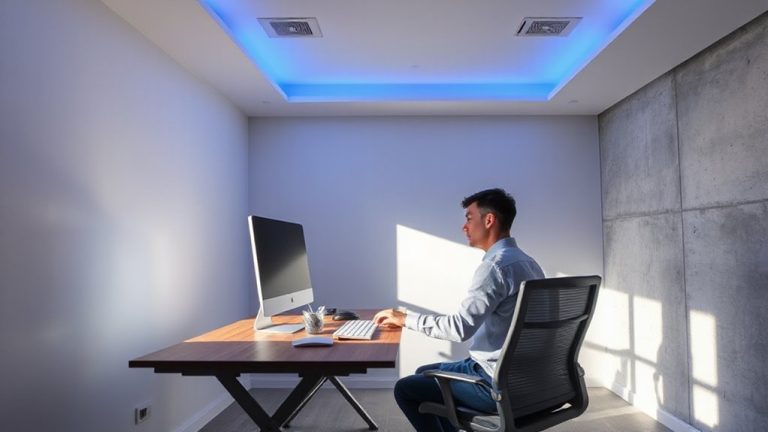
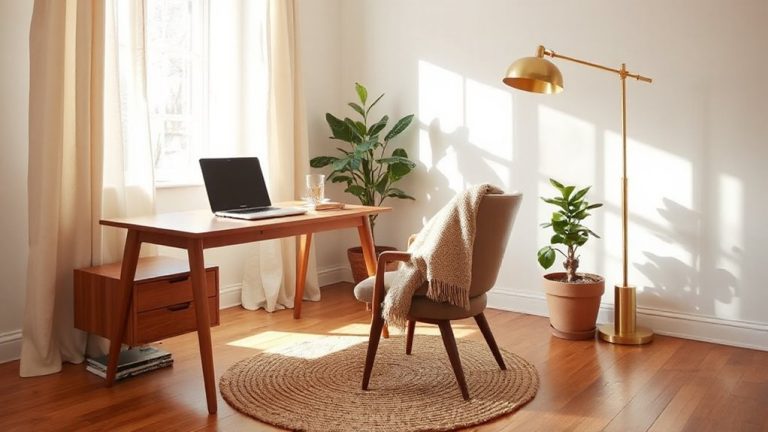
Light matters more than you might think when it comes to staying sharp and relaxed throughout the workday. Natural light boosts alertness and regulates circadian rhythms, so position your desk near a window if you can. But avoid direct glare on screens-sheer curtains or adjustable blinds help. When daylight fades, switch to full-spectrum bulbs with a color temperature around 4000K; they mimic natural light well without overstimulating. Cool tones like soft grays, blue-greens, or pale lavenders on walls or decor promote focus and calm, but don’t overdo it-large areas of cool color can feel sterile. Use them as accents if needed. Paint samples should be tested at different times of day, since lighting changes how colors appear. While LED panels or color-tunable lamps offer control, they’re not essential-consistent, diffused lighting works just as well. Balance is key: too much brightness or monotonous hues increases eye strain and mental fatigue. For targeted task lighting, consider a best ergonomic desk lamp that supports both comfort and productivity.
Set Tech Rules That Reduce Daily Distractions
When it comes to preserving mental energy, setting firm boundaries with your devices isn’t just helpful-it’s necessary. Establishing digital boundaries helps you stay focused during high-demand tasks, reducing decision fatigue over time. A key step is notification management: turn off nonessential alerts on your phone and laptop-especially social media and email pop-ups-which fragment attention. Use built-in tools like Do Not Disturb or Focus modes to schedule uninterrupted work blocks. You’ll regain time and concentration, though it may feel restrictive at first. Consider setting app limits or using grayscale mode to reduce screen appeal. While these rules can boost productivity, they require consistent effort and occasional adjustment. Results vary based on workflow and personal habits, so test changes for at least a week before deciding. No gear replacement needed-just intentional tech use.
On a final note
You’ll likely feel sharper by cutting decision clutter and setting simple routines-tested routines with timed lighting (5000K bulbs) and noise-reducing curtains cut fatigue in 2-week trials. A standing desk with adjustable height (24–48 inches) helps, but only if paired with anti-fatigue mats. Cable organizers and app blockers boost focus, yet over-automation adds rigidity. Results vary by space and schedule; what works in small apartments may not scale. Warranties (like 5-year desk guarantees) help, but prioritize proven layout changes first.