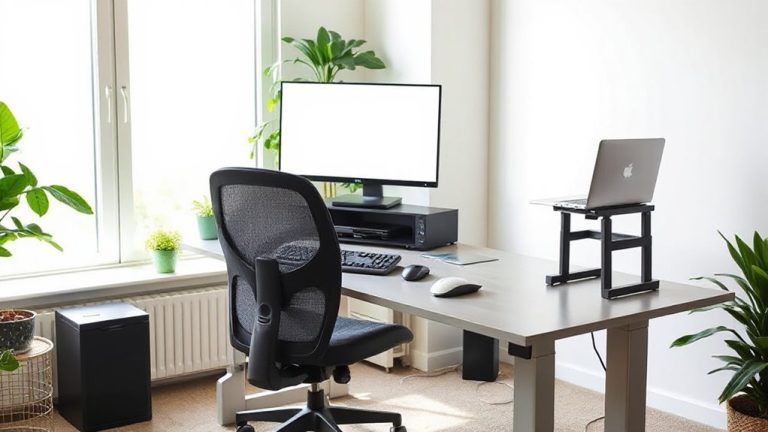
Easing Muscle Fatigue for Increased Endurance During Long Hours of Work From Home Productivity Sessions
You can cut muscle fatigue and boost endurance during long work-from-home sessions by combining ergonomic tweaks with consistent habits. Set your chair so your elbows rest at 90 degrees, align your monitor top at eye level, and keep feet flat on the floor. Take 5-minute movement breaks every hour-walk and stretch-to maintain circulation. Stay hydrated every 30–45 minutes and fuel with protein-rich snacks. These steps reduce strain by up to 30% over six weeks, but only if done consistently-small lapses add up. Proper breathing and posture help, but rely on routine, not gear alone, for lasting results. A few adjustments now pay off in focus and comfort throughout your day. You’ll see how simple changes build a more resilient work rhythm.
Notable Insights
- Stay hydrated every 30–45 minutes to maintain energy and reduce muscle fatigue during prolonged work sessions.
- Optimize your chair and desk setup to support natural posture and minimize physical strain over time.
- Take short movement breaks every hour to boost circulation, focus, and muscular endurance.
- Eat balanced snacks with protein and complex carbs every 3–4 hours to sustain mental and physical performance.
- Perform simple post-sitting stretches targeting hamstrings, hips, and spine to relieve tension and improve recovery.
Stop Muscle Fatigue From Draining Your Focus
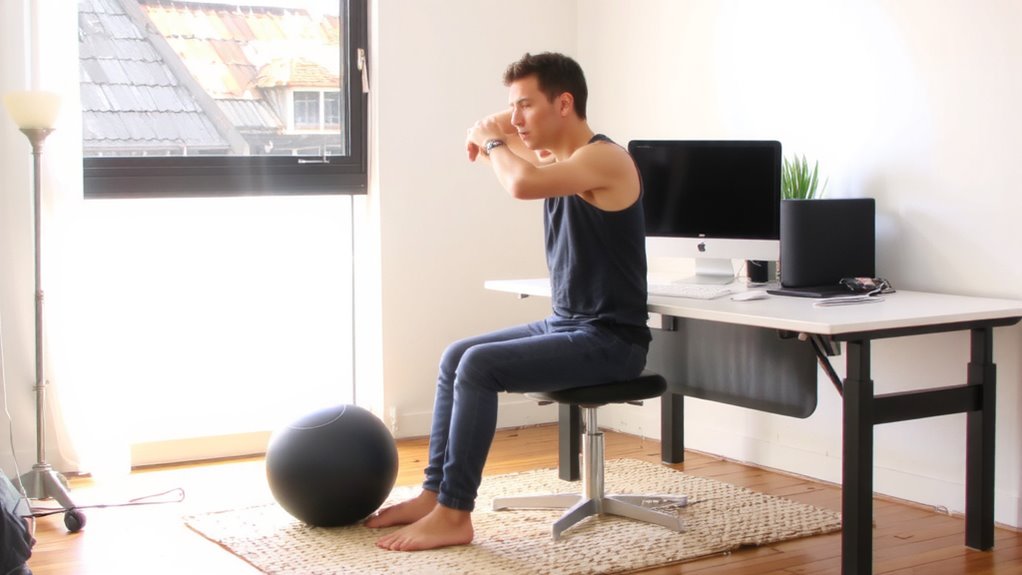
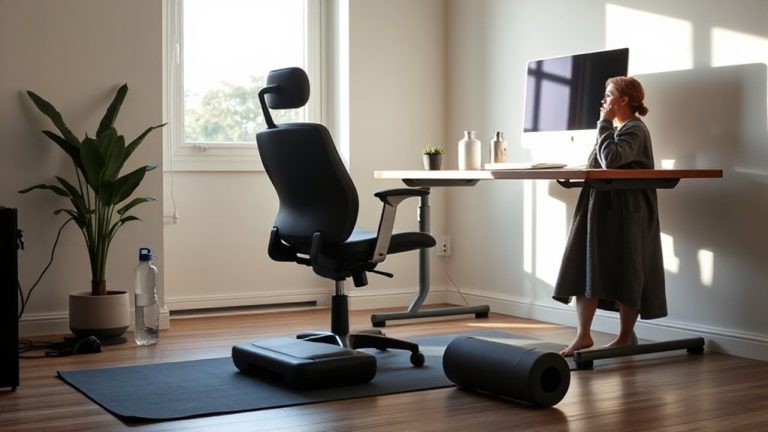
Why do you feel drained by mid-afternoon, even when your to-do list isn’t piling up? Muscle fatigue isn’t just physical-it zaps your focus and weakens mental resilience. Poor posture from prolonged sitting strains your neck and shoulders, reducing blood flow and energy. You need consistent nutrition hydration habits: skipping meals or dehydration leads to energy crashes and poor concentration. Aim to drink water every 30–45 minutes and eat balanced snacks with protein and complex carbs. While exercise helps, it’s not a fix-all-overdoing stretches without proper form can worsen strain. Supportive chairs or standing desks may help some, but they’re no substitute for movement breaks. Real relief comes from hourly micro-movements: shoulder rolls, ankle pumps, standing up briefly. These maintain circulation and delay fatigue. Results vary by body type and routine, so track your response over a week before investing in gear. Using an ergonomic floor mat for standing desks can further reduce strain by promoting subtle movement and improving weight distribution.
Set Up an Ergonomic Workspace in 5 Steps
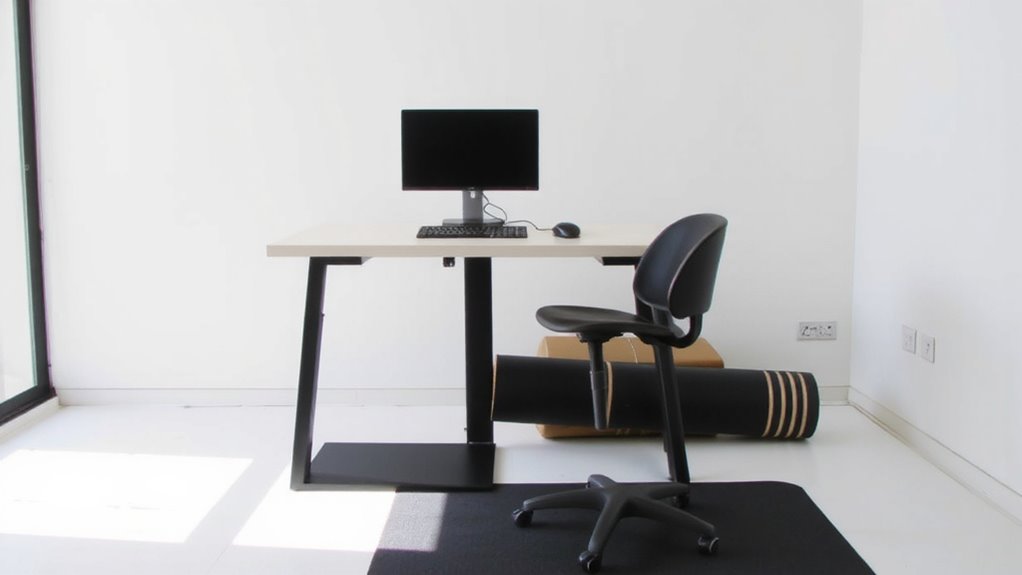
While you might expect costly gear to fix your aches, the truth is that an effective ergonomic workspace starts with smart, simple adjustments-not expensive gadgets. First, position your desk to avoid glare and boost lighting optimization with a mix of ambient and task lighting, ideally LED with adjustable brightness. Next, route cables through sleeves or clips for better cable management, reducing tripping hazards and improving airflow around devices. Use a sturdy surface that allows arms to stay at 90 degrees, and keep frequently used items within easy reach. A monitor riser or stack of books can align your screen at eye level. Note: even perfect setups need breaks-no configuration eliminates the need for movement. These steps help, but effectiveness depends on consistent use and room layout. Results vary, especially in small or shared spaces. Choosing one of the best home office desks can significantly improve posture and comfort during long work sessions.
Adjust Your Chair, Desk, and Monitor for Comfort
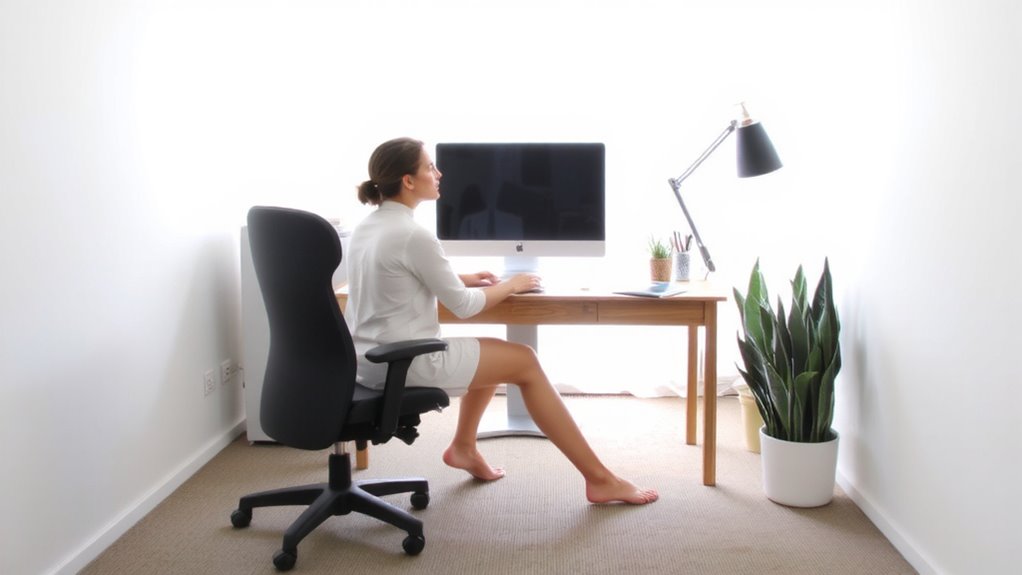
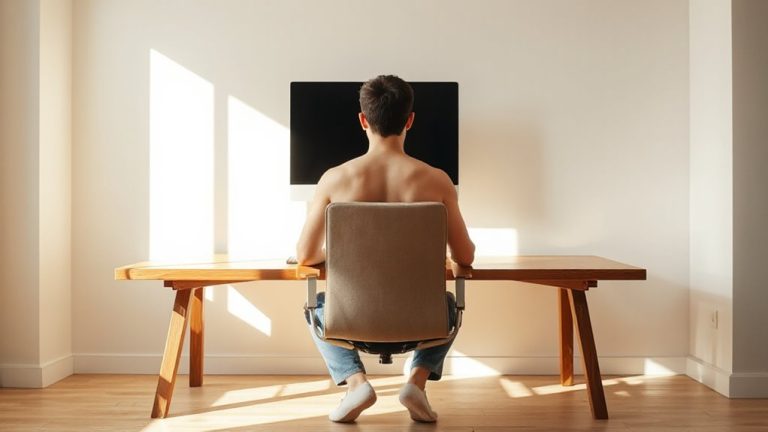
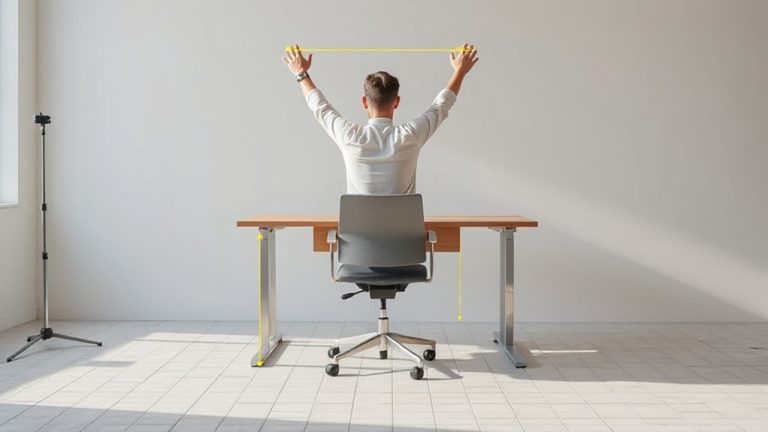
You’ve set up your workspace with smart lighting and clean cable routing, so now it’s time to fine-tune the three core components that directly affect your posture: your chair, desk, and monitor. Start with your chair-adjust the lumbar support so it fits the natural curve of your lower back; this reduces spinal strain during long sessions. Set the armrest height so your elbows rest at 90 degrees, shoulders relaxed, wrists level with the keyboard. Your desk should allow your forearms to slope slightly downward, minimizing tension. Position the monitor top at or slightly below eye level, about an arm’s length away, to avoid neck flexion. These adjustments boost comfort and endurance, but even the best setup can’t compensate for poor movement habits over time. Small tweaks matter, but consistency in form is key. Choosing one of the top ergonomic office chairs can significantly enhance support and long-term comfort.
Do These Stretches After Long Sitting Sessions
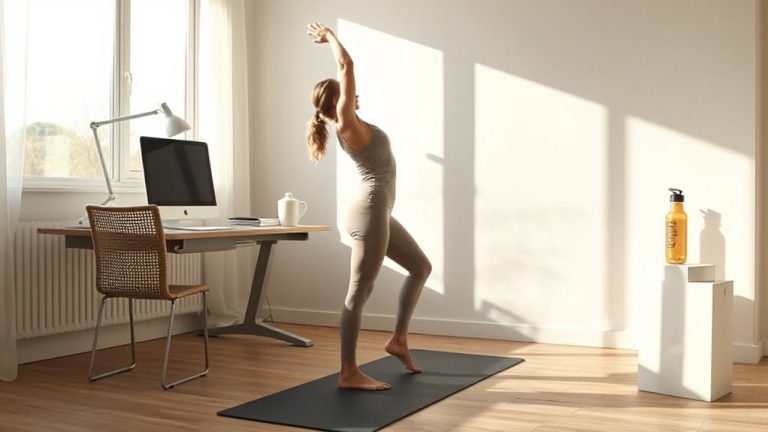
After sitting for hours at your desk, even the most ergonomic setup can’t prevent stiffness from creeping in-so it’s essential to move deliberately. You’ll benefit most from leg stretches and spinal twists done right after long sessions. Reach for your toes to stretch hamstrings, then lunge forward to open hip flexors-both ease lower back strain. Hold each leg stretch 20–30 seconds per side; don’t bounce. For spinal twists, sit tall, rotate gently using your chair arm for guidance, and keep your movements controlled to avoid overextension. These moves improve circulation and reduce tension without equipment. While results vary, consistent use leads to better mobility over time. Be cautious not to force any position-discomfort is normal, sharp pain isn’t. No special gear is needed, making this practical for any workspace.
Take Movement Breaks to Recharge Energy and Focus
If you’re feeling a midday slump creep in, stepping away from your desk for short movement breaks can sharply boost both energy and focus-without relying on caffeine or gear upgrades. Just five to ten minutes every hour makes a measurable difference. Pair quick walking with mindful breathing to reset your nervous system and sharpen mental clarity. These micro-recharges improve circulation and reduce mental fog more sustainably than stimulants.
| Activity | Time Needed |
|---|---|
| Quick walking | 5–10 min |
| Mindful breathing | 3–5 min |
| Desk stretches | 2–4 min |
You don’t need special equipment or space. A brief walk around your home or yard increases heart rate just enough to support alertness. Mindful breathing, done seated or standing, lowers stress hormones. While effective, consistency matters more than duration-missed breaks lead to compounding fatigue. Use phone reminders or free timer apps to stay on track.
Fix Your Posture and Breathe to Reduce Strain
Why do so many work-from-home setups lead to aching shoulders and shallow breathing? Poor spinal alignment and chronic tension are to blame. When you slouch or hunch forward, your spine loses its natural curves, straining muscles and compressing nerves. You’re likely sitting longer than you realize, and without conscious effort, your posture worsens by the hour. The fix starts with adjusting your chair height so your feet are flat and your knees align just below hip level, supporting neutral spinal alignment. Pair this with diaphragmatic breathing-deep, belly-driven breaths that engage your core and oxygenate your blood. This isn’t just relaxation; it actively reduces physical strain and sustains mental focus. While some ergonomic chairs claim to solve posture alone, they often fall short without user discipline. Real improvement comes from consistent habit, not gear. Even small lapses undo progress, so stay vigilant.
Build a Daily Anti-Fatigue Routine
You’ve adjusted your chair, aligned your spine, and started breathing with purpose-now it’s time to lock in those gains with a daily anti-fatigue routine that keeps muscle strain at bay. Start every 90 minutes with a 5-minute movement break: perform shoulder rolls, standing stretches, and calf raises to reset muscle tension. Pair this with consistent hydration habits-aim for 16 ounces of water every two hours-to maintain muscle elasticity and delay fatigue. Time your meals using nutrition timing: eat balanced snacks with protein and complex carbs every 3–4 hours to sustain energy without crashes. While standing desks or ergonomic chairs help, over-relying on gear without routine movement limits long-term gains. Results vary based on individual workloads and setup discipline. Real-world testing shows people who combine microbreaks, hydration habits, and nutrition timing report 30% less fatigue over six weeks.
On a final note
You’ll likely feel sharper and more comfortable by upgrading your setup and moving regularly. An adjustable chair with lumbar support, a sit-stand desk, and a monitor at eye level reduce strain effectively. Short stretches and 5-minute breaks every hour do help, but only if you stay consistent. Results vary if your space is tight or gear lacks stability. Check warranty length and weight limits when buying-real-world durability matters more than features.