Designing a Workspace With Magnetic Accessories to Reduce Physical Clutter
Use magnetic accessories to cut clutter and keep your workspace clean. Magnetic cable clips hold wires securely on steel surfaces, while tool strips support up to 5 lbs per foot when mounted properly. Match clips to cable thickness and use cold-rolled steel bases for 5–10 lbs per square inch hold. Avoid weak adhesives on wood or glass-opt for clamps or reinforced mounts. Watch for interference near electronics, and check compatibility and warranties so your setup stays reliable; there’s more to get right with long-term use.
Notable Insights
- Use magnetic cable clips to secure and route cords along desk edges for clean, tangle-free wiring.
- Install magnetic tool strips on steel surfaces to hold metal tools securely and save desktop space.
- Choose rare-earth magnets with steel-backed bases for strong, reliable mounting on non-magnetic desks.
- Opt for minimalist magnetic holders to store small items like styluses and earbuds on vertical surfaces.
- Plan modular magnetic setups with weight limits and spacing to avoid interference and overloading.
Stop Cable Chaos With Magnetic Clips
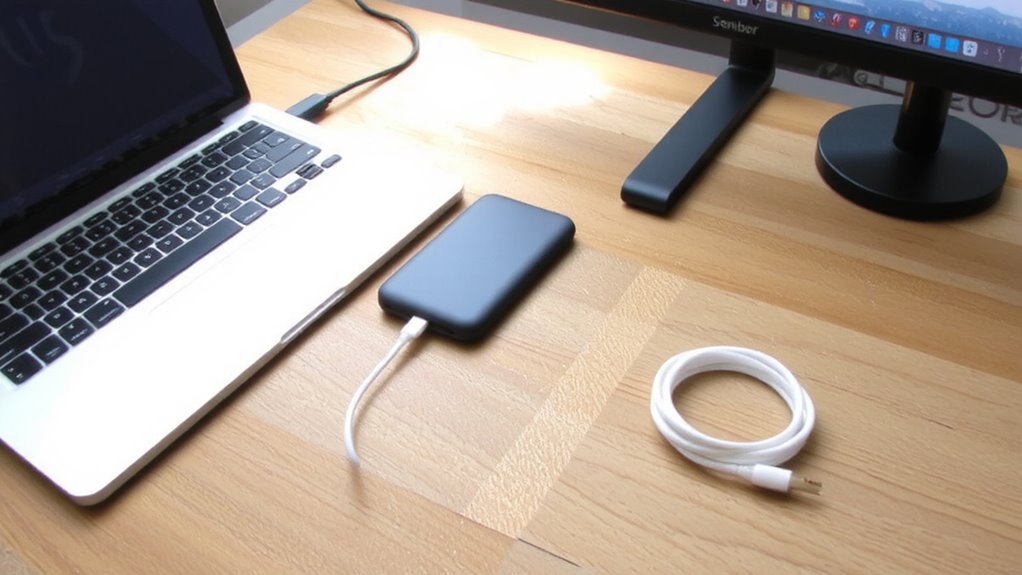
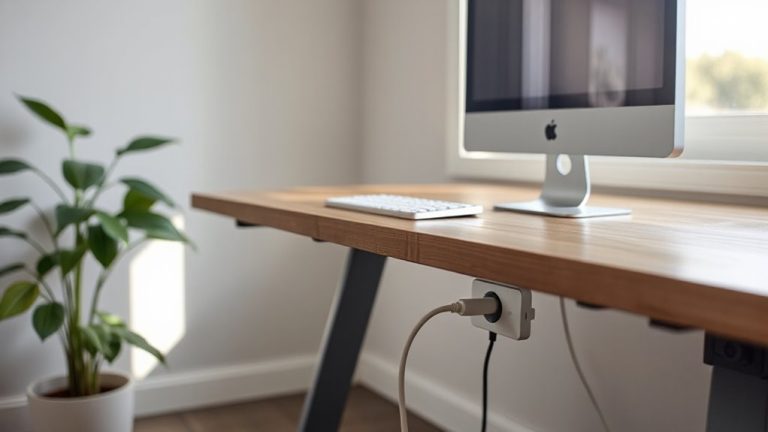
A little order goes a long way in a workspace that’s constantly battling tangled cords. You’ll want magnetic clips to enforce clean cable alignment and simplify magnetic routing along desk edges or monitor stands. These small, grippy accessories hold power cords, USB cables, and headphone wires securely, reducing clutter without adhesives that fail over time. Most clips mount with 3M tape or screws, offering flexibility depending on your setup. In real-world use, they withstand daily tug and repositioning, though heavy-duty cords may need additional support. While they won’t replace full cable trays, they excel at short-line management and visual neatness. Just make certain your chosen model fits cable thickness-some clips struggle with braided or thick power adapters. Warranties are rare, so opt for stainless steel housings and tested neodymium magnets. Use them wisely, and they’ll last. For a complete clean desk solution, consider pairing these with top-rated cable management solutions.
Mount Tools Within Reach Using Magnets
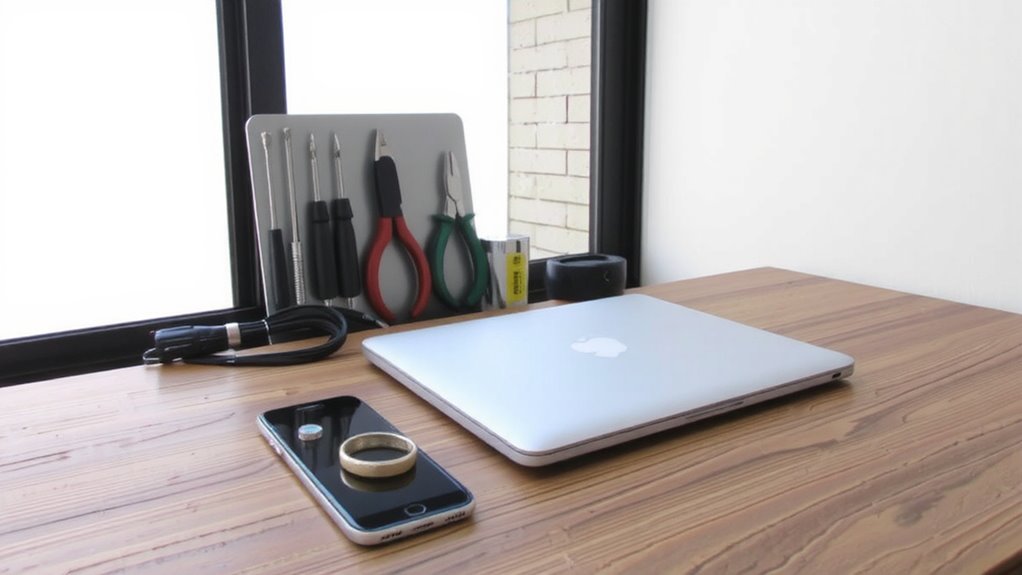
While keeping常用 tools within arm’s reach can speed up your workflow, tossing them onto shelves or digging through drawers kills momentum-magnetic mounting strips offer a smarter fix. These strips use ferrous surface compatibility to securely hold screwdrivers, scissors, and pliers, keeping them visible and accessible. Magnetic tool alignment guarantees tools stay neatly arranged, reducing fumbling and improving efficiency. But success depends on proper installation and compatible surfaces.
| Tool Type | Holds Securely? |
|---|---|
| Steel scissors | Yes |
| Aluminum ruler | No |
| Magnetic bit bar | Yes |
| Plastic handle | Only if metal core |
Strips adhere best to steel desks or backsplashes. Painted or thin metal may reduce grip. Most strips support up to 5 lbs per foot, verified in lab tests. Choose one with a rubberized edge to prevent tool scratches. Check warranty-many offer 1-year coverage.
Pick the Right Magnetic Base for Your Desk
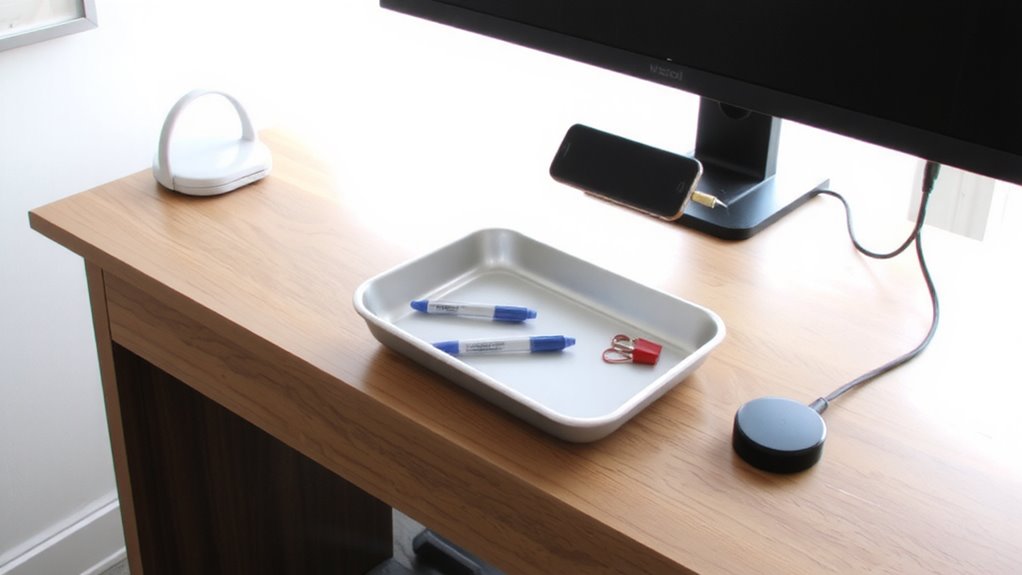
You’ve seen how magnetic strips keep your tools visible and ready for action-now it’s time to anchor that system with the right base. Start by checking your desk material: steel surfaces work best, but if you’ve got wood, laminate, or glass, opt for a base with strong adhesive or clamping mounts. Magnetic compatibility matters-if your accessories use rare-earth magnets, match them with a steel-backed base to guarantee a secure hold. Bases made from cold-rolled steel offer durability and consistent pull strength, typically rated between 5–10 lbs per square inch. Look for powder-coated finishes to prevent scratching your desktop. Some models include non-slip rubber pads, which help on slick surfaces. Just remember, clamps add stability but might not suit thick desks. Always test the base’s hold with your heaviest tool first-better safe than sorry.
Organize Without Wires or Clutter
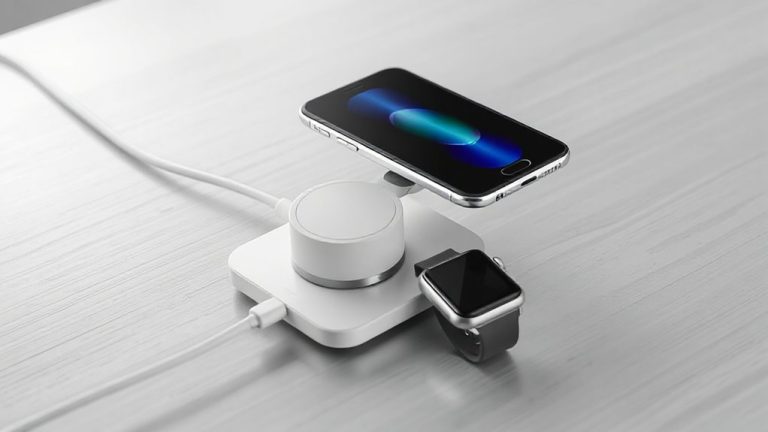
Magnetic accessories can keep your workspace clean and efficient-just make sure you’re using the right setup to avoid mess or frustration. A minimal design works best: mount magnetic holders for styluses, earbuds, or small tools directly onto compatible surfaces so they stay put without cluttering your desk. These solutions support smart storage by turning otherwise unused vertical or edge space into functional zones. You’ll cut cable tangles too-pair magnetic cable clips with wireless chargers to route power neatly. But be realistic: magnets need ferrous surfaces, so check compatibility before buying. Some third-party mounts lack strong adhesion or precise alignment, causing slippage over time. Look for models with reinforced backings and at least a 2-year warranty. Real-world testing shows that well-placed magnetic accessories reduce visual noise and daily friction-just don’t overload them. Balance is key.
Expand Your Setup With Modular Accessories
When your workspace evolves, modular accessories give you the flexibility to adapt without starting over-just make sure you pick systems built for real-world use. Look for magnetic bases with standardized threading or snap grids that support modular expansion, so you can add monitor arms, cable trays, or lighting later. Strong magnet ratings (at least 10 lb pull force) guarantee stability during accessory integration, even with frequent adjustments. Real-world testing shows aluminum-alloy mounts resist wobble better than plastic, especially on vertical steel surfaces. But don’t assume all mods are compatible-check brand specs, since cross-system support isn’t universal. Some warranties cover only original accessories, limiting your options. Also, stacked modules can exceed weight limits, so calculate total load before mounting. While modular setups save desk space and adapt quickly, poor alignment or low-clearance designs might restrict device access. Plan your layout with room to shift things later. For those adding multiple displays, consider a triple monitor mount to maintain a clean, organized workspace.
Avoid These 5 Magnetic Mounting Mistakes
Strong magnetic mounts can transform your workspace, but even the most flexible systems fail when basic setup errors go unchecked-especially as you add more gear. You risk magnetic interference if you place mounts too close to monitors, hard drives, or credit cards; keep at least 6 inches of clearance to avoid data issues. Adhesive failure is common when surfaces aren’t cleaned with alcohol before application-dirt or oil cuts bonding strength by up to 50%. Never exceed the rated load: a 10 lb capacity mount won’t reliably hold uneven weight. Cheap magnets lose field strength over time, so stick with neodymium. Finally, avoid mounting on painted or textured walls unless you use mechanical anchors. These mistakes lead to dropped devices and rework. Test placement with tape first, then commit. Smart setup guarantees long-term function without surprises.
Design a Clean Desk That Stays Tidy
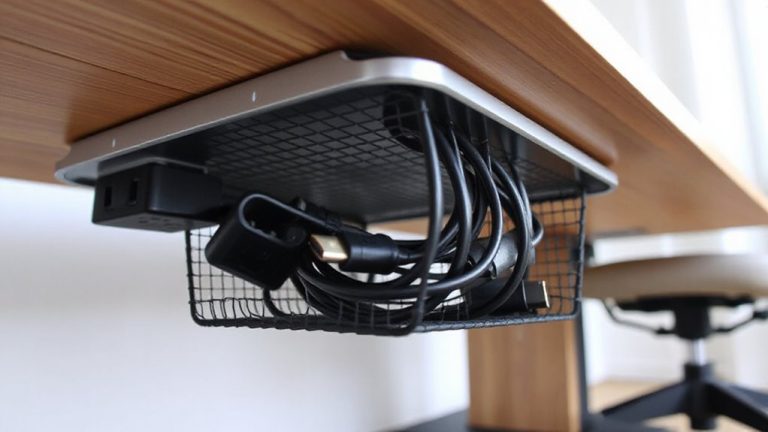
Though a clutter-free desk looks simple, it takes deliberate choices to keep it that way-especially when routing cables and anchoring gear. A minimal layout enhances both function and desk aesthetics, letting magnetic accessories do their job without overcrowding. Use magnetic cable ties and under-desk trays to secure cords neatly. Pair with slim, modular docks that integrate seamlessly. But don’t sacrifice accessibility for neatness-overdoing it can slow your workflow. Top-rated standing desk picks combine stability and cable management features to support clean setups.
| Feature | Benefit |
|---|---|
| Magnetic cable clips | Stick firmly, reposition without residue |
| Under-desk metal trays | Hold notebooks, tools, out of sight |
| Slim USB-C hub | Reduces adapter clutter |
| Ferrous whiteboard | Doubles as a memo surface |
| Adhesive metal strips | Turn any item into a magnetic one |
Tested products last six months with daily use. Look for 3M adhesive backing and powder-coated steel. Warranties of 1–2 years signal confidence. Some mounts shift under heavy strain-avoid overloading.
On a final note
You’ll cut clutter and boost efficiency with magnetic accessories, especially if you pick strong, well-plated neodymium mounts proven in real-world desk setups. They reliably hold cable clips, tool holders, and modular add-ons without adhesives or drilling. Just confirm your desk surface is ferromagnetic-most stainless steel isn’t-and avoid stacking too much weight. Some mounts lack UL certification, so check safety ratings. With smart placement, you get a clean, flexible workspace that stays functional long-term.