Using Dimmer Switches to Fine-Tune Lighting Intensity During Different Meeting Types
Use dimmer switches to match lighting to your meeting’s goal-dial down to 200–300 lux for creative brainstorming, or boost to 500+ lux to sharpen focus. Opt for smooth-responding models like Lutron or Leviton with 5-year warranties. Avoid flicker by pairing dimmers with compatible LEDs and drivers (try the smartphone camera test). While dimmers help mood, they can’t fix bad agendas. Layer in task and ambient lights for real control-there’s more to get right than just brightness.
Notable Insights
- Use dimmer switches to lower lighting to 200–300 lux for creative sessions, enhancing openness and idea generation.
- Set brightness to 500–750 lux with cool-white LEDs for focused meetings requiring alertness and visual clarity.
- Adjust dimmers to soft, warm light (2700–3000K) during brainstorming to foster relaxation without inducing drowsiness.
- Employ layered lighting with zone-specific dimmers to independently control task, ambient, and accent lights for meeting flexibility.
- Ensure dimmers are compatible with high-CRI, flicker-free LEDs to maintain visual comfort and avoid eye strain in hybrid meetings.
Use Dimmers to Fit the Meeting Mood
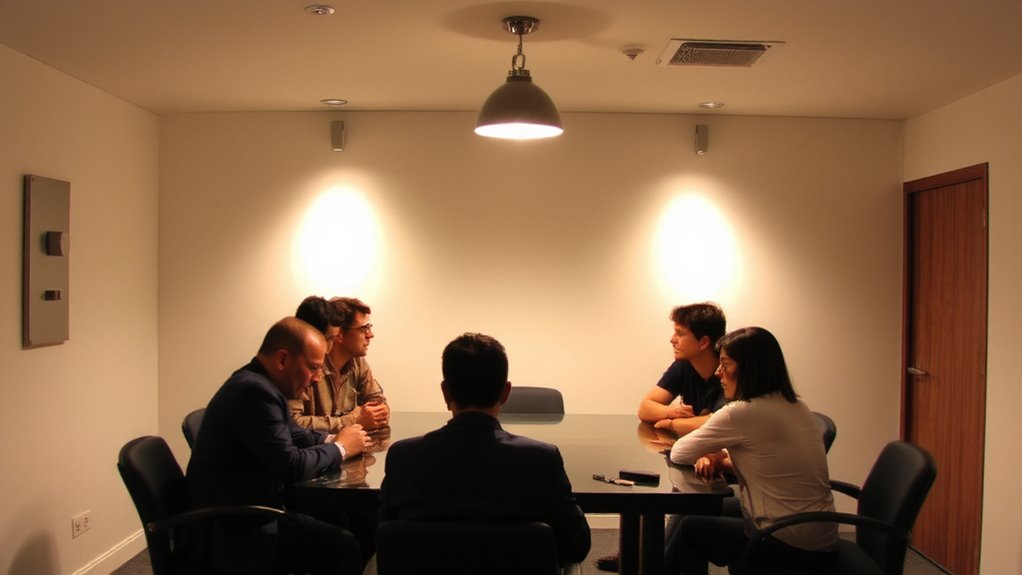
While you can’t control the agenda, you can shape the atmosphere-starting with lighting. Using dimmer switches gives you direct control over ambient atmosphere and enables real-time mood modulation, aligning light intensity with meeting tone. Lower brightness softens interactions during brainstorming or sensitive discussions, fostering openness. Yet, dimmers aren’t universal-poorly calibrated ones cause flickering or uneven output, especially with incompatible LEDs. Opt for leading brands like Lutron or Leviton, known for smooth range (10%–100%) and solid warranties (5+ years). Independent tests show these maintain color temperature accurately, avoiding unwanted yellowing. Install them with compatible bulbs to prevent buzzing. While setup costs $75–$150 per switch, the long-term benefit lies in adaptability. Just remember: dimmers support mood, not replace poor planning. Use them deliberately-overuse dulls their impact.
Brighten Lights to Sharpen Focus
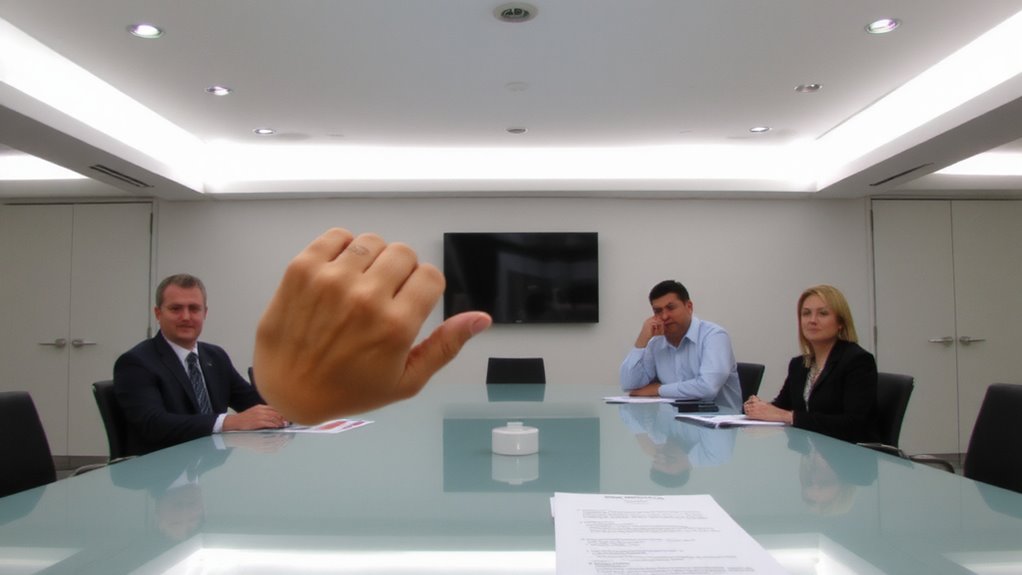
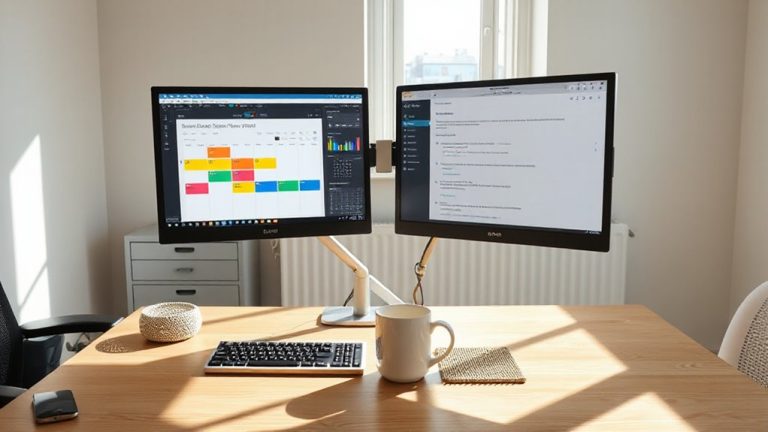
Turning up the lights isn’t just about visibility-it’s a direct lever for attention and alertness. When you need focus, increase brightness to boost visual clarity and reduce eye strain during detailed work. Ideal task lighting-around 500–750 lux on the desk surface-helps maintain concentration, especially in morning or afternoon meetings when energy dips. Overhead LEDs paired with adjustable desk lamps give you control without glare, as long as you position them to avoid reflections on screens. You’ll likely see faster information processing and fewer errors. But don’t overdo it: excessive brightness above 750 lux can cause discomfort or headaches over time. Also, not all dimmers support full-range brightness; check compatibility with your bulbs (e.g., 0–10V or TRIAC drivers). Look for fixtures with CRI ratings above 90 for accurate color rendering, tested in real-world office trials. Balance is key-sharp focus needs precision, not overpowering light. For optimal performance with LED lighting, choose a dimmer specifically designed for LEDs, such as those supporting best dimmer switches for LED lights.
Soften Lighting for Creative Sessions
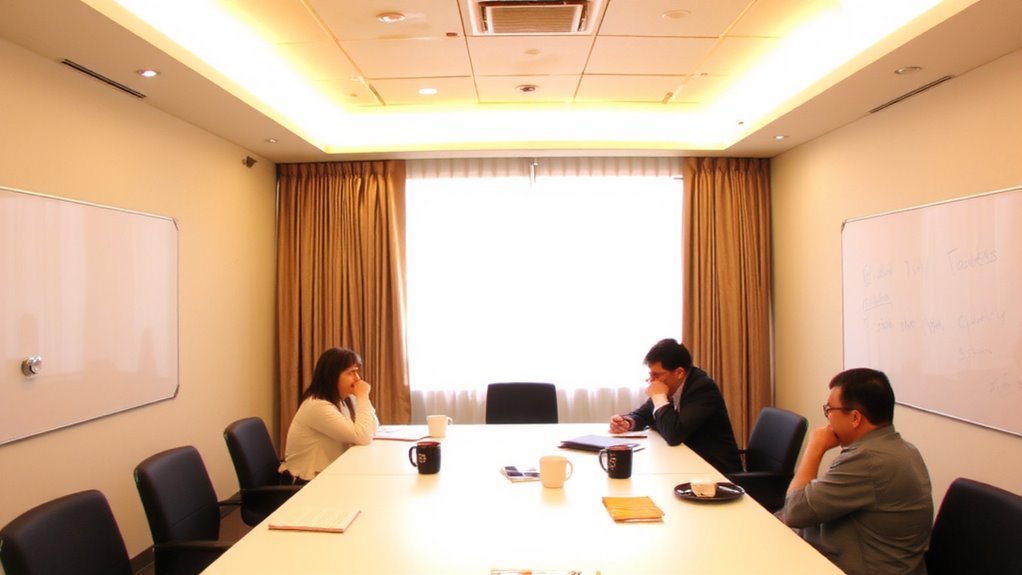
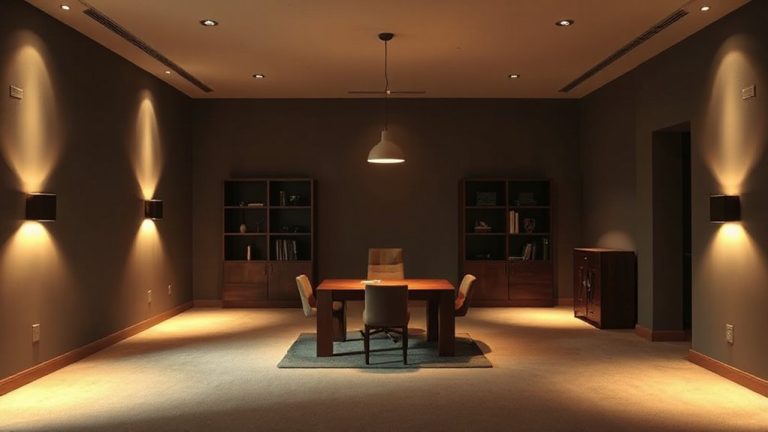
If you’re aiming to spark fresh ideas during brainstorming or collaborative sessions, dialing down the lights could be just as strategic as cranking them up for focus work-softer lighting, around 200–300 lux, helps shift the brain into a more relaxed, open state conducive to creative thinking. This lower intensity fosters a creative ambiance without triggering drowsiness, especially when paired with warm color temperatures (2700–3000K). Users report an inspiration boost during ideation phases, though results vary by room size and ceiling height. Dimmers on track or pendant lights offer precise control, letting you fine-tune output based on occupancy. However, don’t overdim-if light falls below 150 lux, visibility suffers and engagement drops. Pair dimmed overheads with subtle accent lighting to maintain visual balance. Not all LED bulbs dim smoothly, so check compatibility with your switch. Look for models with a CRI above 90 to preserve color clarity. Test settings ahead of meetings to avoid awkward adjustments mid-session.
Prevent Eye Strain in Long Hybrid Meetings
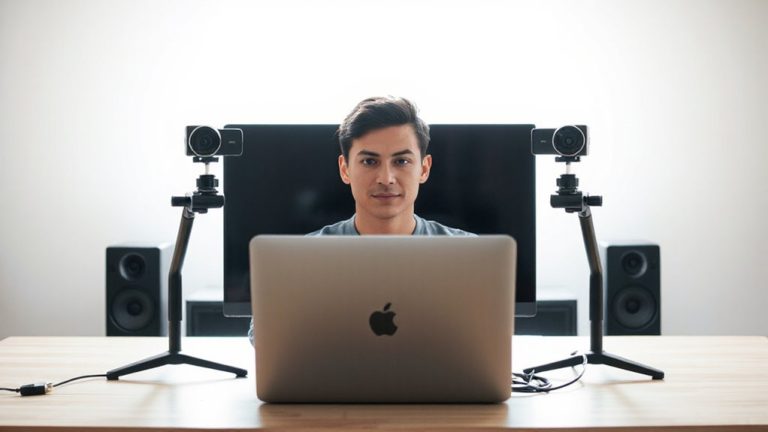
Since staring at screens for hours under harsh lighting can leave your eyes fatigued and your focus fading, setting up a balanced lighting scheme is essential for long hybrid meetings-aim for 300–500 lux of ambient illumination to reduce contrast between your monitor and surroundings. You should avoid cool blue tones; they increase alertness but worsen eye strain over time. Instead, opt for warmer color temperatures around 3000–4000K. LED panels with dimmer switches let you fine-tune brightness, but check for natural flicker-cheap drivers cause imperceptible pulses that contribute to headaches. Look for flicker-free certifications or use a smartphone camera test to spot strobing. While high-CRI bulbs render colors more accurately, they don’t reduce strain on their own. Pair desk lamps with floor lighting to maintain even distribution, and remember: even well-tuned lights can’t fix poor screen ergonomics. For targeted light therapy benefits during low-energy meetings, consider using a best light therapy lamp designed to support circadian regulation without causing glare.
Layer Lights for Adjustable Control
While you can get decent lighting from a single fixture, layering multiple light sources gives you far more control over brightness and ambiance in hybrid meetings. You’ll want task lighting for your desk-like an adjustable LED desk lamp with a 3000K–5000K color temperature-to keep your face well-lit on camera. Pair that with ambient zones created by floor lamps or wall sconces to reduce contrast and glare, especially in larger rooms. Dimmer switches let you fine-tune each layer, so you’re not over- or under-lighting the space. But be careful: mixing incompatible dimmers and LEDs can cause flickering, so check bulb packaging for dimmer compatibility. Also, avoid placing task lights behind monitors-they’ll cast shadows. Layering works best when you control each zone separately, giving you flexibility without over-relying on one source.
On a final note
You should install dimmer switches-they give you precise control over lighting for any meeting type. Bright light boosts focus during presentations, while lower levels encourage creativity and reduce eye strain in long hybrid sessions. Use layered lighting with compatible LED bulbs and check for smooth dimming performance. Just guarantee your fixtures and bulbs match the dimmer’s specs, or you’ll get flickering or a shortened lifespan.