How to Dispose of Old Docking Stations and Peripherals Without Data Risks
Wipe docking stations and peripherals before disposal-many store network logs, cached credentials, or device pairings. Factory reset hubs via button holds or software, check manufacturer guides for specifics. Clear keyboards and mice with firmware resets or unpairing; some retain biometrics or profiles. Test each device post-reset on a clean system to confirm no data remains. If sanitization isn’t verifiable or the gear handled sensitive work, recycle through certified e-waste channels-your next step guarantees full security.
Notable Insights
- Factory reset docking stations to erase saved connections and authentication data before disposal.
- Check if peripherals like keyboards or mice store biometrics or passwords in onboard memory.
- Clear pairing data and firmware caches from wireless devices using manufacturer reset tools.
- Test devices post-reset on a trusted system to verify no credentials or profiles remain.
- Recycle through certified e-waste programs after confirming complete data sanitization.
How Docking Stations and Hubs Leak Your Data
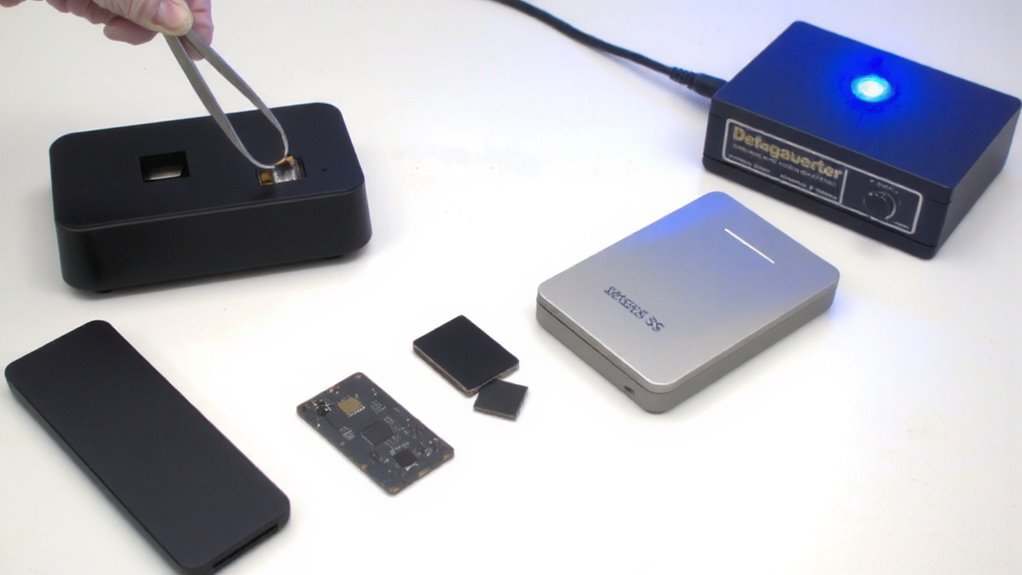
Ever wonder if your old docking station could be handing someone access to your work files? It’s more likely than you think. Many docking stations and hubs store connection logs or cached credentials, creating hidden data leakage risks. If you’ve used one for work, it might retain access to cloud drives or network credentials. Without proper port security measures-like disabling unused USB or Ethernet ports-someone could plug in and pull sensitive data. Even after wiping your laptop, the peripheral itself can be the weak link. Always assume these devices aren’t just passive connectors. They actively manage data flow, and that increases exposure. Consider hardware that supports factory resets or has documented data policies. But don’t rely on them blindly-physically destroy storage chips if uncertain. Proper disposal isn’t just about recycling; it’s about cutting every data pathway first.
Which Old Peripherals Store Your Passwords
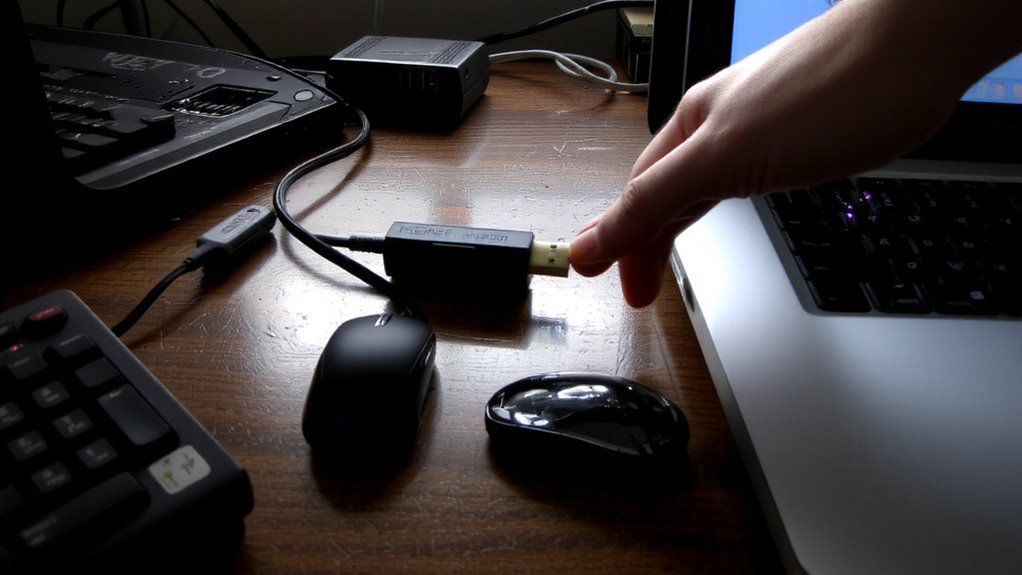
Could your old keyboard be holding onto more than just dust? Yes-if it’s a model with onboard memory or biometric storage, it might still contain your passwords or fingerprint data. Devices like mechanical keyboards, mice, and biometric USB drives often cache login credentials for convenience, embedding them in firmware vulnerable to exploits. These firmware vulnerabilities can let hackers extract stored data even after you’ve stopped using the device. While not all peripherals pose risks, those with persistent memory-especially business-grade or password-saving models-deserve caution. Simple disposal could expose sensitive info. Always assume any peripheral with programmable keys, profile storage, or biometric features retains data. Physical destruction or manufacturer-recommended wiping tools are smarter choices. But check specs first: many consumer models don’t actually store data at all. Know what you own before deciding how to dispose of it.
Reset Docking Stations and USB Hubs to Factory Settings
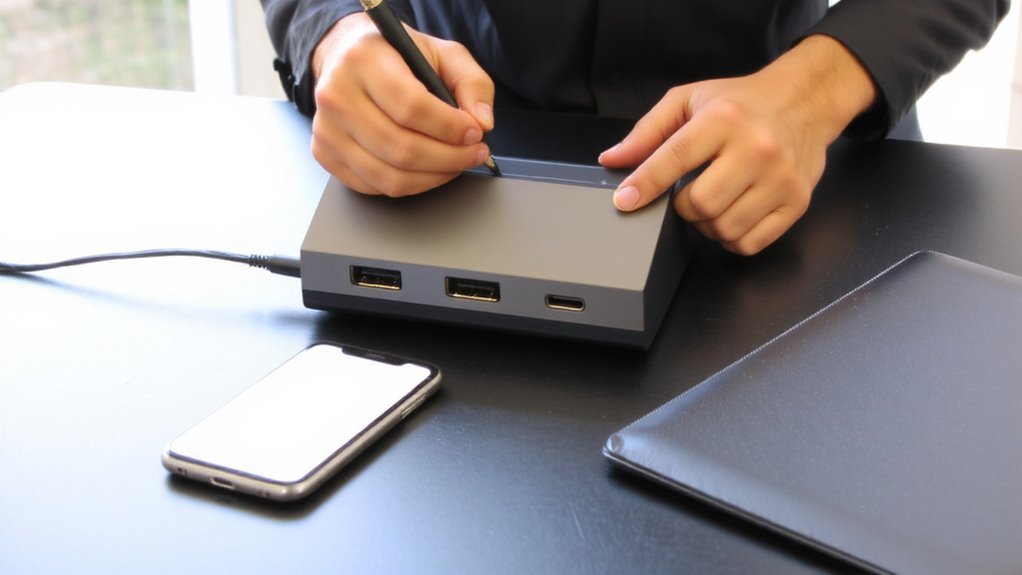
While some docking stations and USB hubs don’t store data, others with customizable settings or paired device memory should be reset before disposal to protect your information. You’ll want to perform a factory reset to erase any traces of device authentication and remove saved connection preferences. Check the manufacturer’s website for specific instructions-many hubs reset by holding a button for 10–15 seconds. Models that support firmware updates may require you to downgrade or restore default firmware before wiping, ensuring no leftover configurations remain. Not all devices offer full data sanitization, so if yours handled sensitive workflows, consider physical disposal over reuse. Keep in mind that resetting won’t protect against hardware-level vulnerabilities, but it does limit exposure from stored settings. Confirm the reset was successful by reconnecting the hub and verifying default behavior. Always document steps taken-this helps with compliance if the equipment was company-owned.
Clear Saved Data From Keyboards and Mice
Why assume your keyboard or mouse doesn’t hold onto data? Some advanced models store firmware remnants or exhibit caching behavior that could retain traces of usage, like keystroke patterns or pairing info. While most basic peripherals don’t save sensitive data, high-end wireless models with onboard memory might. To be safe, reset them using manufacturer-recommended steps-many let you clear settings via key combinations or companion software. For Bluetooth devices, unpair them from all systems first. Keep in mind, though, not all resets eliminate firmware remnants completely, especially on older models lacking secure erase options. Physical disposal should follow, ideally with recycling through e-waste programs. Don’t forget-data risk here is generally low compared to storage devices, but skipping steps could leave digital footprints. Take a few minutes now to clear settings; it’s a small effort for better peace of mind later.
Test Devices to Confirm Data Is Gone
A clean slate isn’t just assumed-it’s verified. You need proof your data is truly gone, so data verification and device auditing are non-negotiable. After wipes and resets, test each peripheral by connecting it to a trusted system. Look for leftover profiles, saved connections, or cached credentials.
| Device Type | Check For | Method |
|---|---|---|
| Docking Station | Network/USB history | Inspect device manager |
| Keyboard | Stored macros | Re-pair, test inputs |
| Mouse | Custom profiles | Reset & reconnect |
| Webcam | Firmware cache | Access settings via app |
| External SSD | Recoverable files | Use recovery software test |
Some devices hide data in firmware-common in high-end peripherals. Basic audits catch most risks, but full verification might need specialized tools. Be thorough: a quick check could miss embedded memory storing sensitive info. Trust, but verify.
Recycle or Resell Your Peripherals Without Risk
What happens after you’ve wiped and verified your old docking stations and peripherals? You’ve got two smart options: recycle or resell. Reselling makes sense if devices work well and hold value-use clear selling strategies like listing specs accurately and including original cables. Platforms like eBay or Facebook Marketplace work, but factor in time and shipping risks. Recycling is better for outdated or damaged gear, especially through certified e-waste programs that minimize environmental impact. Don’t just toss them; improper disposal leaks toxins. Companies like Best Buy or manufacturer take-back programs offer safe drop-offs. While reselling brings cash, recycling supports sustainability. Both choices beat landfill. Just verify data’s gone one last time-better safe than sorry. Each path has trade-offs: profit versus responsibility, convenience versus effort. Pick what fits your priorities and device condition, not hype.
On a final note
You can safely recycle or sell old docking stations and peripherals if you reset them first. Wipe hubs and docks via factory resets-check the manual for button combinations. Clear paired devices from Bluetooth keyboards and mice. Test connections on another computer to confirm no data lingers. Physical damage or outdated ports (like USB 2.0) reduce resale value. Always assume built-in storage exists-treat every device as if it holds sensitive data.