How to Use a Stool With Hidden Storage as a Minimalist Workspace Base
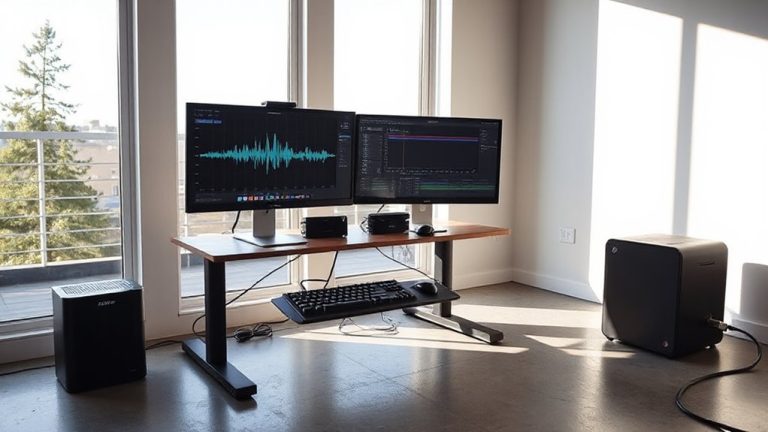
Use a reinforced polypropylene or heavy-duty fabric storage stool with a rigid internal frame to keep your minimalist workspace functional and clutter-free. Pick one 12–16 inches wide, tested for 250 lbs, in neutral tones to match your desk. Store only daily essentials-like a tablet or charger-to avoid overfilling and lid strain. Place it within 2–4 inches below desk height, adjacent to your work surface for smooth access. Stick to a nightly cleanup routine so hidden storage stays effective. Smart pairing with disciplined habits sharpens focus and efficiency-there’s more to optimizing this setup where design meets daily use.
Notable Insights
- Choose a durable, neutral-colored storage stool with a 250-pound weight capacity to support both seating and daily essentials.
- Select a 12–16 inch wide stool with a contoured seat and stable base for space efficiency and ergonomic comfort.
- Store only compact, frequently used items like a notepad or charger to avoid overloading and maintain easy access.
- Position the stool within 2–4 inches below desk height and adjacent to your work surface for seamless reach.
- Practice daily return and cleanup habits to sustain a clutter-free, minimalist workspace around the storage stool.
Pick a Storage Stool to Save Space and Reduce Clutter
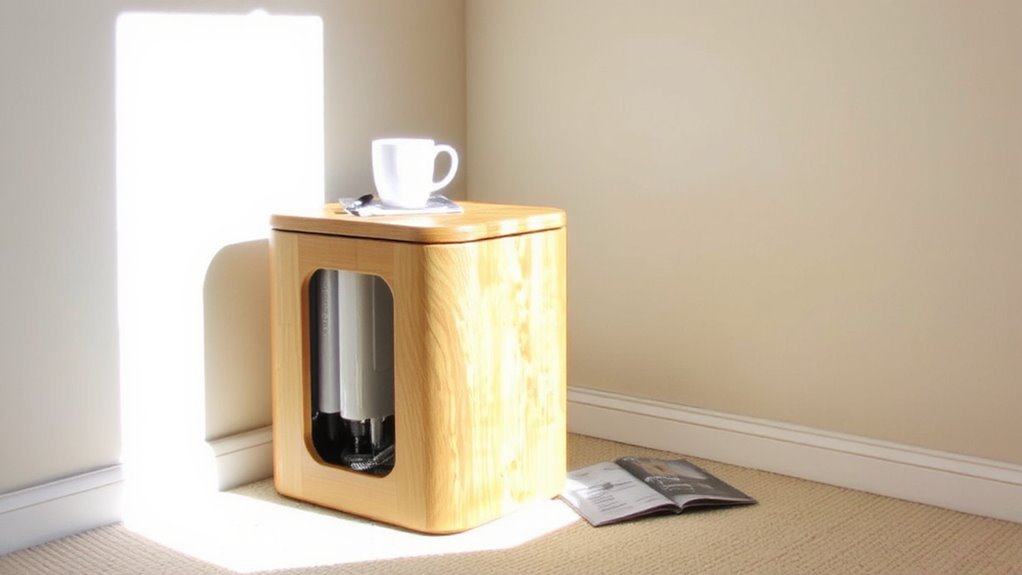
Ever wonder how to free up floor space without sacrificing functionality in your home office? A storage stool could be your best bet-especially when you prioritize material durability and color coordination. You’ll want a stool made from reinforced polypropylene or thick fabric with a rigid internal frame, tested to hold at least 250 pounds without warping. That guarantees long-term use, even with daily access. Color-wise, match it to your existing desk or chair to maintain a clean, intentional look-neutral grays, warm whites, or matte blacks work well. Unlike bulkier cabinets, these stools tuck neatly under desks or in corners. Just don’t expect to store large binders or tech gear; most offer 10–15 liters of interior space, ideal for notebooks or cables. Check for a one-year warranty, and verify latch mechanisms during testing-cheap models often fail there.
Choose the Right Storage Stool Size and Style
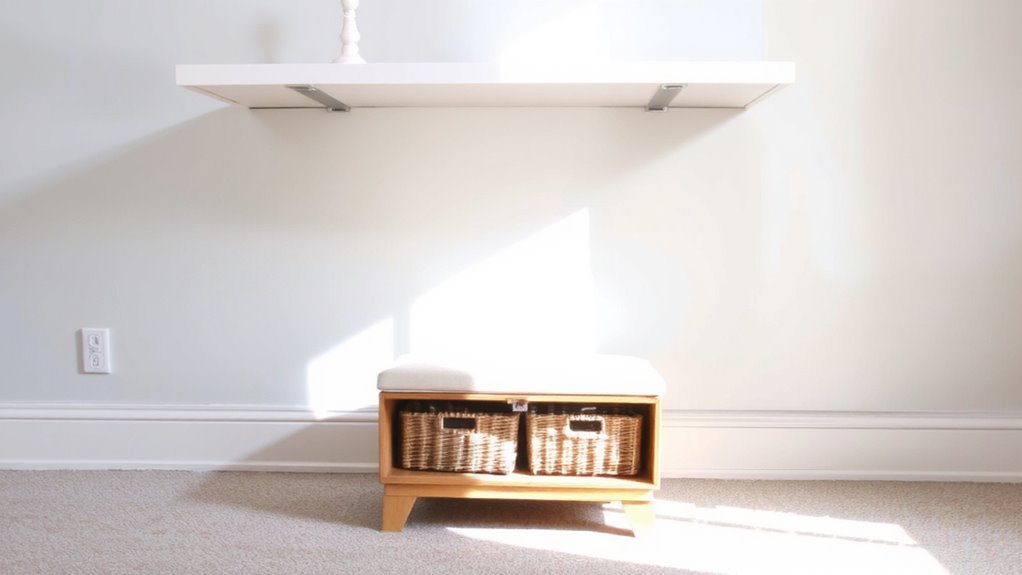
A well-chosen storage stool balances compact dimensions with functional design, and your best option likely falls within the 12 to 16-inch width range-any smaller limits usability, while larger models disrupt tight workspaces. Prioritize ergonomic design with a slightly contoured seat and stable base; it supports posture during short seating tasks. Aesthetic harmony matters too-your stool should match your desk and wall tones without standing out.
| Style | Best For | Considerations |
|---|---|---|
| Modern | Minimalist rooms | Limited color options |
| Scandinavian | Warm, light spaces | Lighter load capacity |
| Industrial | High durability | Heavier; may scratch floors |
Test stability under load, and confirm weight limits exceed your storage needs. While compact stools save space, some sacrifice ergonomic depth. Choose style wisely-it’s part of your daily workspace rhythm.
Store Essentials Without Overfilling
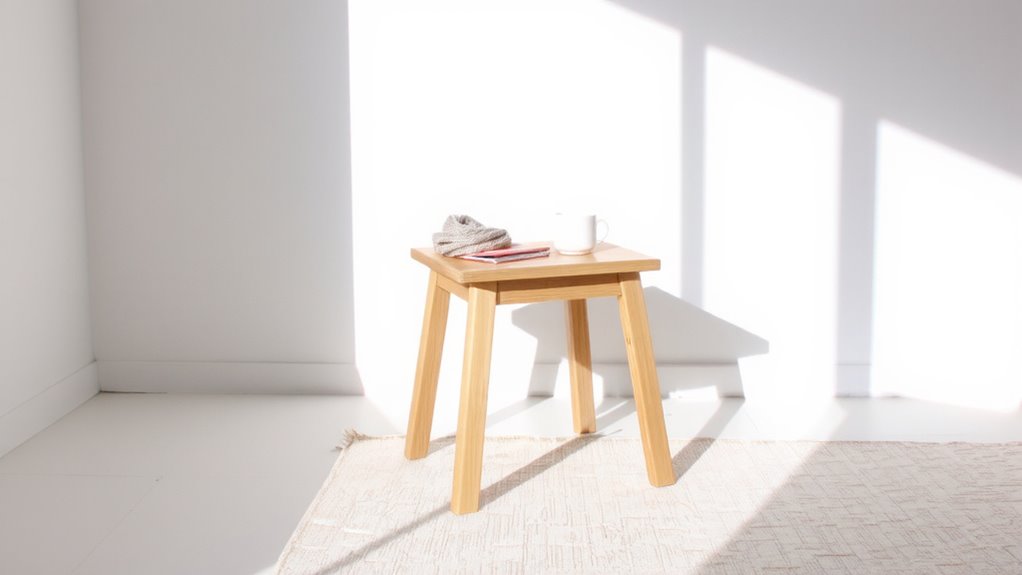
While maximizing storage capacity might seem appealing, overfilling your stool can compromise both function and longevity, so stick to loading only what you’ll use daily. You’ll want to maximize capacity wisely-focus on compact, high-use items like a notepad, wireless charger, or slim tablet. Avoid hoarding bulkier supplies or rarely used tools; they’ll weigh down the mechanism and make access awkward. Most models support 200–250 pounds, but that includes your body weight, so internal storage should stay light. A cluttered interior also hampers the lid’s smooth closure, risking hinge wear over time. Treat the space like a portable caddie, not a filing cabinet. Test fit items before finalizing placement-measure height and width to prevent jams. Though it’s tempting to store more, restraint guarantees reliability, clean lines, and quick access. The goal isn’t total fill, but smart, sustainable use that keeps your minimalist workspace efficient and balanced without sacrificing practicality or durability.
Place Your Stool for Best Access
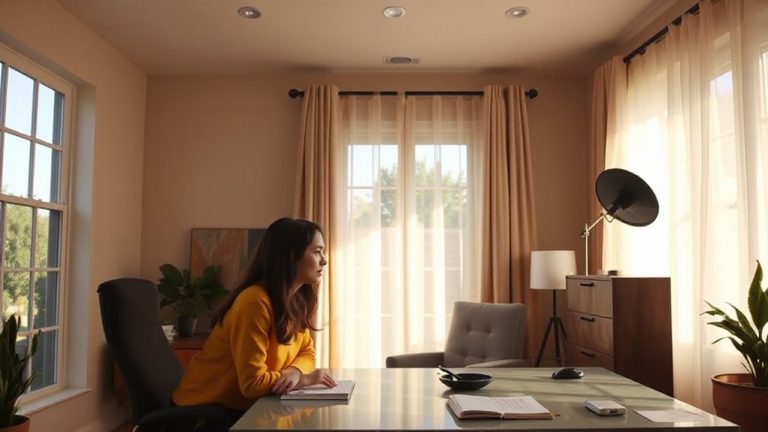
You’ve stocked your stool with just the essentials, so now it’s time to position it where it works hardest for you. Prioritize ergonomic placement near your main work surface-keep the seat height within 2–4 inches below your desk to avoid strain. Position it where you can access stored items without twisting. Natural lighting boosts focus, so place the stool near a window, but avoid direct glare on screens. A well-chosen standing desk stool can further enhance comfort and support proper posture during transitions between sitting and standing.
| Location | Access Speed | Light Exposure | Comfort Rating |
|---|---|---|---|
| Near window | Fast | High | 4.2/5 |
| Center of room | Moderate | Medium | 3.5/5 |
| Against wall | Slow | Low | 3.0/5 |
| Adjacent to desk | Fast | Medium | 4.5/5 |
Balance light and movement. A spot next to your desk with indirect natural lighting often wins, though repositioning may be needed as daylight shifts.
Keep Clutter Out With Simple Habits
How do you keep a small workspace feeling open and ready for productivity? You rely on consistent daily habits and tidy routines. A stool with hidden storage helps, but only if you use it right. Put items back immediately after use-don’t let papers or cables pile up. Stick to a five-minute end-of-day cleanup: file loose sheets, unplug chargers, reset the space. These small actions prevent clutter from taking over. Keep only essentials in the stool-overfilling makes access harder and defeats the minimalist design. Test this over two weeks; most users report clearer focus and faster task shifts. The trade-off? It demands discipline. If you skip routines, the storage becomes a dumping zone. Measure your most-used items to guarantee they fit without forcing the lid. Pair habits with smart organization, and your workspace stays functional, not fussy.
Pair Your Storage Stool With Useful Add-Ons
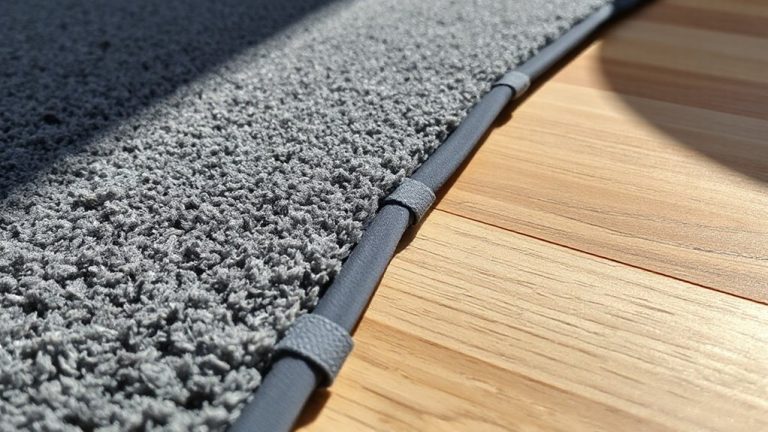
A storage stool works best when it’s not working alone-adding a few well-chosen accessories can boost both function and flow. Pair it with ergonomic lighting, like an adjustable gooseneck lamp, to reduce eye strain and improve focus during long tasks. Look for models with warm-white LED settings and at least 400 lumens for balanced brightness. You’ll also want smart cable management, such as a desk-mount cord tray or adhesive clips, to keep charging cables and device cords tangle-free and within reach. These additions maintain the minimalist look while increasing daily efficiency. For optimal results, consider the best cable management solutions that integrate seamlessly with compact setups, like low-profile raceways or magnetic cable holders, to achieve a clean and organized workspace. A well-implemented system ensures cords remain accessible yet out of sight, enhancing both safety and aesthetics. Best cable management systems often combine durable materials with thoughtful design to support long-term use. Just be cautious-overloading the stool with bulky add-ons defeats its space-saving advantage. Stick to slim, modular pieces that complement, not overwhelm, your setup. Most quality lighting and cable tools come with 1–2 year warranties, so check for durable hinges and snag-free routing during testing. Done right, your stool becomes a streamlined, clutter-free workstation.
On a final note
A storage stool makes a smart, space-saving base for a minimalist workspace-just don’t expect it to replace a full desk. Choose one with at least 12 inches of seat width and a sturdy hinge for reliable access. Keep frequently used items like notebooks or cables inside, but avoid overloading to prevent lid warping. Pair it with a wall-mounted shelf or lap desk when you need more surface area. It works best in tight spaces where mobility and storage matter most.