Creating a Paper Management System for Hybrid Digital-Physical Workflows
Start by scanning all non-essential paper at 300 DPI using a duplex scanner like the Fujitsu ScanSnap iX1500, which handles 25 pages per minute and creates searchable PDFs. Shred originals unless laws require physical copies-many do not. Match digital filenames exactly to physical labels using YYYY-MM-DD and keywords. Store sensitive files in encrypted folders or locked cabinets. Sync to cloud storage with version control and test your system weekly to fix gaps fast-you’ll refine it further with real-world use.
Notable Insights
- Scan all non-essential physical documents at 300 DPI and shred originals to minimize paper clutter.
- Use matching labels for physical folders and digital files to ensure seamless cross-format navigation.
- Employ a duplex scanner with ADF to quickly digitize double-sided documents in bulk.
- Store sensitive files securely with encrypted cloud storage and locked physical cabinets.
- Test the hybrid system for two weeks to refine naming conventions, sync frequency, and folder structure.
Start With a Clear Scan-And-Shred Rule
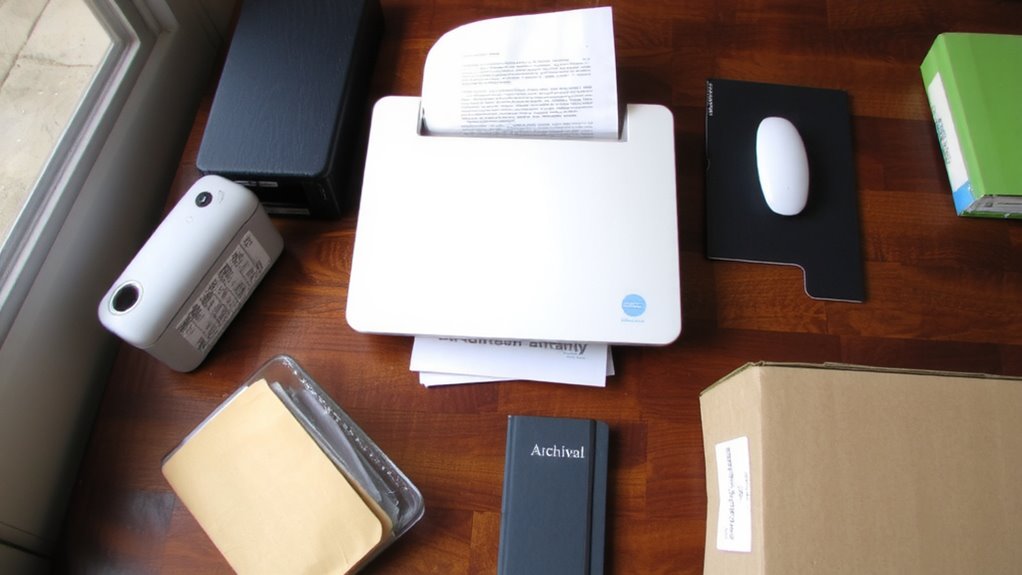
If you’re serious about cutting clutter in a hybrid setup, go all in on a scan-and-shred rule: digitize every document that doesn’t legally require physical storage and shred the rest. High scan quality guarantees text is searchable and legible-use a 300 DPI setting on a duplex scanner like the Fujitsu ScanSnap iX1500 to capture both sides fast. Poor resolution creates headaches later, especially when you need to retrieve contracts or receipts. Shred timing matters just as much; delay shredding too long, and stacks of paper pile up, defeating the purpose. Do it weekly, or right after scanning, to maintain momentum. Always confirm legal retention rules first-some tax or HR files need physical copies for years. This rule only works with consistent follow-through. You’ll gain desk space and digital peace of mind, but only if you balance speed with accuracy. A reliable best paper shredders choice ensures secure, efficient disposal without slowing down your workflow.
Set Up Your Hybrid Filing System
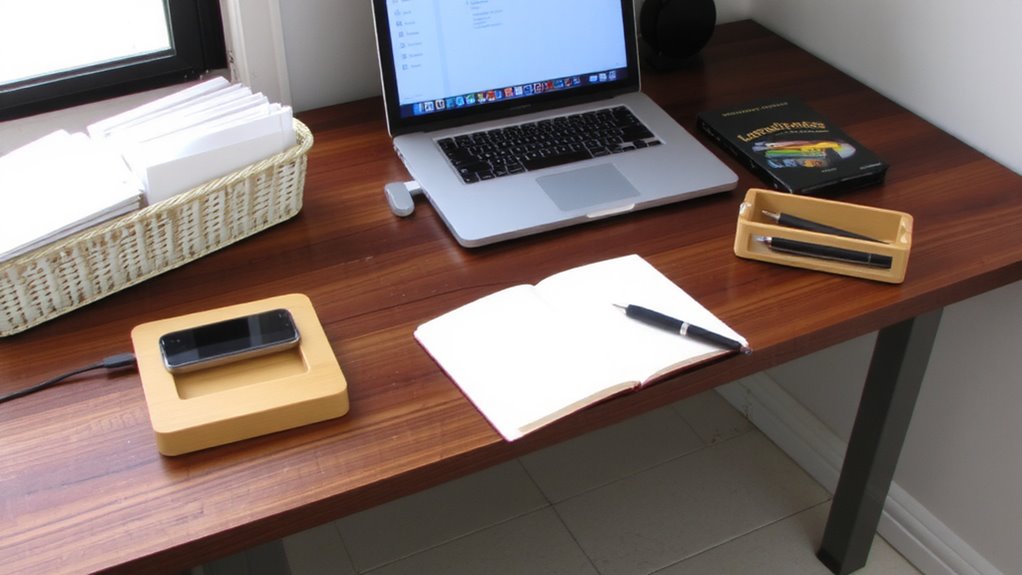
While going fully digital sounds ideal, most hybrid workflows still need a structured mix of physical and digital files to stay effective. Start by designing labeled physical folders for active paper sorting-use tabbed dividers in a durable file box that fits standard letter-size documents. For records you keep in both formats, consistent naming and digital syncing guarantee you’re never cross-referencing blindly. Match physical labels to digital folder names to reduce confusion and make searches faster. Use cloud storage with automatic version updates so your digital syncing stays current across devices. Be realistic: if digital syncing lags or fails, your physical system must stand alone. Paper sorting works best when clear rules limit what stays in hard copy-only keep what’s frequently accessed or legally required. Test the setup for two weeks to spot gaps, then adjust labels or sync frequency. It’s not perfect, but it’s reliable.
Digitize Paper Fast With the Right Tools
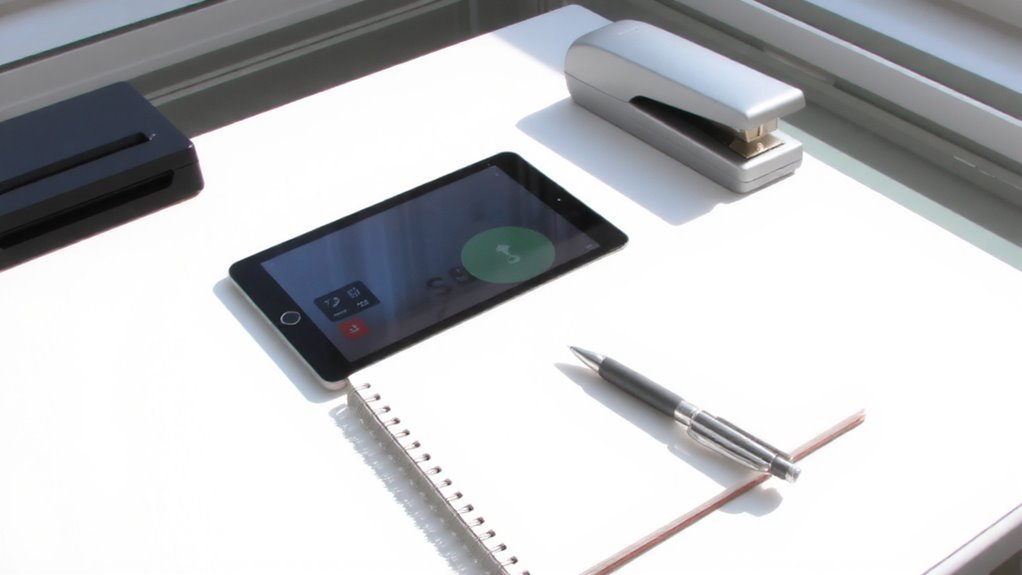
You’ve got your physical and digital folders aligned, so now speed up the process by converting paper to digital files efficiently. High speed scanners can handle 20+ pages per minute, making them ideal for regular digitizing. They support batch processing, letting you scan dozens of pages unattended, which saves time but requires clean, unstapled documents to avoid jams. Look for models with automatic document feeders (ADFs) and duplex scanning-critical for processing double-sided pages quickly. Most come with 1-year warranties, and reliable brands publish jam-rate data from real-world testing. However, these scanners need more desk space and cost more upfront than flatbeds. If you only digitize occasionally, a mid-speed model or quality all-in-one might be a smarter pick. Always test scan quality at 300 DPI to guarantee readability and file consistency. Batch processing works best when you’ve pre-sorted documents and removed damaged pages. For top performance and reliability, consider one of the best document scanners recommended after extensive testing.
Use Consistent Names for Paper and Digital Files
Once you start scanning, keeping both paper and digital files organized hinges on using consistent naming conventions-without them, even the fastest workflow will slow down when you’re hunting for a misplaced invoice or contract. File naming and label consistency bridge the gap between physical and digital, making retrieval fast and reducing errors. Use clear, descriptive names with dates (YYYY-MM-DD) and keywords, like *2023-10-05_Invoice_ABCCorp*. Match the digital file name to the label on the paper version exactly.
| Physical Label | Digital Filename |
|---|---|
| 2023-11-18_Contract_XYZ | 2023-11-18_Contract_XYZ.pdf |
| 2023-12-03_Receipt_OfficeSupplies | 2023-12-03_Receipt_OfficeSupplies.pdf |
| 2024-01-10_Permit_Building | 2024-01-10_Permit_Building.pdf |
| 2024-01-15_Report_MonthlySales | 2024-01-15_Report_MonthlySales.pdf |
| 2024-02-01_NDA_Smith | 2024-02-01_NDA_Smith.pdf |
Mismatched names create confusion. Stick to one format, test it across devices, and adjust early.
Protect Sensitive Information in Both Formats
Keeping your files labeled and named consistently sets the stage for a smooth workflow, but it’s equally important to secure both paper and digital copies-especially when sensitive data is involved. You should use data encryption for digital files so only authorized users can access them, even if devices are lost. Password-protect PDFs and use full-disk encryption on laptops and external drives. For physical documents, store them in locked filing cabinets and limit access through clear access control policies. Only team members who need certain information should be allowed to retrieve or view it. Combining these methods reduces risk, but no system is foolproof. Encryption slows access slightly, and strict access control requires ongoing oversight. Still, these steps are necessary for protecting personal, financial, or medical data in any hybrid environment.
Schedule Weekly Maintenance for a Clean System
How do you keep a hybrid filing system from spiraling into disarray? You commit to weekly maintenance. Set a 30-minute block every week to review new documents, file loose papers, and clear digital clutter. This habit strengthens your backup routines-ensure cloud syncs completed and external drives registered changes. Perform light storage audits: check folder labels, verify digital metadata, and confirm sensitive files remain encrypted. Physical files should be neatly stacked, not overflowing. Digital folders need consistent naming-think “Client_Invoice_2024-04” not “Scan001.” Skipping weeks risks misfiles and version confusion. Automation helps, but it’s no substitute for human oversight. Don’t rely on scanner apps that promise “set and forget”-they often misname or misroute. Weekly upkeep isn’t glamorous, but it prevents hours of recovery later. Balance efficiency with realism: even 15 minutes beats nothing. Small, consistent effort keeps both formats aligned, searchable, and secure.
On a final note
You’ll save time and reduce clutter by adopting a hybrid paper system, especially if you commit to scanning and shredding weekly. A reliable scanner like the Fujitsu ScanSnap IX1500 handles 30 pages per minute and integrates smoothly with cloud apps. Use consistent file names across physical and digital folders, and always store originals in fireproof containers. Just remember-digital backups fail, so test your restore process monthly.