Ensuring Proper PoE Delivery for Ceiling-Mounted Conference Cameras
You’ll need to match your conference camera’s PoE requirement with the right IEEE standard-use PoE+ (802.3at) if it draws up to 25W. Pair it with Cat 6 or better cabling to reduce power loss and interference. Make sure your switch has enough total PoE budget-aim for 20% headroom. Keep cable runs under 100 meters and verify output voltage at the camera location. Testing early reveals real-world delivery issues most miss.
Notable Insights
- Match camera PoE requirements to IEEE standards, ensuring compatibility with 802.3af, 802.3at, or higher for reliable power delivery.
- Use Cat 6 or better cabling with gold-plated connectors to minimize power loss and interference over long ceiling runs.
- Ensure the PoE switch’s total budget exceeds cumulative camera power needs, including a 20% buffer for stable operation.
- Limit cable runs to 100 meters to prevent voltage drop, especially critical for ceiling-mounted cameras with fixed drop locations.
- Test PoE output at the camera location before installation, verifying voltage above 44V and correct IEEE standard detection.
Match Your Camera’s Power Needs to PoE Standards
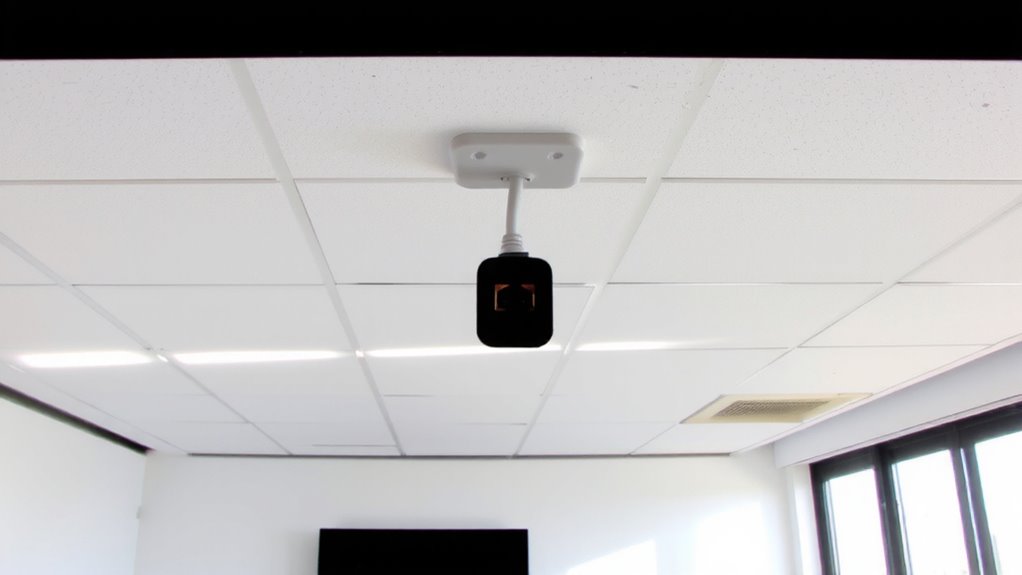
Most conference cameras need a stable power source, and using Power over Ethernet (PoE) can simplify setup-but you’ve got to match your camera’s power requirements to the right PoE standard. You can’t assume all PoE works the same; power compatibility depends on both voltage and wattage delivery. If your camera needs PoE+ (802.3at), a basic PoE (802.3af) switch won’t cut it. Always check the device certification to confirm it meets IEEE standards-this guarantees reliable operation and protects against underpowering or hardware stress. Non-compliant gear might power on briefly but fail during heavy use. While using standardized PoE reduces cable clutter and avoids wall adapters, it demands careful planning. Don’t guess-verify your camera’s specs and pair it with a switch that delivers equal or better power. A mismatch risks poor performance or downtime, especially in professional meetings where reliability matters.
Use Cat 6 or Better for Stable PoE Delivery
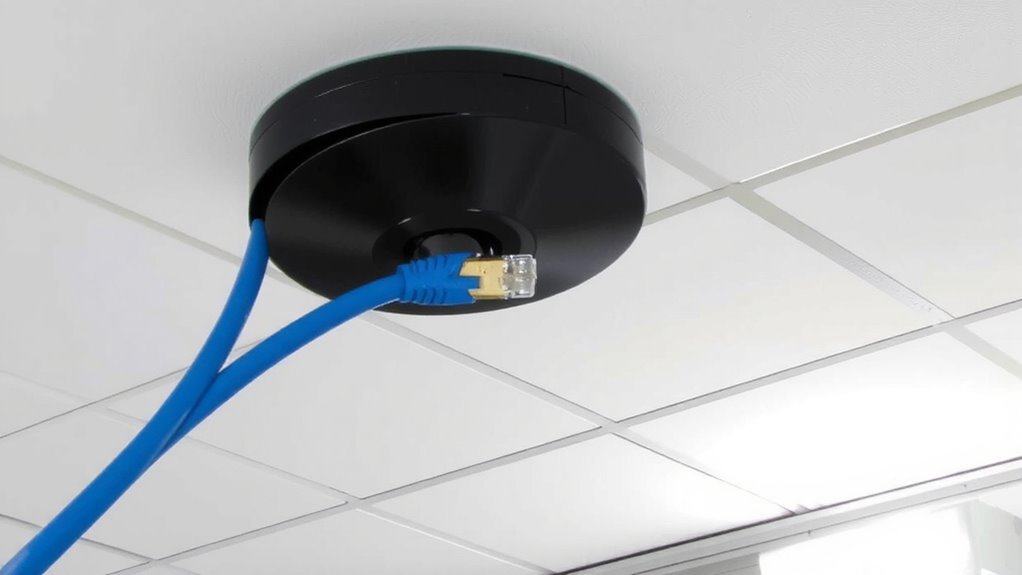
You’ll get the most reliable PoE performance when you run it over Cat 6 cabling or better. Cat 6 handles higher power levels and reduces signal loss, especially over longer runs common in ceiling-mounted setups. Its improved cable shielding minimizes interference from nearby electrical sources, which is essential in dense office environments. Poor shielding can lead to data errors or unstable power delivery. Likewise, connector quality matters-cheap or poorly terminated jacks increase resistance, raising the risk of overheating or dropped power. Use cables with gold-plated connectors and verify proper crimping during installation. While Cat 5e might work short distances, it lacks the margin for future upgrades or consistent performance under load. Opt for Cat 6 or Cat 6a, especially with high-power cameras using PoE+ or PoE++. Just remember, even the best cable won’t fix an underpowered switch-budget must match demand.
Confirm Your Switch Has Enough PoE Budget
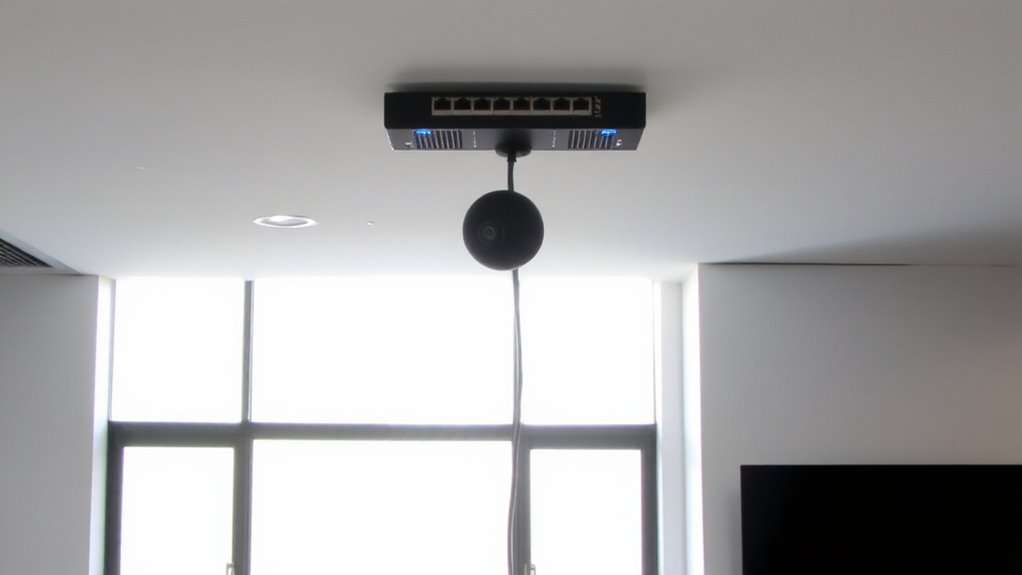
Every watt counts when powering conference cameras over Ethernet, so it’s critical to verify your switch can handle the total PoE demand. Exceed Faster your switch’s PoE budget risks unstable performance or device failure, especially with high-draw ceiling-mounted units. Plan for both current needs and future expansion.
| Model | Total PoE Budget | Max Per Port |
|---|---|---|
| GS108TP | 64W | 30W |
| WS-C2960X-48FPD-S | 740W | 30W |
| FS.com S3900-24T4S | 400W | 30W |
| Netgear M4300-96X | 960W | 90W (UPoE) |
| Cisco C9200L-48P-4G | 840W | 30W |
Power redundancy and load balancing guarantee reliability if one power source fails or demand spikes. Choose managed switches for intelligent power distribution. Always verify actual camera specs-some models pull up to 25W. Budget an extra 20% above total needs to support stable operation.
Keep Cable Runs Under 100m to Prevent Voltage Drop
Sticking to the 100-meter limit for Ethernet cable runs is essential when powering conference cameras with PoE-exceeding it risks voltage drop that can lead to unstable operation or complete power loss. You’re better off planning your camera placement early to stay within this range. Beyond distance, voltage diminishes, and even quality cable shielding can’t fully compensate. Long runs also increase exposure to environmental interference from HVAC systems or fluorescent lighting, which may disrupt data and power delivery. While shielded cables (like STP or FTP) help block noise, they don’t fix inherent power limitations. Active equipment like PoE extenders or midspan injectors could stretch reach but add complexity and failure points. Stick to the standard unless you’ve tested the full setup under real conditions. Shorter runs mean reliable power, cleaner signals, and fewer surprises-especially critical in professional meeting environments where uptime matters.
Test PoE Output Before Mounting Cameras
Before finalizing your camera installation, it’s critical to verify PoE output at the actual drop location-doing so prevents avoidable downtime and guarantees your camera receives enough power to function reliably. Use a PoE tester or multimeter to perform voltage testing right where the camera will connect; measurements below 44V can indicate insufficient power, especially after long cable runs. Confirming output assures equipment compatibility, since most ceiling-mounted conference cameras require IEEE 802.3af or higher. Even if your switch supports PoE, port misconfigurations or aging hardware can compromise delivery. Don’t assume specs on paper reflect real-world performance. Testing upfront reveals hidden issues like faulty cabling or underpowered switches. While it adds a step, it reduces callbacks and assures stable operation. Not all testers are equal-choose one that reads both voltage and PoE standard in use.
Troubleshoot Common PoE Issues Early
While you’re setting up your conference camera system, catching PoE problems early can save you from frustrating outages down the line-start by checking for common issues like intermittent power, low voltage, or total dropouts. Poor cable quality and grounding issues often cause these failures. Use only Cat 6 or better, and verify shielded cables are properly grounded.
| Issue | Likely Cause |
|---|---|
| Intermittent power | Loose connectors or substandard cable quality |
| Low voltage | Cable runs over 50 meters without active boosting |
| Power dropouts | Grounding issues or overloaded PoE injectors |
Test voltage at the camera end before mounting. If problems persist, isolate variables-swap cables, power sources, and verify port output. Never assume switches deliver full PoE budget per port. Early testing prevents costly rework.
On a final note
You’ll get reliable power and video with PoE, but only if your setup matches the camera’s needs. Use Cat 6 cables under 100 meters to prevent signal loss and guarantee switches meet IEEE 802.3af/at standards. Confirm your switch’s total PoE budget covers all connected devices. Test voltage at the camera location before mounting. Poor planning risks drops or damage-especially with high-power PTZ models.