How to Balance Sitting and Standing Work Periods for Optimal Spinal Health
You should alternate sitting and standing every 30 to 60 minutes to keep your spine moving and reduce disc pressure. Start with 2- to 5-minute standing breaks every hour, gradually increasing as your body adapts. Use proper ergonomics: position your monitor at eye level, keep your arms at 90 degrees, and wear supportive shoes or stand on an anti-fatigue mat. Avoid locking your knees or standing too long-balance is key. Your spine thrives on frequent shifts, not perfect posture. Movement beats gear, and small changes add up-there’s more to find in refining your daily rhythm.
Notable Insights
- Alternate between sitting and standing every 30 to 60 minutes to maintain spinal motion and reduce static strain.
- Take 2- to 5-minute standing breaks hourly, gradually increasing duration to prevent leg and back fatigue.
- Support natural spinal curves by using proper ergonomics in both sitting and standing positions.
- Use anti-fatigue mats and supportive footwear when standing to encourage micro-movements and reduce back load.
- Respond to early signs like stiffness or swelling by changing posture and moving regularly.
How Often Should You Alternate Sitting and Standing?
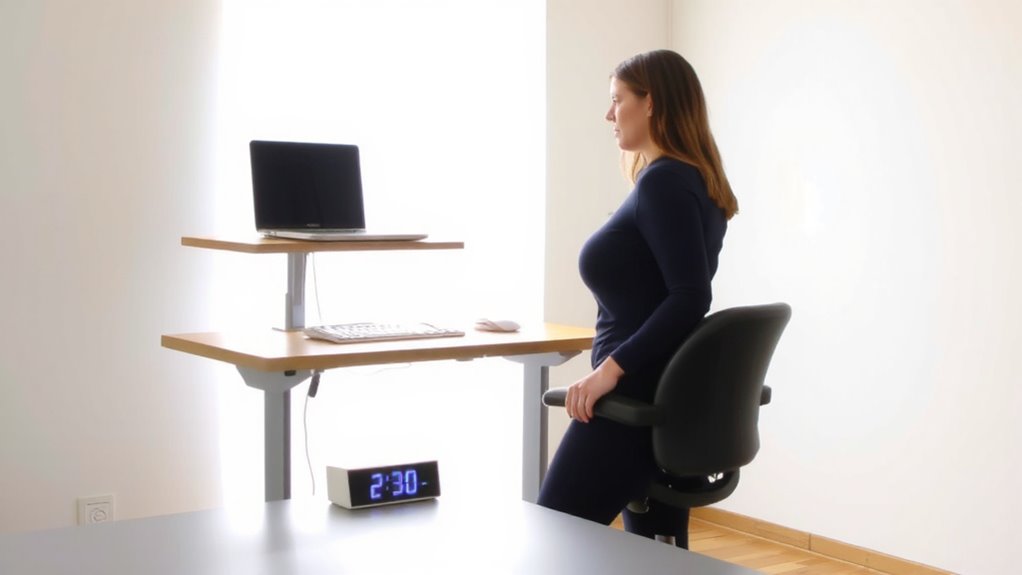
You’ll usually get the best results by switching between sitting and standing every 30 to 60 minutes, aiming for about 2 to 4 standing breaks per hour. This movement frequency helps reduce lower back strain without overloading your legs or feet. Posture rotation isn’t about perfection-it’s about consistent change to keep muscles engaged and circulation flowing. Standing too long can cause fatigue, especially on hard floors without anti-fatigue mats. Likewise, sitting for hours limits spinal movement, even in high-back ergonomic chairs. A basic sit-stand desk converter with a pneumatic lift works well, but check weight limits and stability. Most models last 5+ years with moderate use. You don’t need premium gear-just reliable adjustability. Listen to your body; start with 2-minute stands and build tolerance. Discomfort means you’re pushing too fast. For long-term use, consider investing in one of the best standing desks for your workspace to ensure durability and smooth adjustability.
Your Spine Needs Motion, Not Just Good Posture
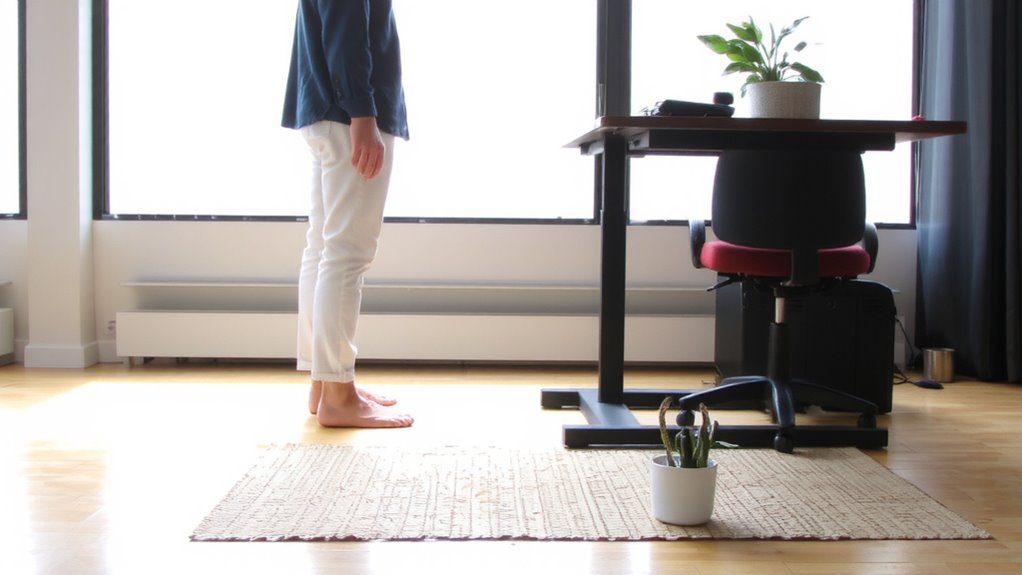
While perfect posture gets most of the attention, it’s consistent spinal motion-not static alignment-that truly supports long-term back health. Your spine thrives on spinal mobility, not just stillness. Sitting or standing rigidly, even with ideal form, limits circulation and strains tissues over time. Instead, you need dynamic movement: small shifts, stretches, and shifts that pump fluid through discs and keep joints supple. Frequent posture changes, like leaning, shifting weight, or walking briefly, do more for your spine than holding a “perfect” stance all day. Aim for motion every 20–30 minutes-stand, sit, walk, or stretch. These micro-movements add up. Just don’t assume any single desk or gadget fixes the problem. Standing desks help but aren’t magic. Real benefit comes from how often you move, not what you’re using. Top models like the Top Standing Desk Converters can facilitate easier transitions between sitting and standing.
Set Up Your Standing Desk for Spine Support
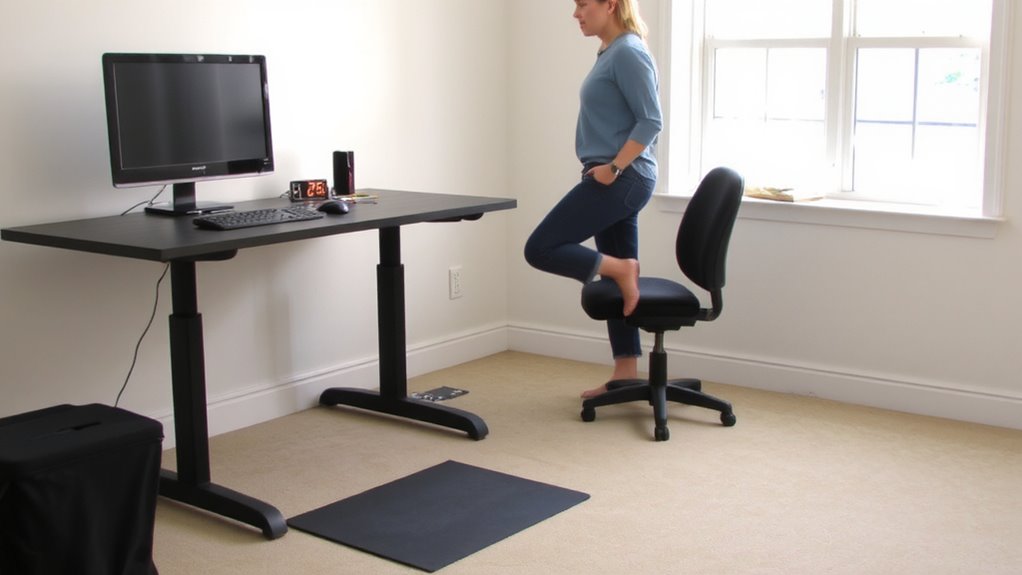
Though a standing desk can support better spinal health, its benefits depend entirely on how you set it up-poor positioning turns a helpful tool into a source of strain. You need proper foot placement: stand with feet shoulder-width apart, directly under your hips, to maintain natural spinal curves. Good weight distribution matters-avoid locking your knees or shifting all your weight to one leg, as this creates imbalances over time. Keep your monitor at eye level and arms at 90 degrees to prevent leaning. Use an anti-fatigue mat to encourage subtle movement, which supports circulation and reduces lower back load. Wear supportive shoes or go barefoot if the floor allows. Don’t stand rigidly still-shift positions often. Even the best desk won’t fix bad habits, so stay aware of posture changes. Test adjustments over several days to gauge real comfort. For prolonged standing, consider using one of the top-rated best floor mats for standing desks to enhance comfort and support.
Sit With Spinal Alignment: Desk Ergonomics That Work
How often do you sit down and realize your back’s already aching? Proper spinal alignment starts with smart desk ergonomics. Position your chair so your hips are slightly above your knees, and use built-in or aftermarket lumbar support to maintain your lower back’s natural curve-skipping this often worsens slouching. Your monitor height should place the top third of the screen at or slightly below eye level, about 20–30 inches from your face. This reduces neck strain and encourages upright posture. Avoid propping laptops on books long-term; instead, use a stand paired with an external keyboard. While ergonomic chairs help, no gear fixes poor habits. Even with perfect setup, sitting too long still strains your spine-rotate with standing. Results vary, so tweak angles and heights based on comfort, not trends.
Notice These Signs You’ve Sat or Stood Too Long
You’ve set up your desk with proper lumbar support, aligned your screen at eye level, and adjusted your chair height-great. But even perfect ergonomics can’t override your body’s limits. If you’re feeling back stiffness, especially in your lower spine, or noticing leg swelling after prolonged standing or sitting, those are clear signals you’ve stayed in one position too long. These aren’t minor discomforts-they’re early signs of poor circulation and spinal strain. Standing too long stresses your joints and veins; sitting too long reduces hamstring flexibility and core engagement. Neither is “better” across the board. You’ll likely feel relief within minutes of switching postures, but don’t wait for symptoms to act. Movement resets your system more effectively than any adjustable desk or supportive mat. Listen to your body-it’s more accurate than any timer.
Use These Tools and Timers to Stay on Track
Why rely on willpower when a simple timer can safeguard your spine? Apps like Stand Up! and physical tools like the TimeRaiser use customizable alerts to prompt posture checks and movement breaks, helping you avoid the stiffness and strain of prolonged positions. Most apps sync across devices and allow intervals as short as 20 minutes, which aligns with ergonomic research suggesting shifts in posture every half hour. Some smart standing desks even integrate motion sensors that notify you if you’ve stayed static too long. While helpful, timers aren’t flawless-over-alerting can disrupt focus, and app notifications might get ignored. For best results, pair alerts with intentional pauses: stand, stretch, or adjust your monitor height. Built-in features like snooze options and usage logs improve consistency. Just remember, no tool replaces awareness-use them to build habits, not as permanent crutches.
Build a Daily Sit-Stand Routine for Back Health
While sticking to a fixed schedule might sound rigid, building a flexible sit-stand routine is one of the most effective ways to support spinal health-especially if you spend hours at a desk. Aim for a 1:1 ratio-sit 30 minutes, stand 30 minutes-to reduce disc pressure and boost circulation. Use active breaks every hour: walk, stretch, or do light movement to reset your back and joints. Pair these with quick posture checks: shoulders relaxed, spine neutral, screen at eye level. You don’t need expensive gear, but a reliable adjustable desk (with a 25–50 lb lift range and programmable height presets) makes changes smoother. Start slow-your legs and lower back need time to adapt. Some report fatigue early on, so tweak timing based on comfort. Consistency matters more than perfection.
On a final note
You should alternate sitting and standing every 30 minutes to support spinal health. Movement matters more than perfect posture, so set a timer to prompt shifts. Use an adjustable-height desk that shifts smoothly between 25 and 52 inches to match your ergonomics. Wear supportive shoes when standing and keep a mat with cushioning. Listen to your body-fatigue or stiffness means it’s time to switch. No setup replaces regular motion.