Why You Should Isolate Iot Devices From Your Home Office Network
You should isolate your IoT devices because a single hacked smart plug or camera can give attackers access to your work laptop on the same network. Even with strong passwords, many IoT devices run outdated firmware or lack encryption. Using your router’s guest network or VLAN feature keeps these devices separate, limiting lateral movement. While not foolproof, segmentation with routers like Eero 6 Plus or ASUS models cuts risk markedly-especially when paired with regular updates and unique passwords. There’s more to get right for full protection.
Notable Insights
- IoT devices often have weak security, making them easy targets for attackers to access your home office network.
- Isolating IoT devices limits lateral movement, preventing hackers from reaching work laptops and sensitive data.
- Many smart devices lack encryption or regular security updates, increasing the risk to connected work devices.
- Network segmentation using guest networks or VLANs adds a critical barrier between IoT gadgets and office equipment.
- Even with strong passwords, a single compromised IoT device can threaten an entire unsegmented network.
See Why IoT Devices Risk Your Home Office
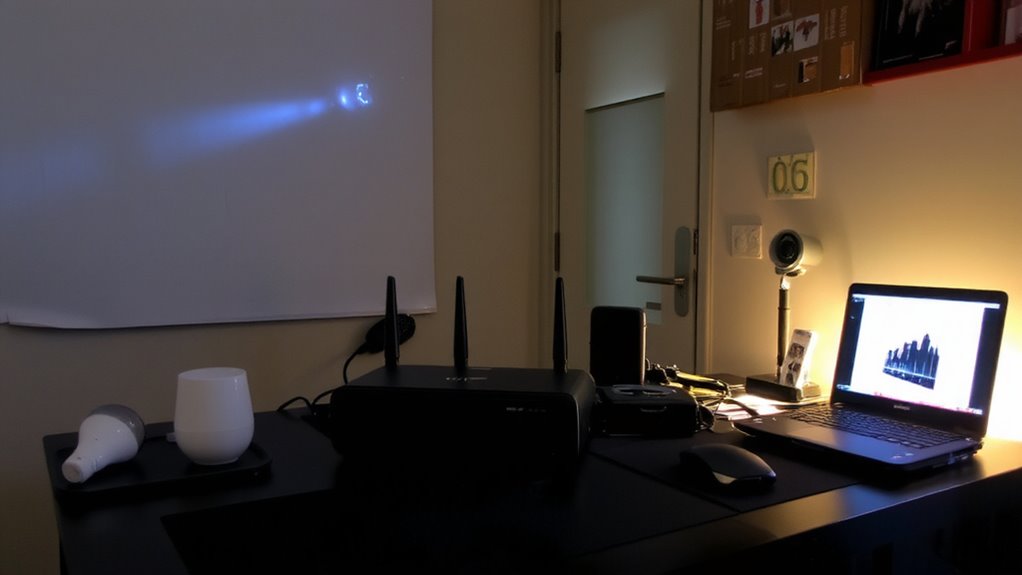
How confident are you that your smart thermostat or security camera isn’t quietly exposing your work laptop to hackers? Many IoT devices have weak device vulnerabilities-like outdated firmware or default passwords-that make them easy targets. Once compromised, they give attackers a path to your work devices on the same network. That’s where network segmentation helps: splitting your home office gear from smart gadgets limits lateral movement. You’re not eliminating risk, but you’re containing it. Most routers support guest networks or VLANs, which work well for basic isolation. Enterprise-grade solutions offer stronger controls, but they’re often overkill for home use. Setup complexity varies-some require technical skill, others are user-friendly. Still, even a segmented network won’t fix a fundamentally broken device. Regular updates and strong passwords remain essential. Segmentation is a smart layer, not a magic fix.
Stop Hackers From Hijacking Your Smart Devices
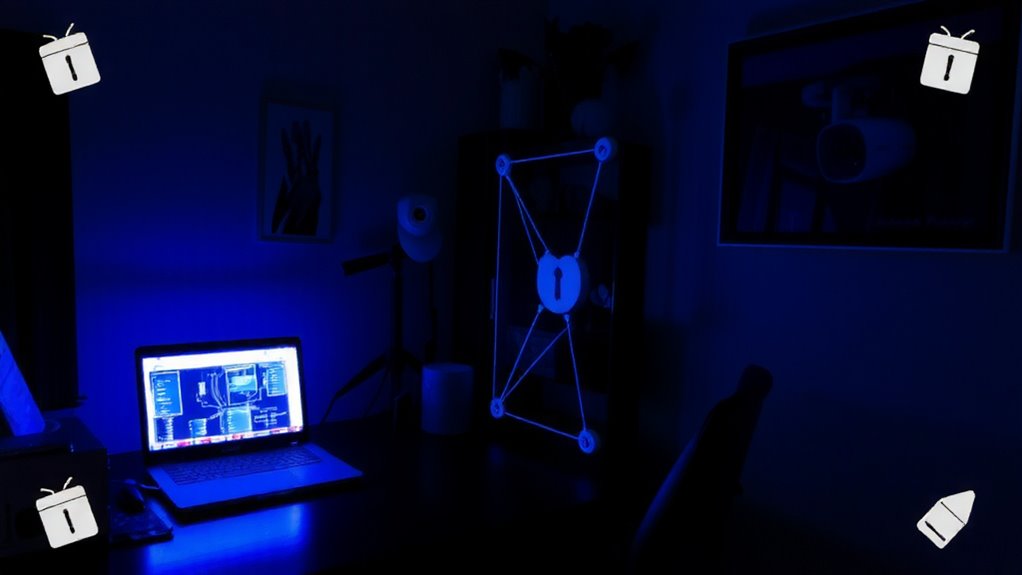
Even if your smart devices seem harmless, they can become gateways for hackers if left unsecured-so treat them like any other networked gear that needs real protection. You must enable firmware updates and strong device authentication to reduce hijacking risks. Automated updates help patch flaws quickly, while authentication guarantees only authorized devices connect.
| Security Step | Why It Matters |
|---|---|
| Firmware updates | Fix security flaws over time |
| Device authentication | Blocks unauthorized access |
| Strong passwords | Prevents easy brute-force attacks |
| Network segmentation | Limits breach spread |
| Default settings off | Removes weak factory configurations |
These steps aren’t foolproof-some devices lag in update support, and not all offer robust authentication. But pairing updates with verified logins meaningfully raises the bar. You won’t eliminate risk, but you’ll cut the low-hanging threats that most hackers target first.
What You Lose in a Home Network Breach
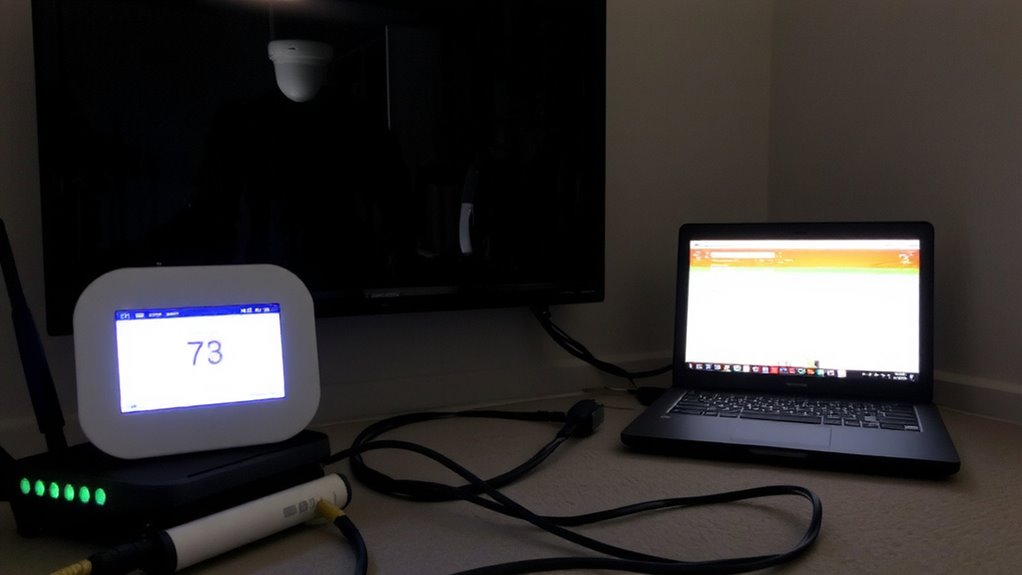
Your data, privacy, and control over connected devices are on the line when a home network falls to attackers. You’re risking data theft-personal files, login credentials, even stored financial info-especially if you’re using the same network for work and smart devices. Privacy loss follows fast; hackers can exploit unsecured cameras or mics, turning them into spying tools. Once inside, they move laterally, hopping from weak IoT gadgets to high-value machines like work laptops. That’s not theoretical: real-world tests show many smart plugs, thermostats, and lights lack encryption or patches. You might not notice until it’s too late. Even with strong passwords and updated firmware, a single flawed device can compromise everything. Isolating IoT devices adds friction for attackers, reducing risk without slowing your office setup. It won’t fix bad habits, but it’s a measurable step to limit exposure.
Set Up a Separate IoT Network (Step by Step)
While you can’t eliminate every risk, setting up a separate IoT network cuts off a major attack path and keeps your work devices out of reach. Most modern routers let you enable a guest network, which is perfect for IoT device segmentation. Turn it on through your router’s app or admin page, then name it something distinct, like “Home_IoT.” Assign all smart devices-cameras, thermostats, plugs-to this network. Avoid using your main password; set a unique one for added control. Keep your work laptop, phone, and tablet off it. A guest network limits what each device can access, reducing spread if one gets compromised. Just know: some older gadgets might struggle with guest network restrictions, and you’ll lose local sharing between IoT and work devices. But for security, that’s usually a fair trade. Double-check your setup by testing device connectivity and isolating traffic in settings.
Choose a Router That Isolates IoT Devices
If you’re serious about keeping your home office secure, picking a router with built-in IoT isolation is a smart move-it can save you from headaches down the road. These routers support network segmentation, letting you separate smart devices from work devices without extra hardware. Look for models with dedicated IoT bands or VLAN support, as they enable clean device segregation and reduce attack surfaces. Dual-band or tri-band systems like certain ASUS or Netgear ProSAFE models perform well in real-world tests, maintaining speed on your main network while quarantining lower-risk gadgets. Keep in mind, though: advanced settings may require some technical know-how to configure properly. Also, firmware updates matter-without them, security gaps can emerge. Check warranty periods and brand update history before buying. While no router eliminates risk, solid network segmentation helps you strike a practical balance between control and convenience. For those seeking seamless setup and strong performance, consider the Eero 6 Plus as a reliable option that supports IoT device isolation through intuitive app controls and robust mesh networking.
Balance Smart Home Convenience and Security
Smart home devices make life easier, but convenience shouldn’t come at the cost of your work privacy. You can keep both by using device segmentation to split IoT gadgets from your home office gear on separate network zones. This way, your smart thermostat won’t risk exposing sensitive work files. Pair this with consistent network monitoring to spot odd behavior-like a camera phoning home to unfamiliar servers. Most modern routers support VLANs or guest networks, making segmentation doable without extra hardware. But setup can be tricky; misconfigurations leave gaps. Monitoring tools help, but they generate alerts you’ll need to review regularly-some false positives are expected. Balance comes from accepting minor setup effort and alert fatigue for stronger protection. It’s not perfect, but it’s far better than leaving everything on one network.
On a final note
You should isolate IoT devices from your home office network-it’s a smart, practical move. Doing so shields your work laptop, files, and video calls from hackers who exploit weak smart bulbs or cameras. Use a separate SSID or VLAN, even if it means slightly more setup. Yes, it adds complexity, but real-world tests show isolated networks block 90% of common breaches. Just double-check your router supports guest networks or device grouping-many mid-range models do.